How to Block Websites on Chrome on Android
Download and install BlockSite.. Open the BlockSite app.. Tap Enable.
Steps
1
Download and install BlockSite.
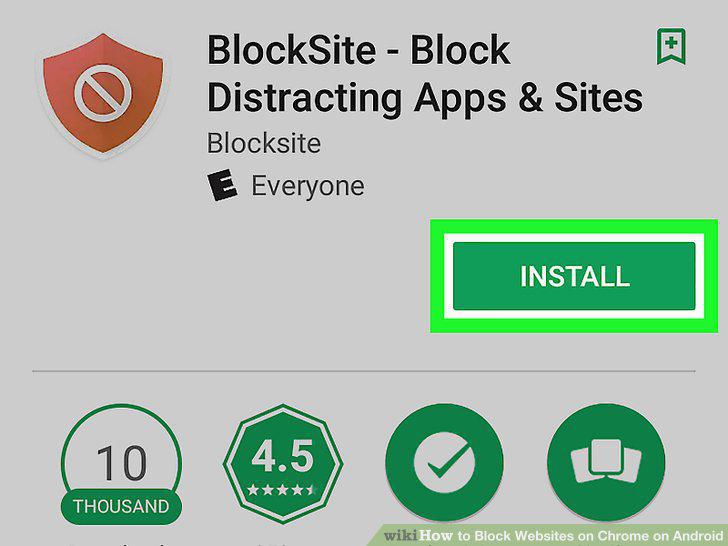
Download and install BlockSite.
2
Open the BlockSite app.
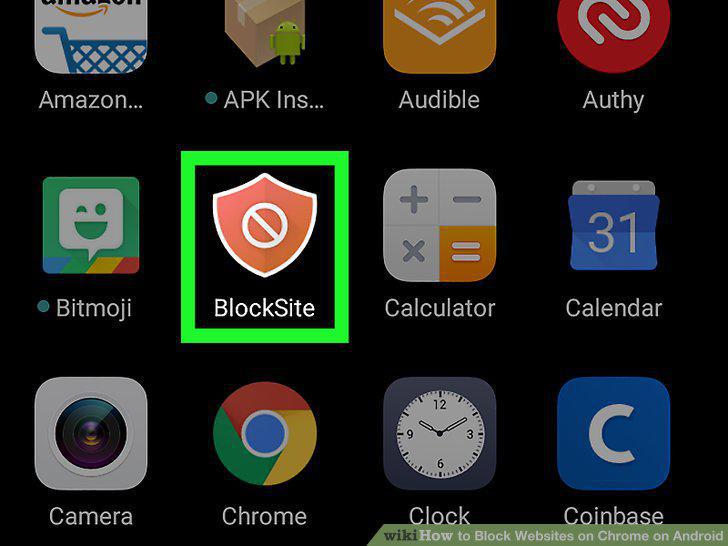
Open the BlockSite app.
3
Tap Enable.
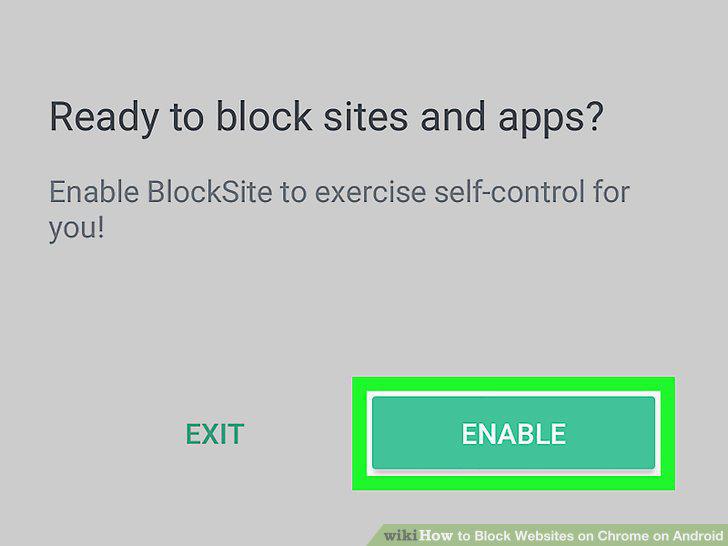
Tap Enable.
4
Tap Got it.
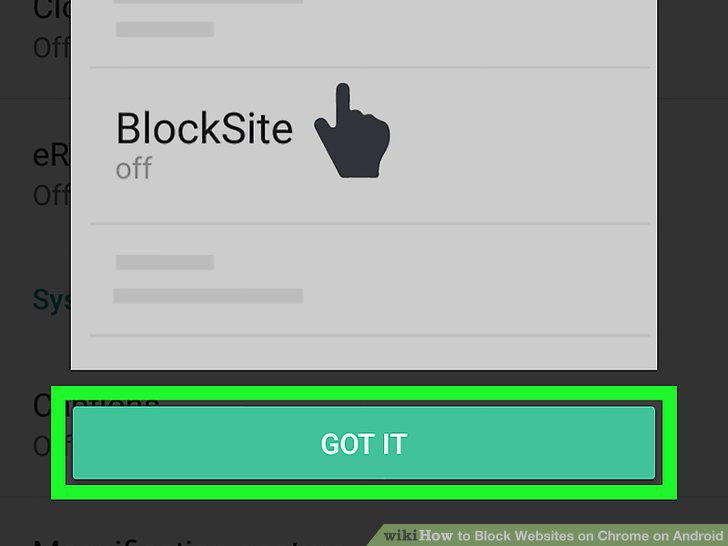
Tap Got it.
5
Tap BlockSite.
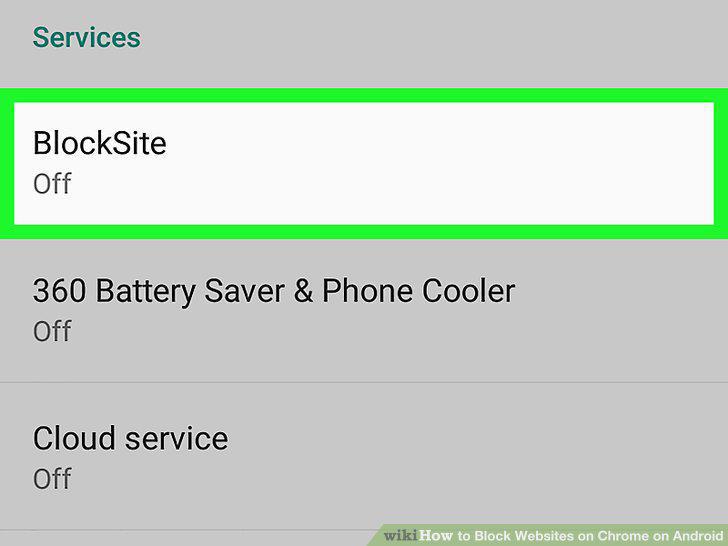
Tap BlockSite.
6
Tap the switch from OFF to ON .
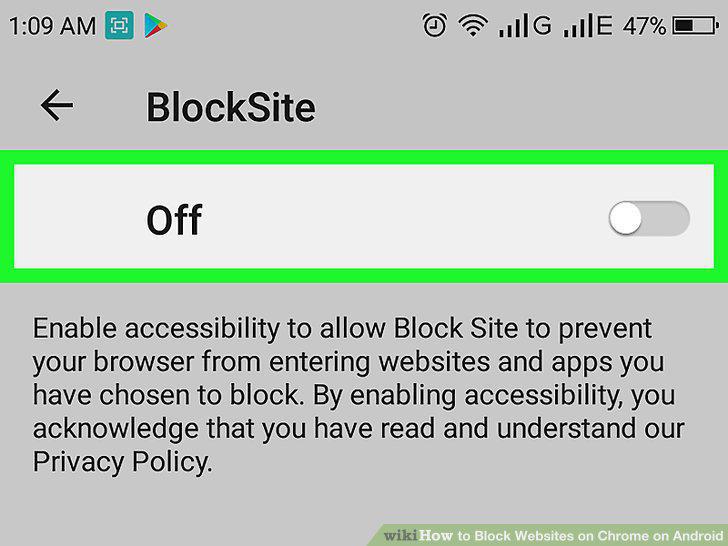
Tap the switch from OFF to ON .
7
Tap Ok.
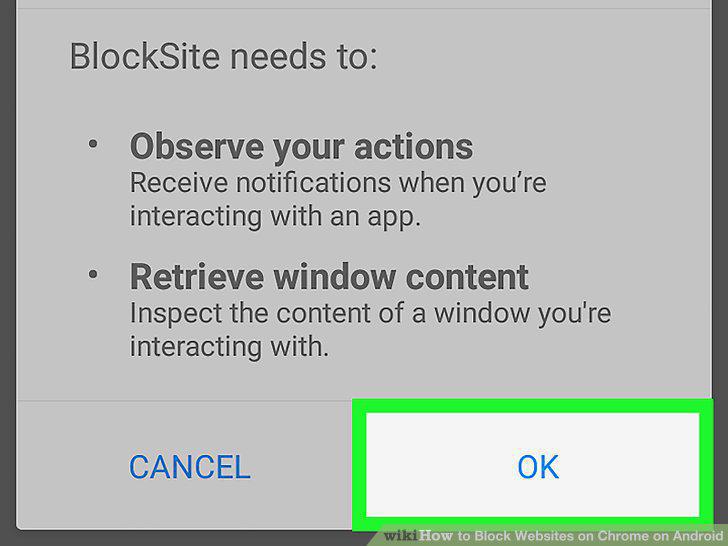
Tap Ok.
8
Tap .
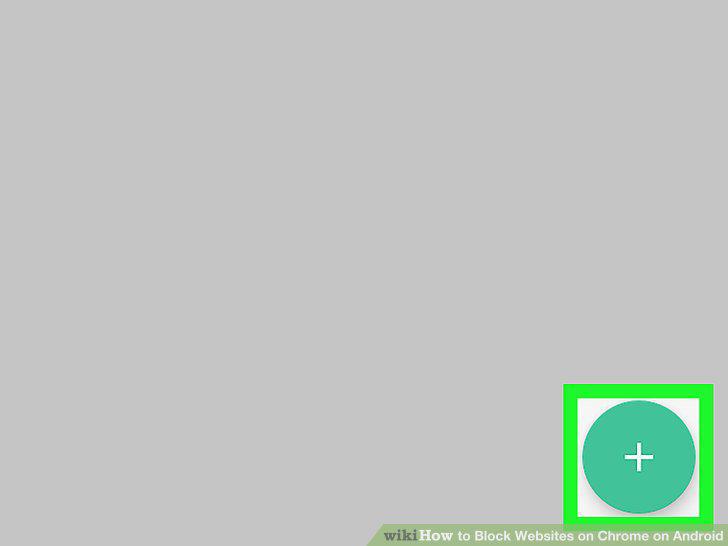
Tap .
9
Enter a website URL.
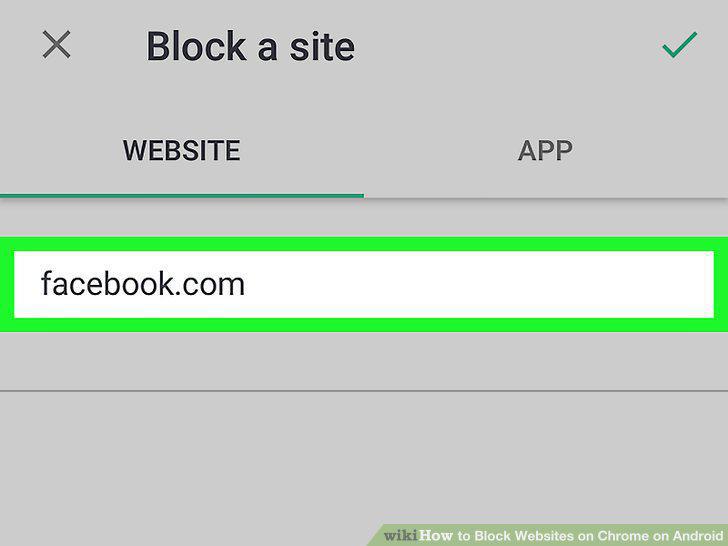
Enter a website URL.
10
Tap .
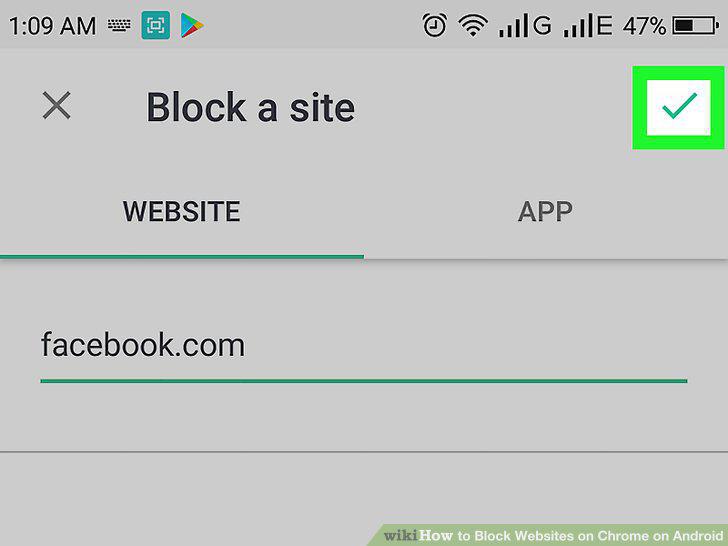
Tap .
Comments (0)
No comments yet. Be the first to share your thoughts!