How to Register for the GRE
Visit ETS online to sign up for an account.. Click the link on their website to create a new account.. Enter your name as appears on your state ID or passport.
Steps
Visit ETS online to sign up for an account.
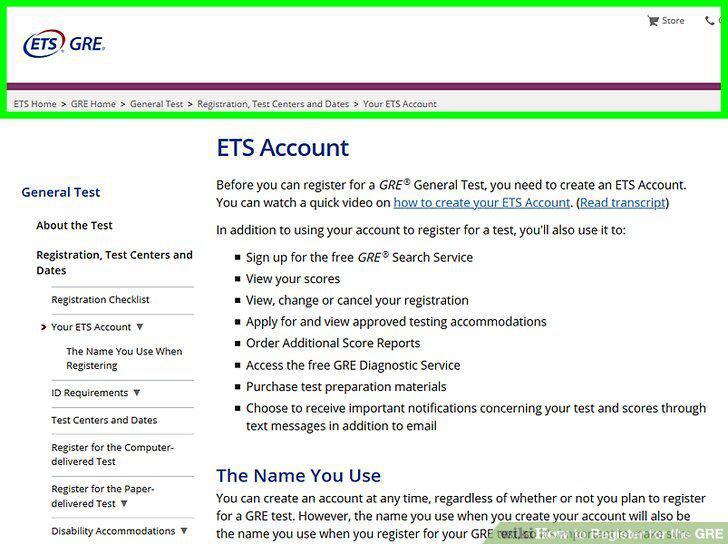
Visit ETS online to sign up for an account.
Click the link on their website to create a new account.
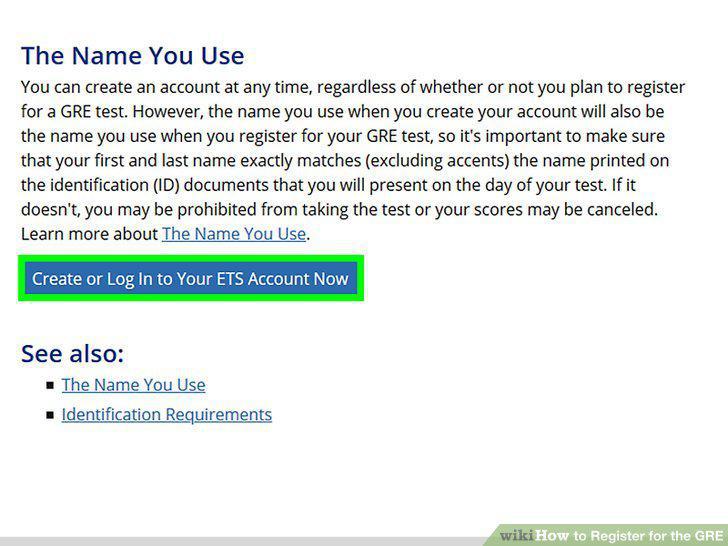
Click the link on their website to create a new account.
Enter your name as appears on your state ID or passport.
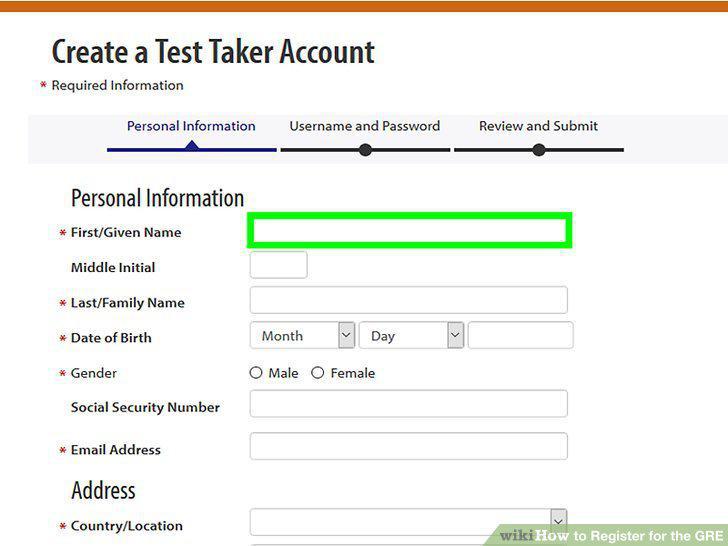
Enter your name as appears on your state ID or passport.
Fill in the rest of the personal information, following the blue prompts.
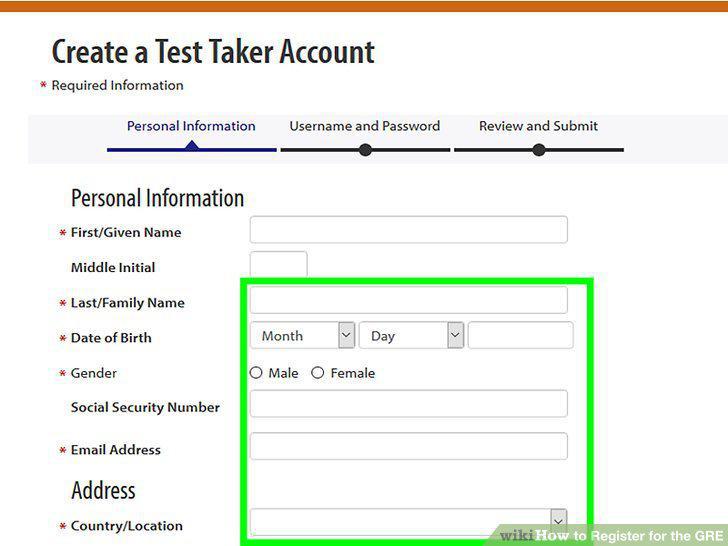
Fill in the rest of the personal information, following the blue prompts.
Create a username and password to finish signing up.
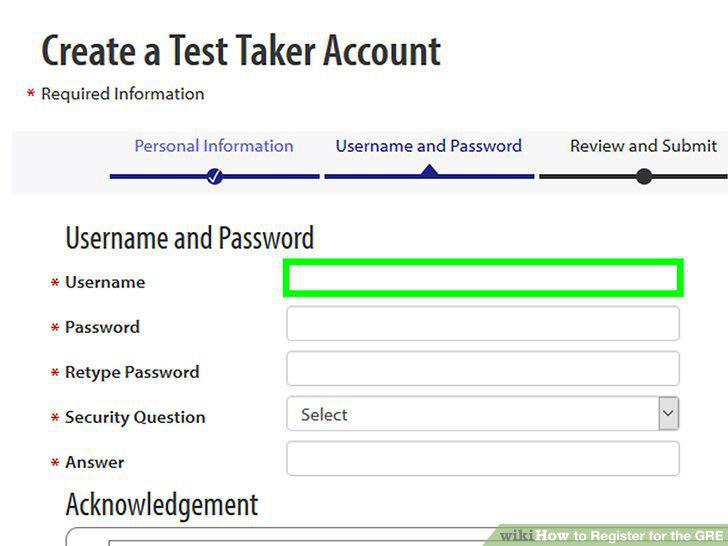
Create a username and password to finish signing up.
Visit the ETS test center page to begin registering for your exam.
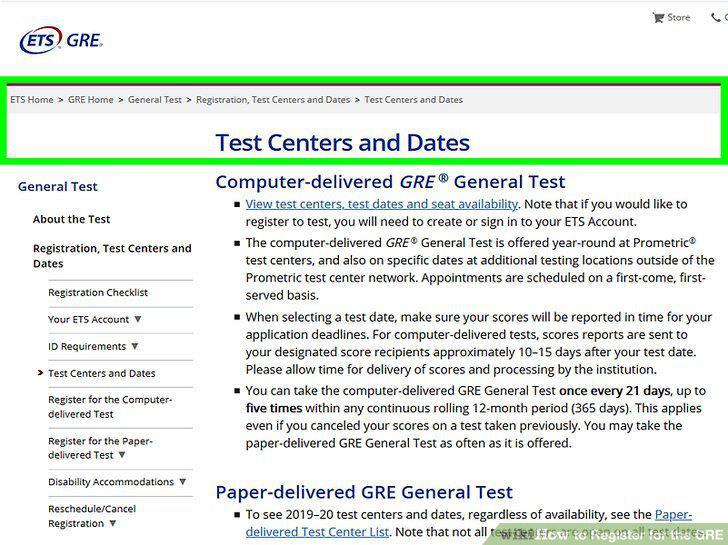
Visit the ETS test center page to begin registering for your exam.
Click the link at the top of the page to view test centers near you.
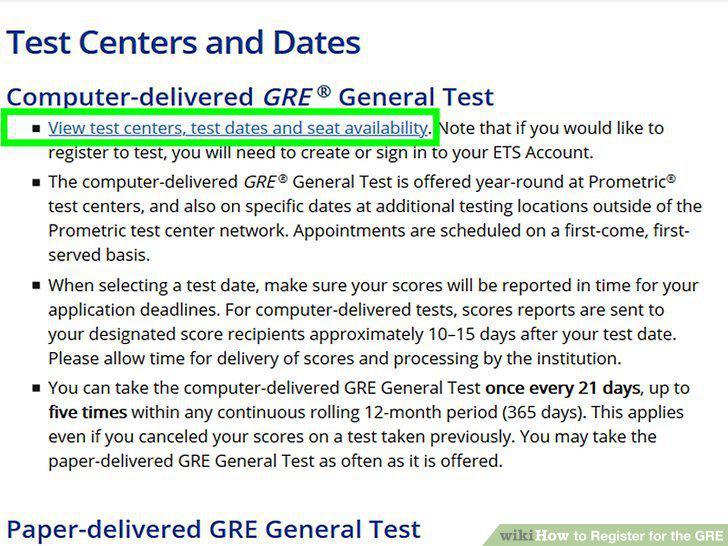
Click the link at the top of the page to view test centers near you.
Select the test that you're taking from the drop down menu.
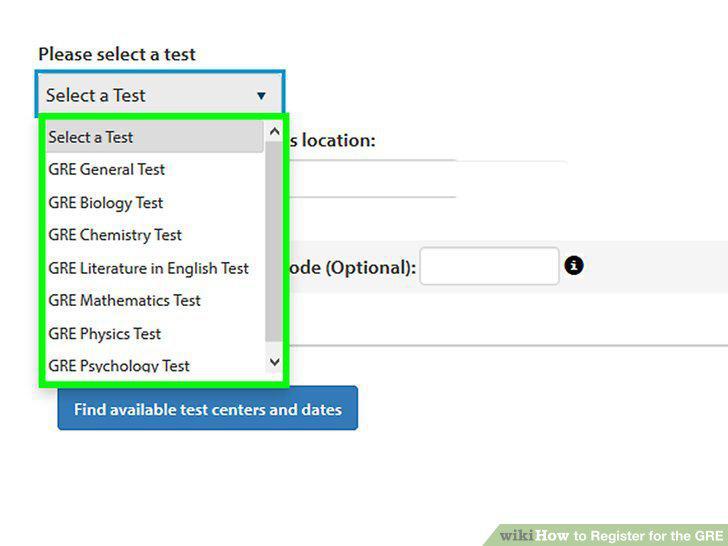
Select the test that you're taking from the drop down menu.
Enter a city or ZIP code in the location form.
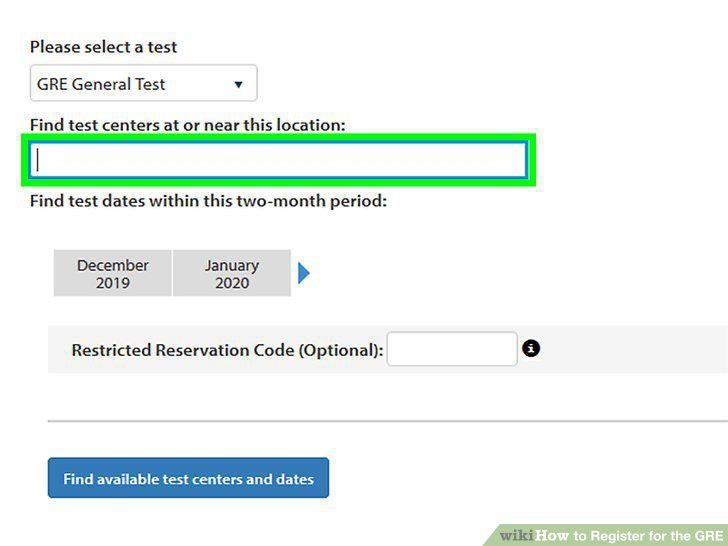
Enter a city or ZIP code in the location form.
Sort your search based on the date that you're looking for.
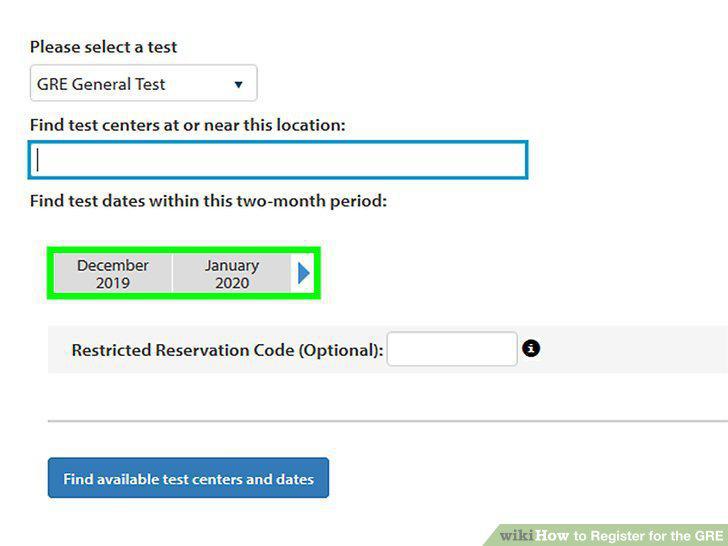
Sort your search based on the date that you're looking for.
Click a date and testing center to view the available time slots.
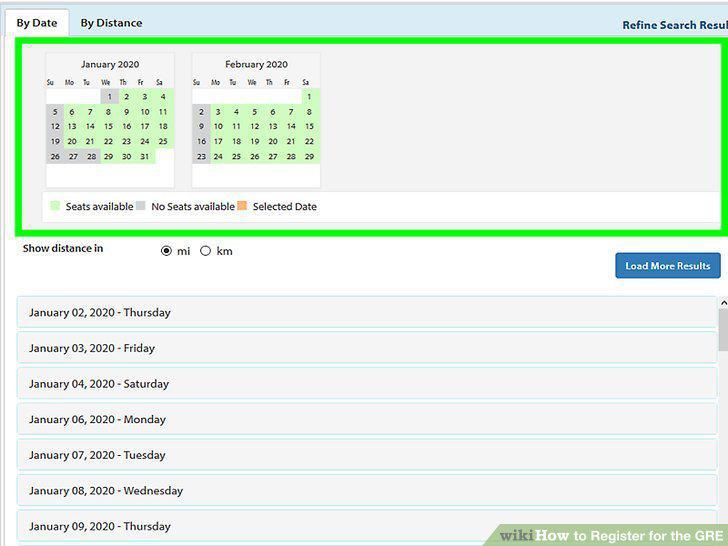
Click a date and testing center to view the available time slots.
Click the "Register" button and pay for the exam to sign up.
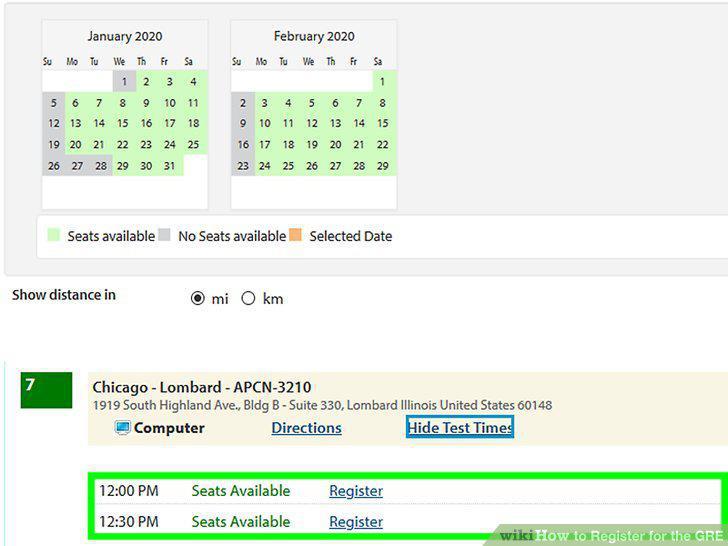
Click the "Register" button and pay for the exam to sign up.
Comments (0)
No comments yet. Be the first to share your thoughts!