How to Login to the YouTube TV App on iPhone or iPad
Open the YouTube TV app.. Tap Already a member?.. Tap your Google account, or tap + Add account.
Steps
1
Open the YouTube TV app.
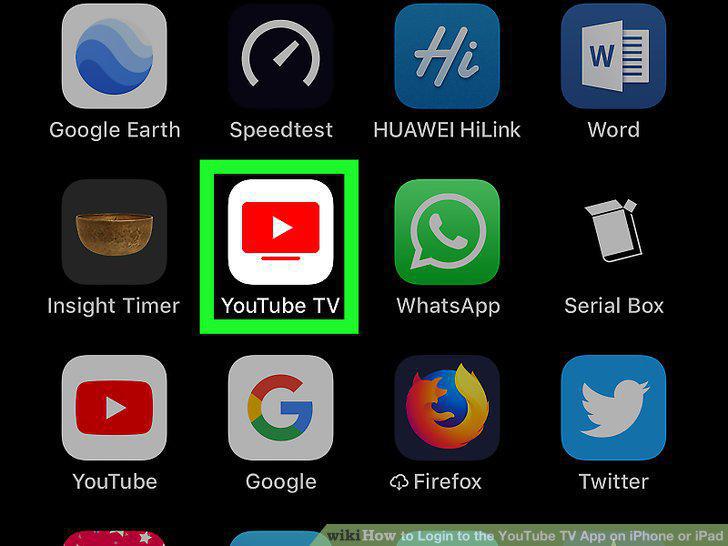
Open the YouTube TV app.
2
Tap Already a member?.
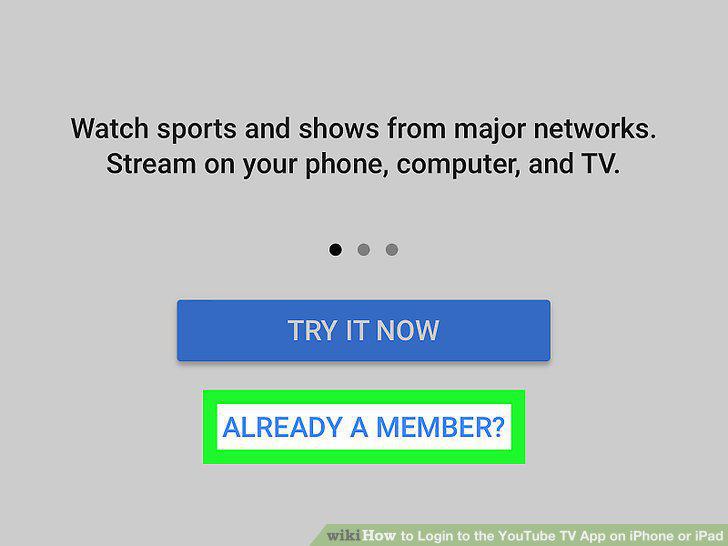
Tap Already a member?.
3
Tap your Google account, or tap + Add account.
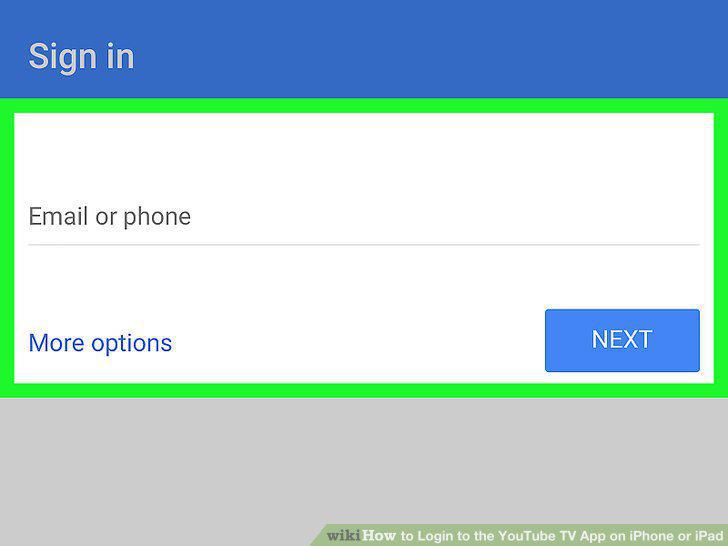
Tap your Google account, or tap + Add account.
4
Type your email address and tap Next.
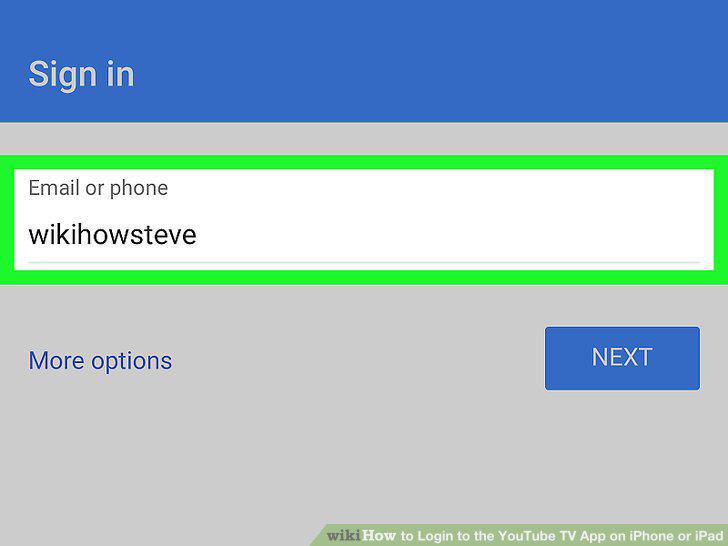
Type your email address and tap Next.
5
Type your password and tap Next.
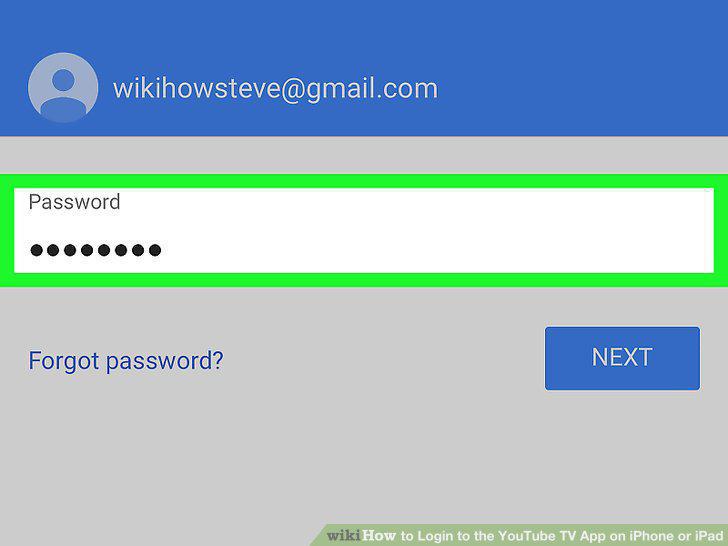
Type your password and tap Next.
Comments (0)
No comments yet. Be the first to share your thoughts!