How to Add Page Numbers to a PDF
Open Adobe Acrobat.. Open the PDF to which you want to add page numbers.. Click .
Steps
1
Open Adobe Acrobat.
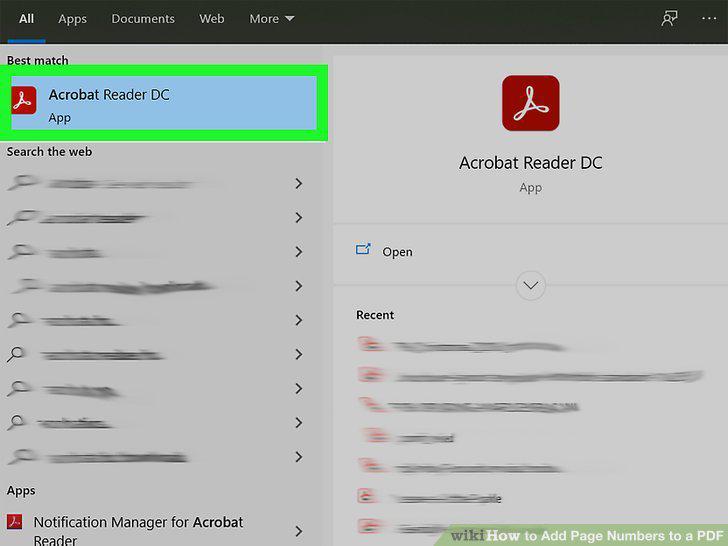
Open Adobe Acrobat.
2
Open the PDF to which you want to add page numbers.
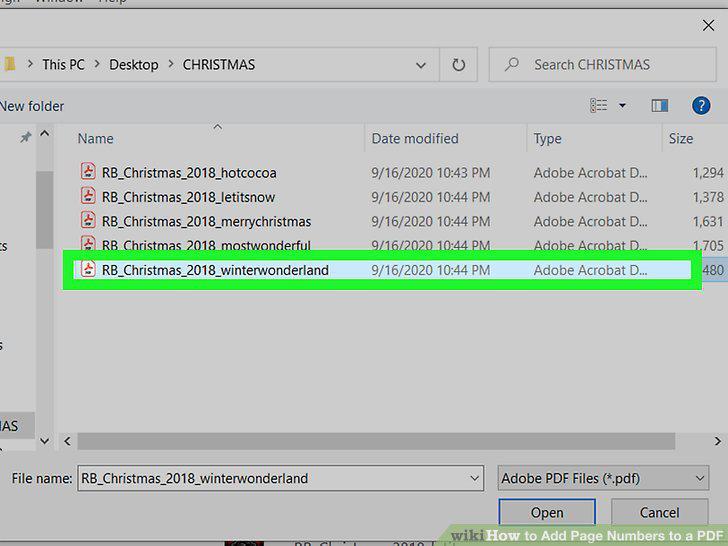
Open the PDF to which you want to add page numbers.
3
Click .

Click .
4
Click Edit PDF.
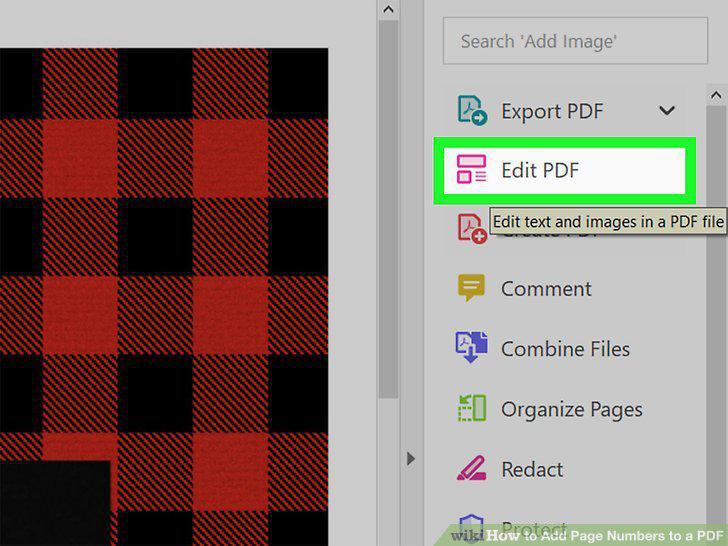
Click Edit PDF.
5
Click Header & Footer and click Add.
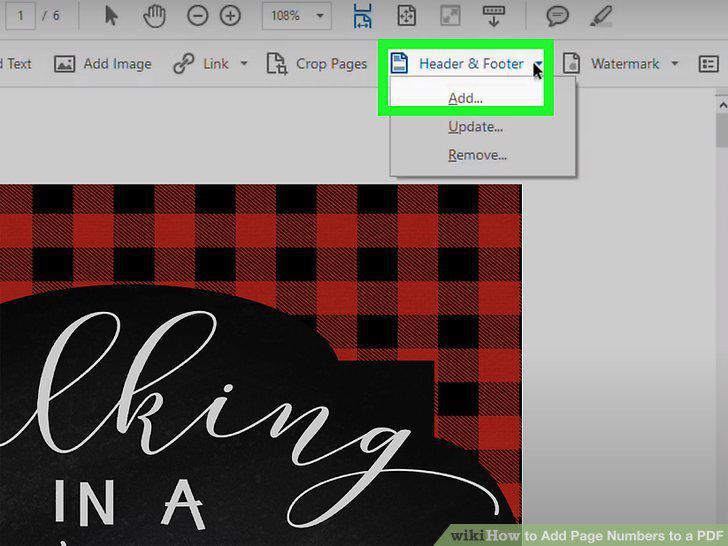
Click Header & Footer and click Add.
6
Place your cursor in any Header text field and click Insert Page Number.
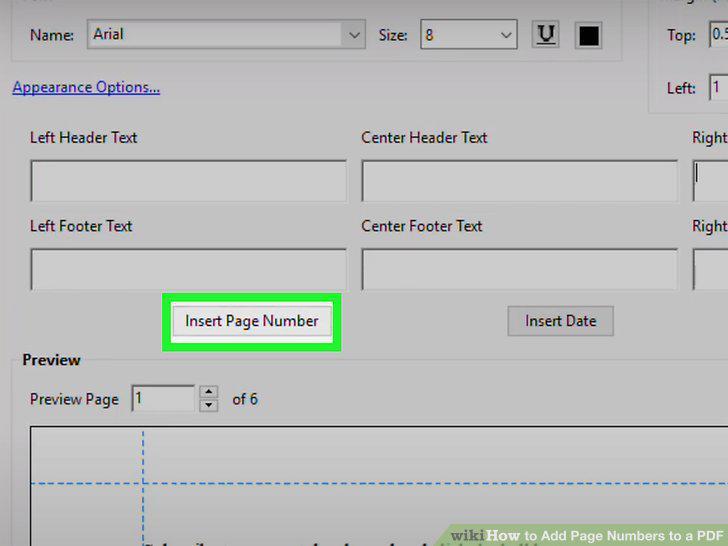
Place your cursor in any Header text field and click Insert Page Number.
7
Click OK.
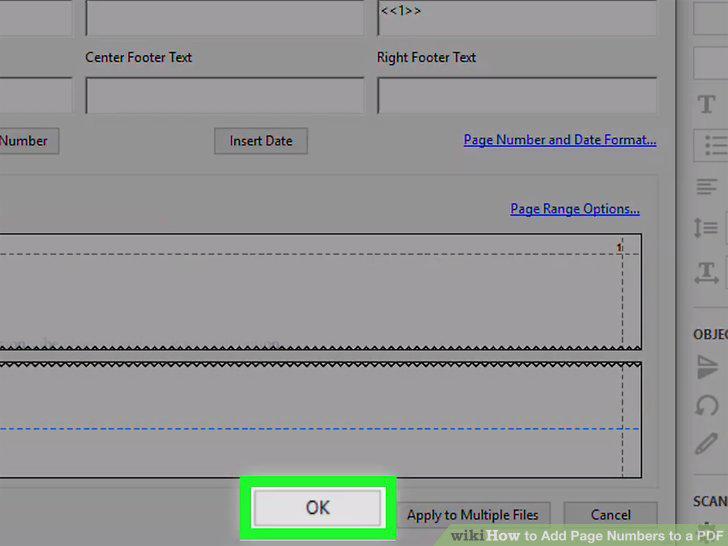
Click OK.
8
Go to https://smallpdf.com/add-page-numbers-to-pdf in a web browser.
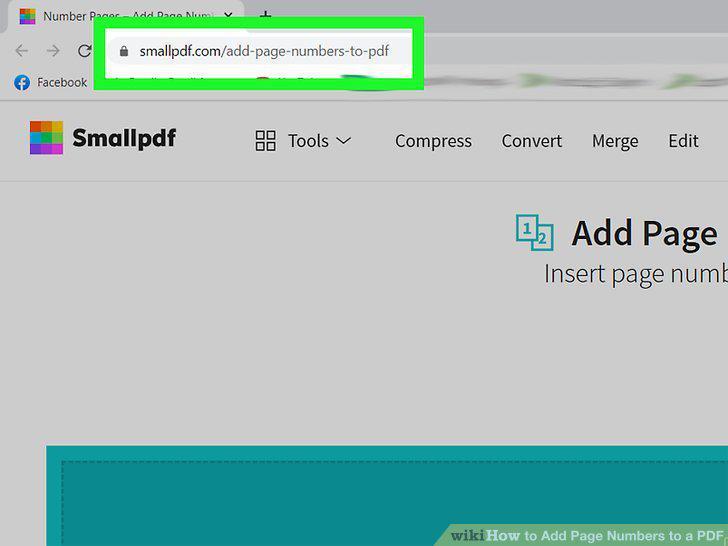
Go to https://smallpdf.com/add-page-numbers-to-pdf in a web browser.
9
Upload your PDF.

Upload your PDF.
10
Select a location to add numbers and click Number Pages.
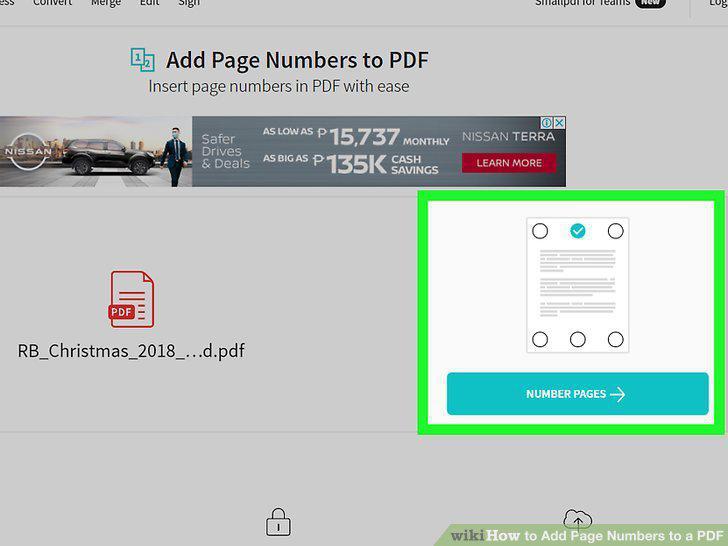
Select a location to add numbers and click Number Pages.
11
Click Download and save your edited PDF.

Click Download and save your edited PDF.
Comments (0)
No comments yet. Be the first to share your thoughts!