How to Change Your YouTube Music Location on iPhone or iPad
Download the Browsec VPN app from the App Store.. Open the Browsec app on your iPhone.. Tap the country drop-down.
Steps
1
Download the Browsec VPN app from the App Store.
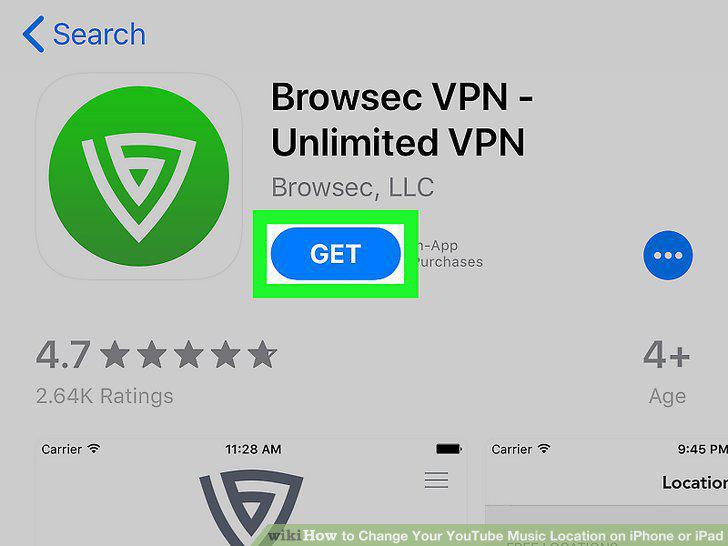
Download the Browsec VPN app from the App Store.
2
Open the Browsec app on your iPhone.
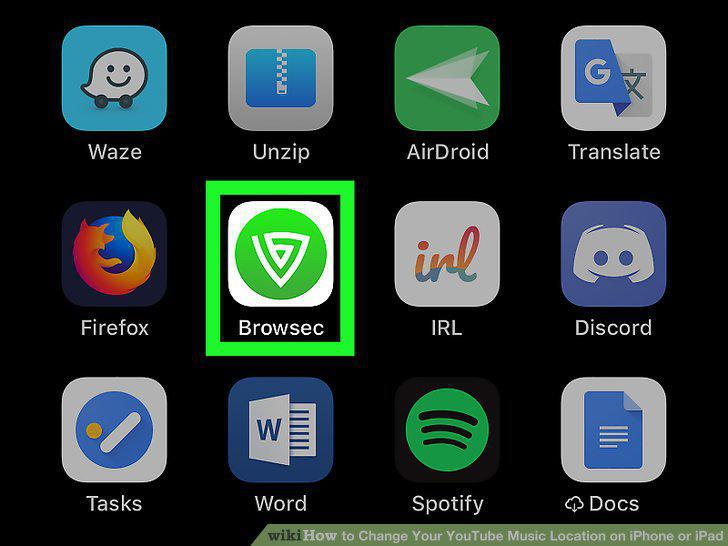
Open the Browsec app on your iPhone.
3
Tap the country drop-down.
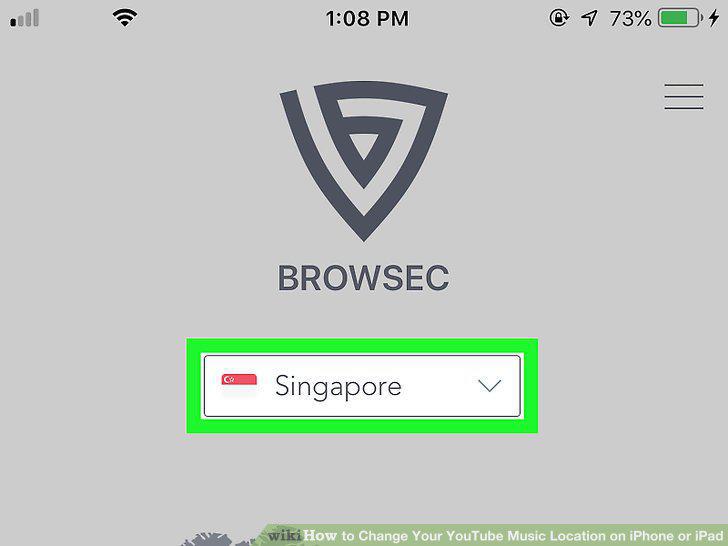
Tap the country drop-down.
4
Select the country you want to change your location to.
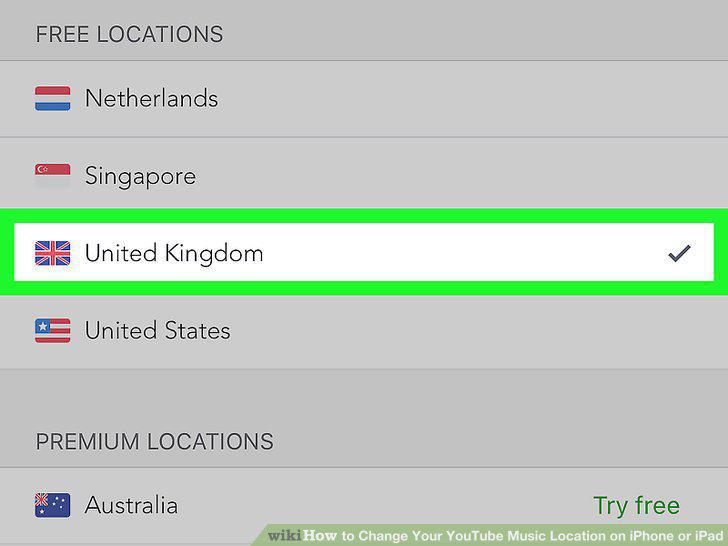
Select the country you want to change your location to.
5
Slide the Disconnected switch to .
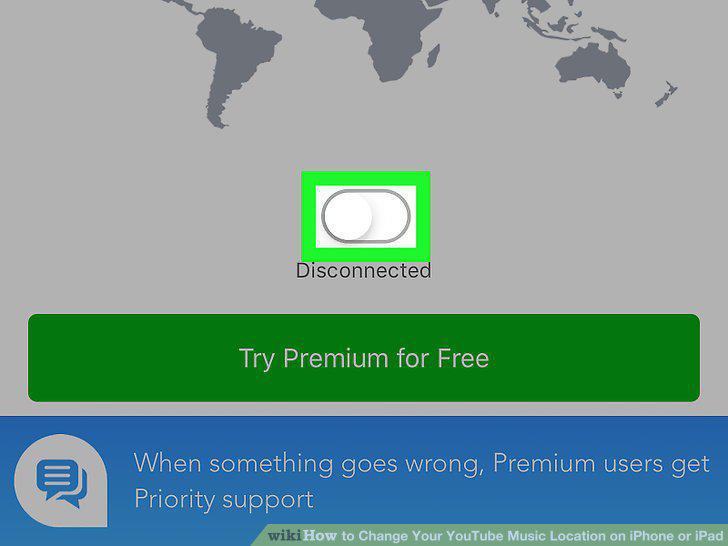
Slide the Disconnected switch to .
6
Open the YouTube Music app.
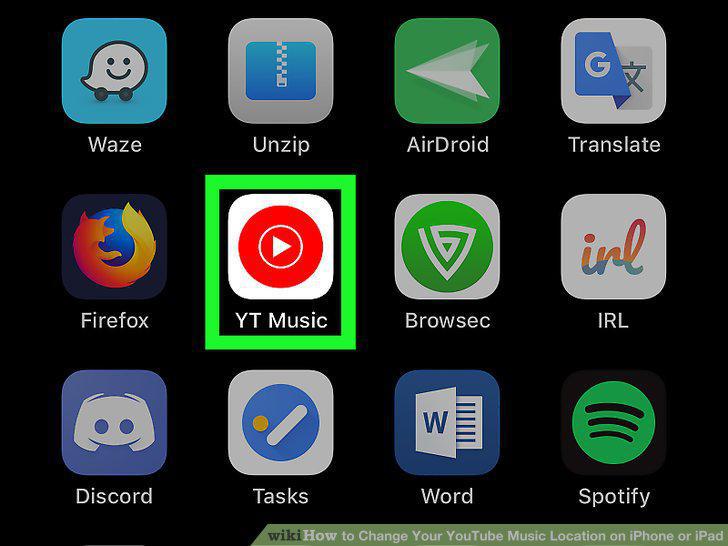
Open the YouTube Music app.
Comments (0)
No comments yet. Be the first to share your thoughts!