How to Use Smart Reply in Gmail on PC or Mac
Open Gmail in your internet browser.. Click the email you want to reply to.. Check the available smart replies you can choose from.
Steps
1
Open Gmail in your internet browser.
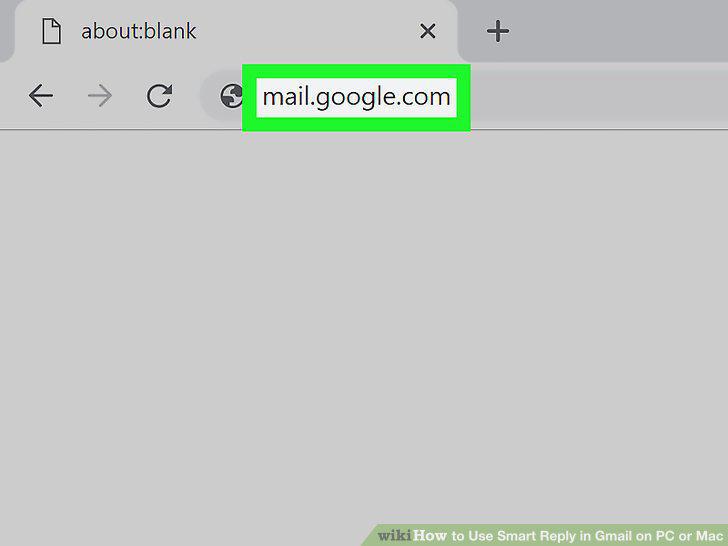
Open Gmail in your internet browser.
2
Click the email you want to reply to.
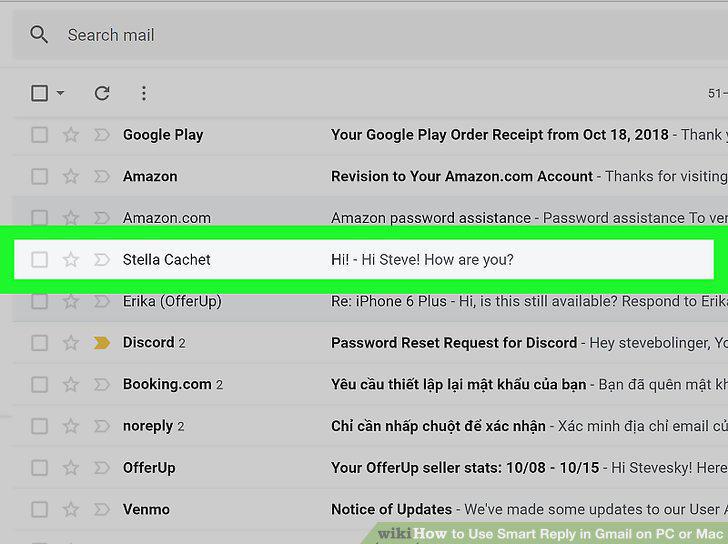
Click the email you want to reply to.
3
Check the available smart replies you can choose from.
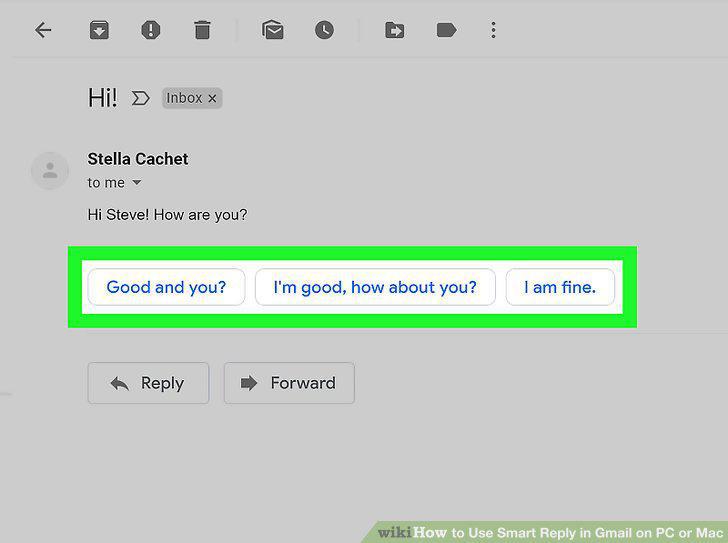
Check the available smart replies you can choose from.
4
Click the smart reply you want to use.
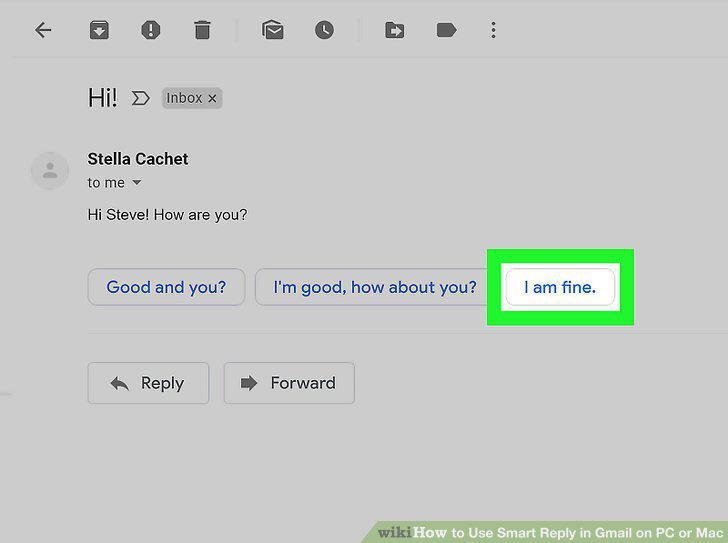
Click the smart reply you want to use.
5
Enter any additional messages in your reply (optional).
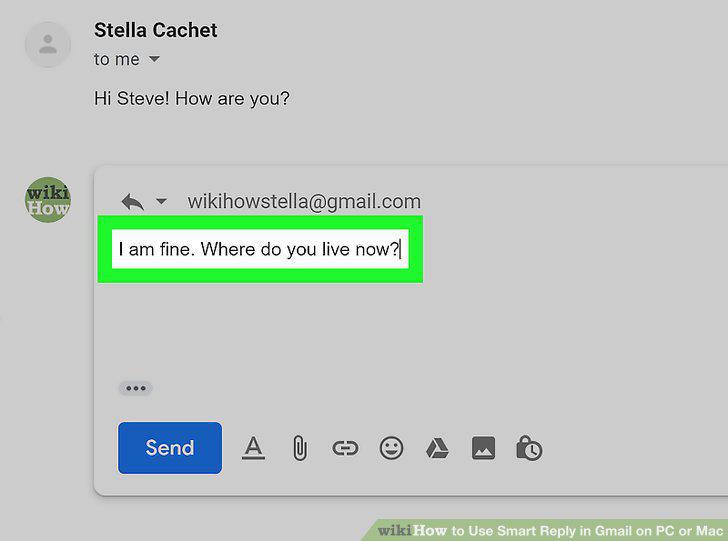
Enter any additional messages in your reply (optional).
6
Click the Send button.
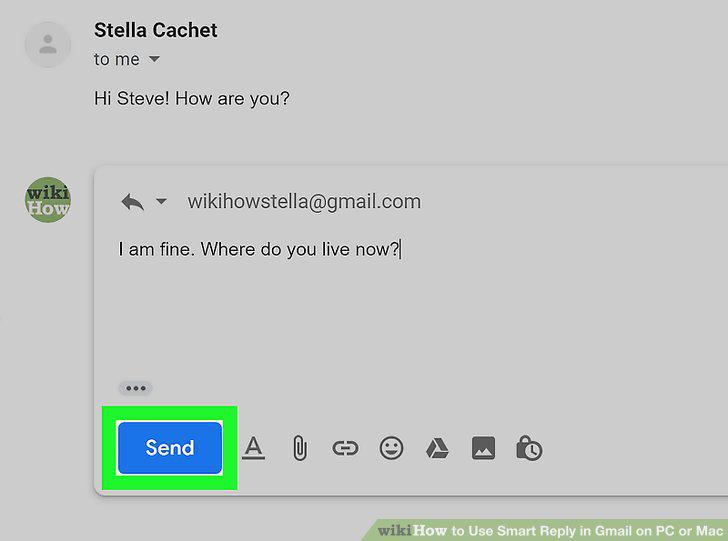
Click the Send button.
Comments (0)
No comments yet. Be the first to share your thoughts!