How to Delete Facebook Messages on an iPhone or Android
Open Facebook Messenger.. Make sure that you're on the "Home" tab.. Select a conversation.
Steps
1
Open Facebook Messenger.
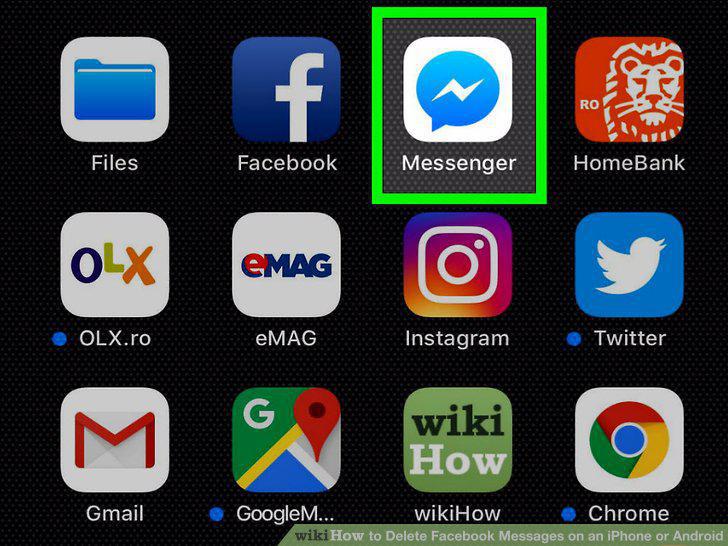
Open Facebook Messenger.
2
Make sure that you're on the "Home" tab.
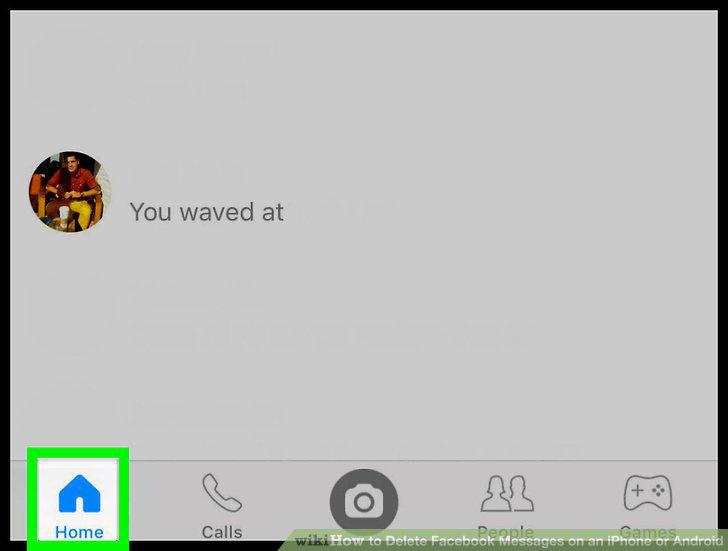
Make sure that you're on the "Home" tab.
3
Select a conversation.
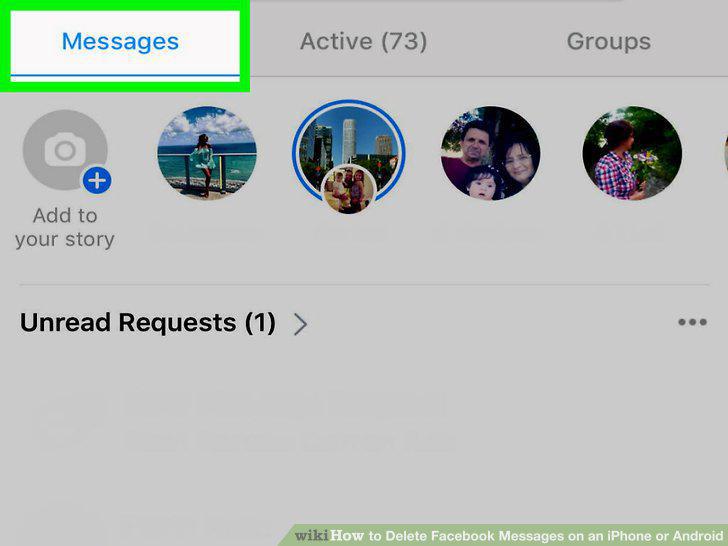
Select a conversation.
4
Find a message.
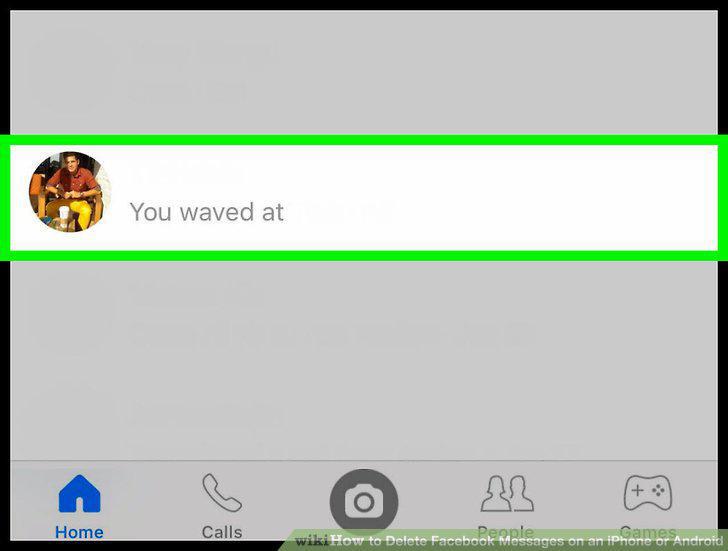
Find a message.
5
Tap and hold the message.
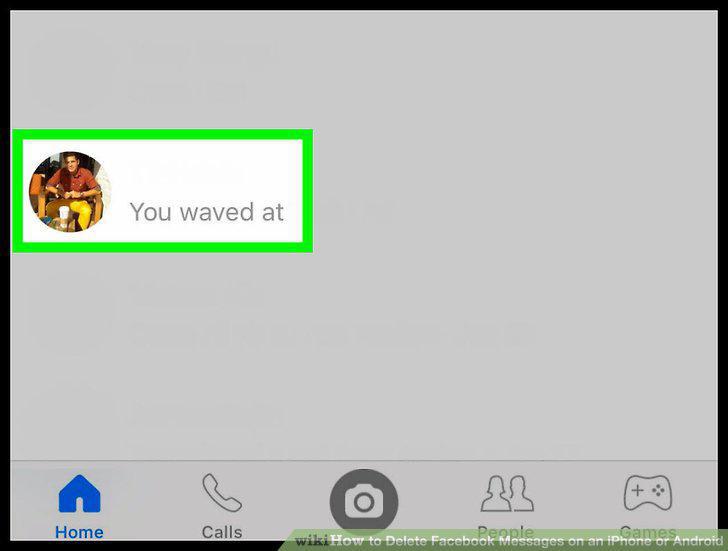
Tap and hold the message.
6
Tap Delete.
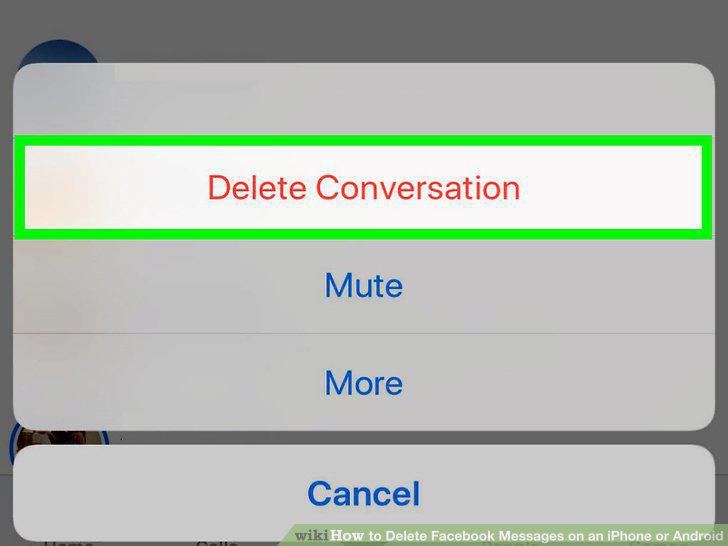
Tap Delete.
7
Tap Delete Message when prompted.
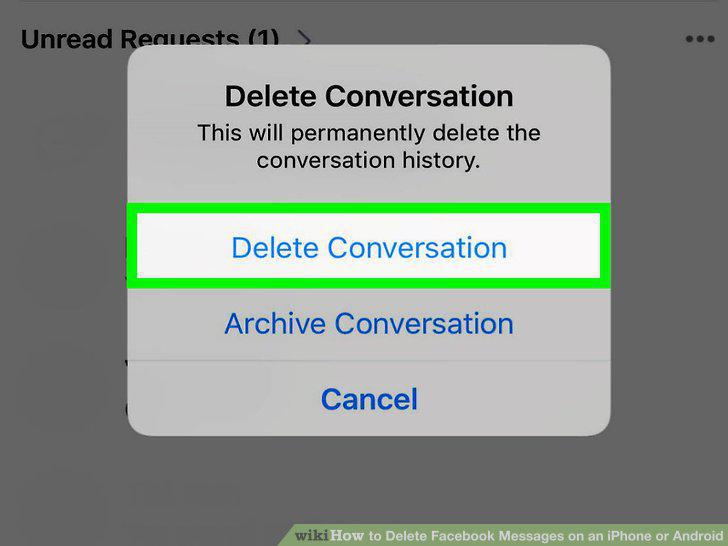
Tap Delete Message when prompted.
8
Open Facebook Messenger.
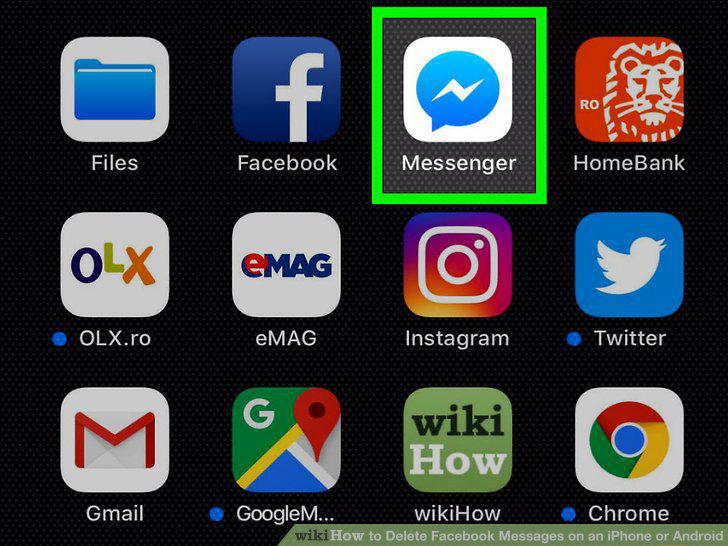
Open Facebook Messenger.
9
Make sure that you're on the "Home" tab.
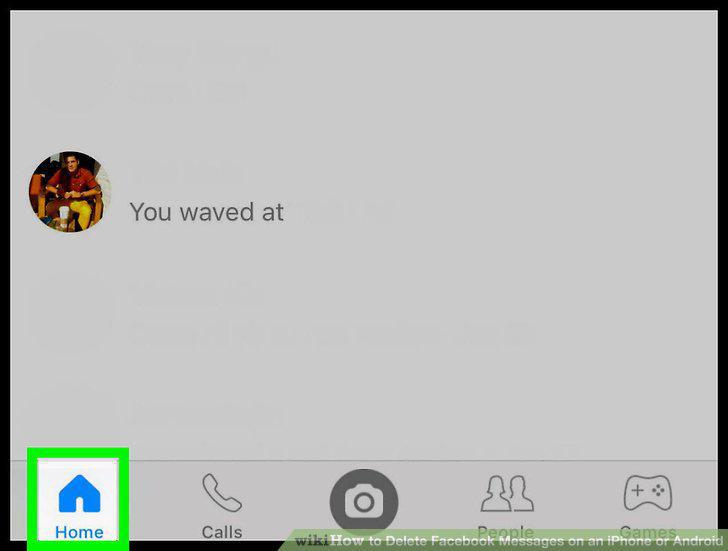
Make sure that you're on the "Home" tab.
10
Find a conversation.
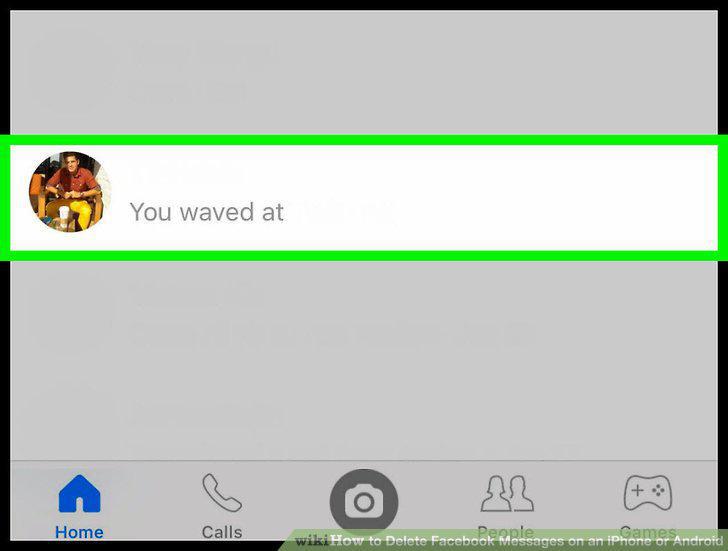
Find a conversation.
11
Tap and hold the conversation.
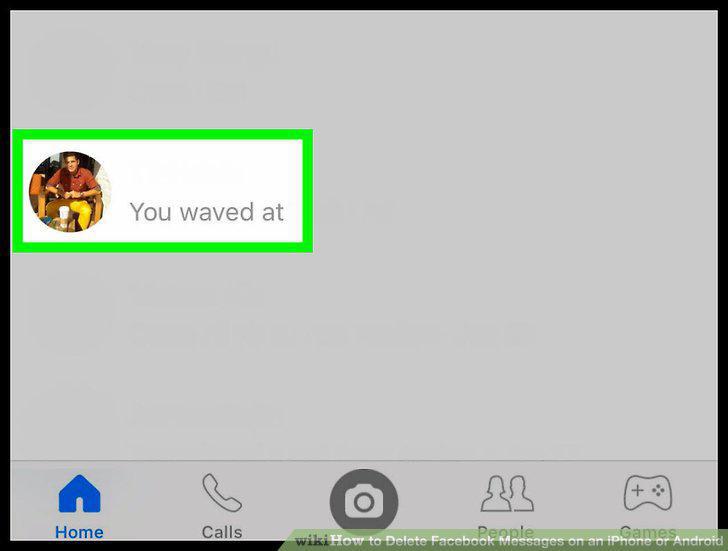
Tap and hold the conversation.
12
Tap Delete Conversation.
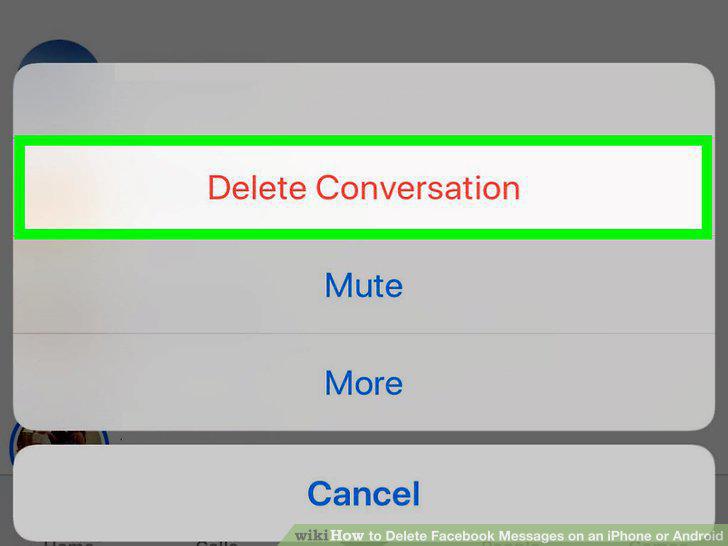
Tap Delete Conversation.
13
Tap Delete Conversation when prompted.
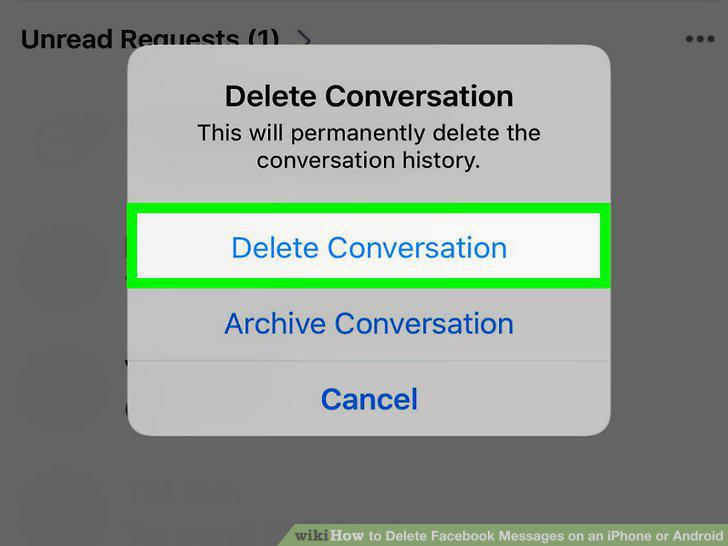
Tap Delete Conversation when prompted.
Comments (0)
No comments yet. Be the first to share your thoughts!