How to Go to the Homepage on Chrome on PC or Mac
Open the Google Chrome internet browser on your computer.. Click the three vertical dots icon.. Click Settings on the menu.
Steps
1
Open the Google Chrome internet browser on your computer.
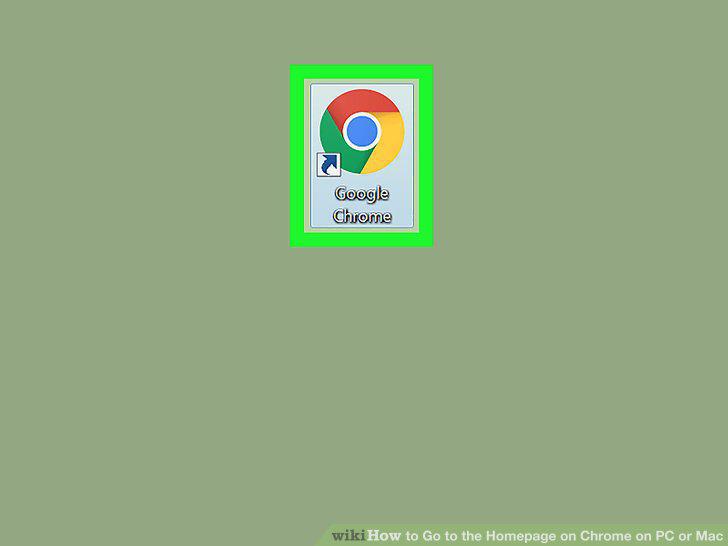
Open the Google Chrome internet browser on your computer.
2
Click the three vertical dots icon.
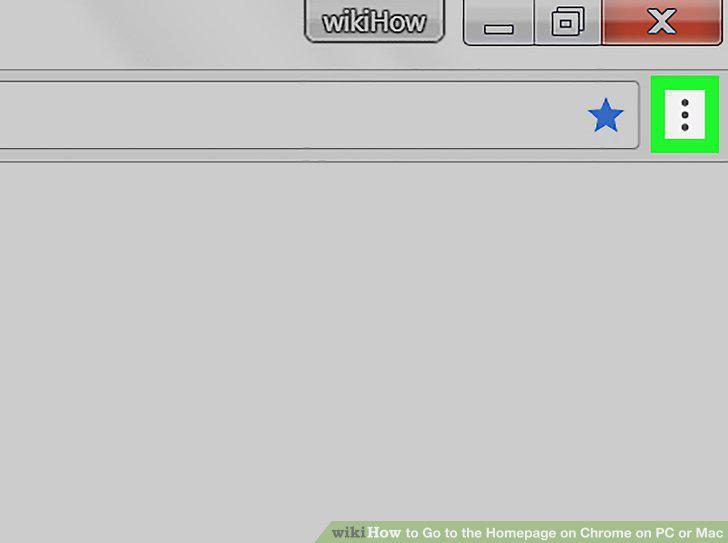
Click the three vertical dots icon.
3
Click Settings on the menu.
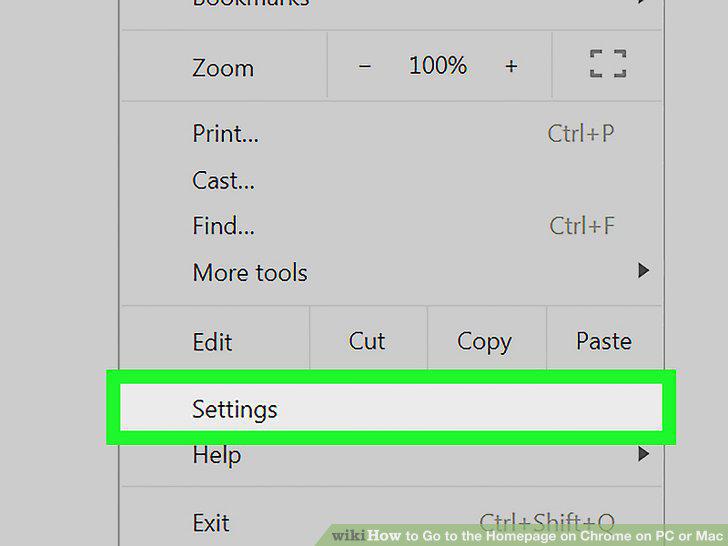
Click Settings on the menu.
4
Click and slide the Show home button switch to .
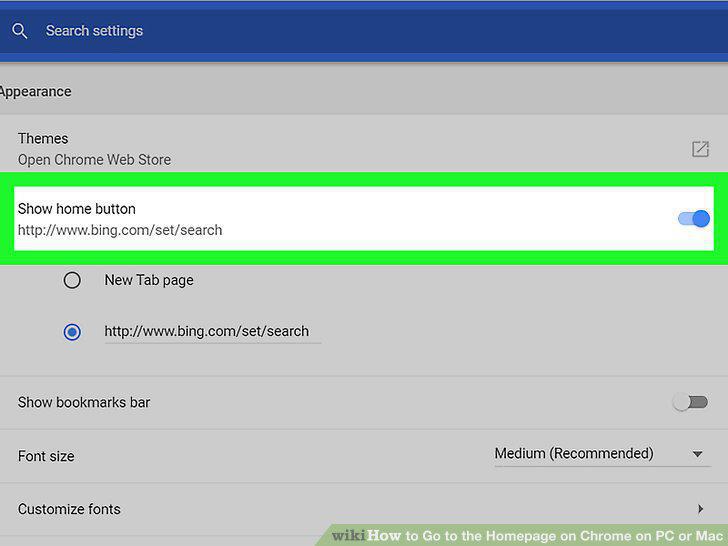
Click and slide the Show home button switch to .
5
Click the tiny house icon.
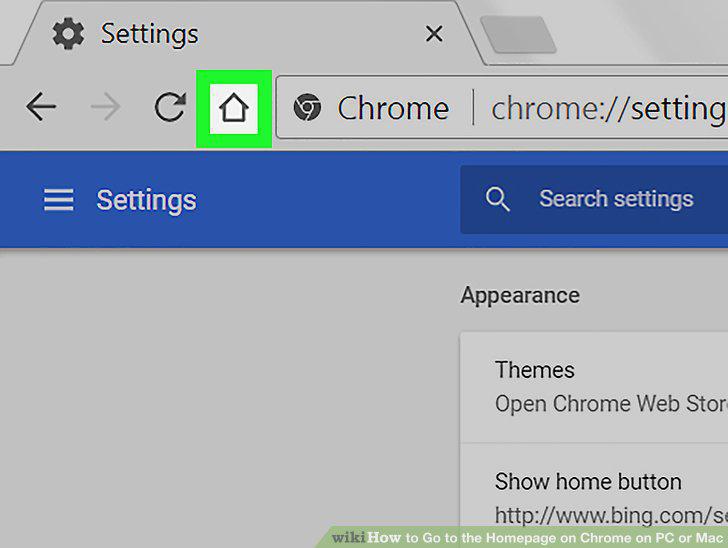
Click the tiny house icon.
Comments (0)
No comments yet. Be the first to share your thoughts!