How to Download Music from Instagram
Open the Instagram app on your phone or tablet.. Find the video you want to download as music.. Tap the three-dot icon on the top-right of the post.
Steps
1
Open the Instagram app on your phone or tablet.
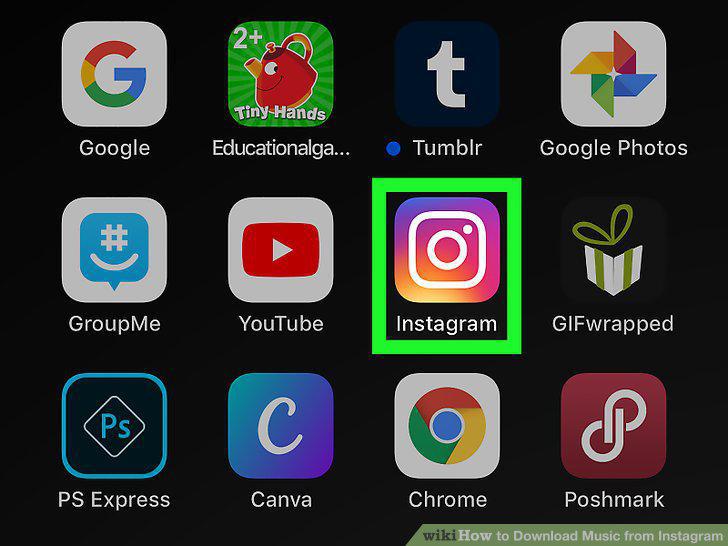
Open the Instagram app on your phone or tablet.
2
Find the video you want to download as music.
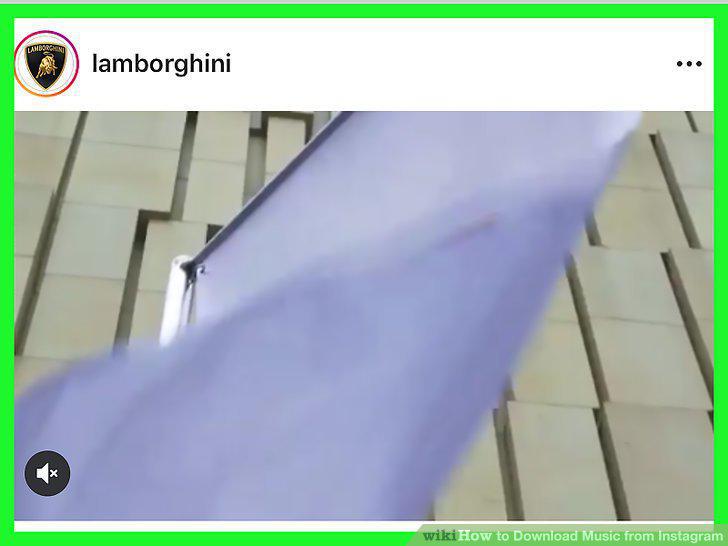
Find the video you want to download as music.
3
Tap the three-dot icon on the top-right of the post.
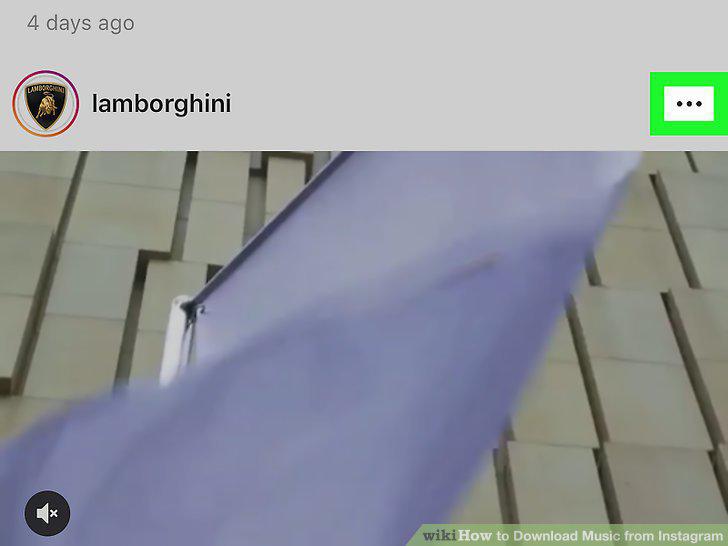
Tap the three-dot icon on the top-right of the post.
4
Tap Copy Link on the pop-up menu.
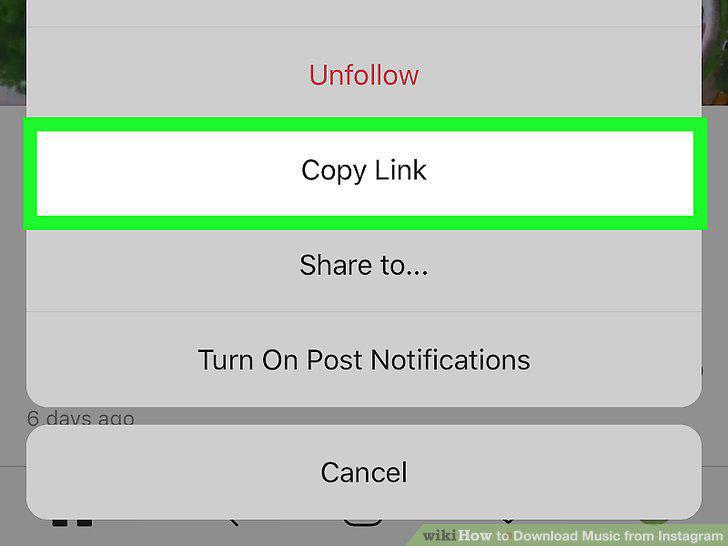
Tap Copy Link on the pop-up menu.
5
Open 4ins in your internet browser.
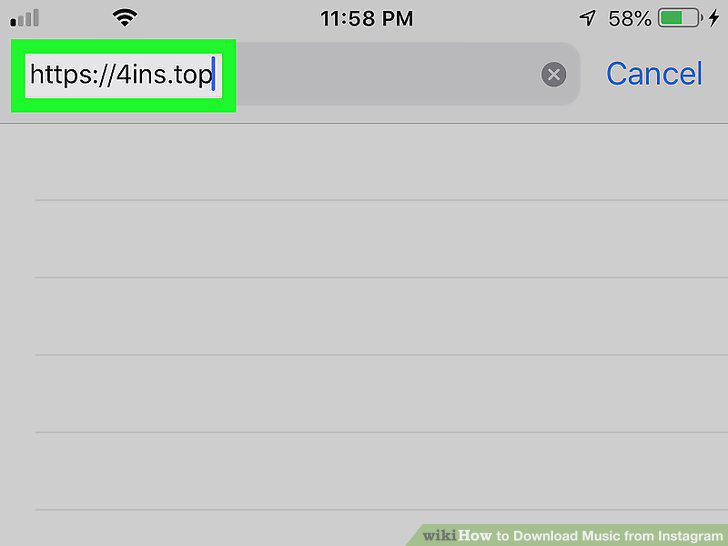
Open 4ins in your internet browser.
6
Paste the video link into the white box.
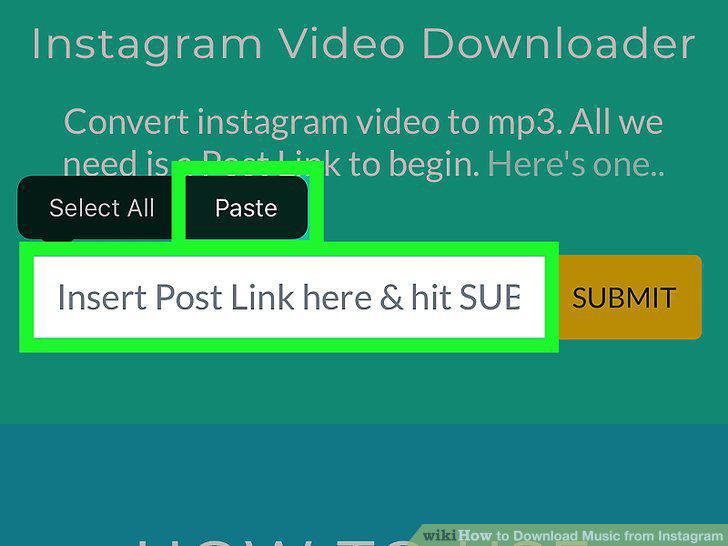
Paste the video link into the white box.
7
Tap the yellow SUBMIT button.
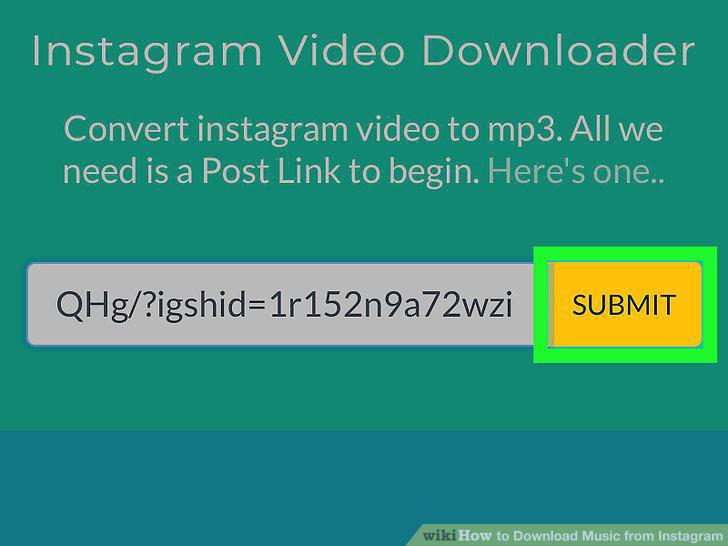
Tap the yellow SUBMIT button.
8
Tap the convert to mp3 button.
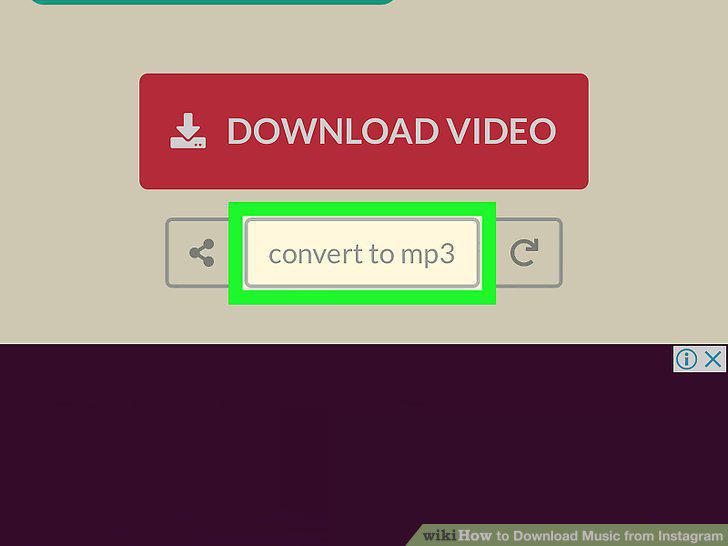
Tap the convert to mp3 button.
9
Tap the green Download MP3 button.
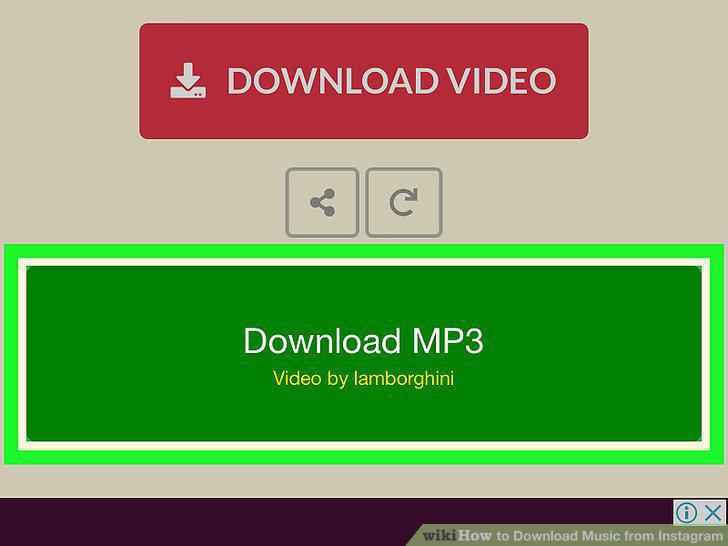
Tap the green Download MP3 button.
Comments (0)
No comments yet. Be the first to share your thoughts!