How to Create a Form Using Google Drive
Open your preferred browser.. Navigate to your Gmail account.. Click the Google apps menu.
Steps
Open your preferred browser.
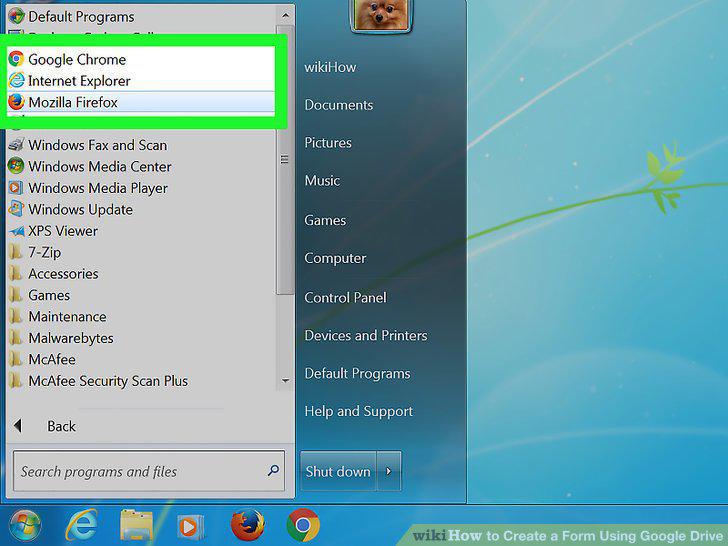
Open your preferred browser.
Navigate to your Gmail account.
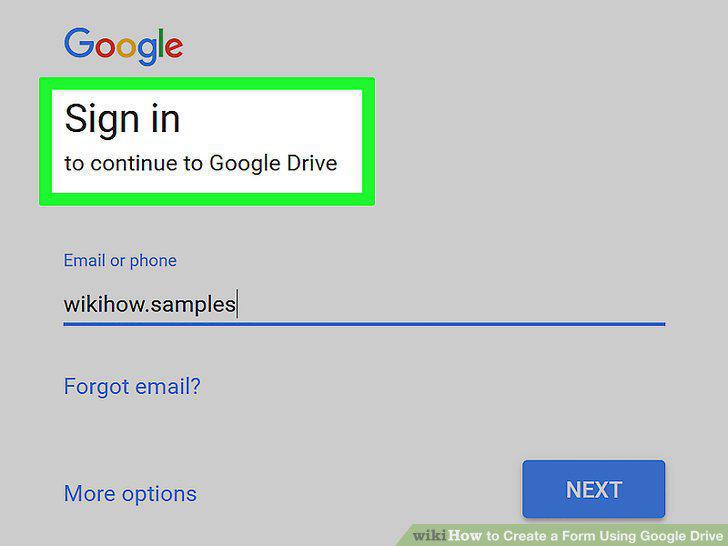
Navigate to your Gmail account.
Click the Google apps menu.
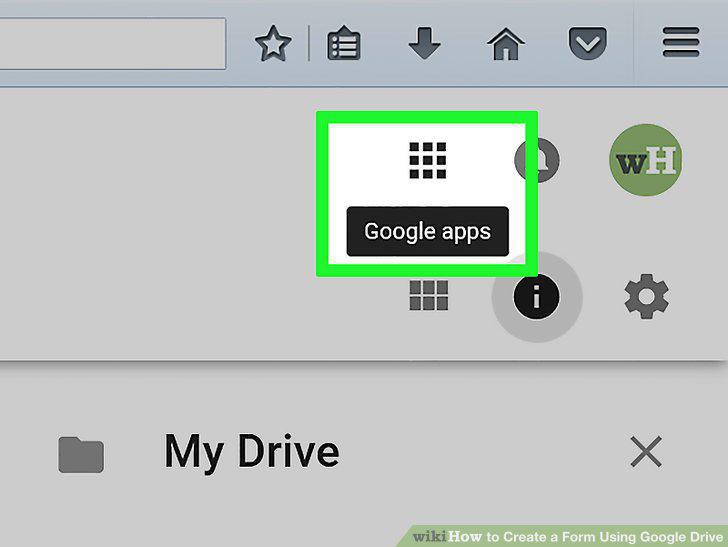
Click the Google apps menu.
Click the "Drive" option.
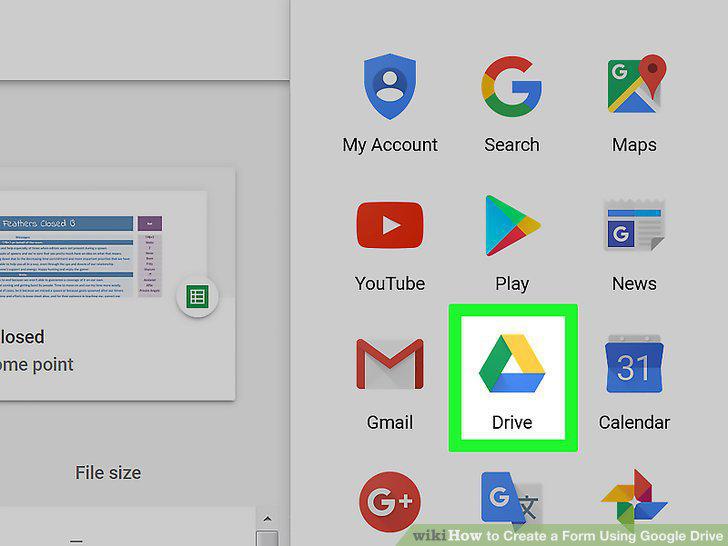
Click the "Drive" option.
Click the "New" button.
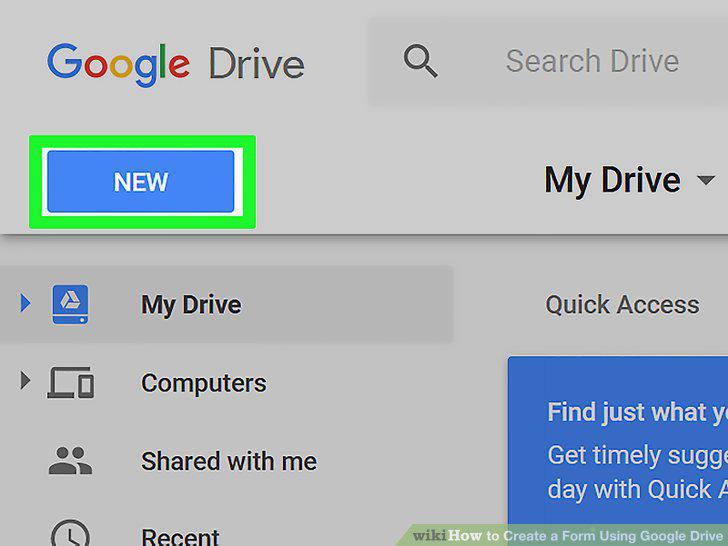
Click the "New" button.
Hover over "More", then click "Google Forms".
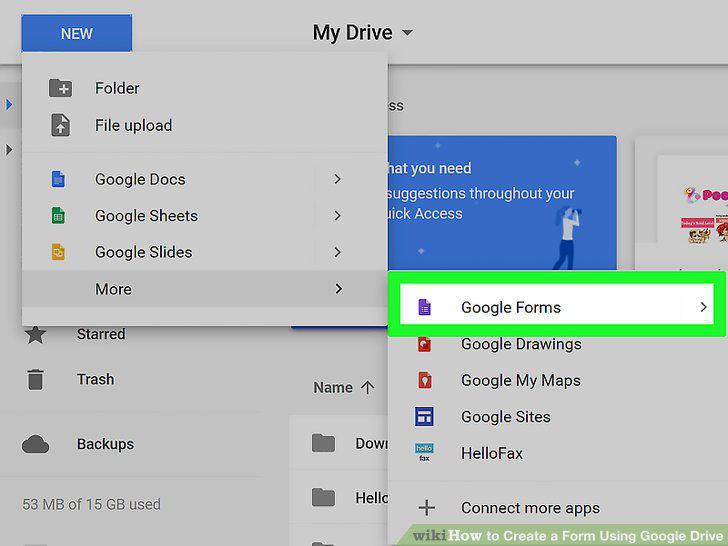
Hover over "More", then click "Google Forms".
Decide on a purpose for your Google Form.
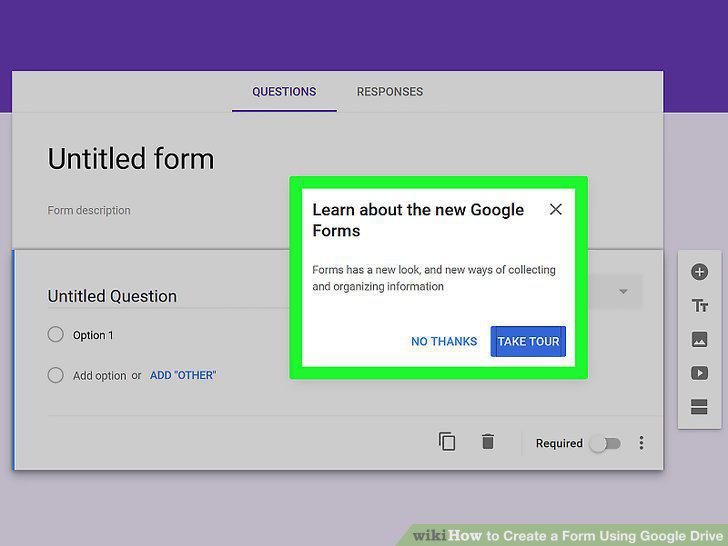
Decide on a purpose for your Google Form.
Change your form's color.
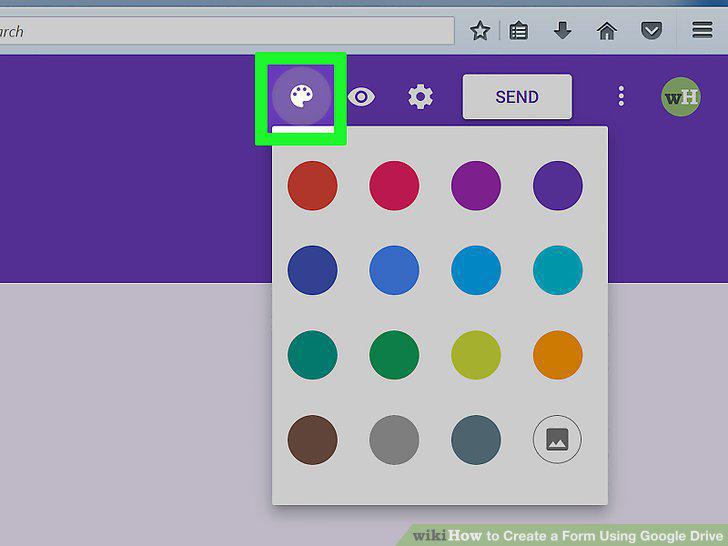
Change your form's color.
Give your form a title.
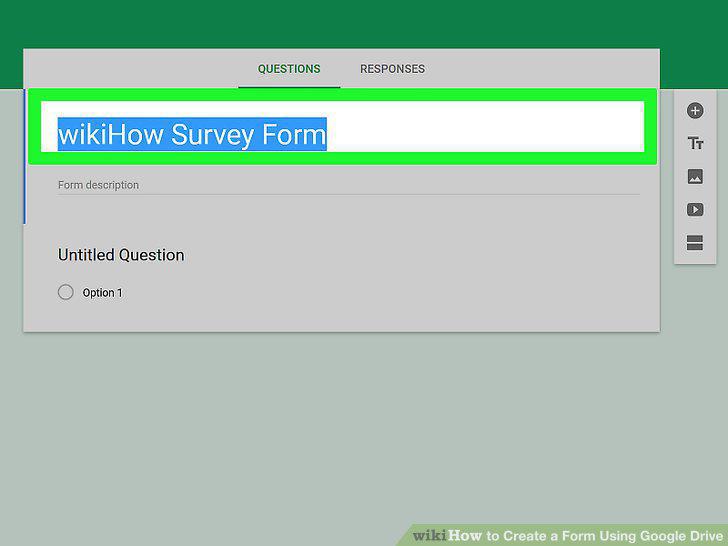
Give your form a title.
Add a description to your form.
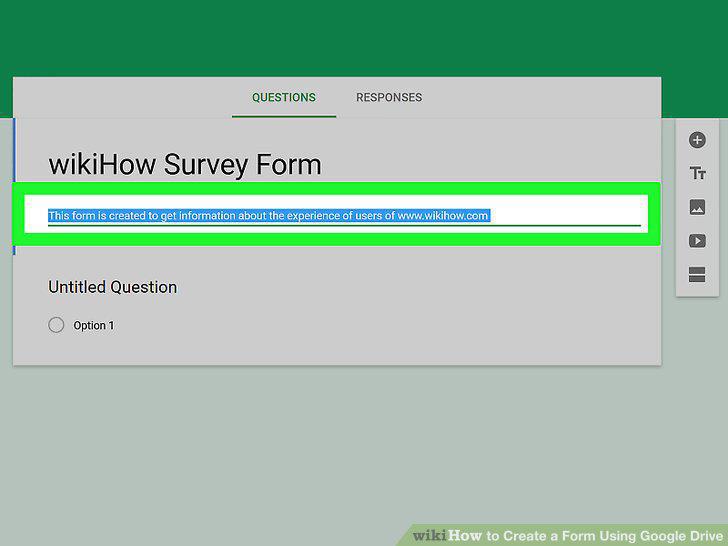
Add a description to your form.
Add a question to your form.
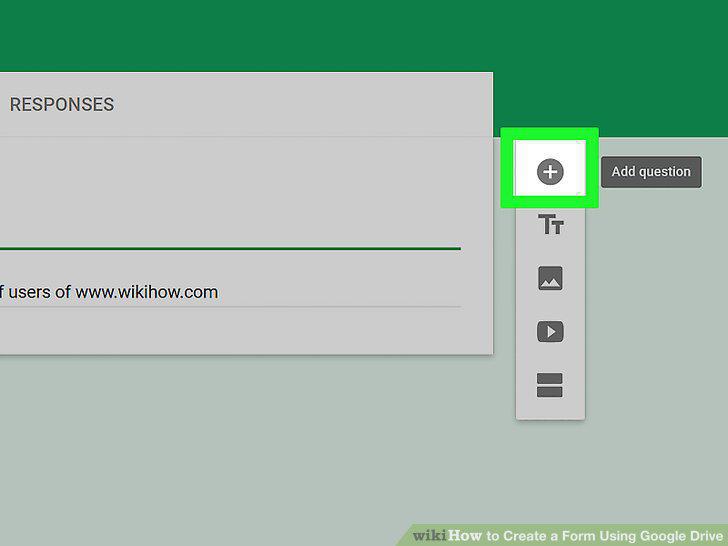
Add a question to your form.
Select your questions type.
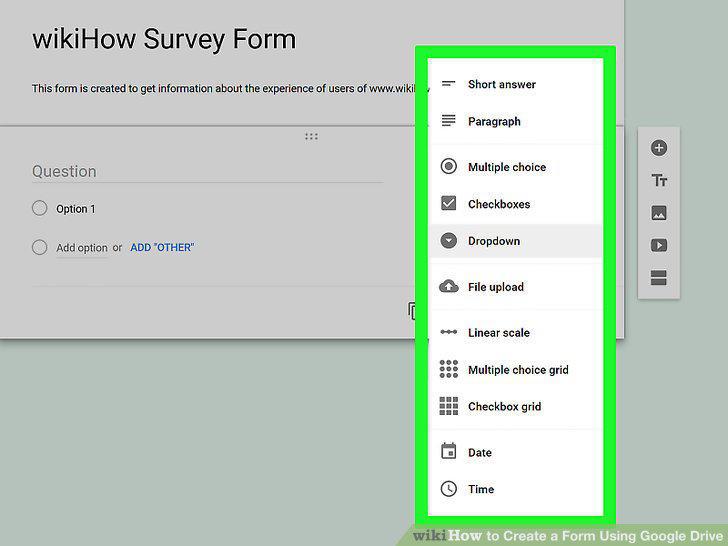
Select your questions type.
Re-order your question cards if need be.
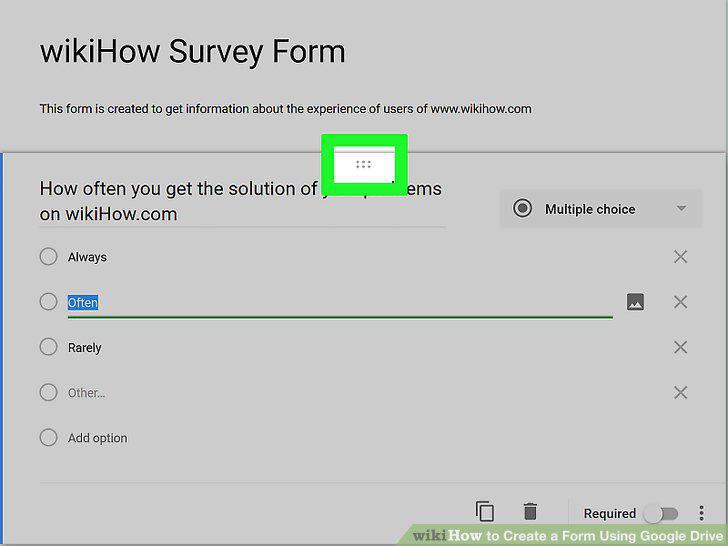
Re-order your question cards if need be.
Review your other question card options.
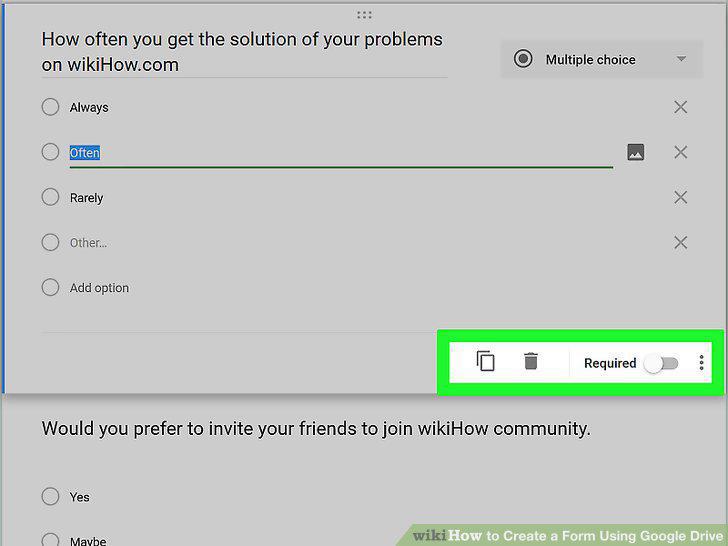
Review your other question card options.
Review the additional options menu.
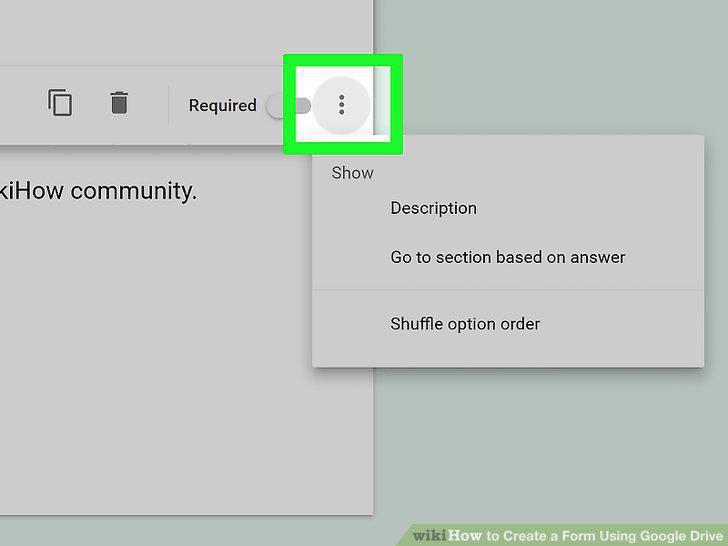
Review the additional options menu.
Click the "Preview" option to proofread your Form.
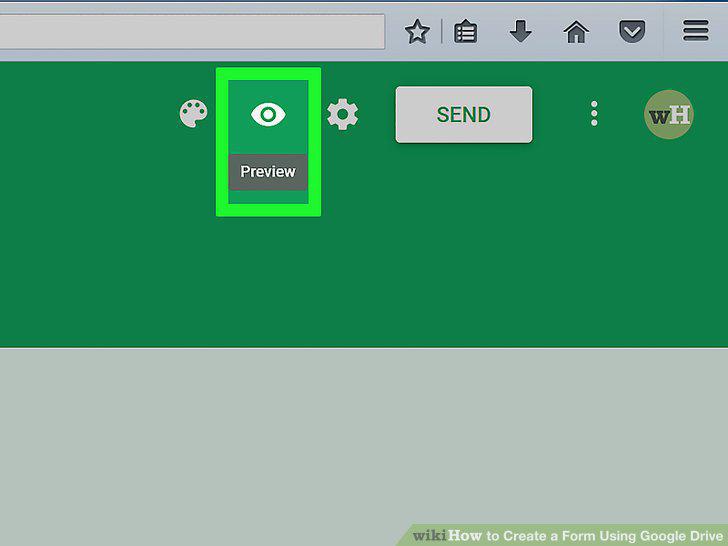
Click the "Preview" option to proofread your Form.
Review your basic form settings.
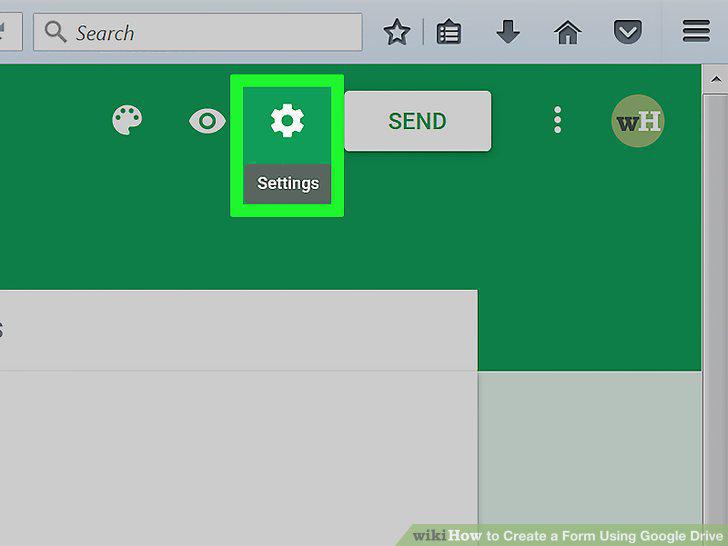
Review your basic form settings.
Review your presentation settings.
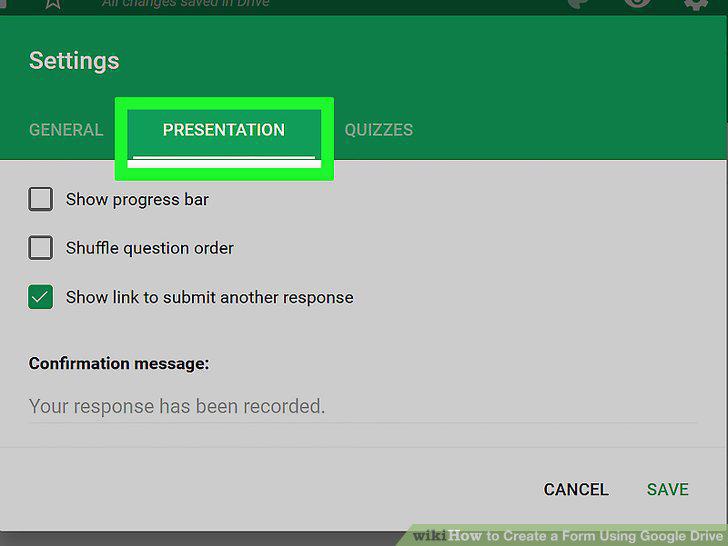
Review your presentation settings.
Click the "Send" button.
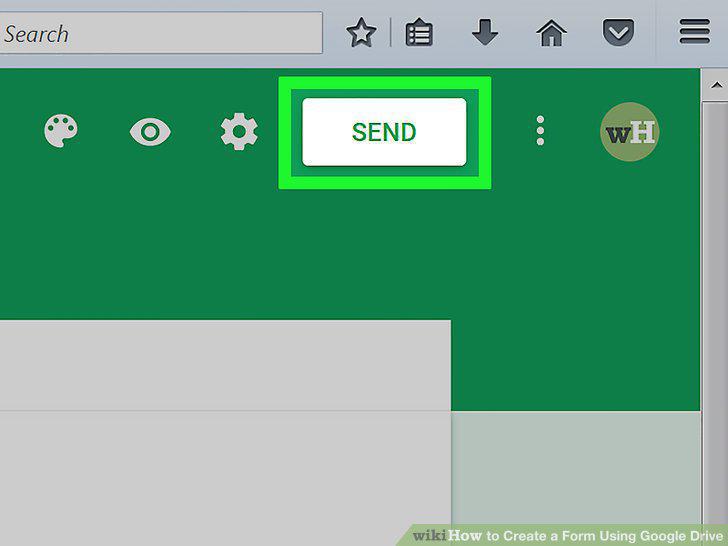
Click the "Send" button.
Review your sharing options.
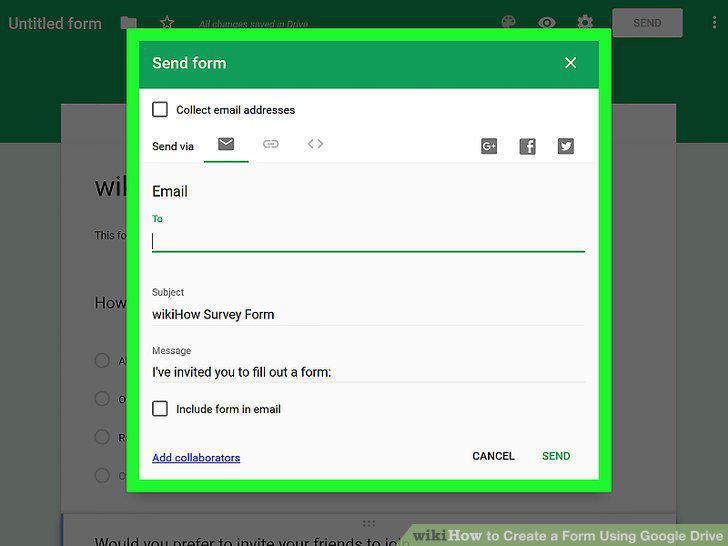
Review your sharing options.
Send your form using your selected service.
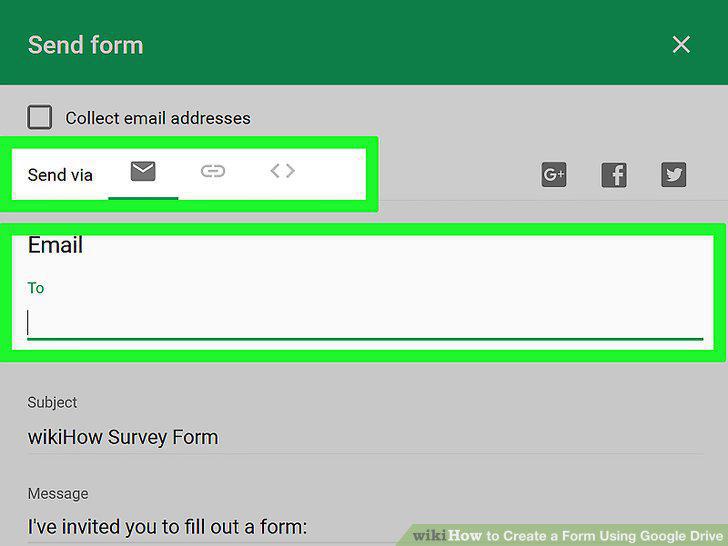
Send your form using your selected service.
Click "Send" if you're using email.
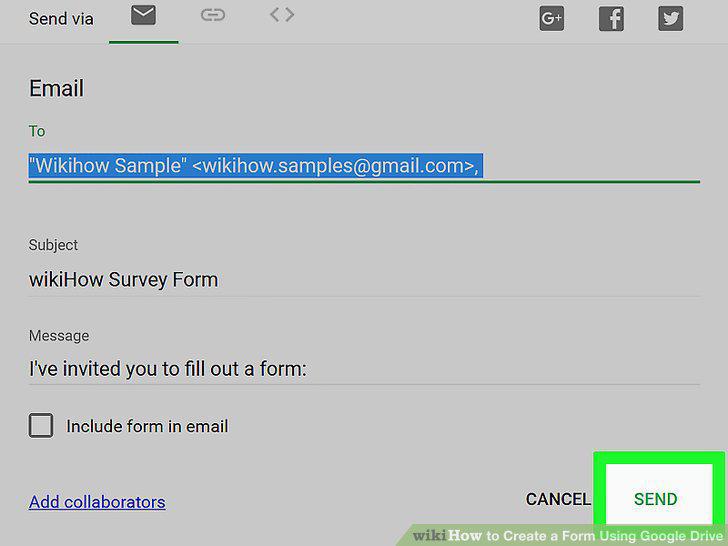
Click "Send" if you're using email.
Comments (0)
No comments yet. Be the first to share your thoughts!