How to Make a Song on Garageband
Make sure you have the necessary equipment.. Plug in your equipment.. Open GarageBand.
Steps
1
Make sure you have the necessary equipment.
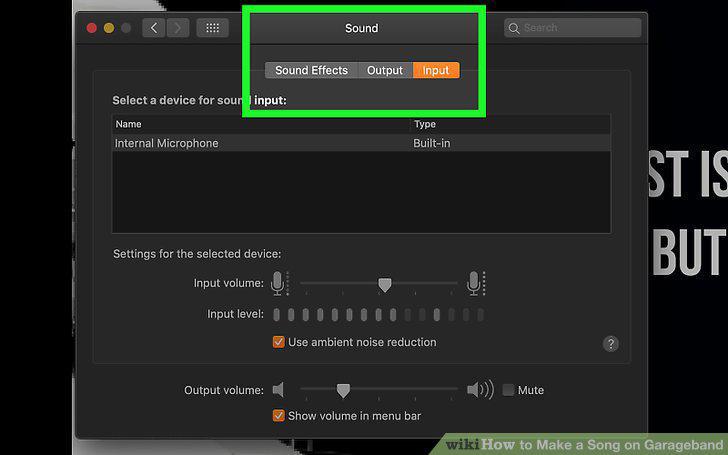
Make sure you have the necessary equipment.
2
Plug in your equipment.
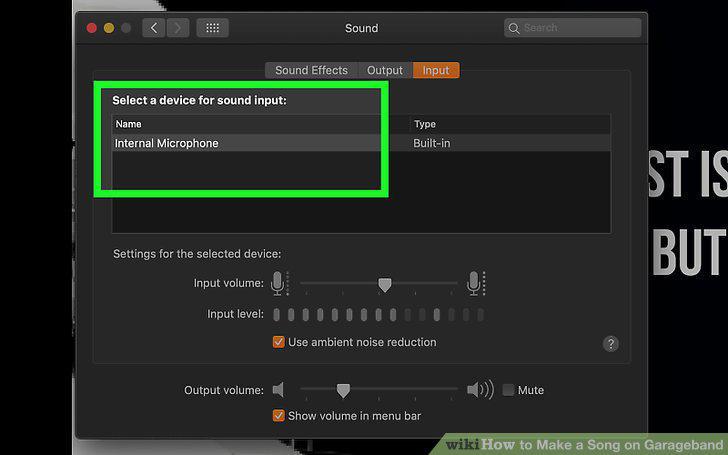
Plug in your equipment.
3
Open GarageBand.
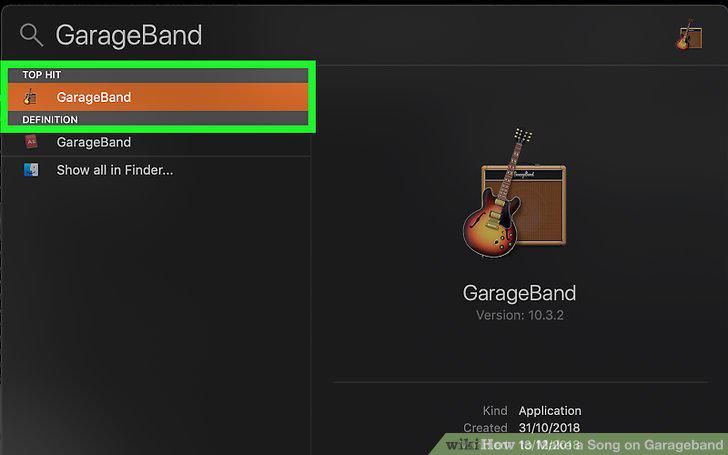
Open GarageBand.
4
Create a new project.
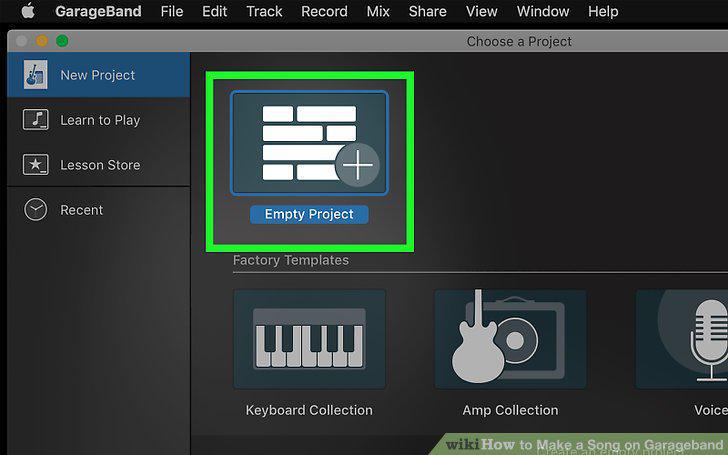
Create a new project.
5
Create your song's instrumental.
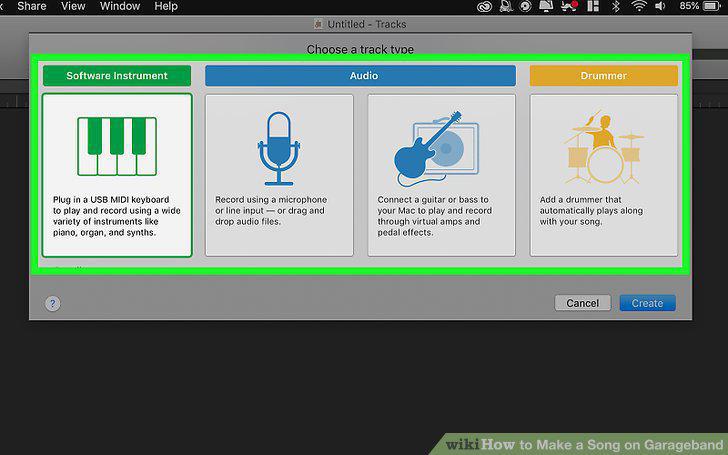
Create your song's instrumental.
6
Consider using a loop.
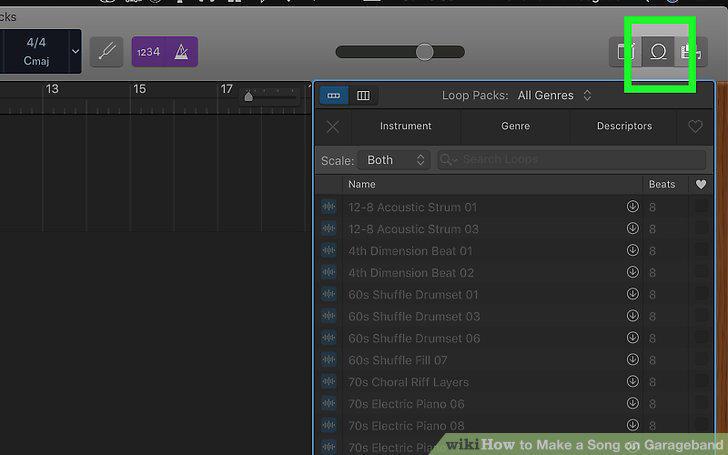
Consider using a loop.
7
Record your vocals.
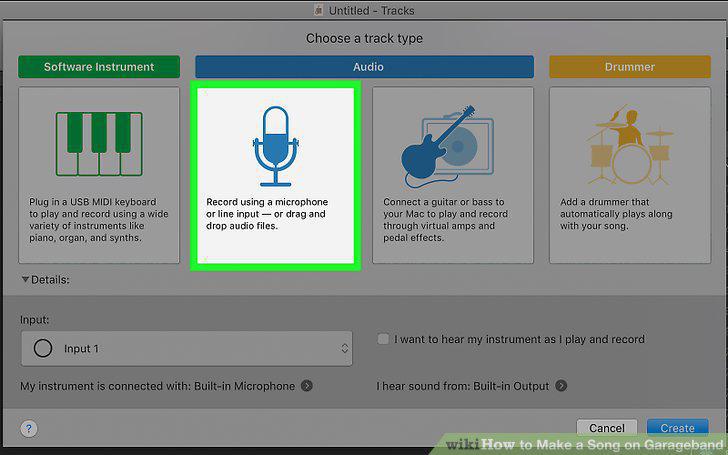
Record your vocals.
8
Listen to your whole song.
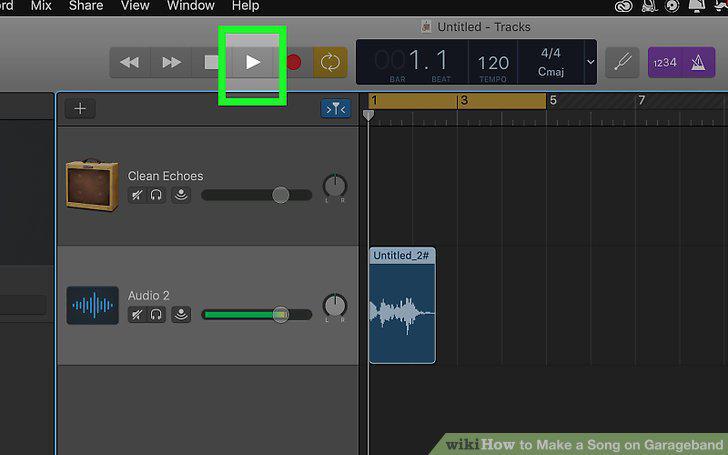
Listen to your whole song.
9
Export your project.
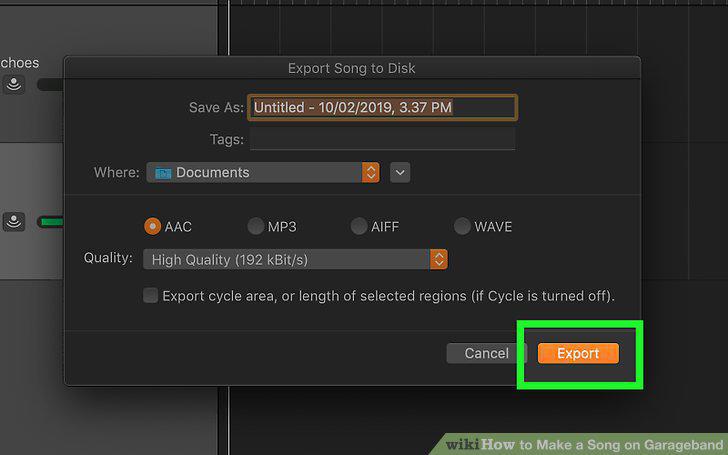
Export your project.
Comments (0)
No comments yet. Be the first to share your thoughts!