How to Organize Facebook Groups on iPhone or iPad
Open the Facebook Groups app.. Tap the Groups button.. Tap the EDIT button next to FAVORITES.
Steps
1
Open the Facebook Groups app.
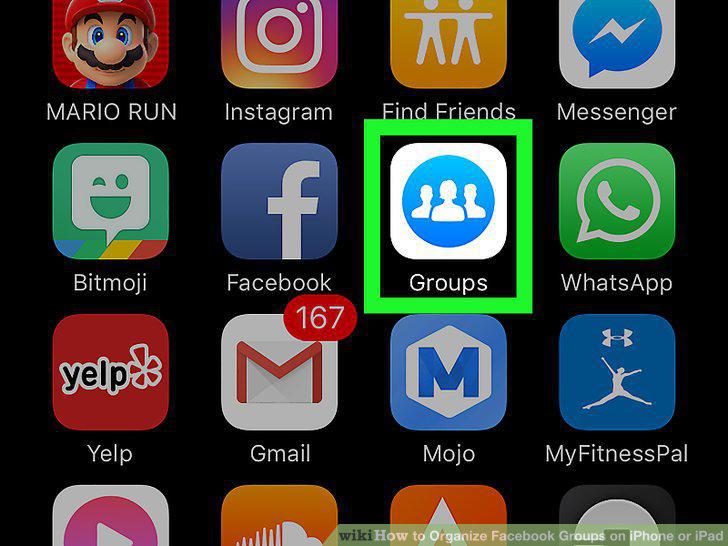
Open the Facebook Groups app.
2
Tap the Groups button.
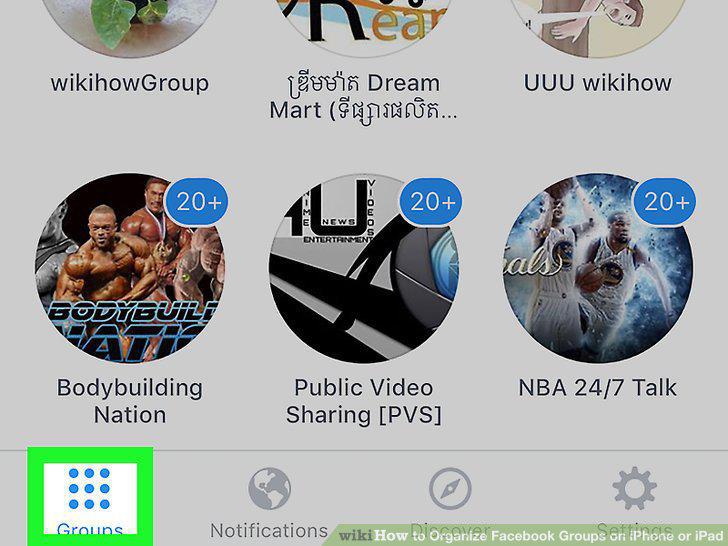
Tap the Groups button.
3
Tap the EDIT button next to FAVORITES.
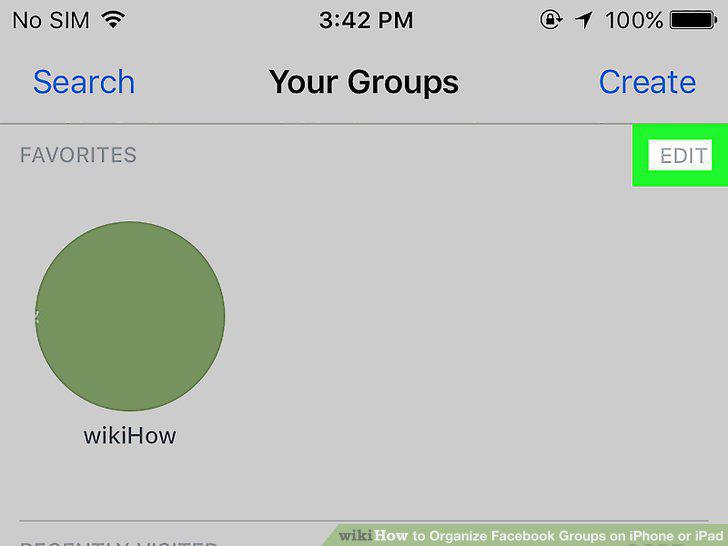
Tap the EDIT button next to FAVORITES.
4
Tap the green + button next to a group.
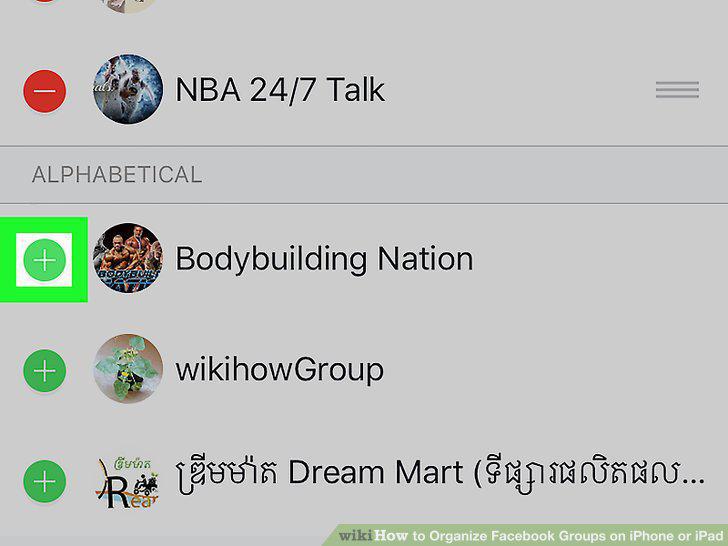
Tap the green + button next to a group.
5
Tap the red - button next to a group under FAVORITES.
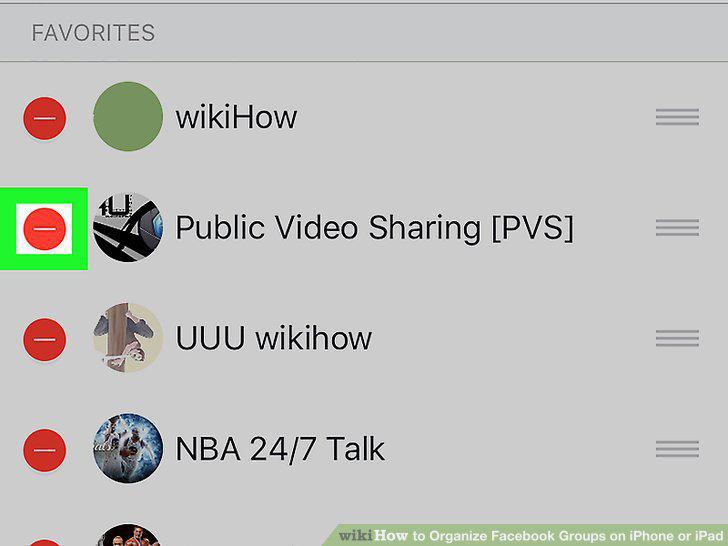
Tap the red - button next to a group under FAVORITES.
6
Tap and drag the three horizontal lines icon next to a group.
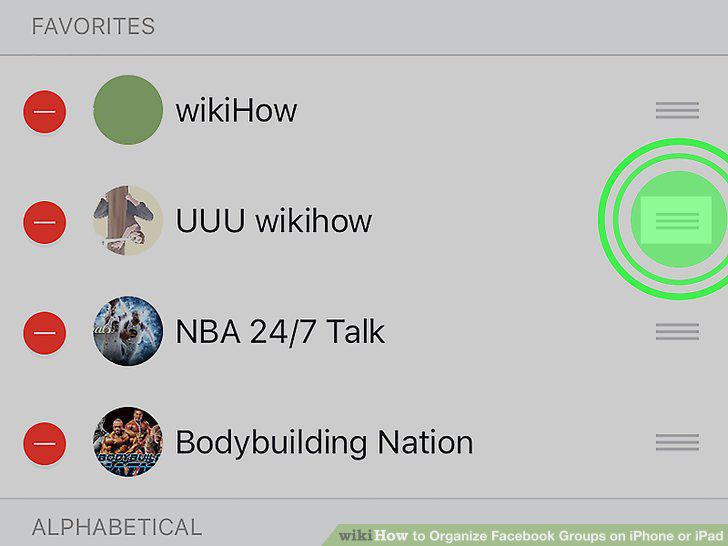
Tap and drag the three horizontal lines icon next to a group.
7
Tap the back button.
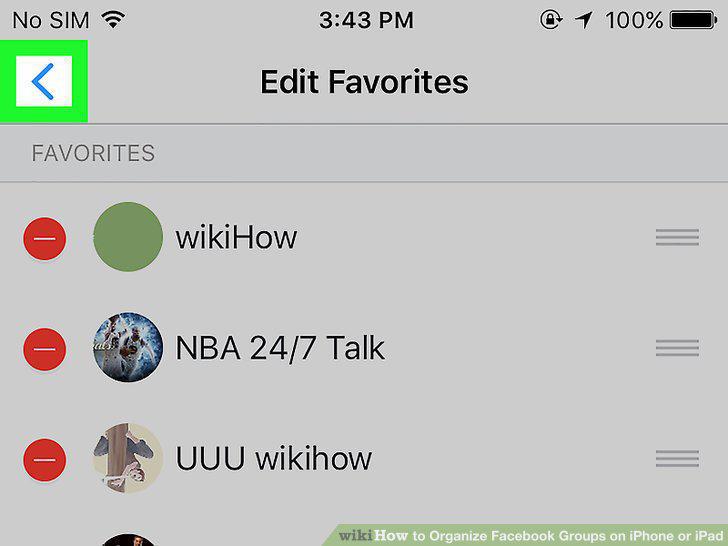
Tap the back button.
8
Tap the SORT button next to RECENTLY VISITED.
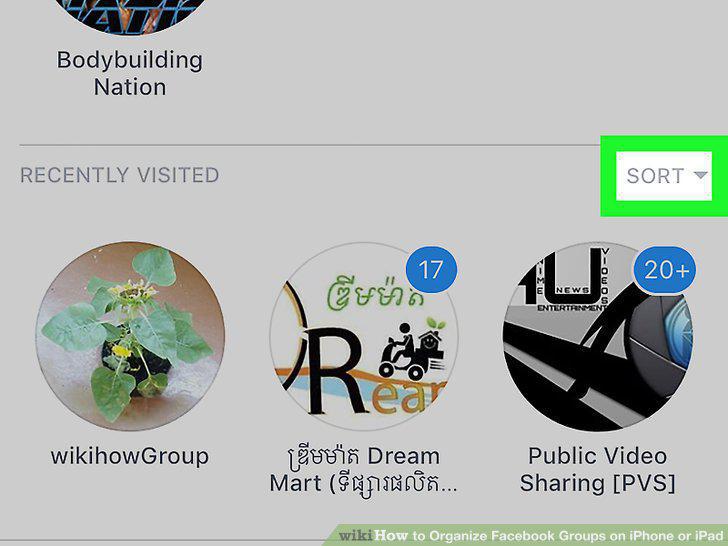
Tap the SORT button next to RECENTLY VISITED.
9
Select how you want to sort your groups.
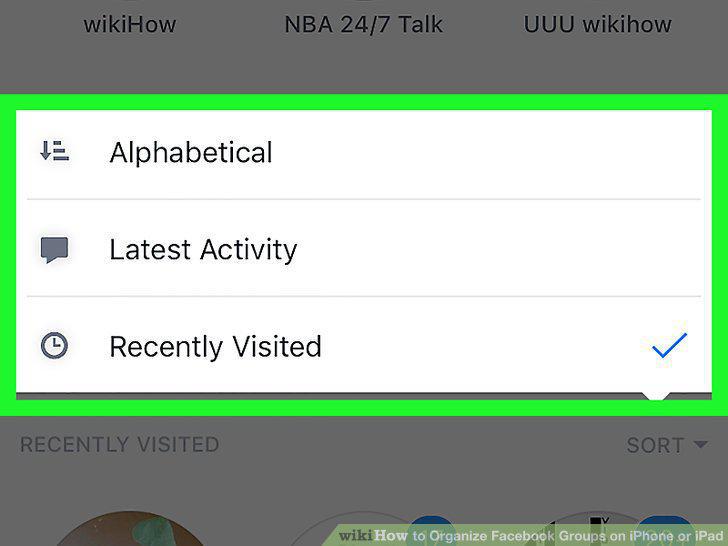
Select how you want to sort your groups.
10
Tap and hold on a group.
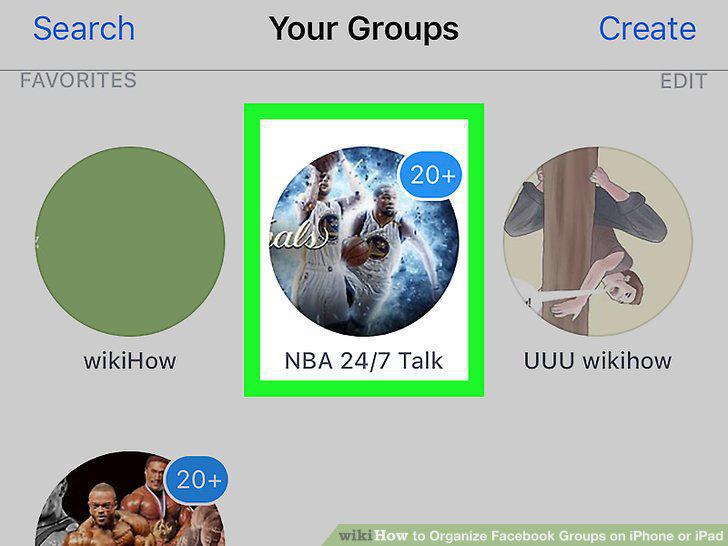
Tap and hold on a group.
Comments (0)
No comments yet. Be the first to share your thoughts!