How to Delete Multiple Contacts on iPhone
Install Groups from the App Store.. Open Groups.. Tap Let's Get Started.
Steps
1
Install Groups from the App Store.
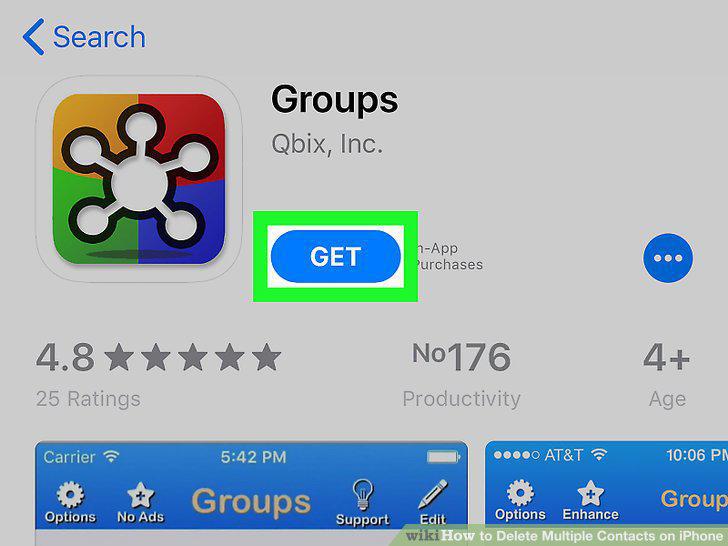
Install Groups from the App Store.
2
Open Groups.
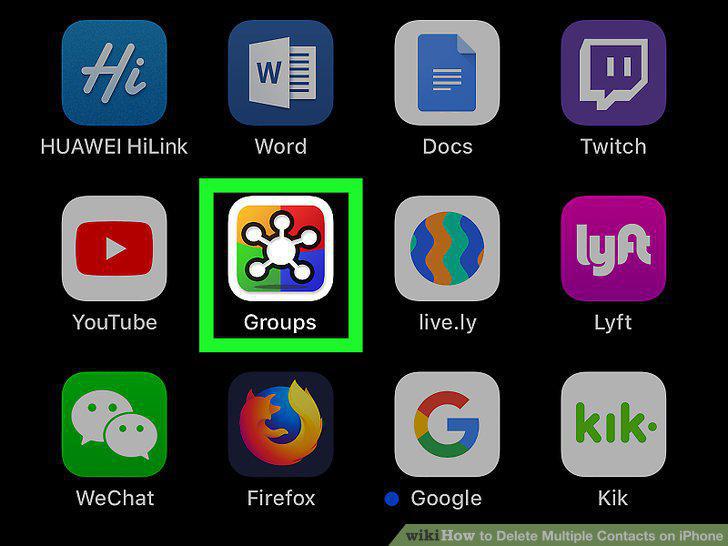
Open Groups.
3
Tap Let's Get Started.
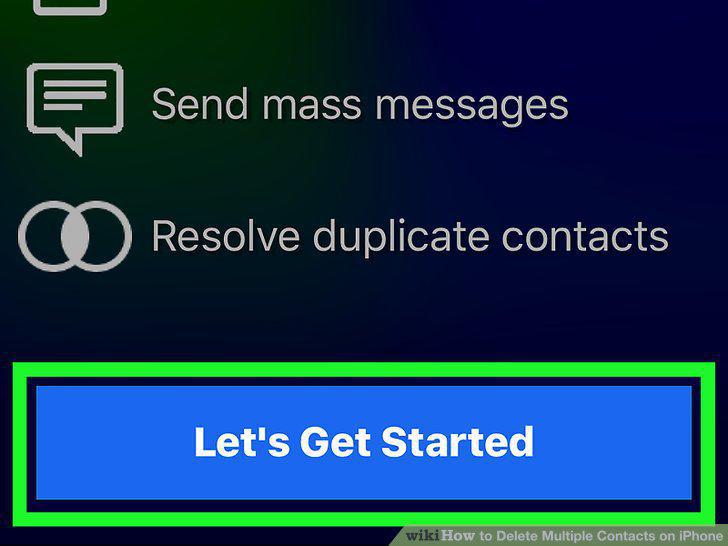
Tap Let's Get Started.
4
Tap All Contacts.
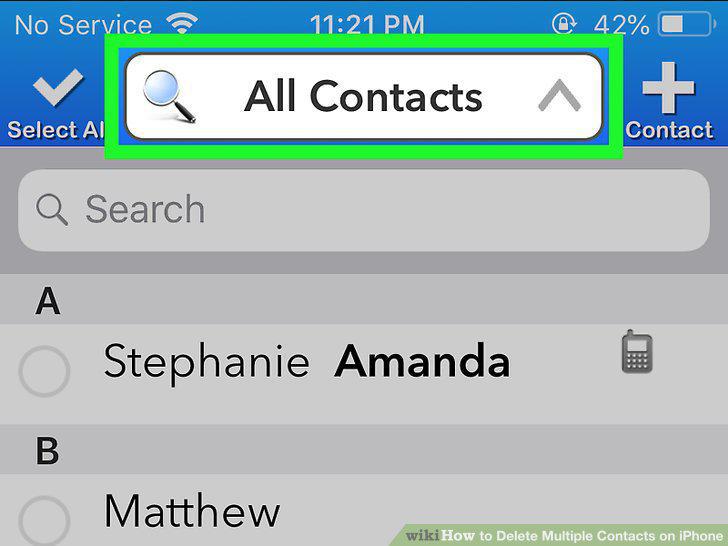
Tap All Contacts.
5
Tap the contacts you want to delete.
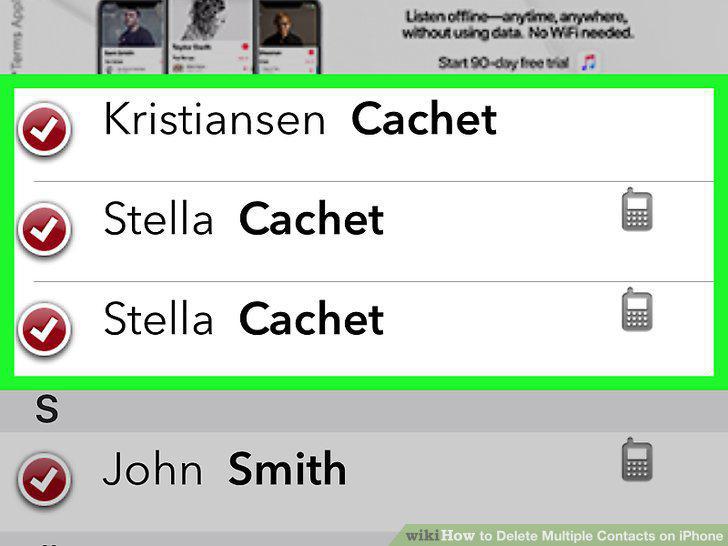
Tap the contacts you want to delete.
6
Tap Choose Action.
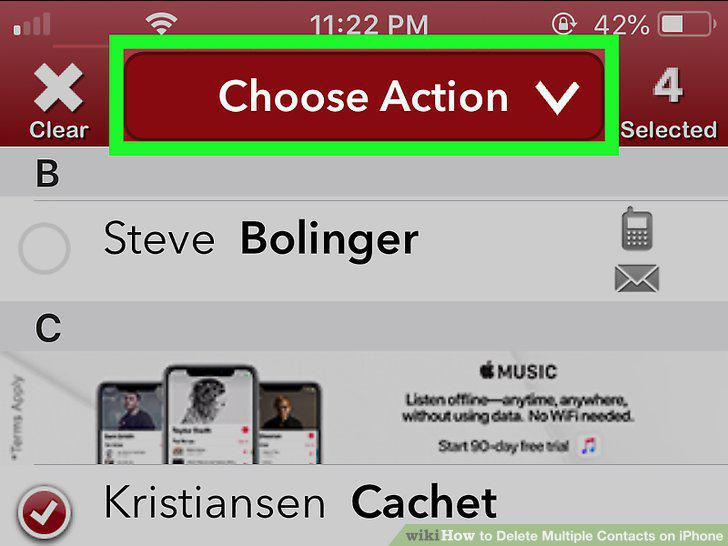
Tap Choose Action.
7
Tap Delete Contacts.
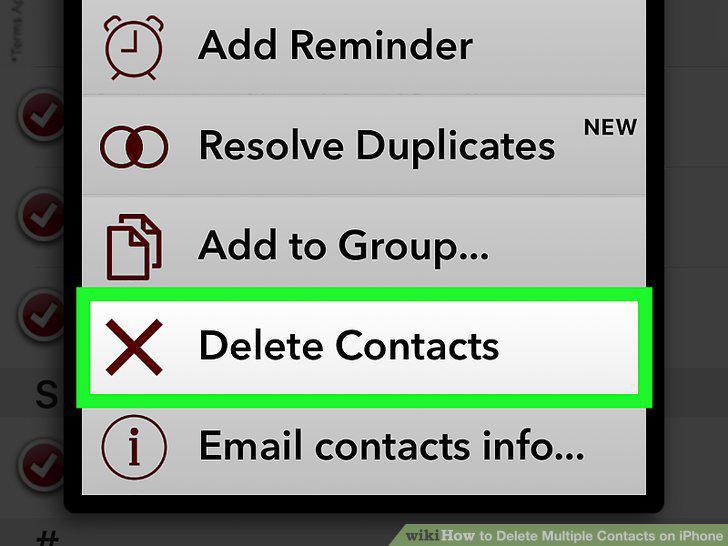
Tap Delete Contacts.
8
Tap Remove from my iPhone.
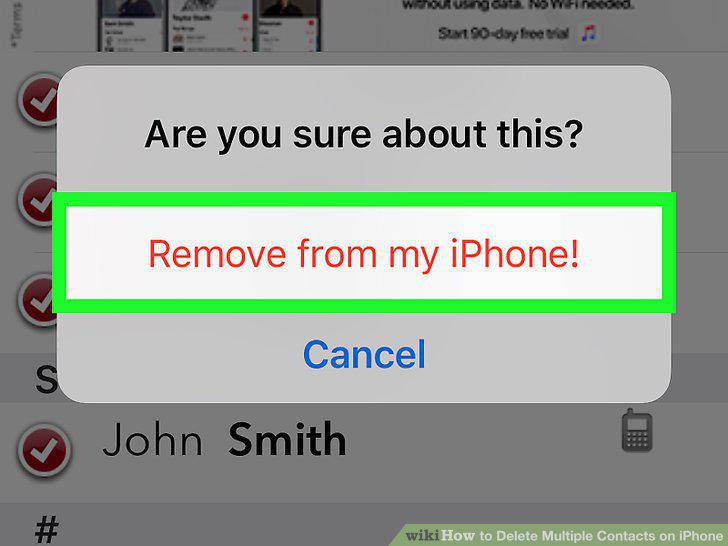
Tap Remove from my iPhone.
Comments (0)
No comments yet. Be the first to share your thoughts!