How to Open a PPT File on PC or Mac
Find the PPT file you want to open on your computer.. Right-click on the PPT file.. Hover over Open with on the menu.
Steps
1
Find the PPT file you want to open on your computer.
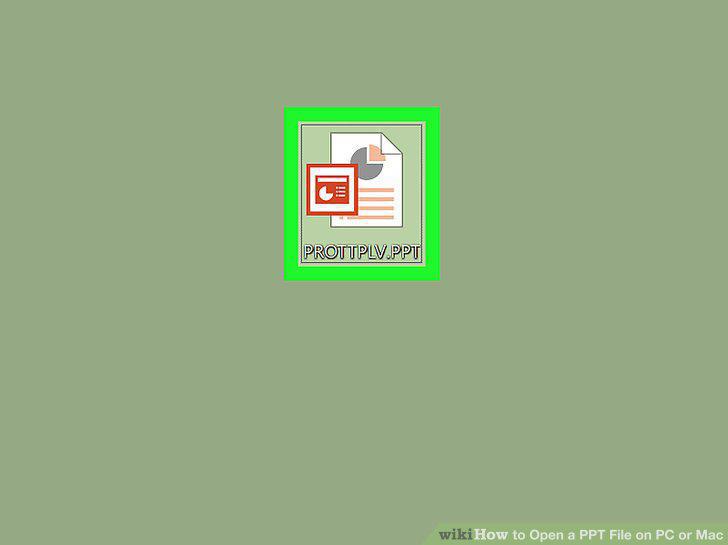
Find the PPT file you want to open on your computer.
2
Right-click on the PPT file.
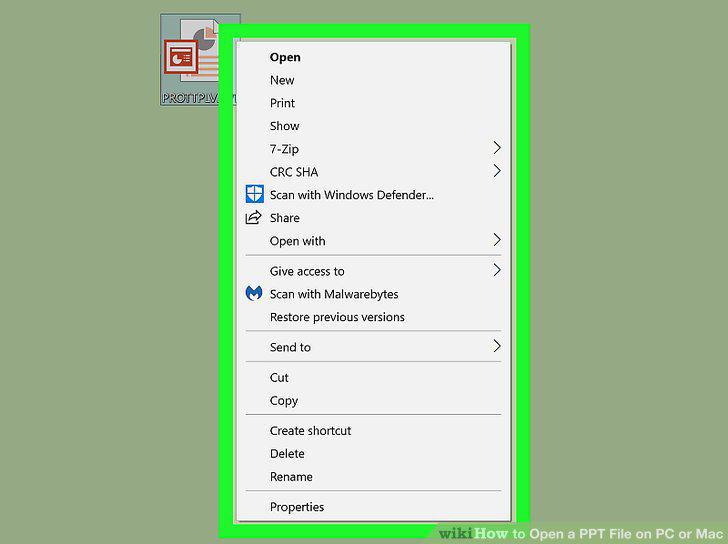
Right-click on the PPT file.
3
Hover over Open with on the menu.
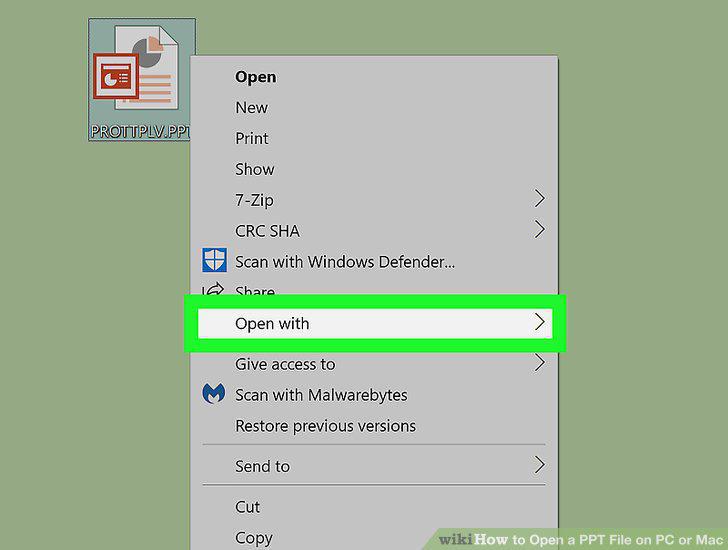
Hover over Open with on the menu.
4
Select Microsoft PowerPoint on the "Open with" menu.
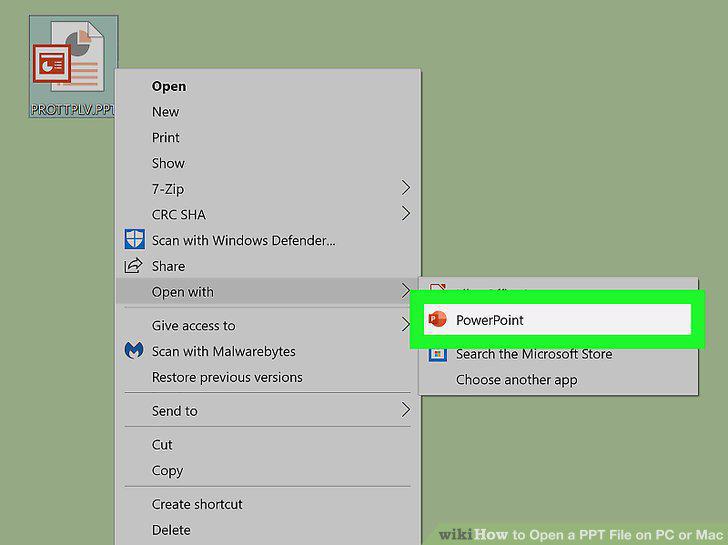
Select Microsoft PowerPoint on the "Open with" menu.
5
Open the Google Slides website in your web browser.
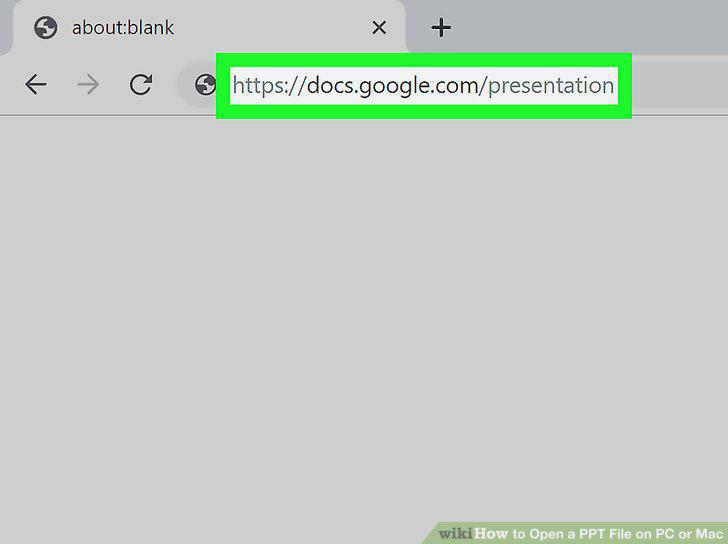
Open the Google Slides website in your web browser.
6
Click the folder icon on the top-right of "Recent presentations.
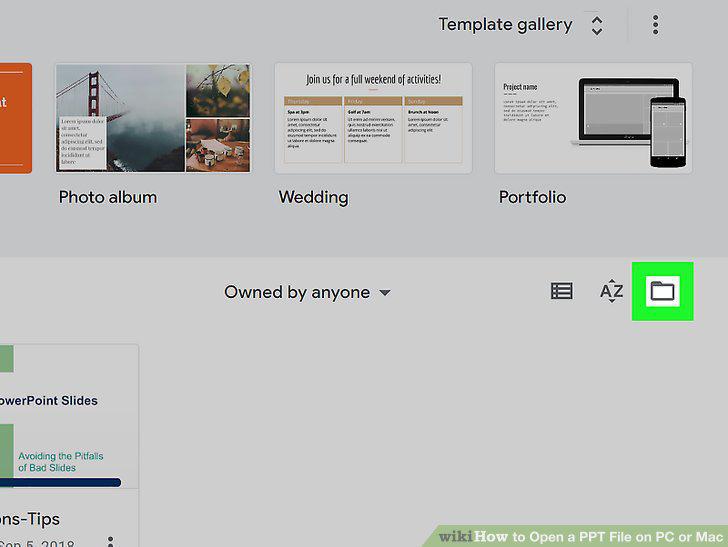
Click the folder icon on the top-right of "Recent presentations.
7
Click the Upload tab.
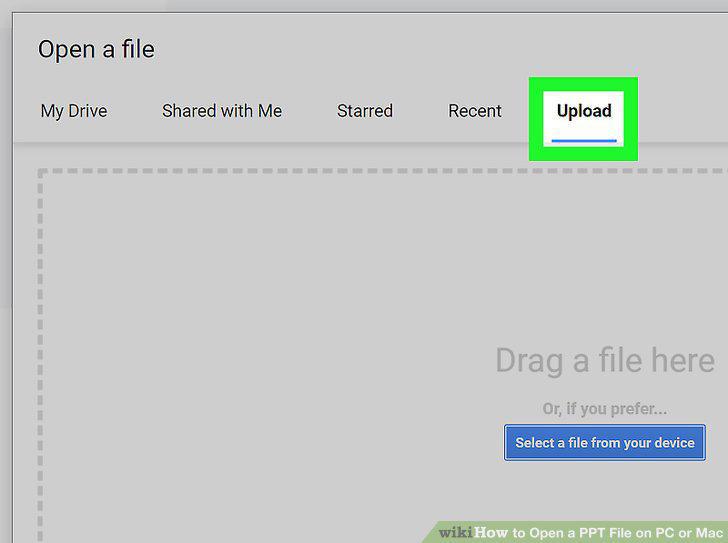
Click the Upload tab.
8
Click Select a file from your device.
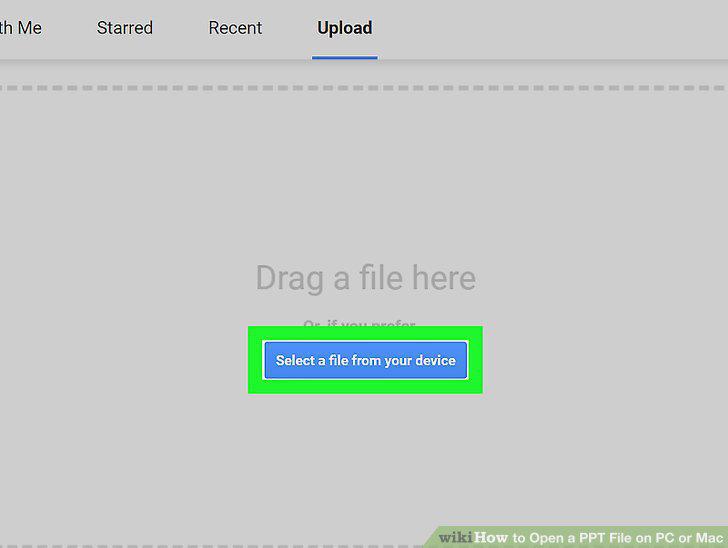
Click Select a file from your device.
9
Select your PPT file.
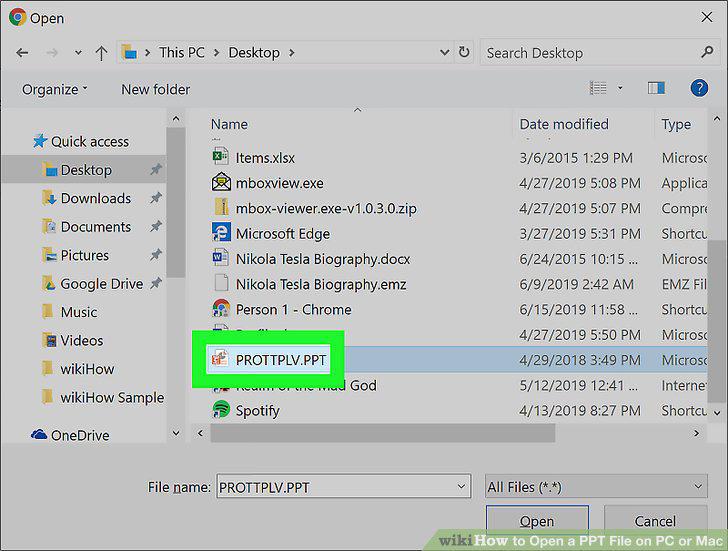
Select your PPT file.
10
Click Open in the pop-up.
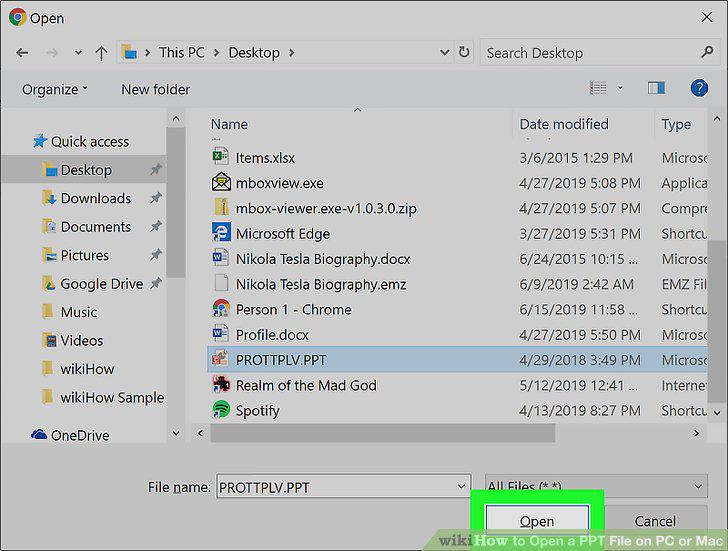
Click Open in the pop-up.
11
Open the PowerPoint Online website in your internet browser.
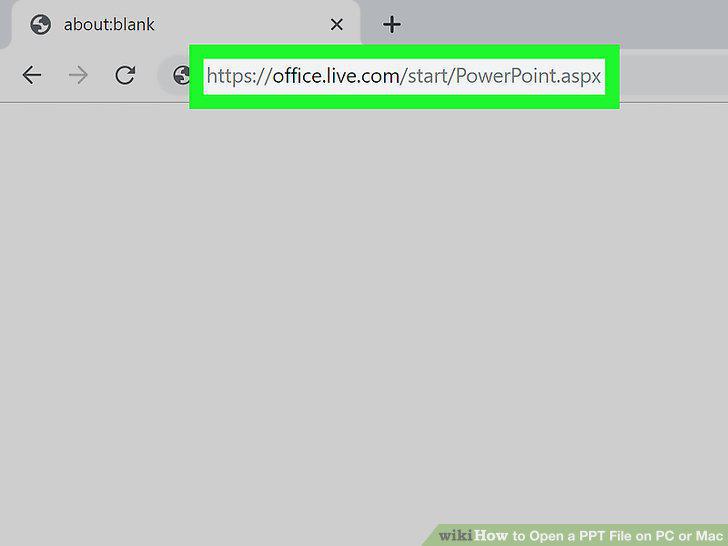
Open the PowerPoint Online website in your internet browser.
12
Click the Upload a Presentation button.
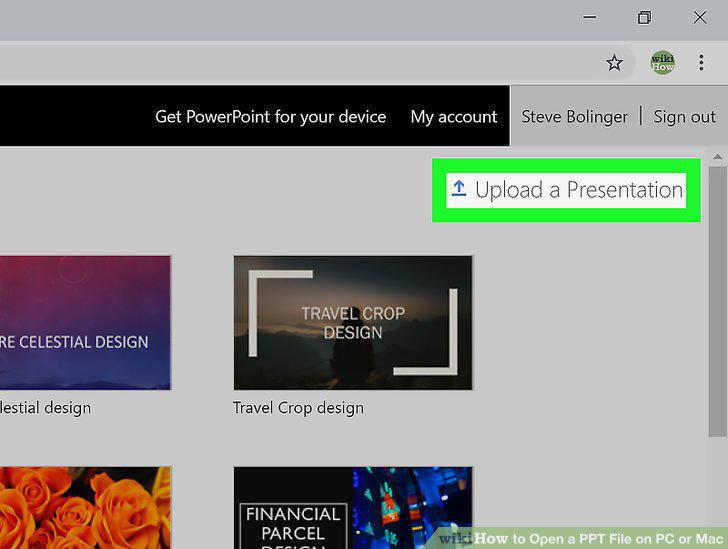
Click the Upload a Presentation button.
13
Select your PPT presentation file.
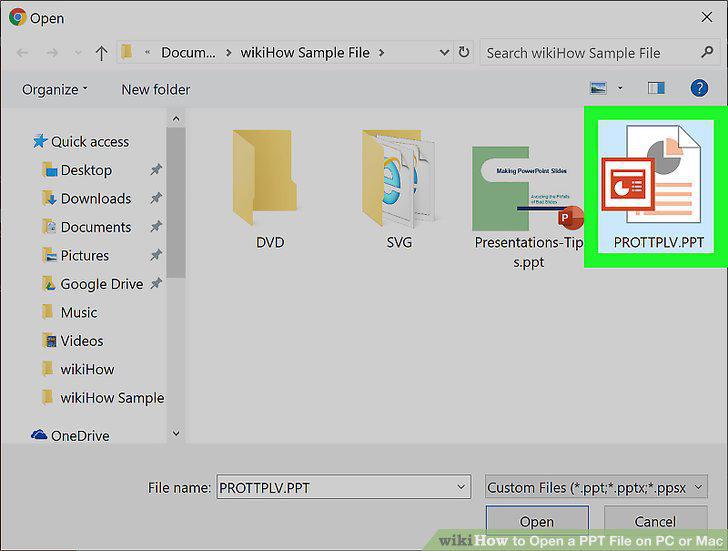
Select your PPT presentation file.
14
Click the Open button.
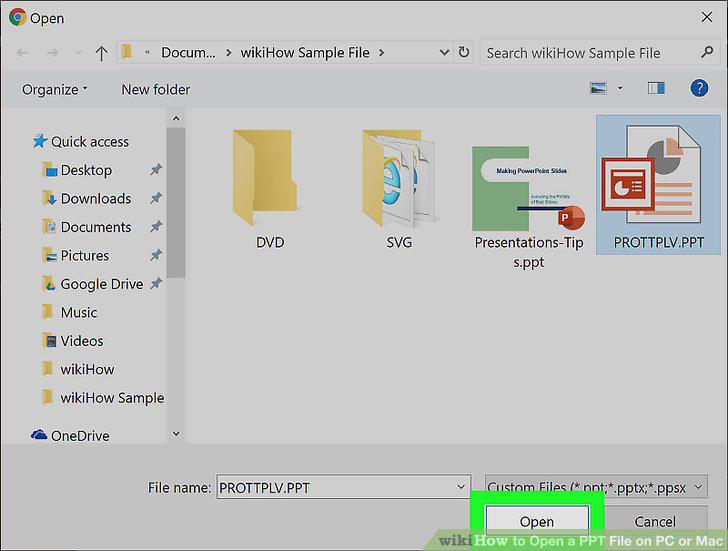
Click the Open button.
Comments (0)
No comments yet. Be the first to share your thoughts!