How to Track Your Friends Location on iPhone or iPad
Open Find My Friends on your iPhone or iPad.. Tap Add Friends.. Select a friend.
Steps
1
Open Find My Friends on your iPhone or iPad.
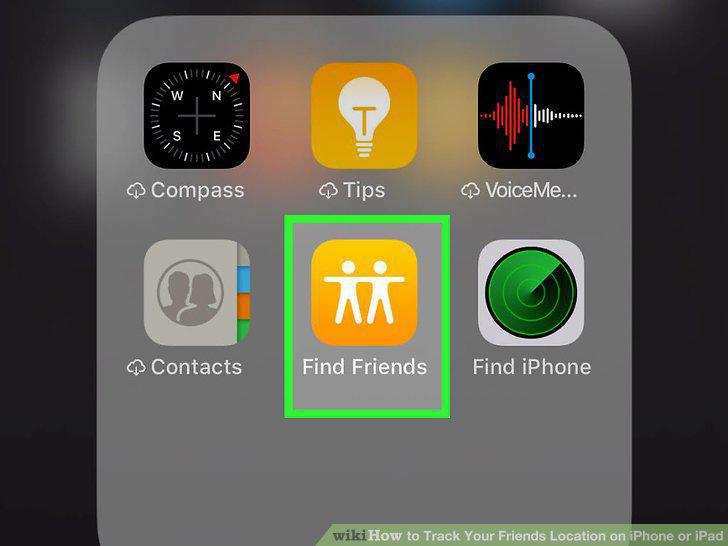
Open Find My Friends on your iPhone or iPad.
2
Tap Add Friends.
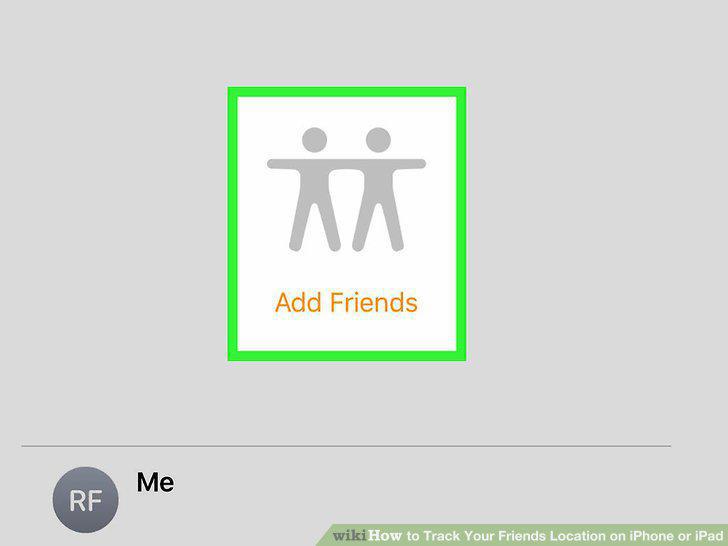
Tap Add Friends.
3
Select a friend.
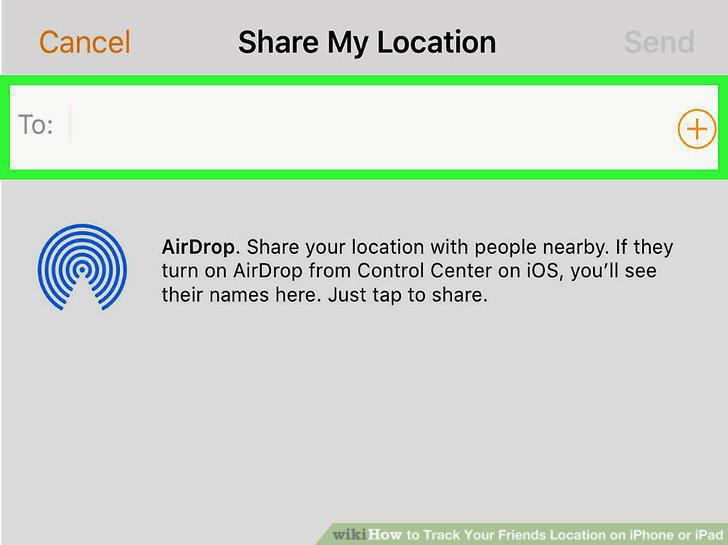
Select a friend.
4
Tap Send.
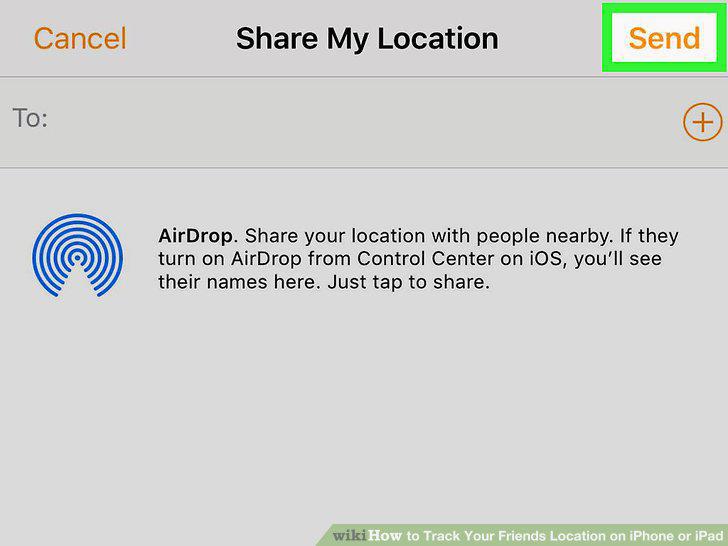
Tap Send.
5
Select an amount of time to share your location.
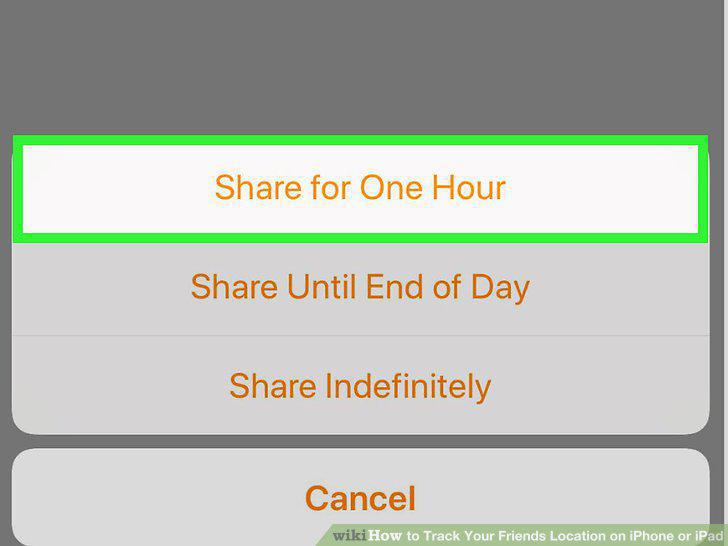
Select an amount of time to share your location.
6
Wait for your friend to share their location.
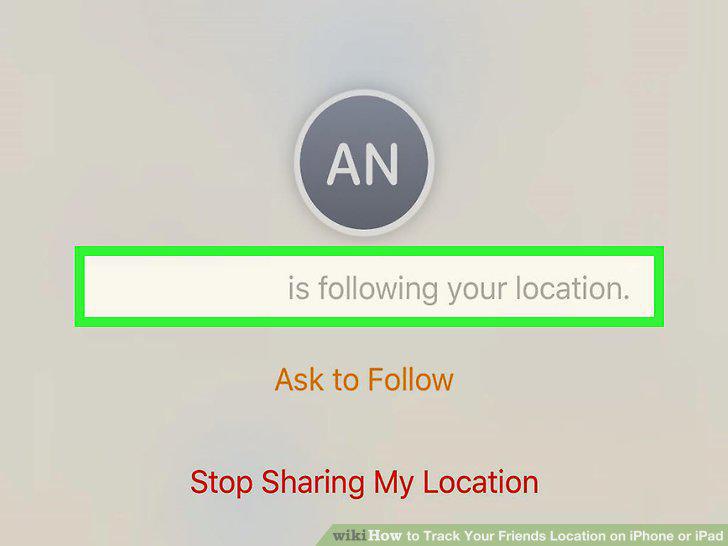
Wait for your friend to share their location.
7
Find your friend on the map.
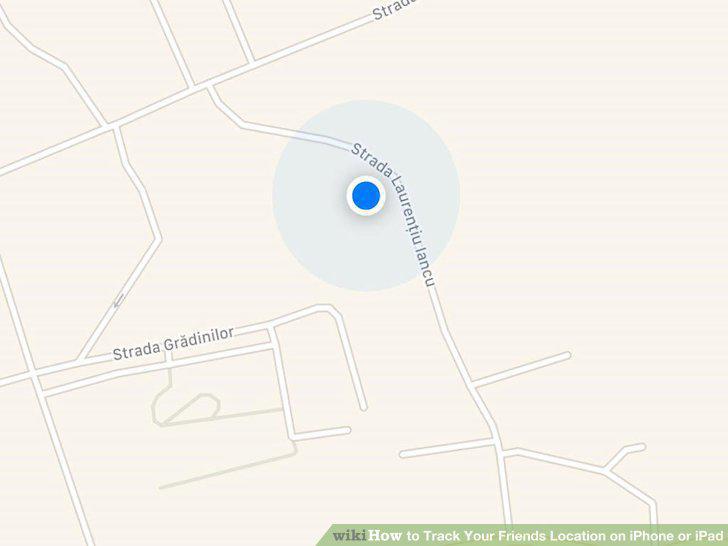
Find your friend on the map.
8
Stop sharing your location (optional).
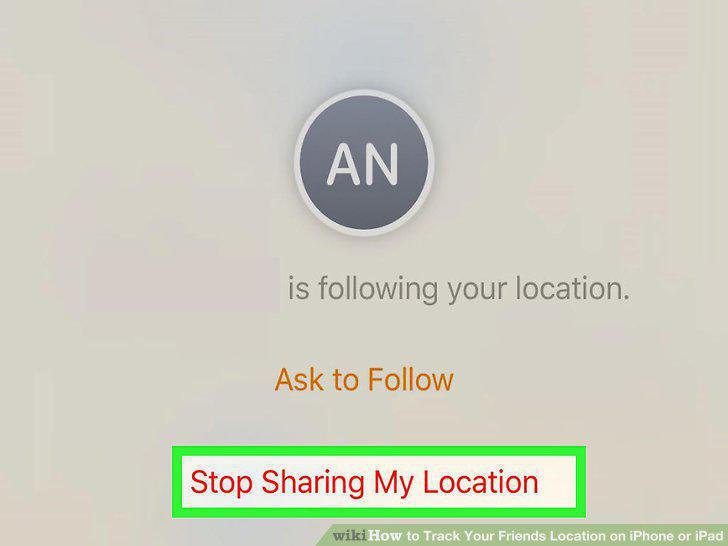
Stop sharing your location (optional).
Comments (0)
No comments yet. Be the first to share your thoughts!