How to Download Mac OS
Go to https://apple.com in a web browser.. Search for "Mountain Lion," "Lion," or "Snow Leopard.. Click Add to Bag.
Steps
1
Go to https://apple.com in a web browser.
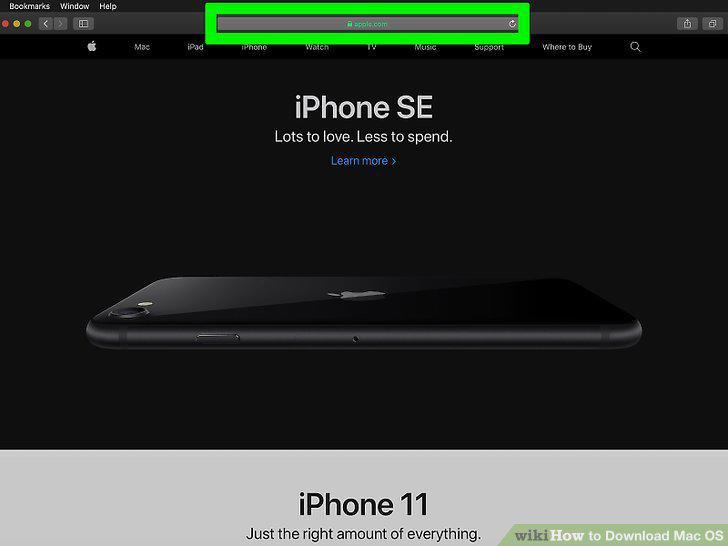
Go to https://apple.com in a web browser.
2
Search for "Mountain Lion," "Lion," or "Snow Leopard.
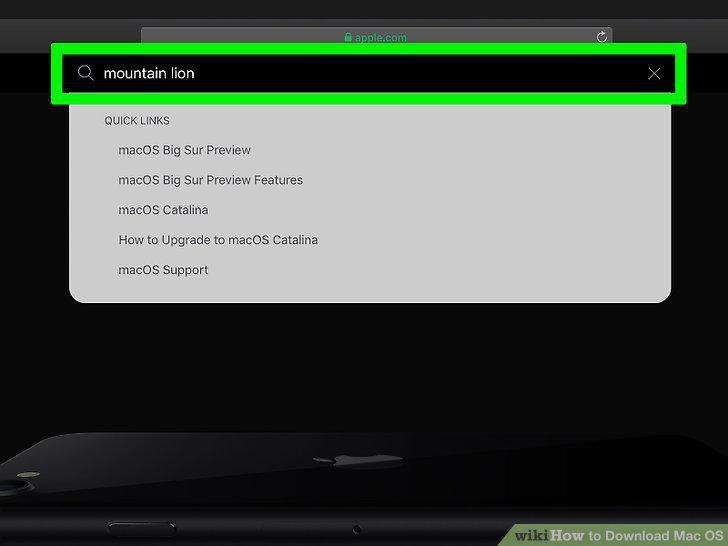
Search for "Mountain Lion," "Lion," or "Snow Leopard.
3
Click Add to Bag.
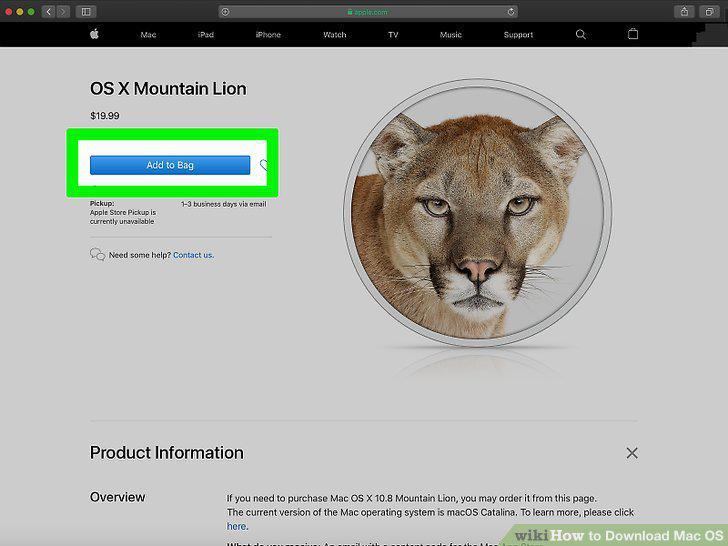
Click Add to Bag.
4
Finalize your purchase and follow the prompts to download the OS.
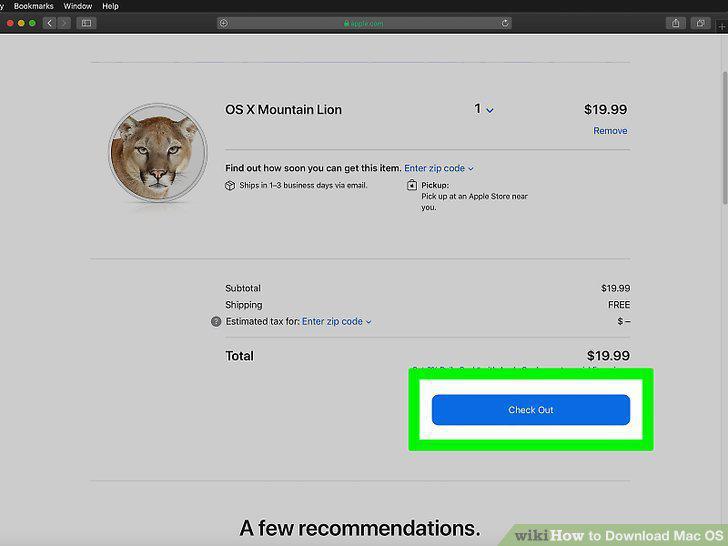
Finalize your purchase and follow the prompts to download the OS.
Comments (0)
No comments yet. Be the first to share your thoughts!