How to Use Emoji Shortcuts on an iPhone
Open the Messages app.. Tap a conversation.. Tap the text box to open the keyboard.
Steps
1
Open the Messages app.
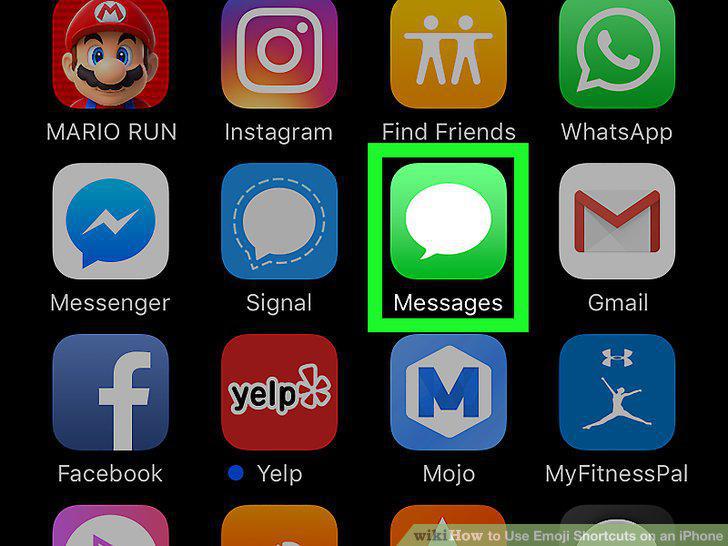
Open the Messages app.
2
Tap a conversation.
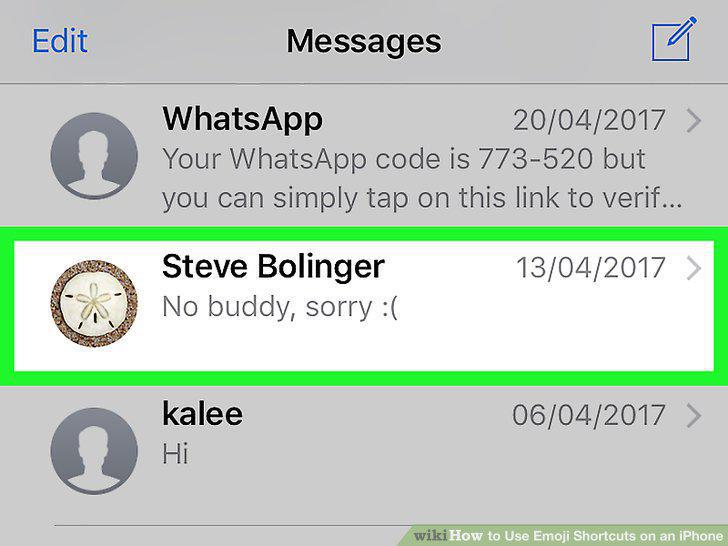
Tap a conversation.
3
Tap the text box to open the keyboard.
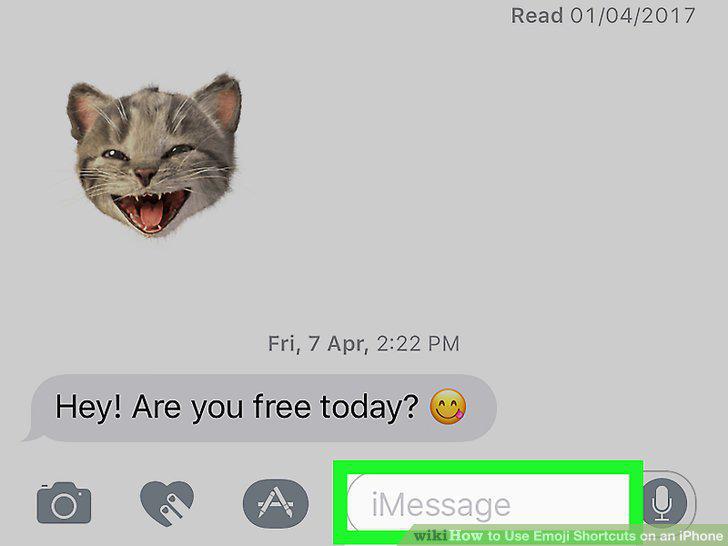
Tap the text box to open the keyboard.
4
Type a message.
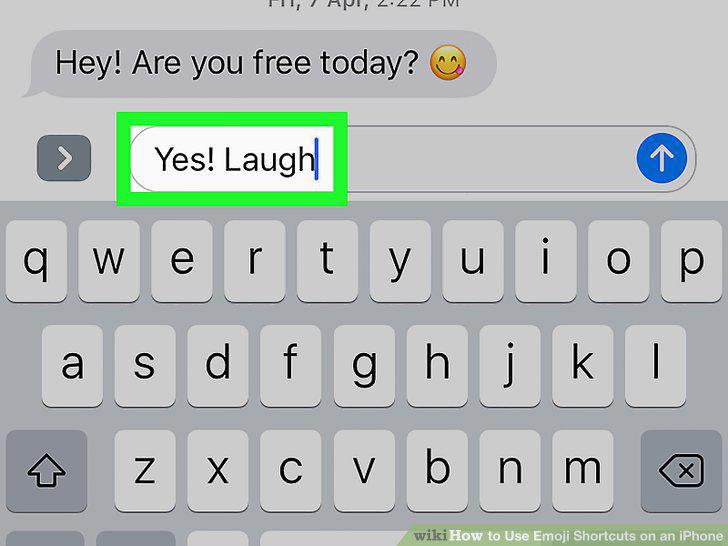
Type a message.
5
Tap the emoji button.
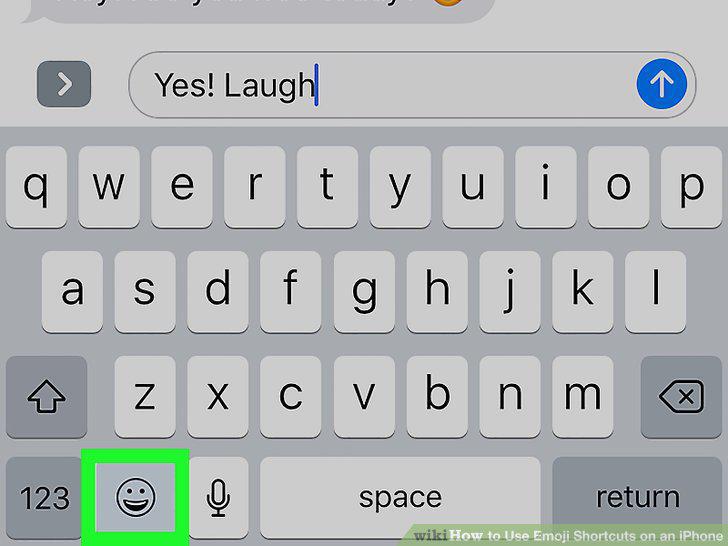
Tap the emoji button.
6
Tap a highlighted word.
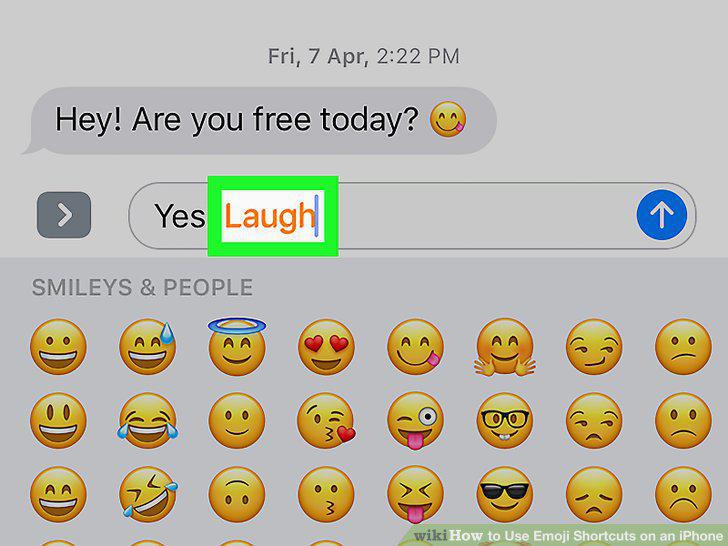
Tap a highlighted word.
7
Tap the arrow to send the message.
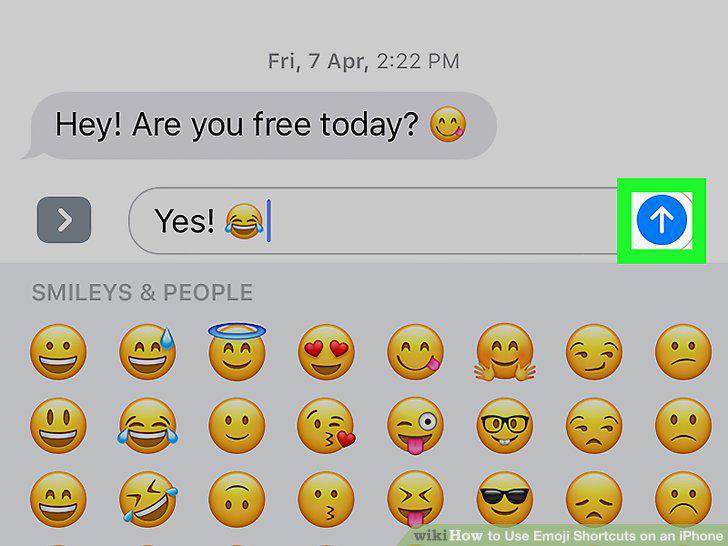
Tap the arrow to send the message.
8
Open your iPhone's Settings.
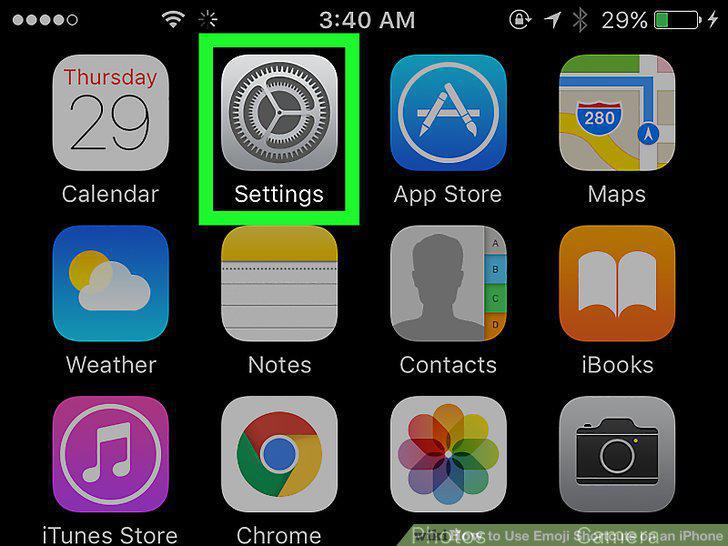
Open your iPhone's Settings.
9
Tap General.
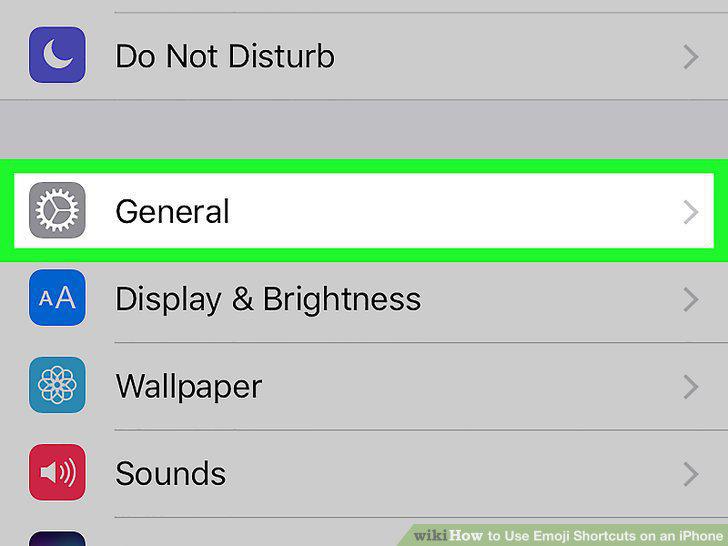
Tap General.
10
Scroll down and tap Keyboard.
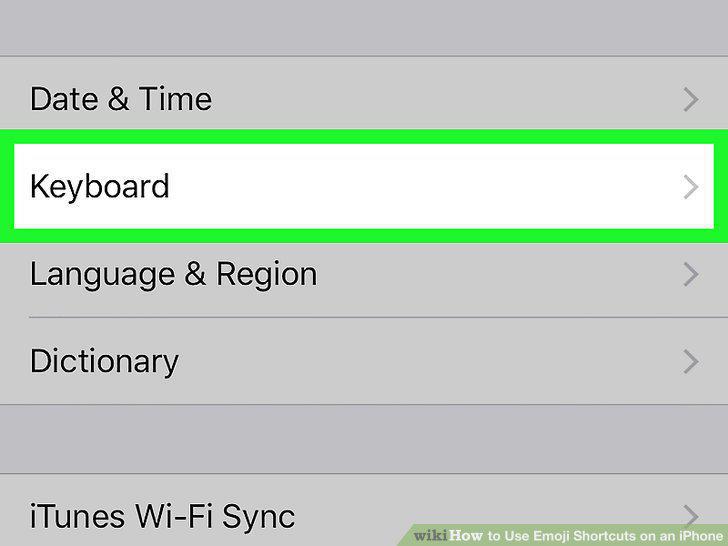
Scroll down and tap Keyboard.
11
Tap Text Replacement.
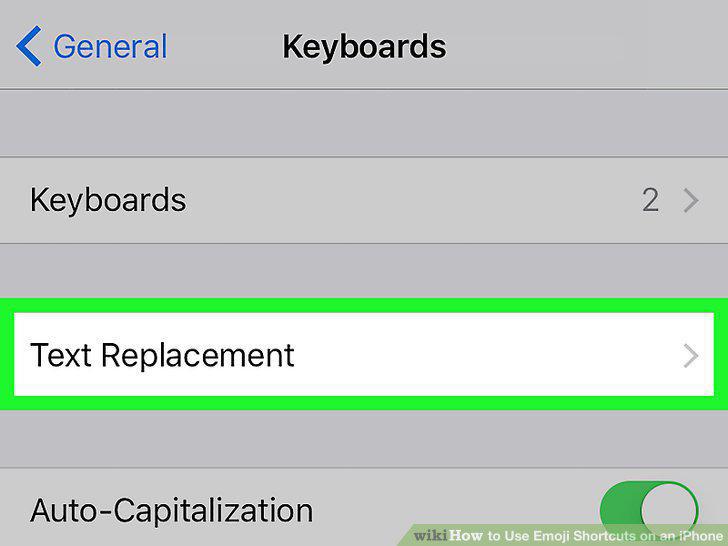
Tap Text Replacement.
12
Tap +.
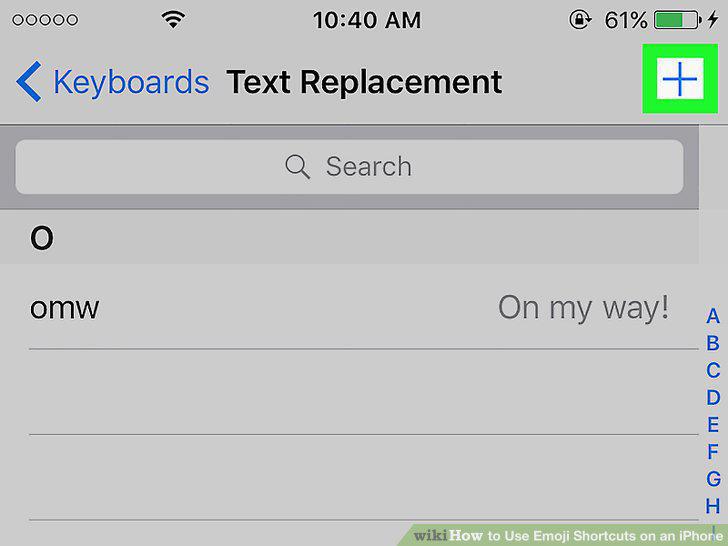
Tap +.
13
Type your desired emoji into the "Phrase" field.
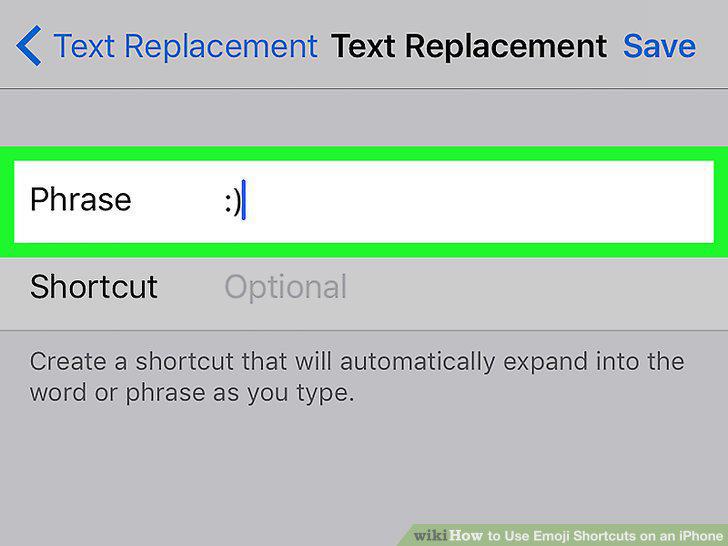
Type your desired emoji into the "Phrase" field.
14
Type a text shortcut into the "Shortcut" field.
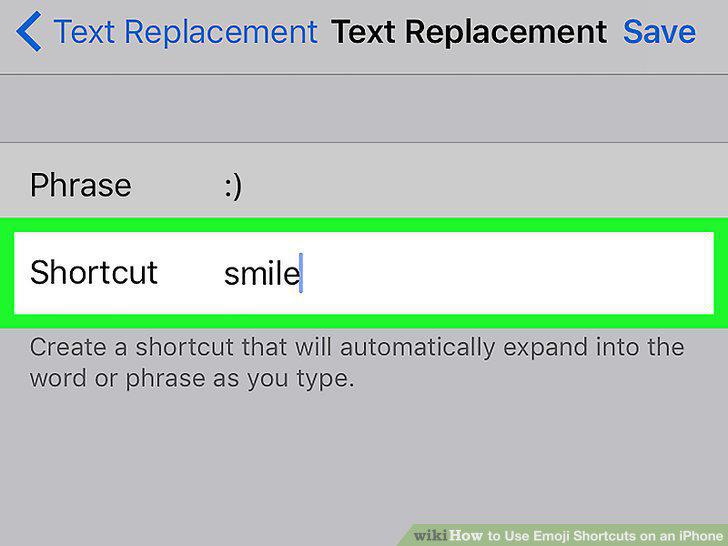
Type a text shortcut into the "Shortcut" field.
15
Tap Save.
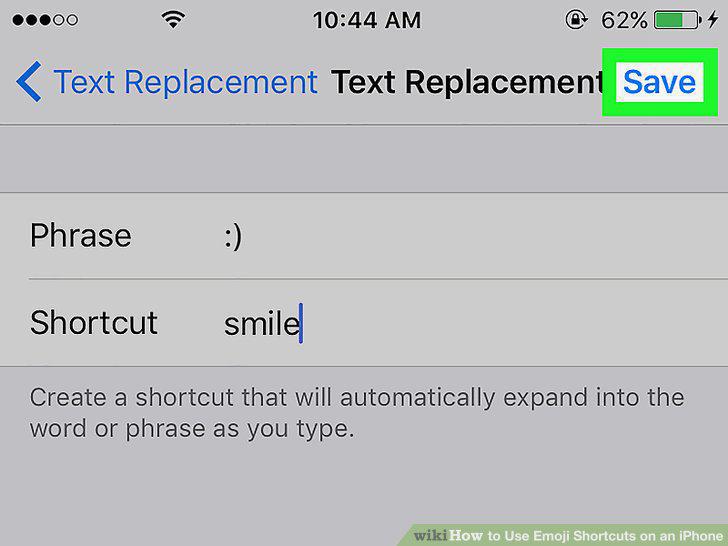
Tap Save.
16
Type the shortcut in any app.
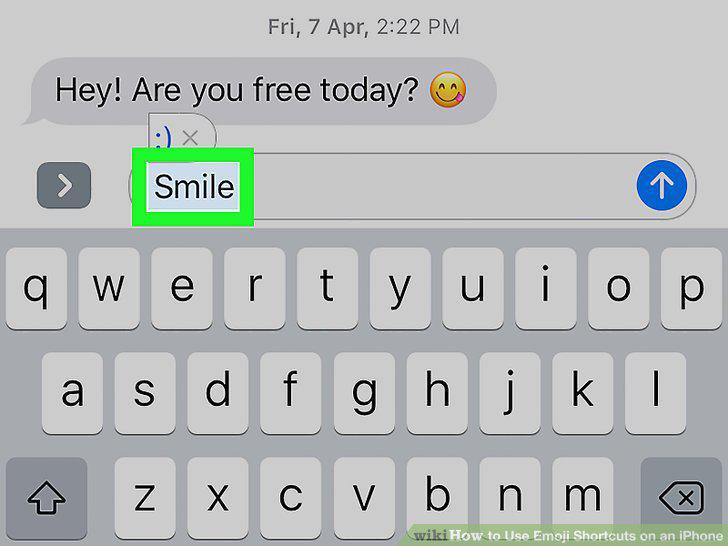
Type the shortcut in any app.
17
Tap the emoji.
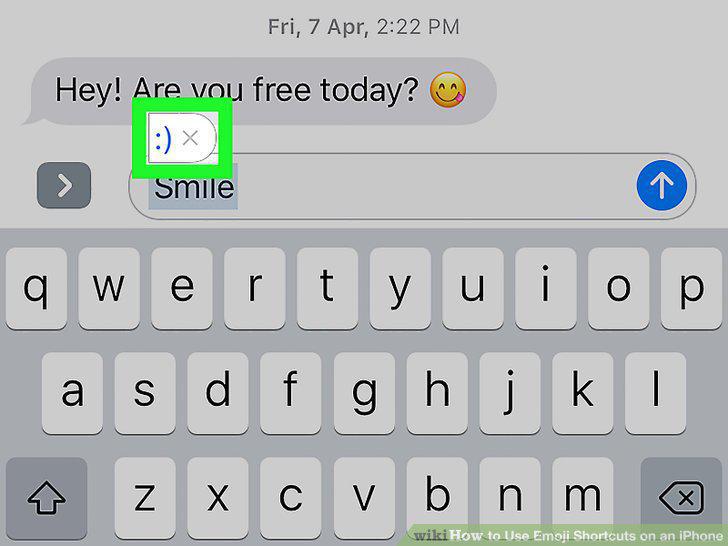
Tap the emoji.
Comments (0)
No comments yet. Be the first to share your thoughts!