How to Create a Database in MySQL
Make sure that your MySQL server is connected.. Copy the installation folder's path.. Open your computer's command line.
Steps
1
Make sure that your MySQL server is connected.
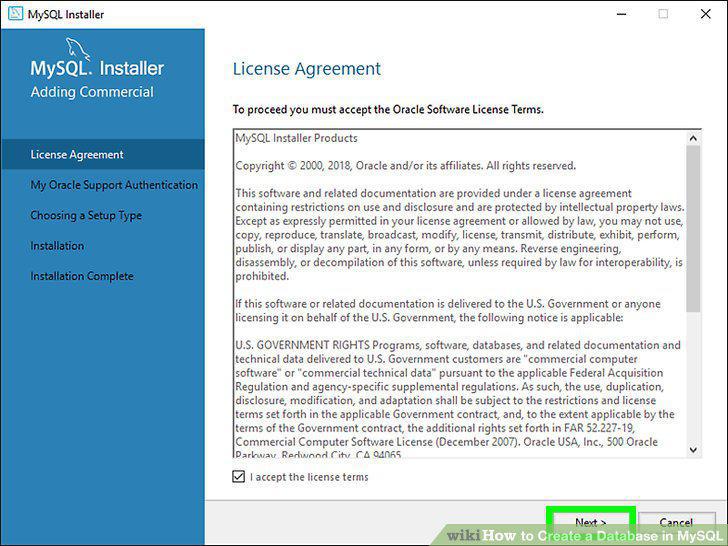
Make sure that your MySQL server is connected.
2
Copy the installation folder's path.
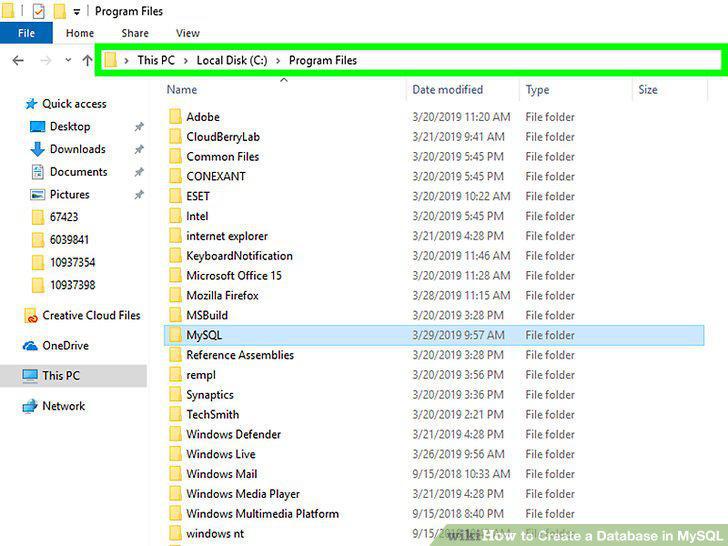
Copy the installation folder's path.
3
Open your computer's command line.
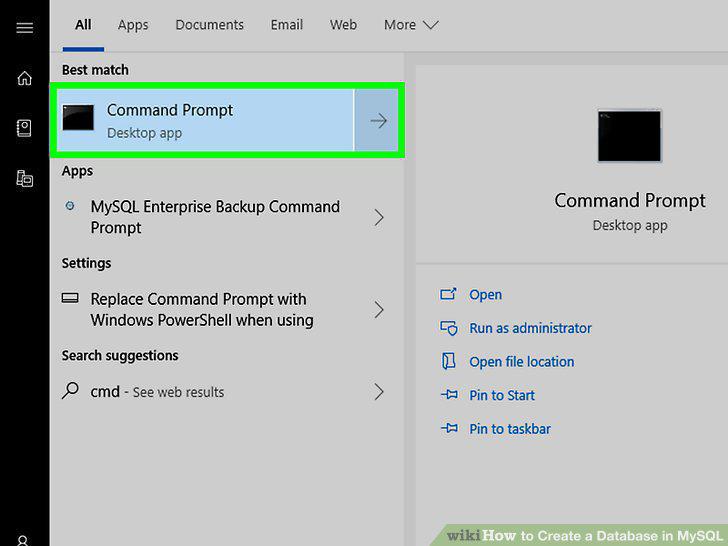
Open your computer's command line.
4
Change to the MySQL installation folder's directory.
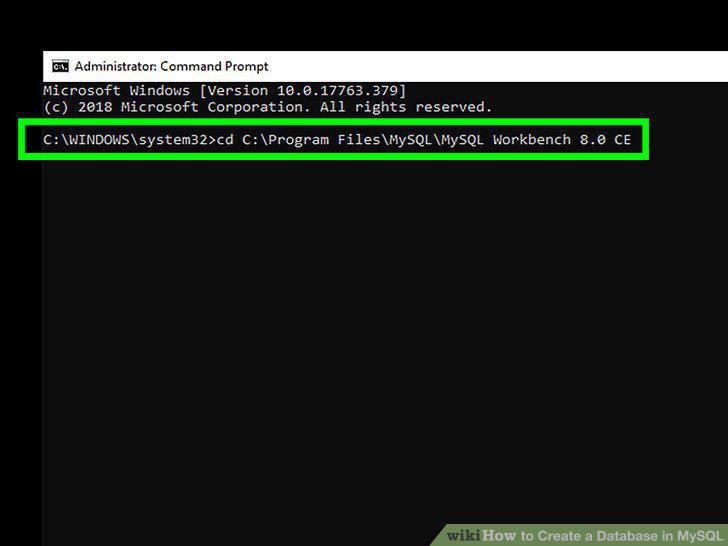
Change to the MySQL installation folder's directory.
5
Open the MySQL login command.
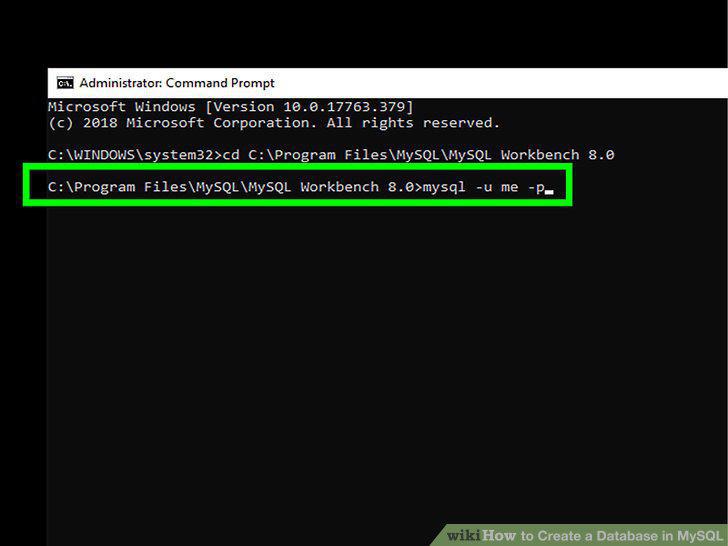
Open the MySQL login command.
6
Enter your account password.
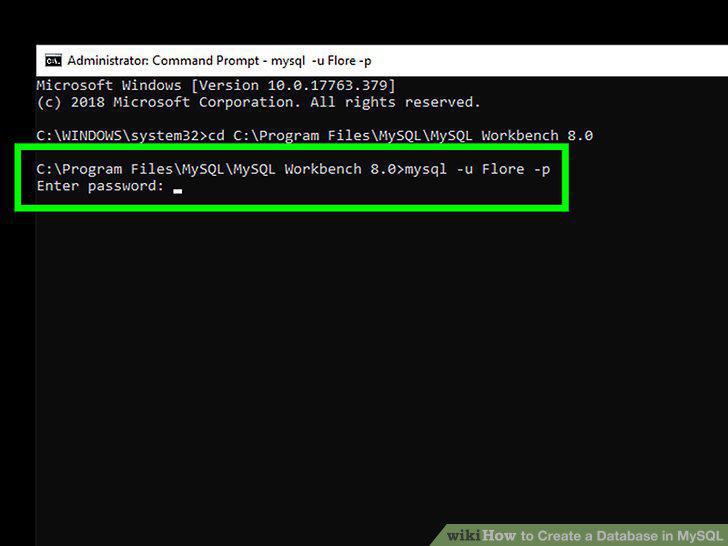
Enter your account password.
7
Create your database's file.
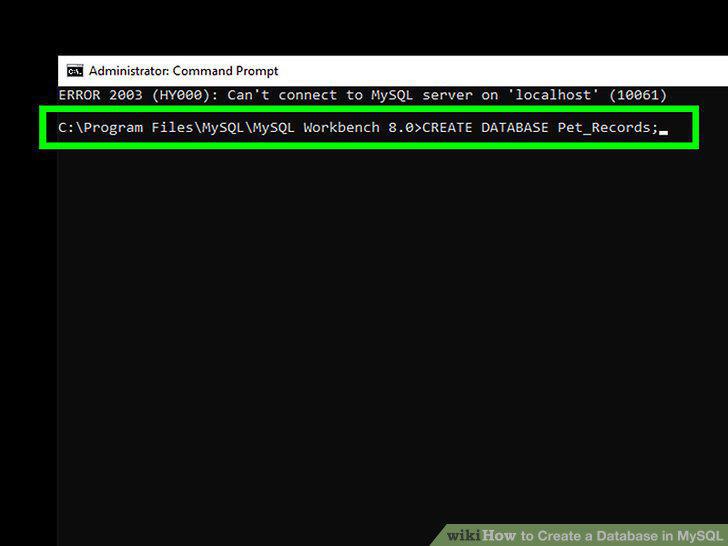
Create your database's file.
8
Display the current databases.
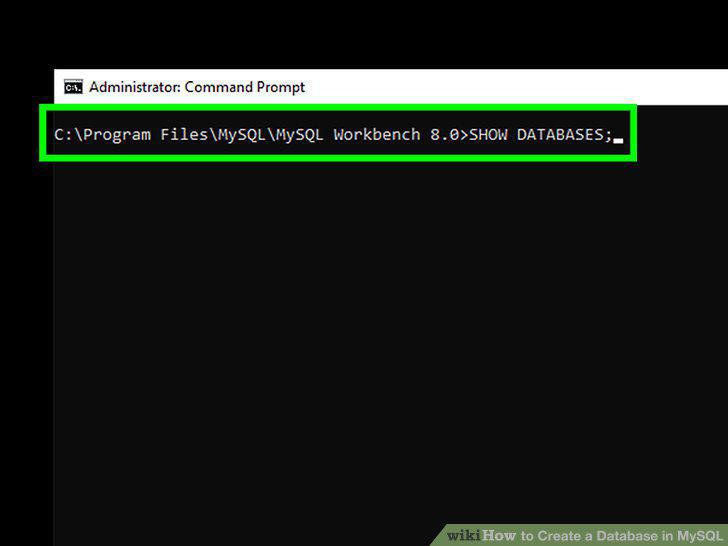
Display the current databases.
9
Select your database.
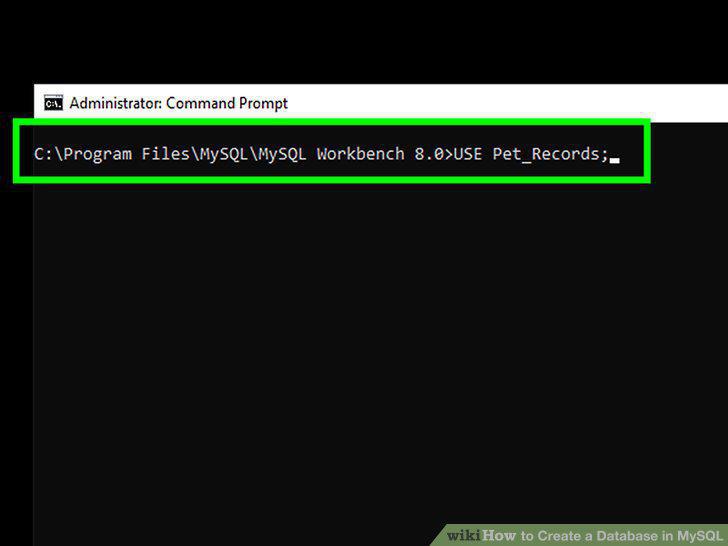
Select your database.
10
Wait for the confirmation message.
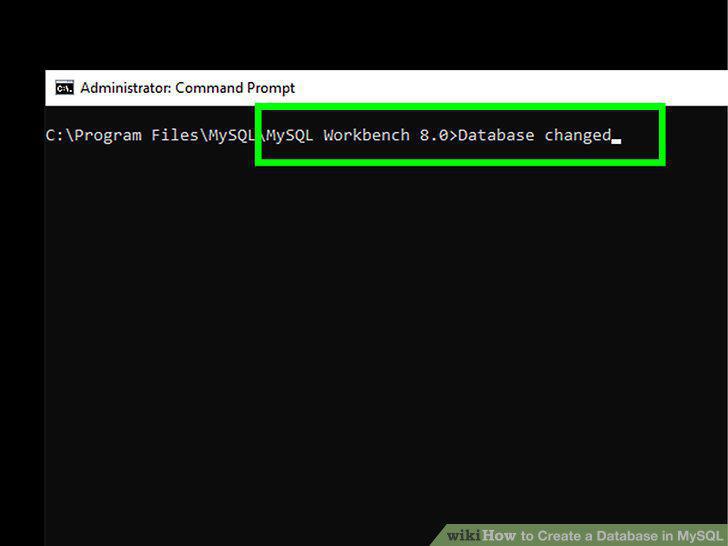
Wait for the confirmation message.
11
Understand the different table commands.
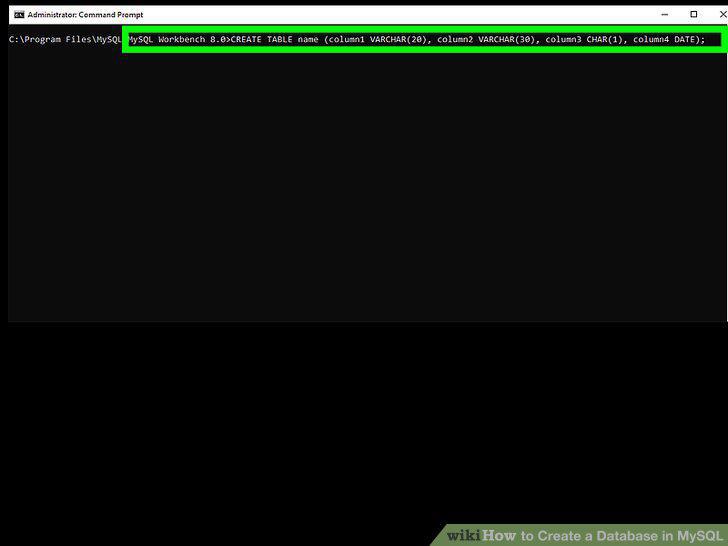
Understand the different table commands.
12
Create the table outline.
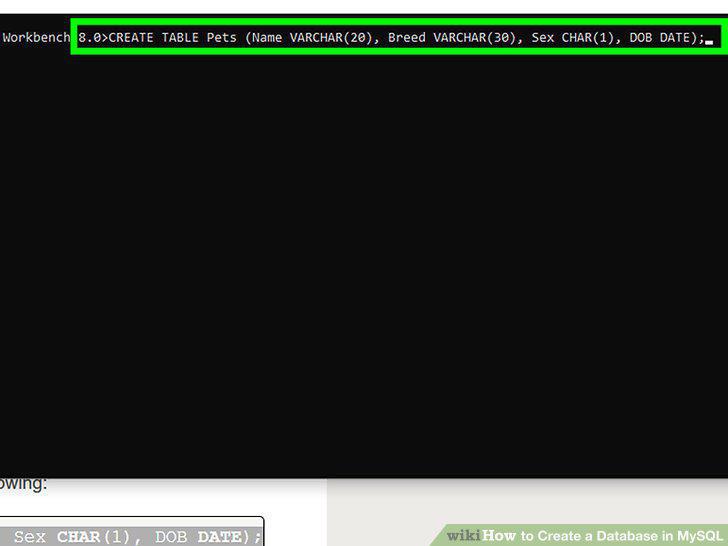
Create the table outline.
13
Add a line to your table.
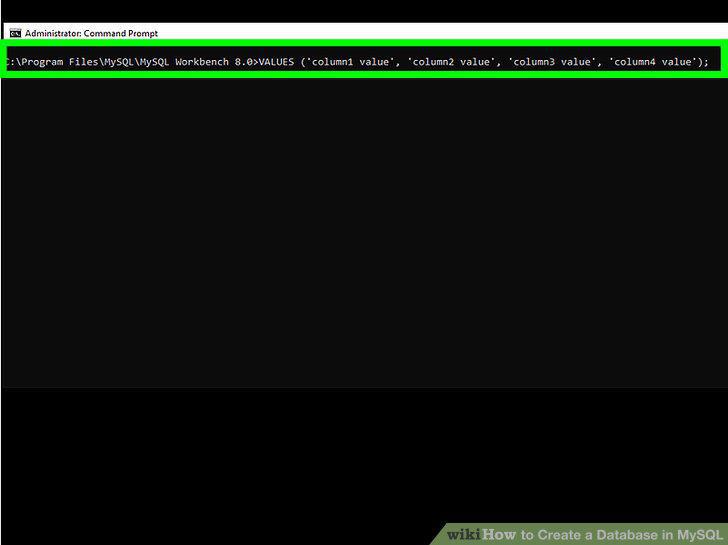
Add a line to your table.
14
Insert the rest of your data if possible.
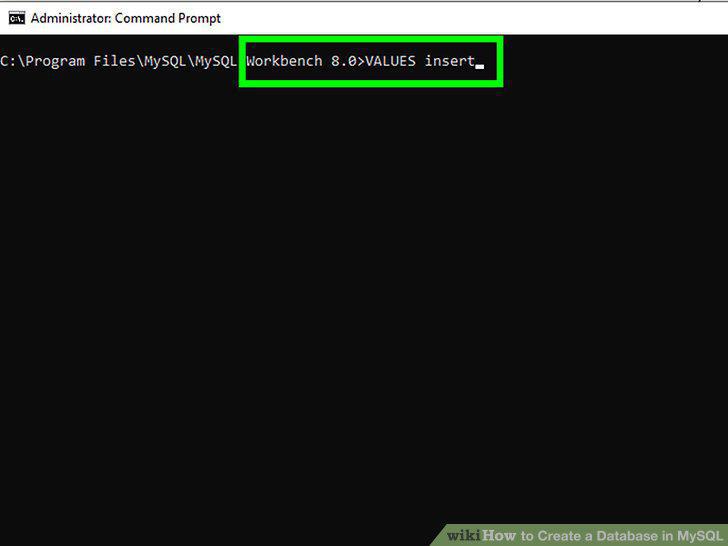
Insert the rest of your data if possible.
15
Upload a text file if needed.
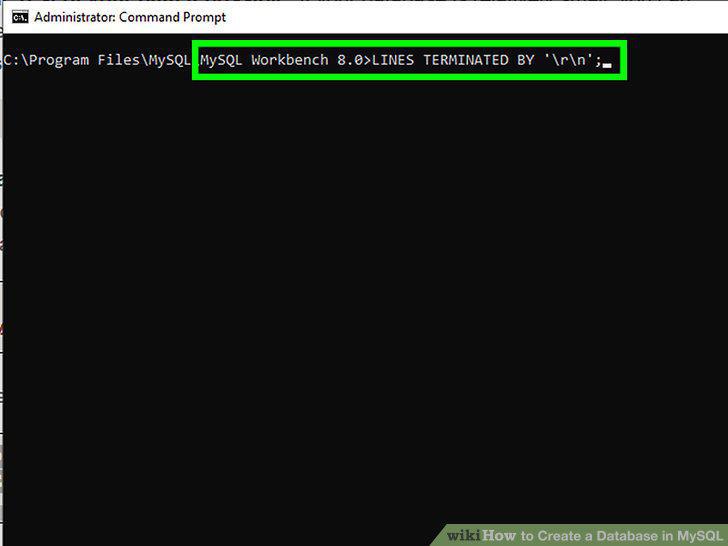
Upload a text file if needed.
16
View your table.
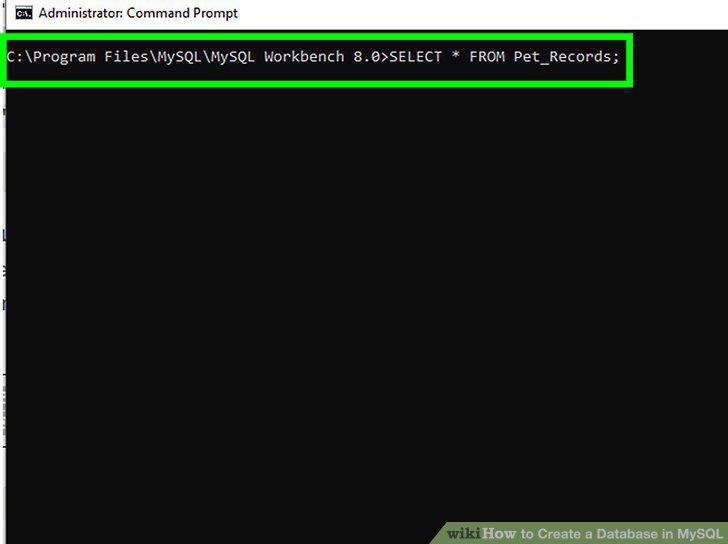
View your table.
Comments (0)
No comments yet. Be the first to share your thoughts!