How to Pack a Desktop Computer for Moving
Turn the computer off and take the cables out.. Reinforce the bottom of a big box with packing tape and clothes.. Wrap the tower in a blanket or anti-static bubble wrap.
Steps
Turn the computer off and take the cables out.
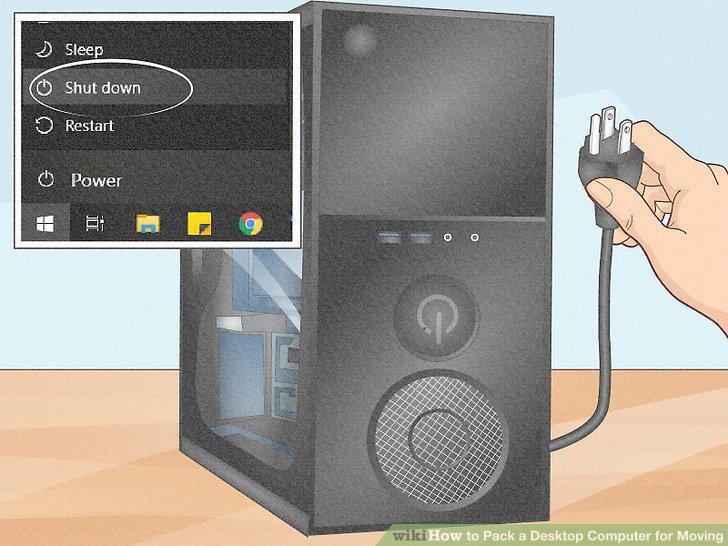
Turn the computer off and take the cables out.
Reinforce the bottom of a big box with packing tape and clothes.
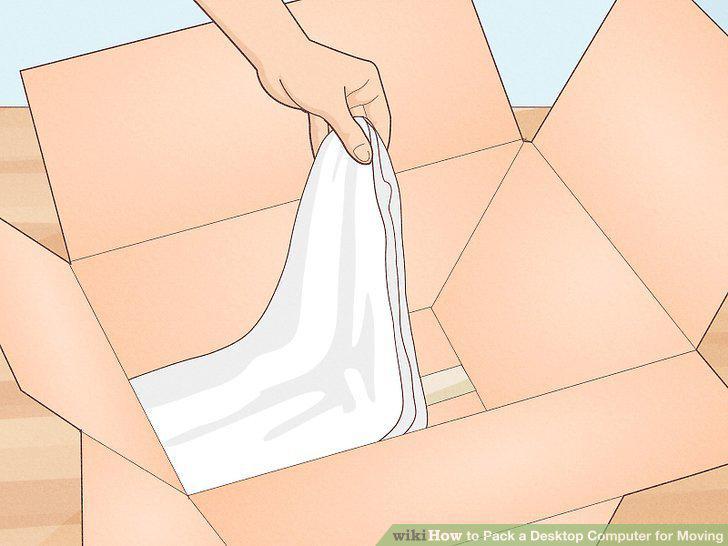
Reinforce the bottom of a big box with packing tape and clothes.
Wrap the tower in a blanket or anti-static bubble wrap.
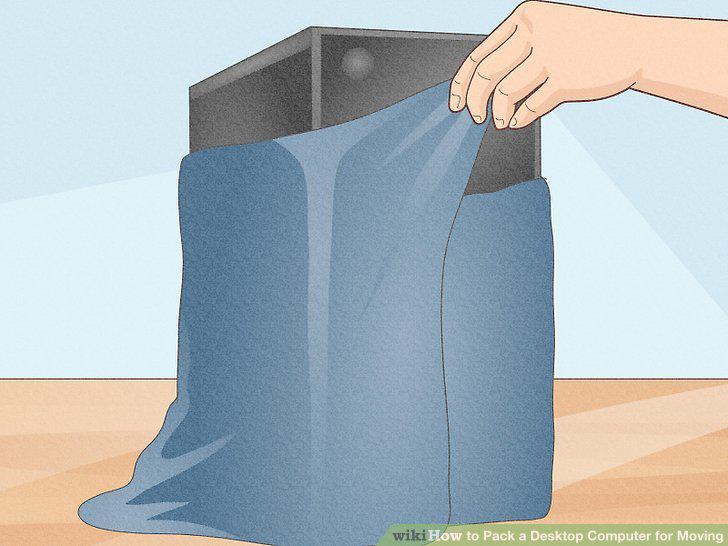
Wrap the tower in a blanket or anti-static bubble wrap.
Set the tower inside of the box right-side up.
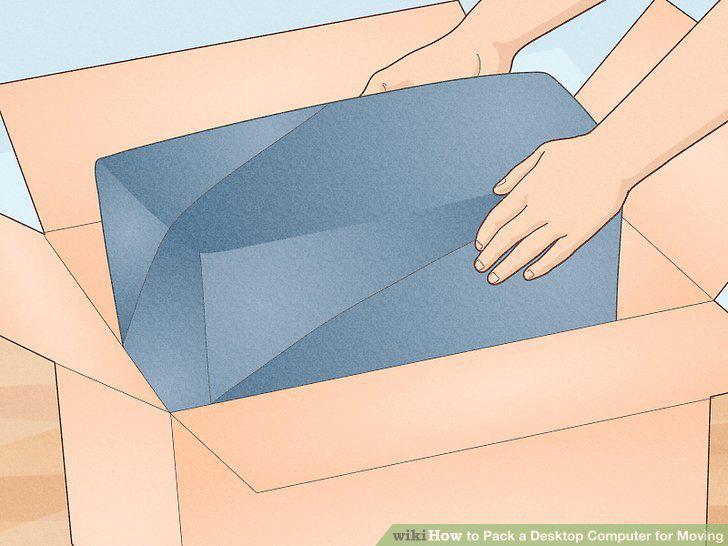
Set the tower inside of the box right-side up.
Fill in the remaining empty space with clothes or packing paper.
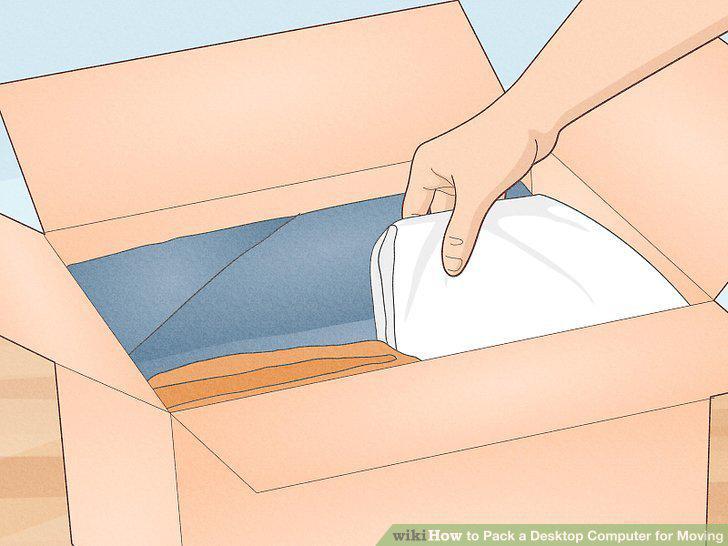
Fill in the remaining empty space with clothes or packing paper.
Close the box and tape it down before labelling it.
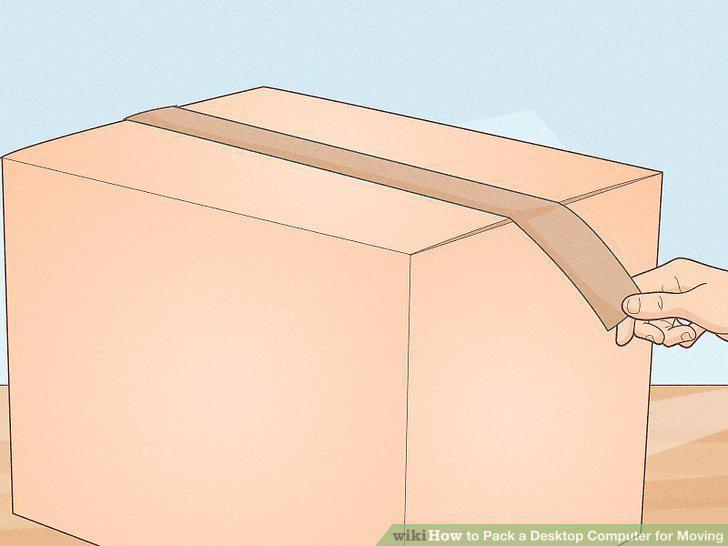
Close the box and tape it down before labelling it.
Wrap your cables
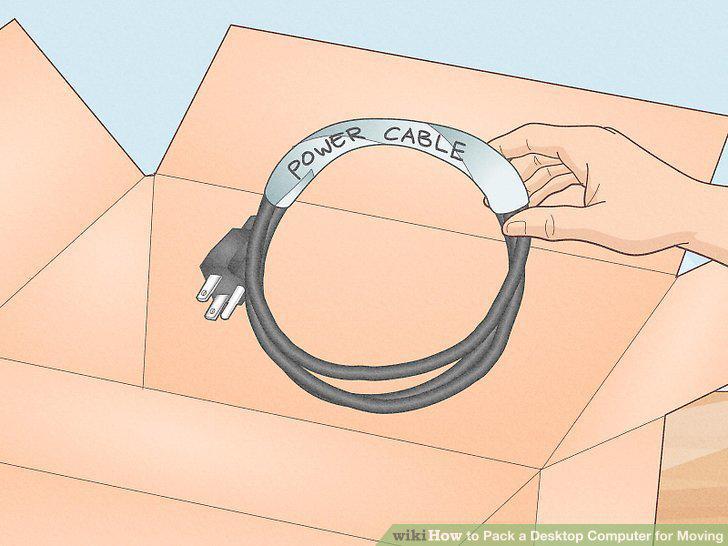
Wrap your cables
Pack your monitor with cardboard, cloth, and packing tape.
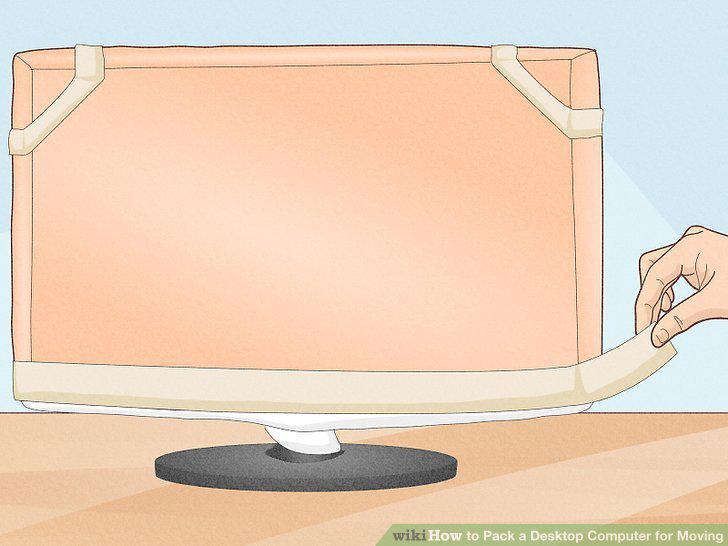
Pack your monitor with cardboard, cloth, and packing tape.
Wrap your keyboard loosely in cloth or paper to protect the keys.
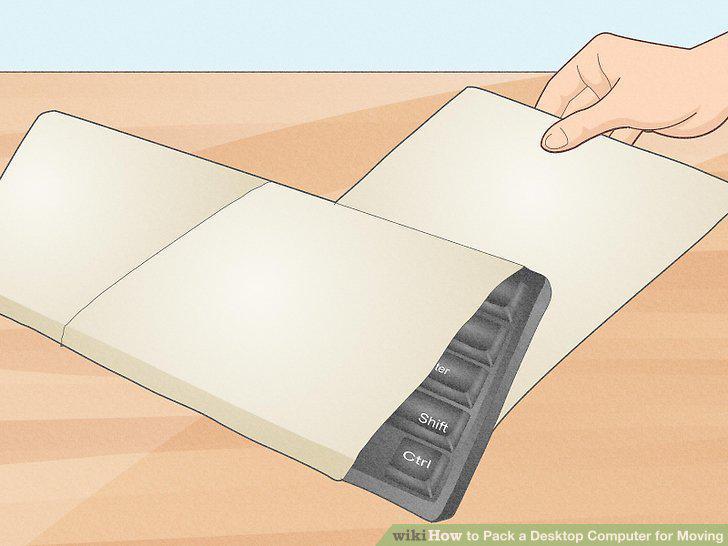
Wrap your keyboard loosely in cloth or paper to protect the keys.
Use packing paper to wrap your headphones, speakers, and mouse.
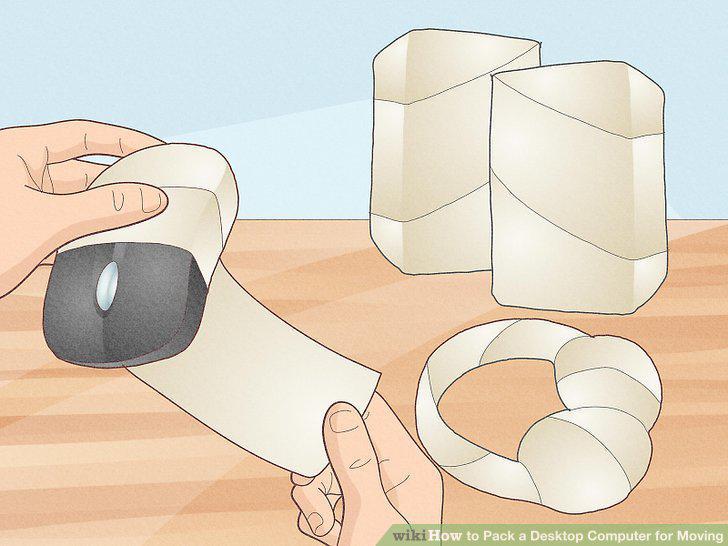
Use packing paper to wrap your headphones, speakers, and mouse.
Disassemble your gaming PC components if you want to keep them safe on long move
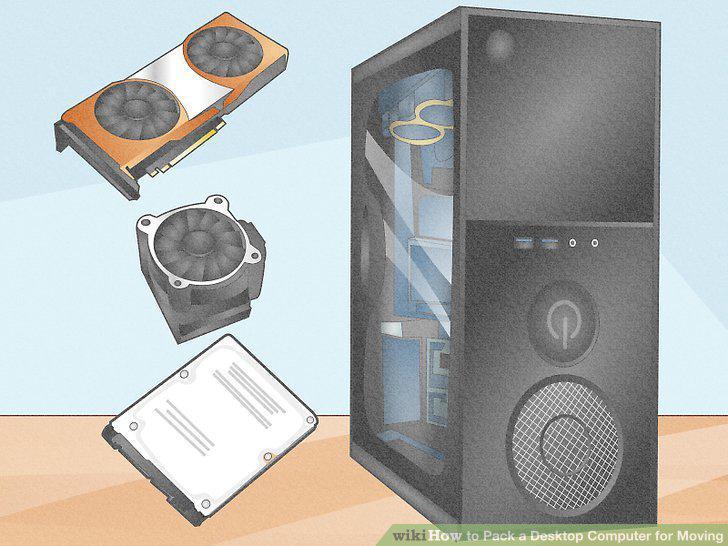
Disassemble your gaming PC components if you want to keep them safe on long moves.
Take the fiberglass panel off using the knobs or a screwdriver.
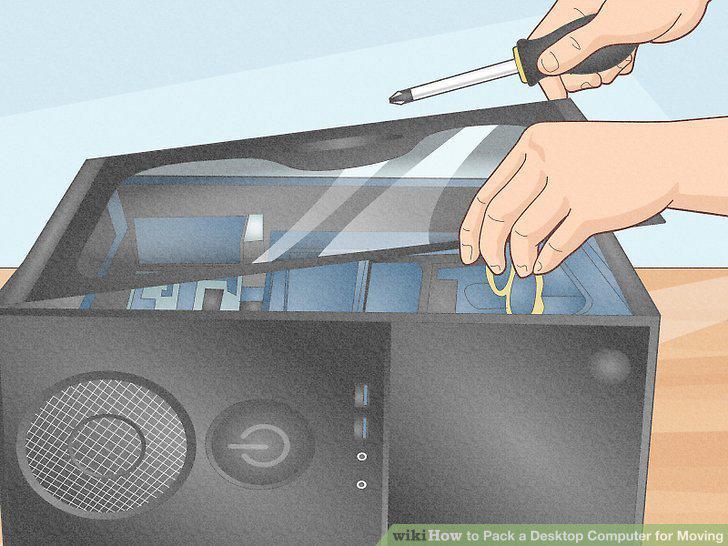
Take the fiberglass panel off using the knobs or a screwdriver.
Grab some anti-static bags to pack anything you're taking out.
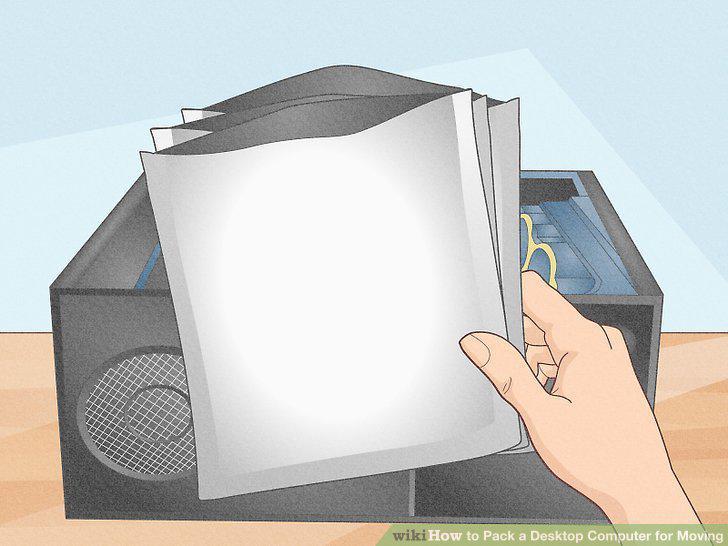
Grab some anti-static bags to pack anything you're taking out.
Take your graphics card (GPU) out to keep the biggest component safe.
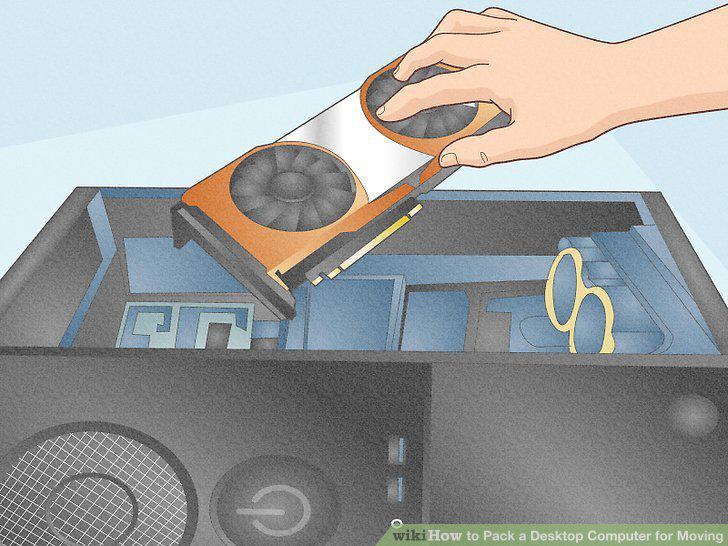
Take your graphics card (GPU) out to keep the biggest component safe.
Remove the CPU cooler if you don't have a liquid cooling system.
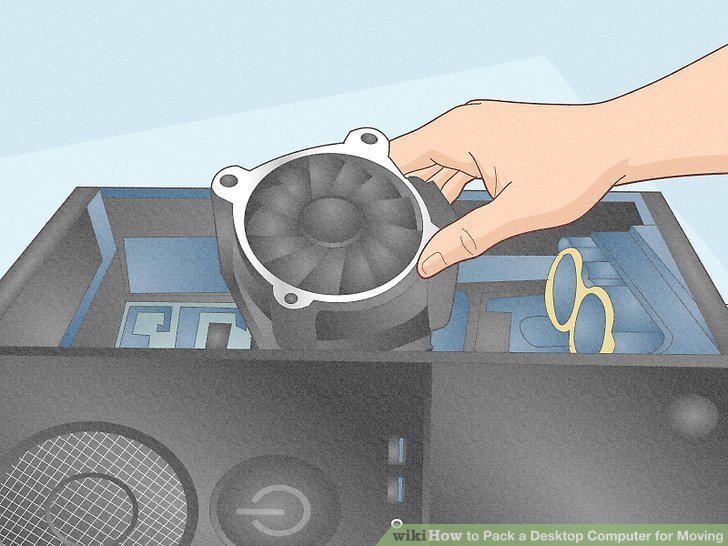
Remove the CPU cooler if you don't have a liquid cooling system.
Take the hard drive out if you want to be extra safe.
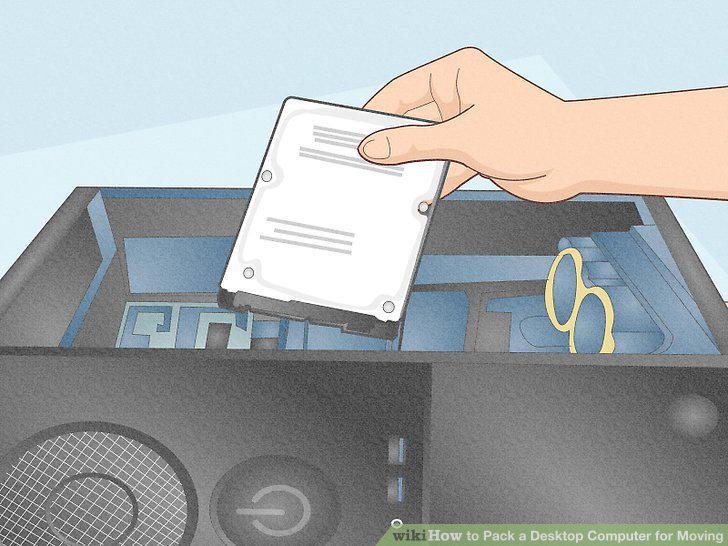
Take the hard drive out if you want to be extra safe.
Wrap a zip tie or rubber band around the RAM casings.
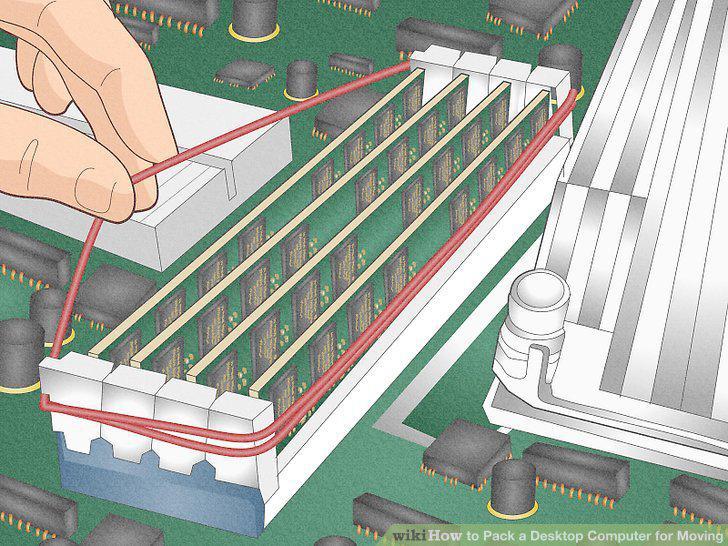
Wrap a zip tie or rubber band around the RAM casings.
Tie or tape down loose cables inside of the case.
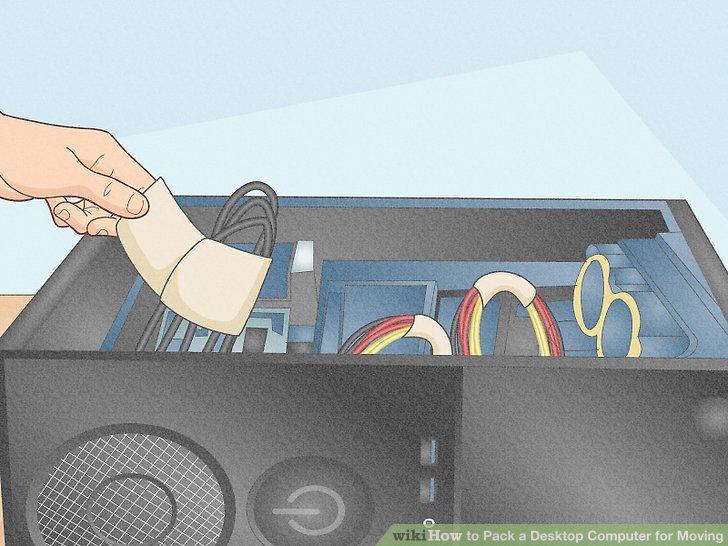
Tie or tape down loose cables inside of the case.
Stuff the inside of the PC with packing paper and close the case.
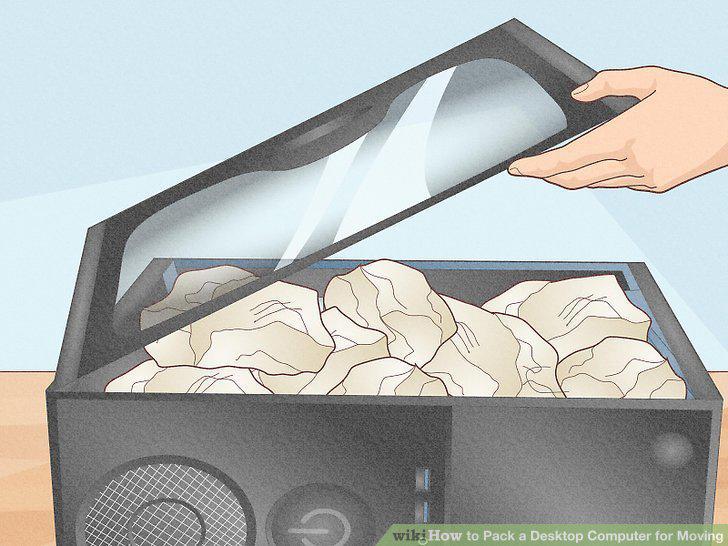
Stuff the inside of the PC with packing paper and close the case.
Comments (0)
No comments yet. Be the first to share your thoughts!