How to Close a Free AOL Account
Open the AOL cancellation page.. Log into your account if necessary.. Click Continue delete my account.
Steps
1
Open the AOL cancellation page.
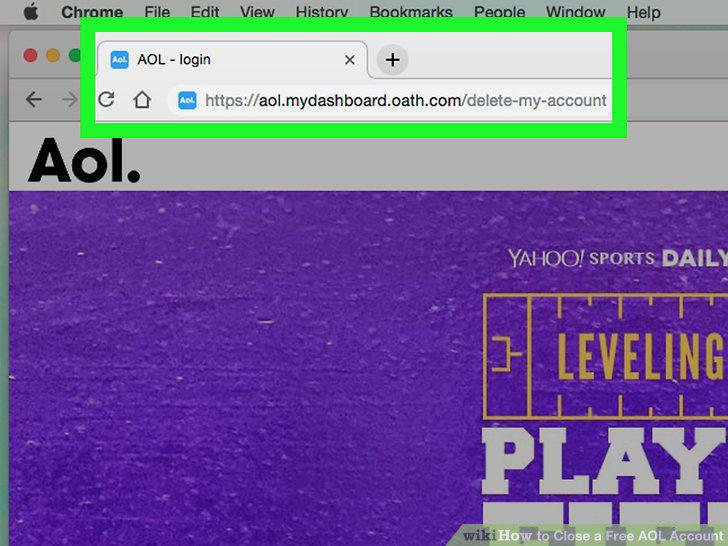
Open the AOL cancellation page.
2
Log into your account if necessary.
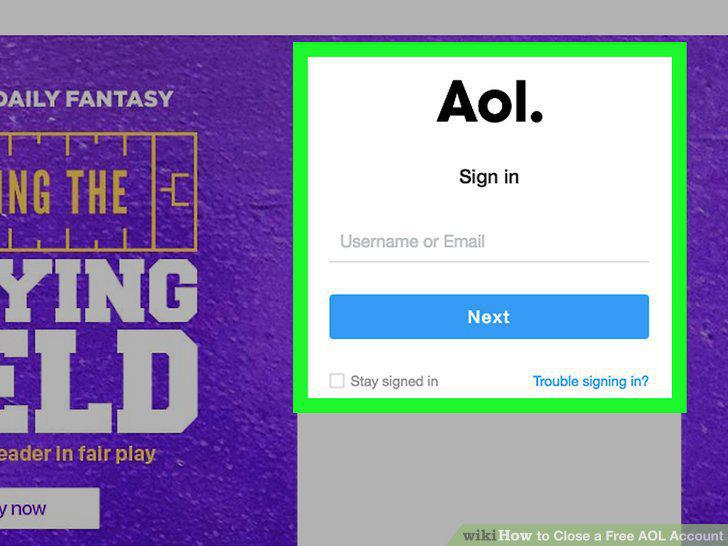
Log into your account if necessary.
3
Click Continue delete my account.
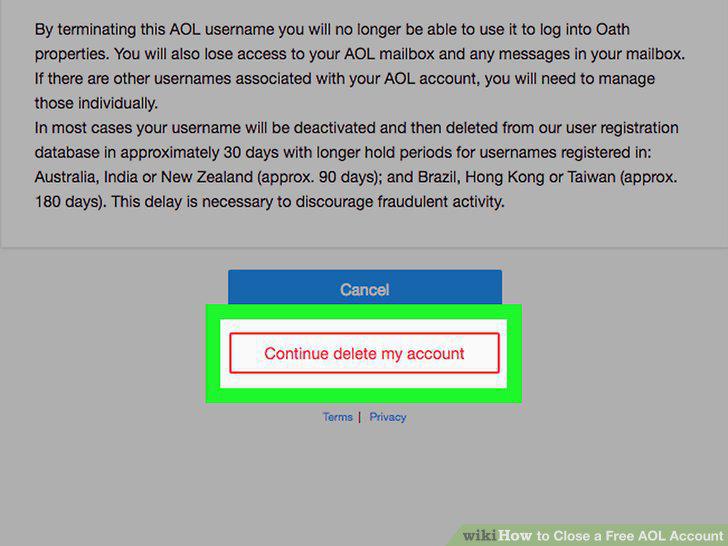
Click Continue delete my account.
4
Enter your email address.
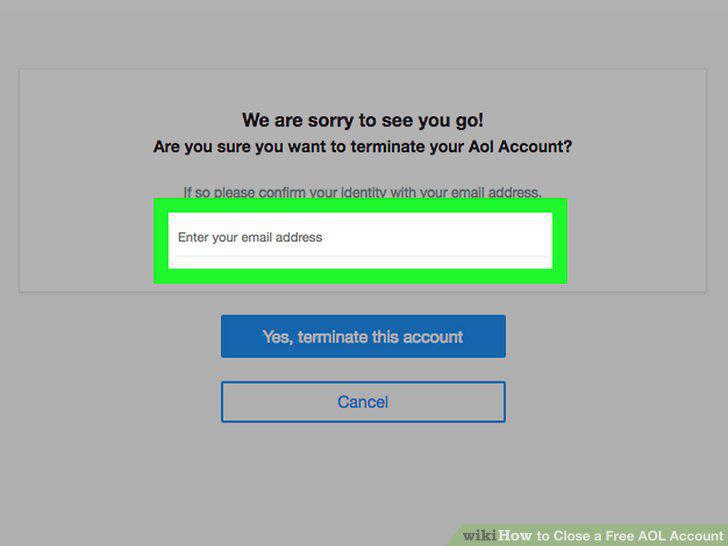
Enter your email address.
5
Click Yes, terminate this account.
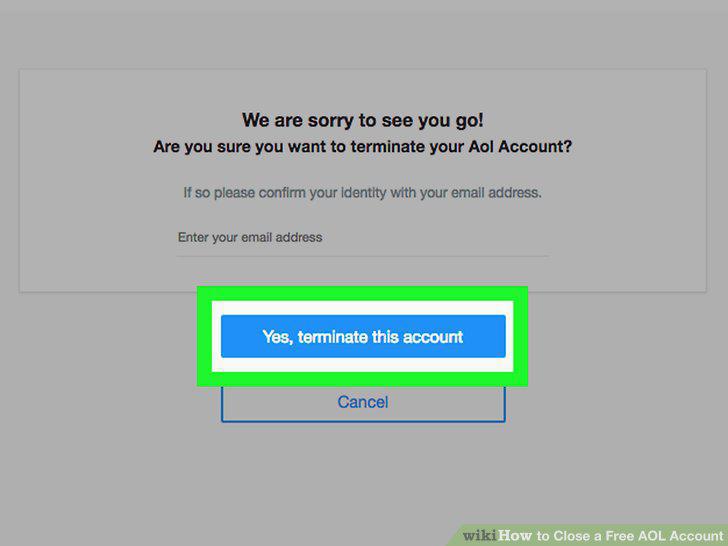
Click Yes, terminate this account.
6
Click Got it when prompted.
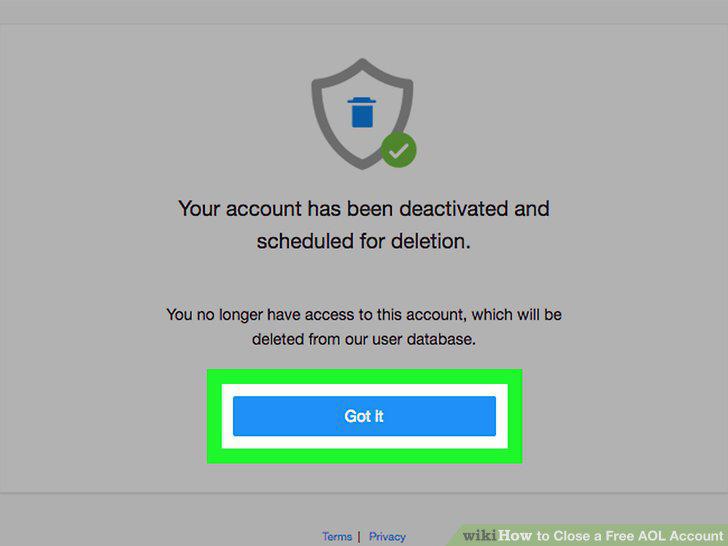
Click Got it when prompted.
Comments (0)
No comments yet. Be the first to share your thoughts!