How to Search Nearby on Google Maps on Android
Open Google Maps on your Android.. Swipe up on the bottom panel.. Tap a location type.
Steps
1
Open Google Maps on your Android.
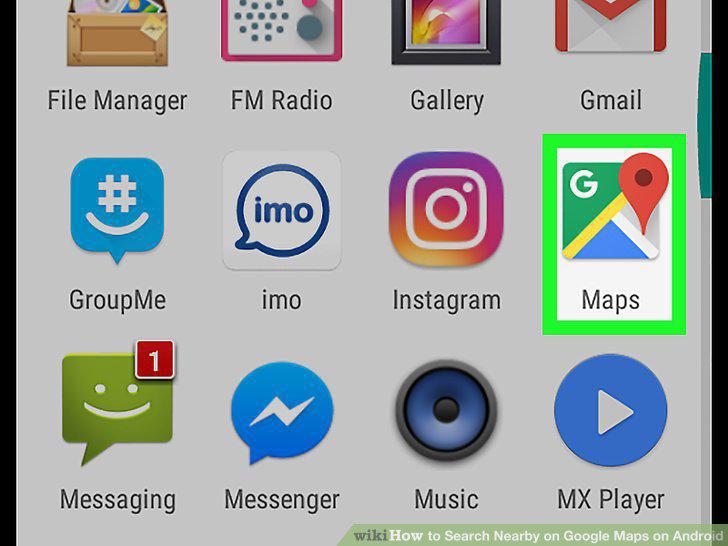
Open Google Maps on your Android.
2
Swipe up on the bottom panel.
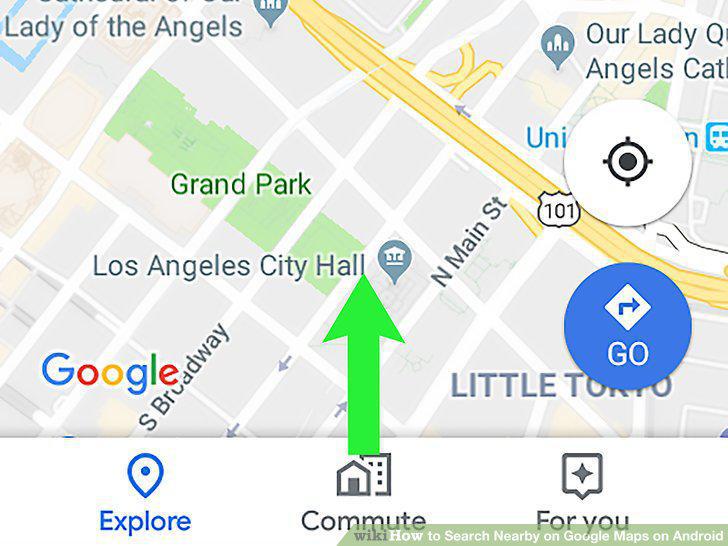
Swipe up on the bottom panel.
3
Tap a location type.
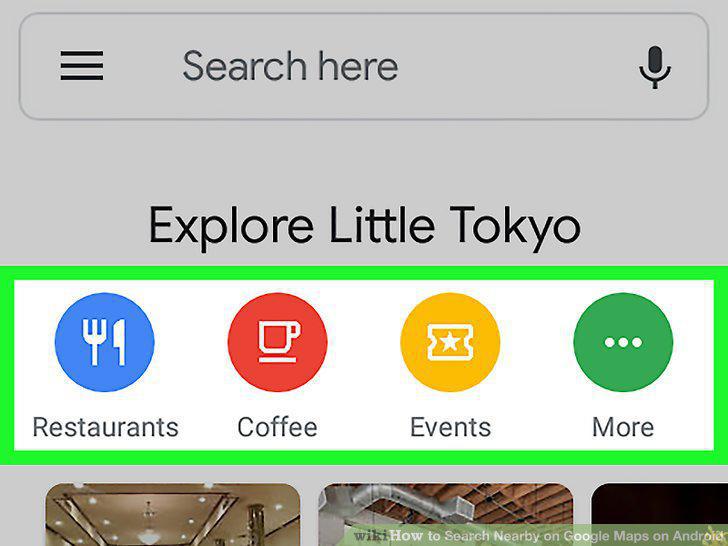
Tap a location type.
4
Tap a location in the list.
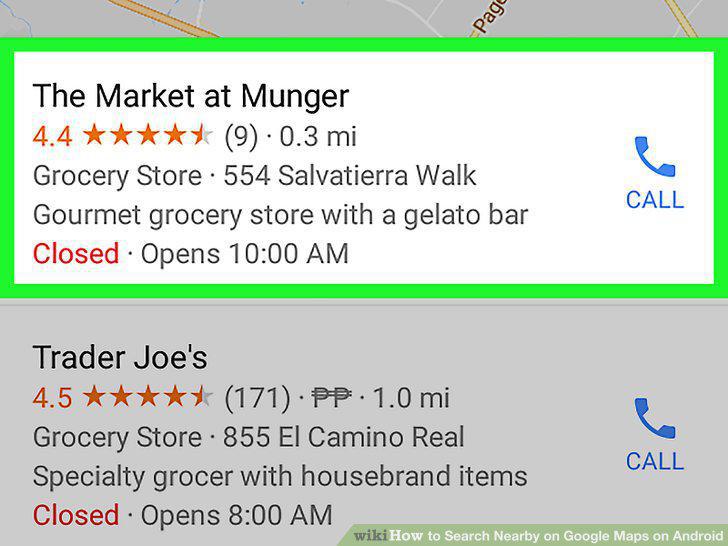
Tap a location in the list.
Comments (0)
No comments yet. Be the first to share your thoughts!