How to Copy an Image from PDF to Word on PC or Mac
Open the PDF in Adobe Reader.. Click the Edit menu.. Click Copy File to Clipboard.
Steps
1
Open the PDF in Adobe Reader.
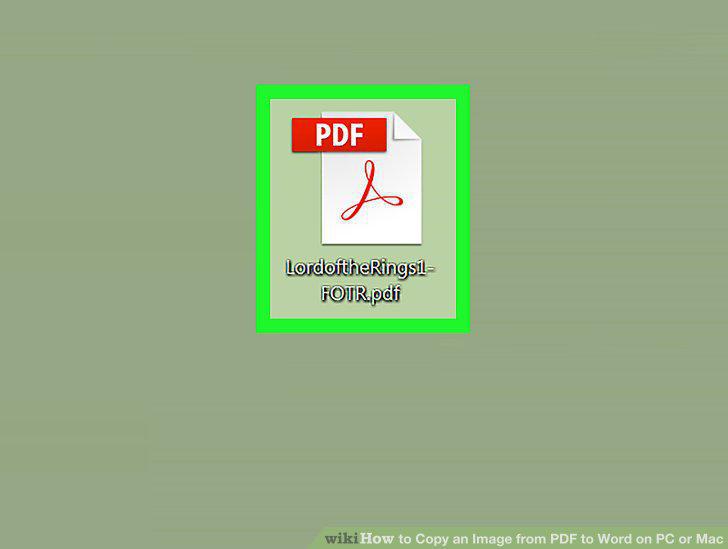
Open the PDF in Adobe Reader.
2
Click the Edit menu.
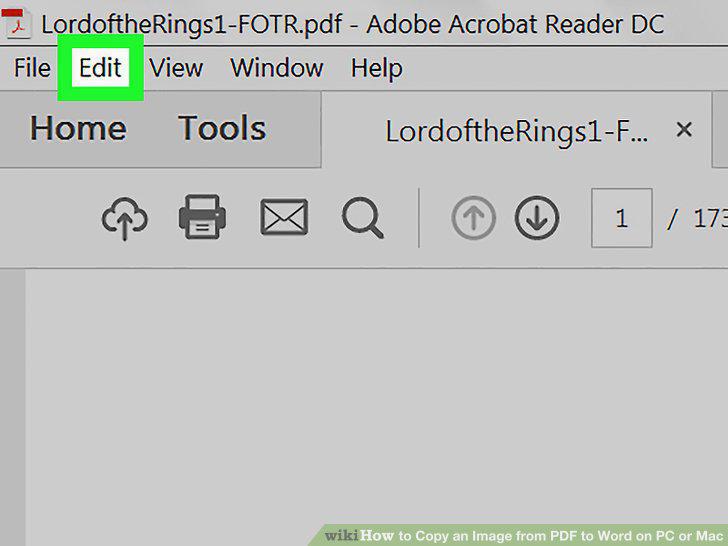
Click the Edit menu.
3
Click Copy File to Clipboard.
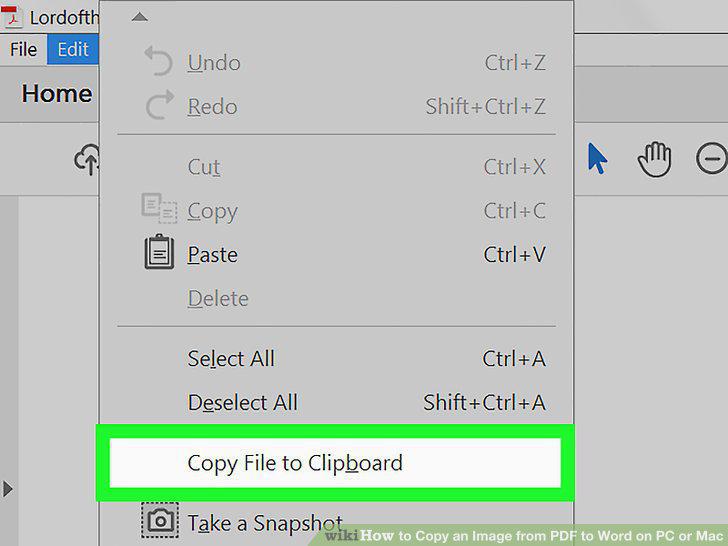
Click Copy File to Clipboard.
4
Open a document in Word.
Open a document in Word.
5
Right-click the mouse at the place you want to insert the image.
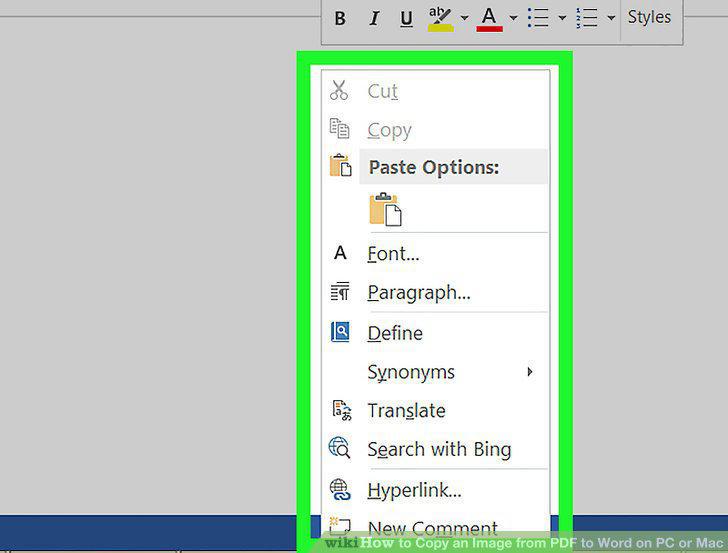
Right-click the mouse at the place you want to insert the image.
6
Click Paste.
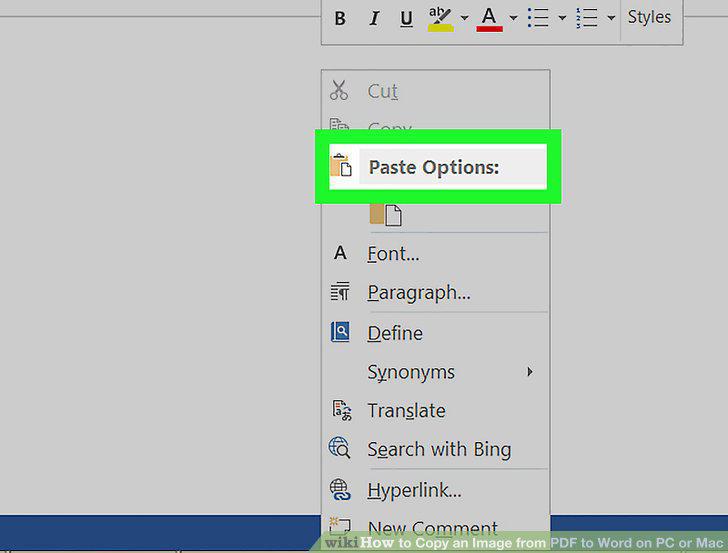
Click Paste.
Comments (0)
No comments yet. Be the first to share your thoughts!