How to Convert Microsoft Works to Microsoft Word
Open up Microsoft Word with a new document present.. Use the process you normally use to open any documents you have saved.. Insert the drive and browse to folder of the file you need to convert.
Steps
1
Open up Microsoft Word with a new document present.
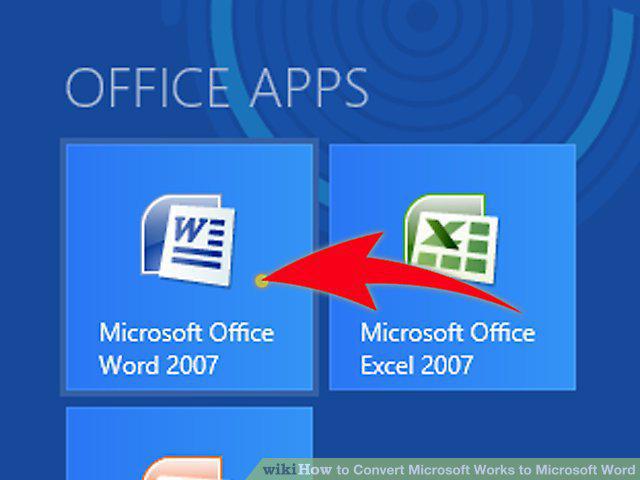
Open up Microsoft Word with a new document present.
2
Use the process you normally use to open any documents you have saved.
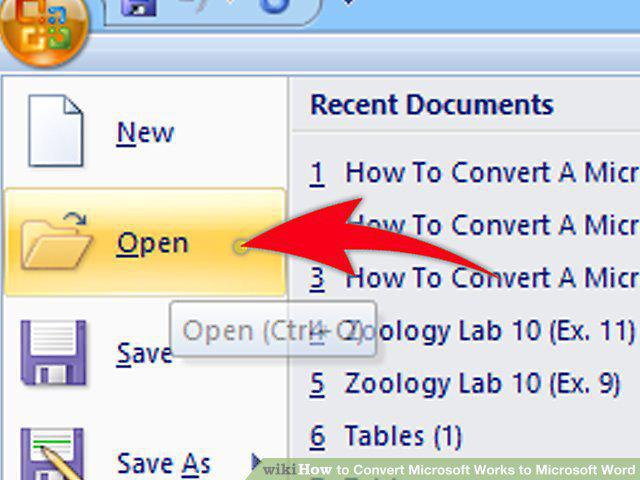
Use the process you normally use to open any documents you have saved.
3
Insert the drive and browse to folder of the file you need to convert.
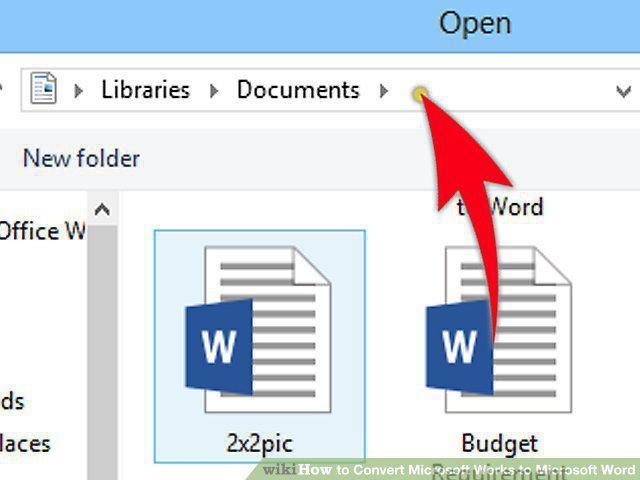
Insert the drive and browse to folder of the file you need to convert.
4
Click the drop-down arrow of the tab known as "Files of type" (as in the 2003 ve
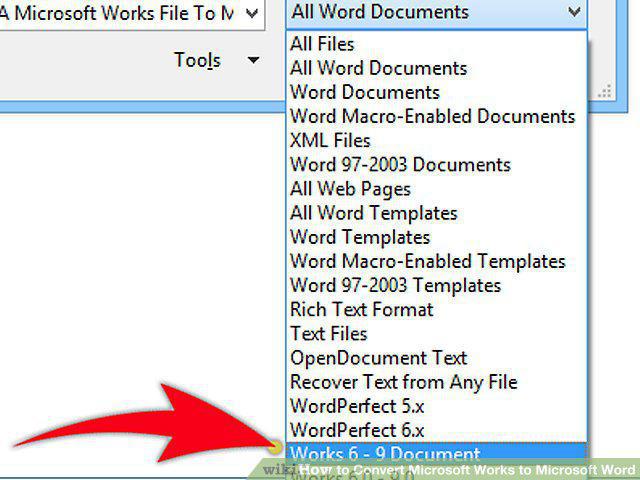
Click the drop-down arrow of the tab known as "Files of type" (as in the 2003 version of Word).
5
Click this option (Microsoft Works).
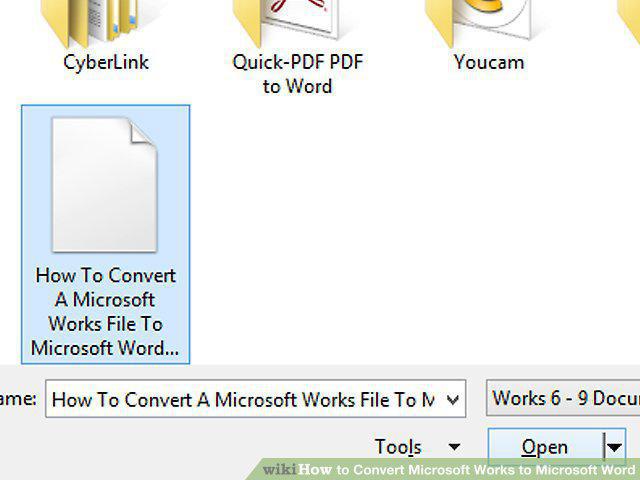
Click this option (Microsoft Works).
6
Double-click your file.
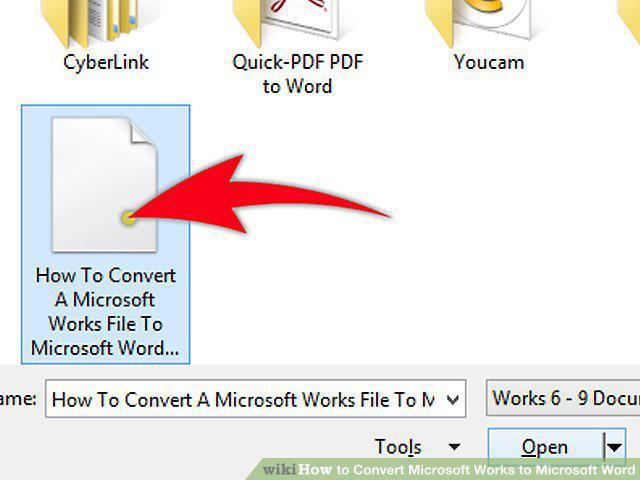
Double-click your file.
7
Save the file as a new Microsoft Word document.
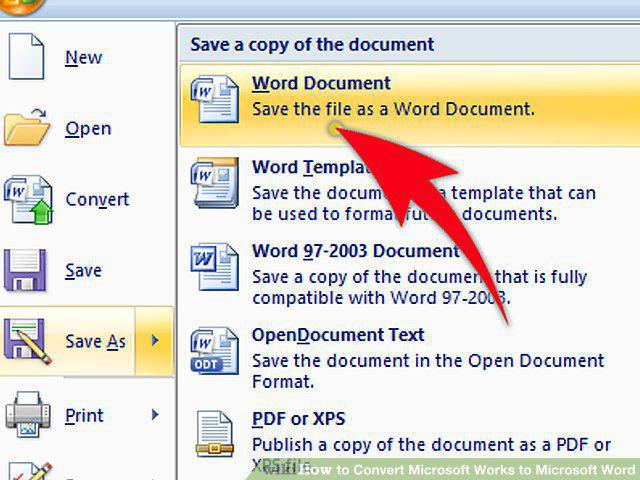
Save the file as a new Microsoft Word document.
Comments (0)
No comments yet. Be the first to share your thoughts!