How to Find Backed Up Photos on Google
Open https://takeout.google.com/ in your internet browser.. Sign in with your Google Photos account.. Click or tap Deselect all at the top of the "Products" list.
Steps
Open https://takeout.google.com/ in your internet browser.
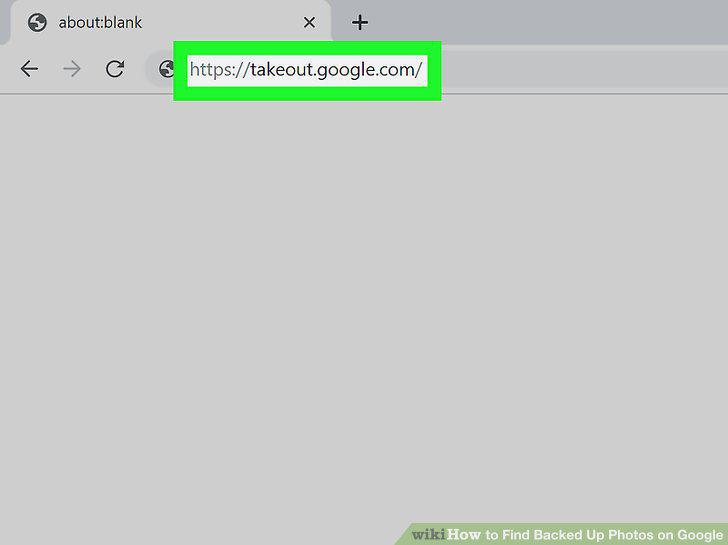
Open https://takeout.google.com/ in your internet browser.
Sign in with your Google Photos account.
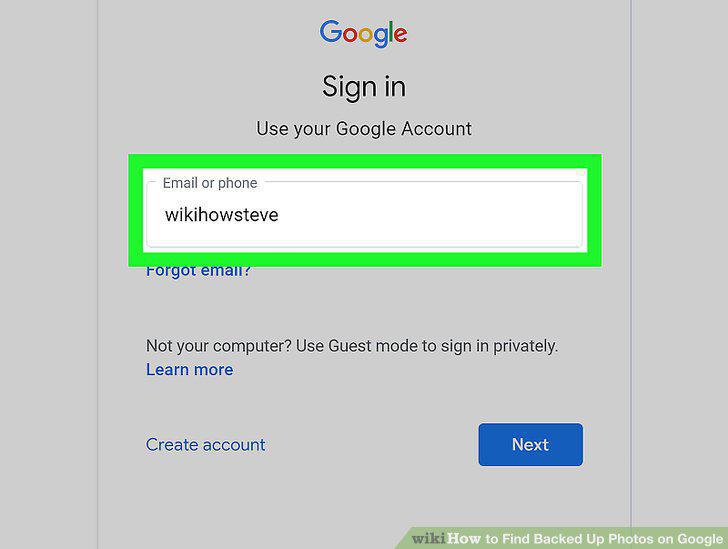
Sign in with your Google Photos account.
Click or tap Deselect all at the top of the "Products" list.
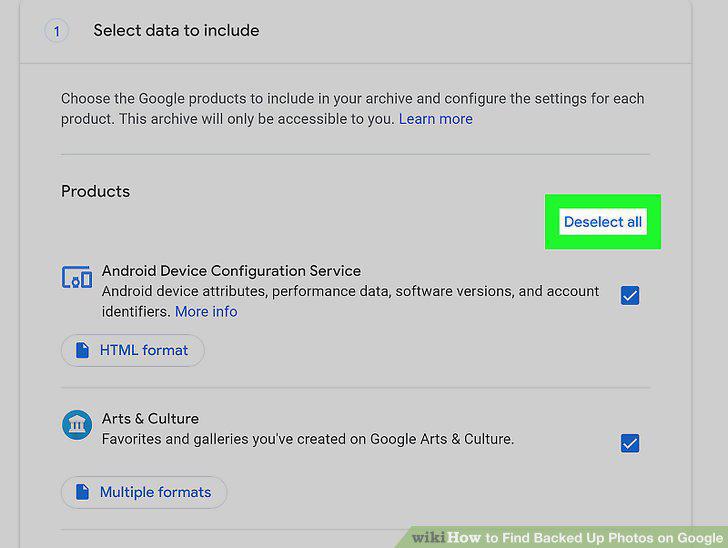
Click or tap Deselect all at the top of the "Products" list.
Click and check the box next to "Google Photos.
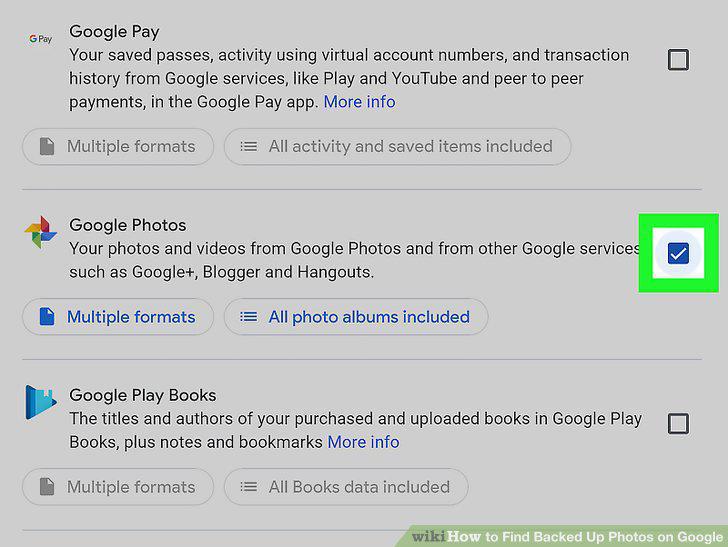
Click and check the box next to "Google Photos.
Click the Next step button at the bottom.
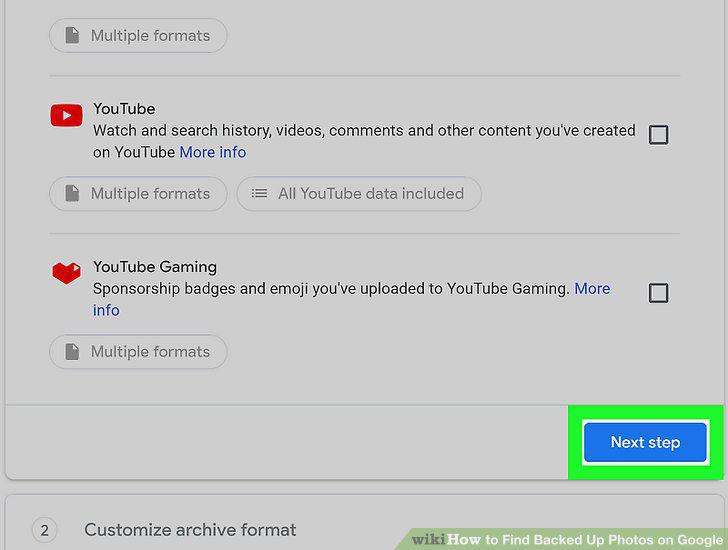
Click the Next step button at the bottom.
Select a delivery method for your photo archive.
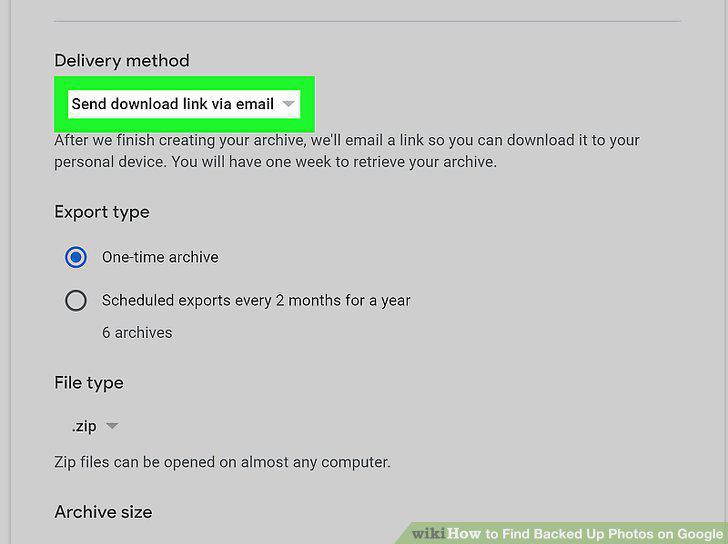
Select a delivery method for your photo archive.
Click the Create archive button.
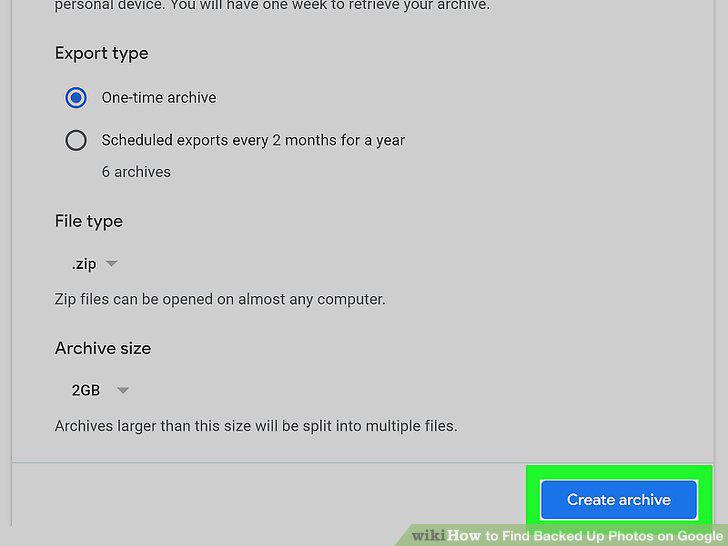
Click the Create archive button.
Click the Download button.
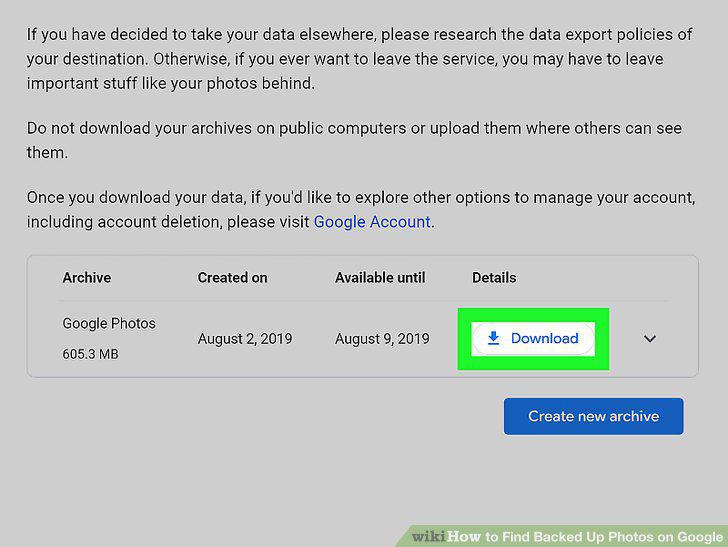
Click the Download button.
Open the downloaded ZIP file on your computer.
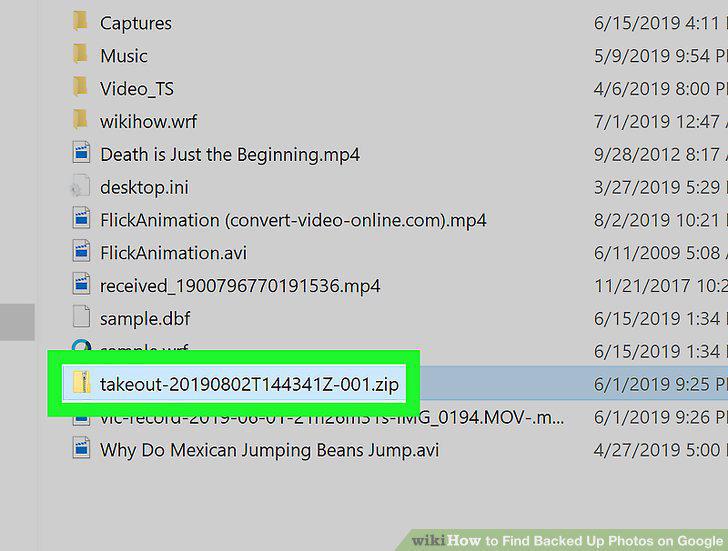
Open the downloaded ZIP file on your computer.
Open the Google Photos app on your iPhone, iPad or Android.
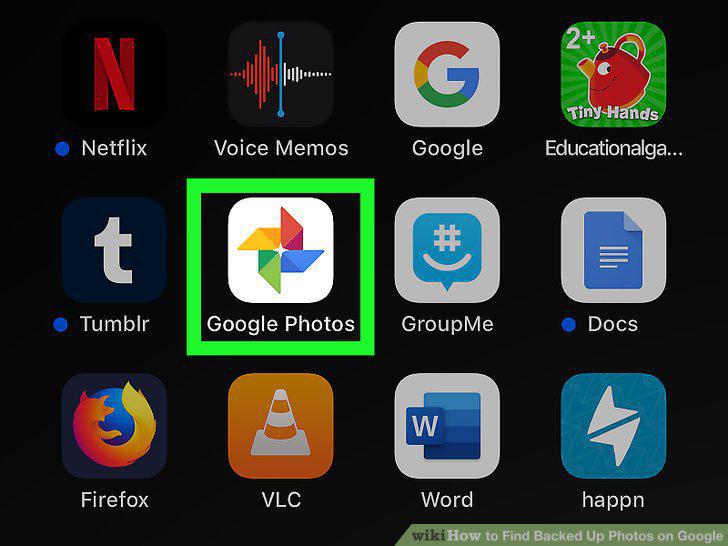
Open the Google Photos app on your iPhone, iPad or Android.
Tap the Photos tab at the bottom.
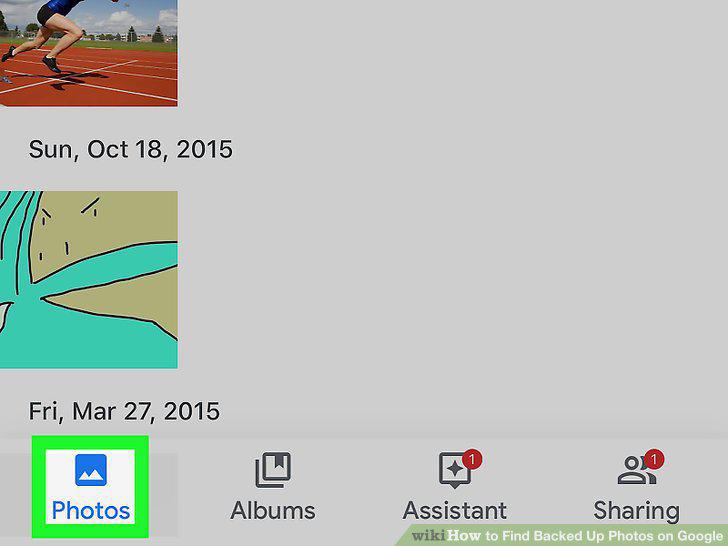
Tap the Photos tab at the bottom.
Check the backup message at the top.
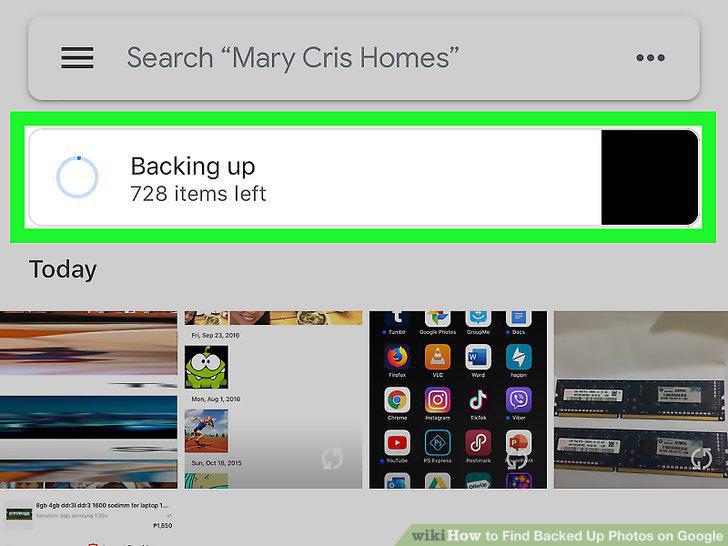
Check the backup message at the top.
Tap the picture you want to download.
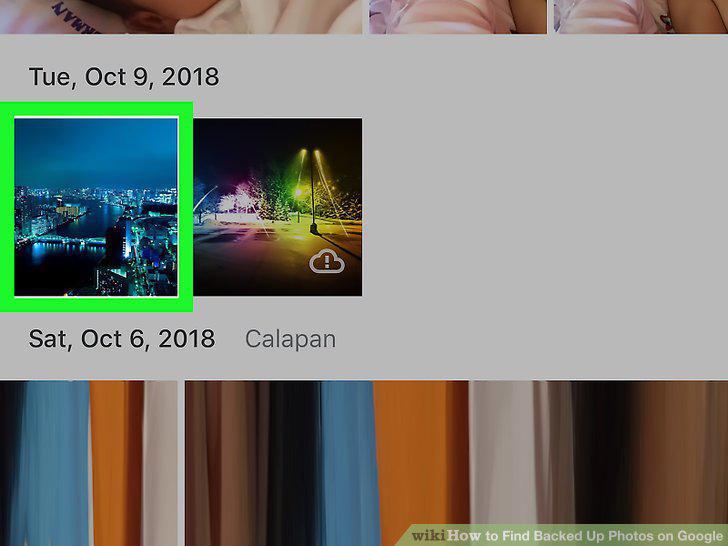
Tap the picture you want to download.
Tap the three-dot icon on the top-right.
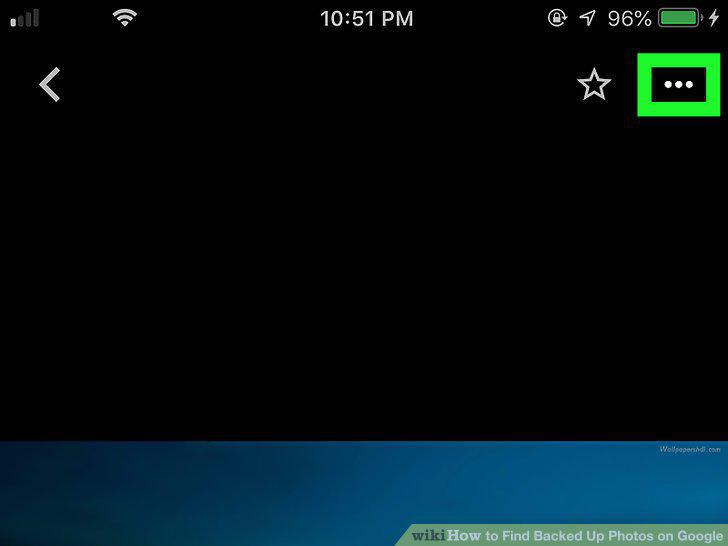
Tap the three-dot icon on the top-right.
Tap Save to device on the menu.
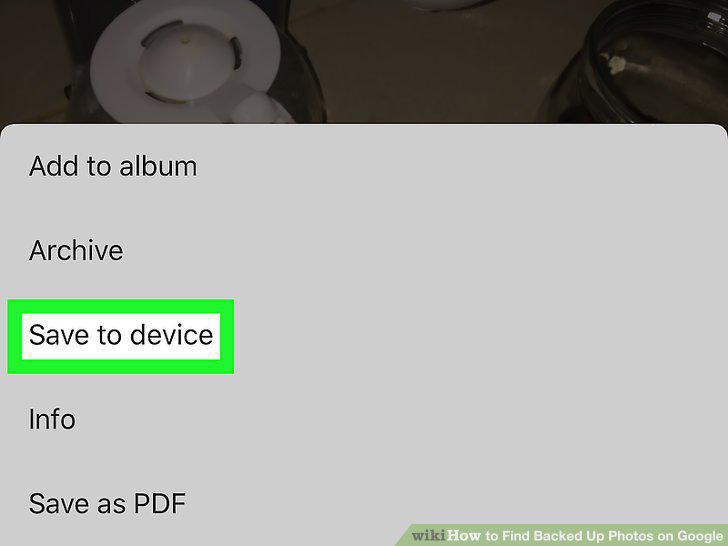
Tap Save to device on the menu.
Comments (0)
No comments yet. Be the first to share your thoughts!