How to Text on an iPod Touch Using iMessage
Make sure your iPod Touch can send messages.. Open your iPod Touch's Settings.. Sign into your Apple ID account if necessary.
Steps
1
Make sure your iPod Touch can send messages.
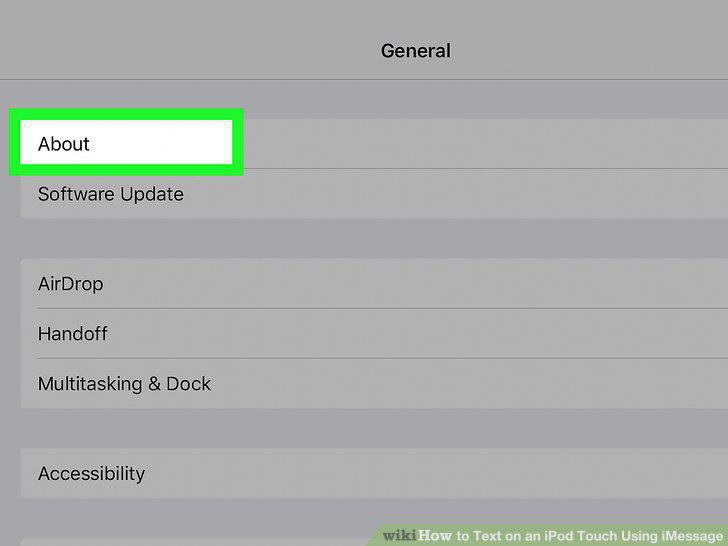
Make sure your iPod Touch can send messages.
2
Open your iPod Touch's Settings.
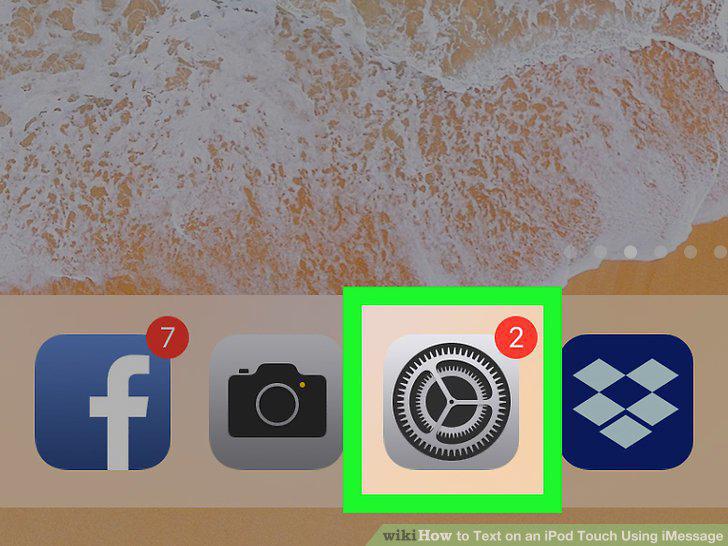
Open your iPod Touch's Settings.
3
Sign into your Apple ID account if necessary.
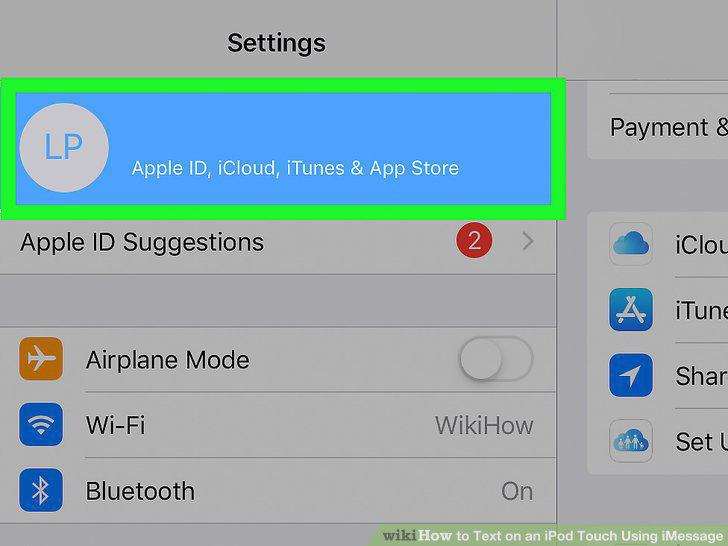
Sign into your Apple ID account if necessary.
4
Enable iMessages.
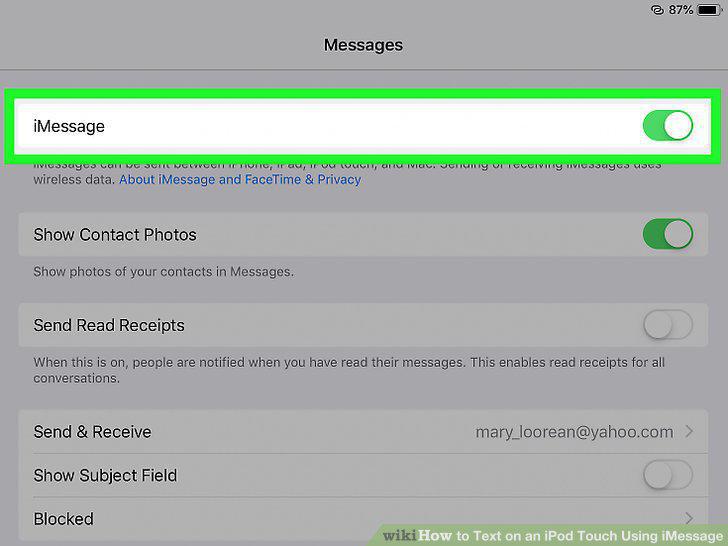
Enable iMessages.
5
Connect to Wi-Fi.
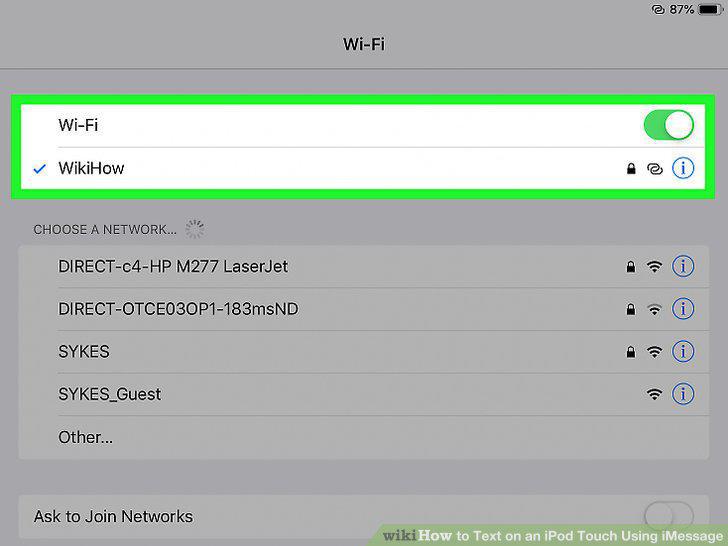
Connect to Wi-Fi.
6
Open your iPod Touch's Messages.
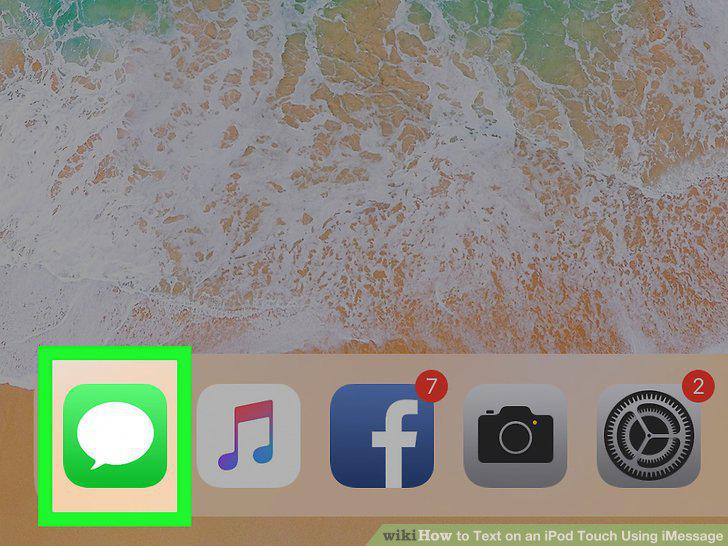
Open your iPod Touch's Messages.
7
Tap the "Compose" icon.
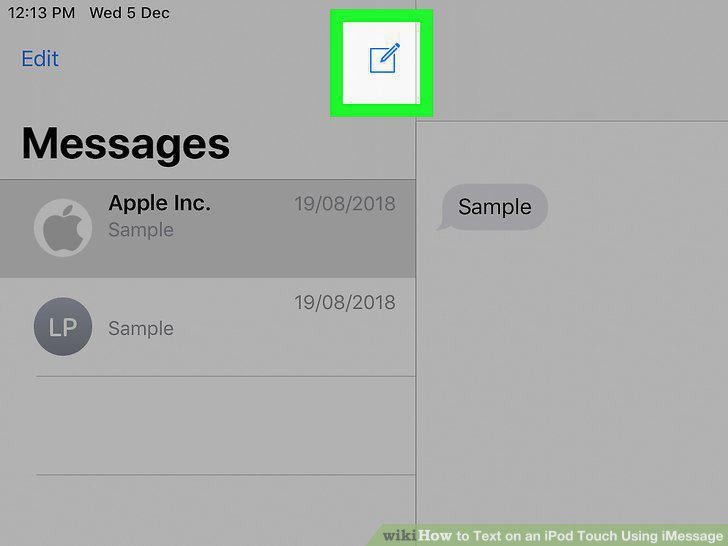
Tap the "Compose" icon.
8
Enter a phone number.
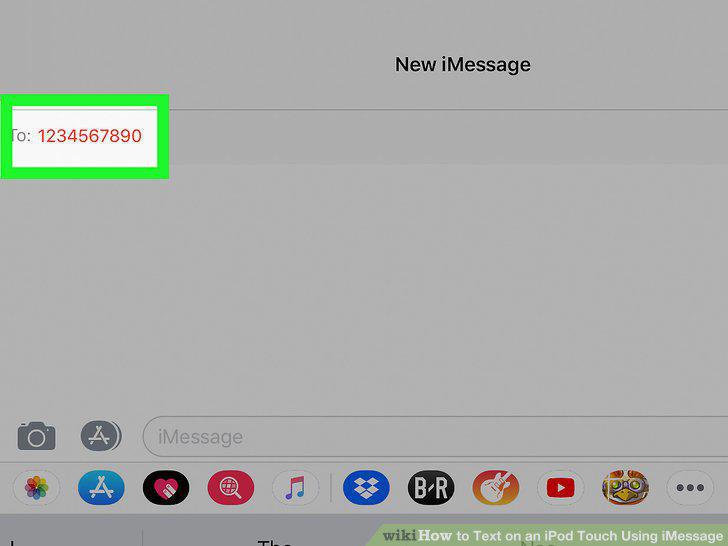
Enter a phone number.
9
Tap the text message field.
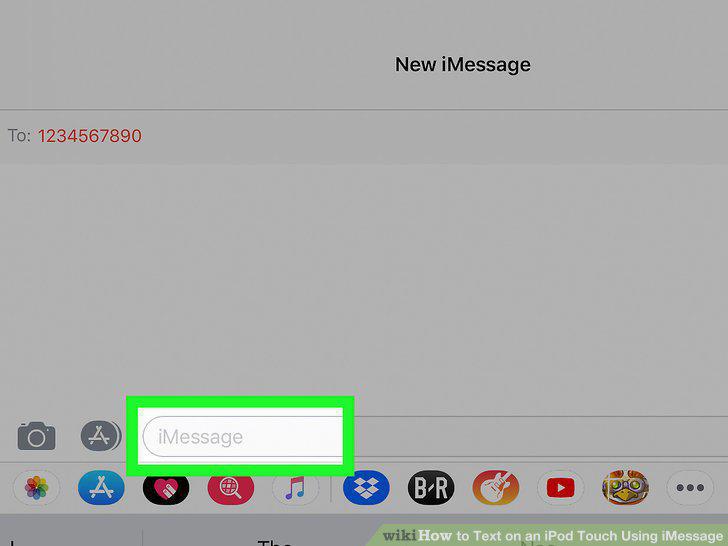
Tap the text message field.
10
Write your message.
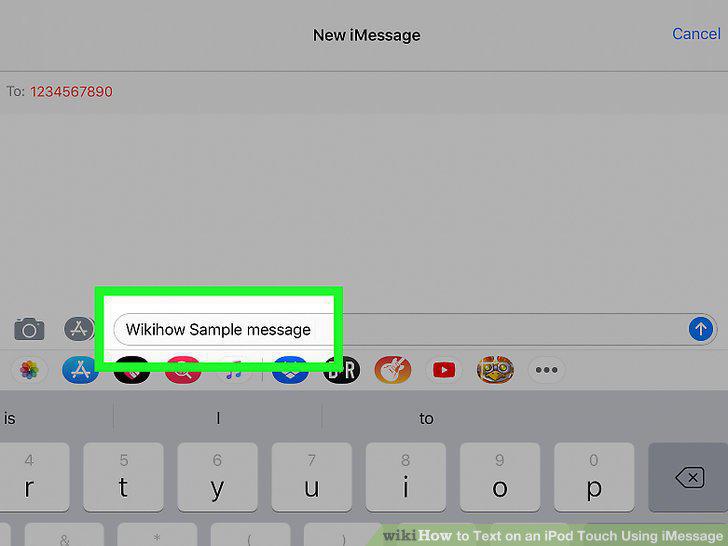
Write your message.
11
Add photos if you like.
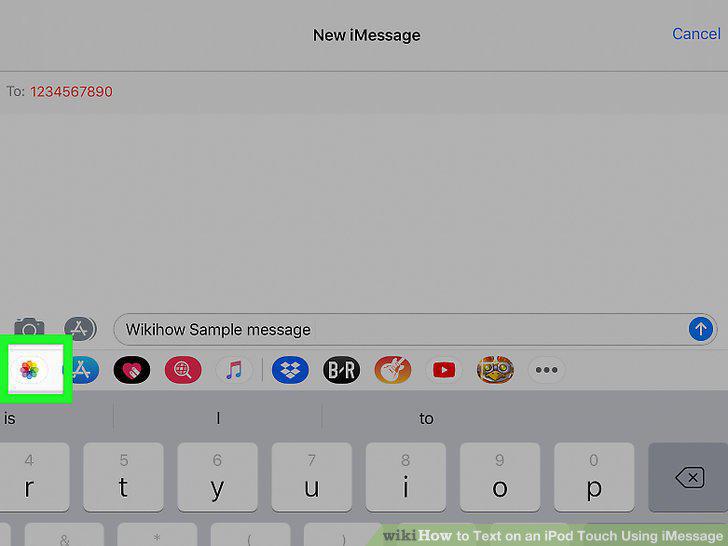
Add photos if you like.
12
Tap the "Send" button.
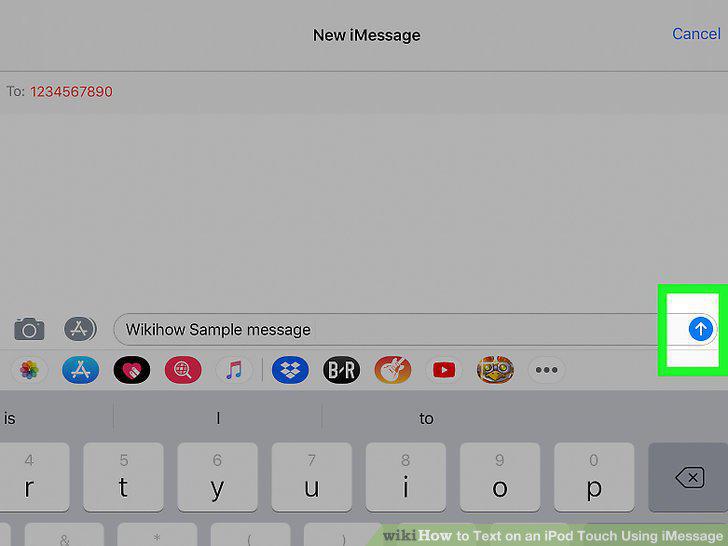
Tap the "Send" button.
Comments (0)
No comments yet. Be the first to share your thoughts!