How to Find Friends on YouTube
Go https://www.youtube.com/ in a web browser or open the YouTube app.. Tap the Search icon (smartphones and tablets only).. Type your friend's name or username into the YouTube search bar.
Steps
1
Go https://www.youtube.com/ in a web browser or open the YouTube app.
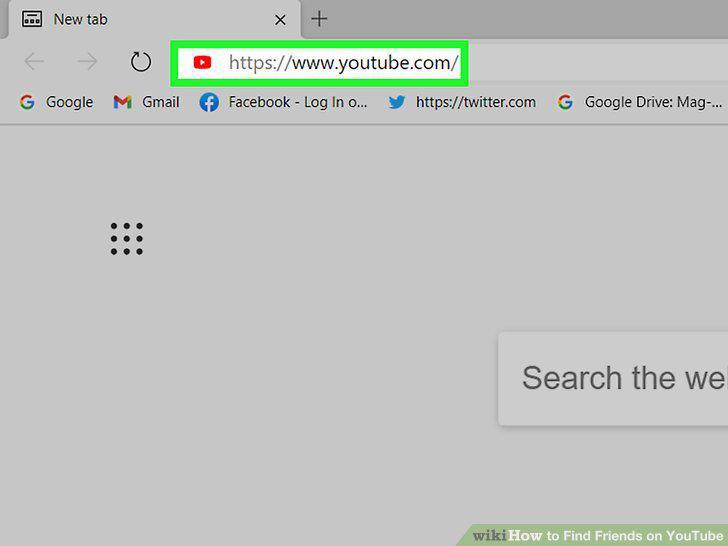
Go https://www.youtube.com/ in a web browser or open the YouTube app.
2
Tap the Search icon (smartphones and tablets only).
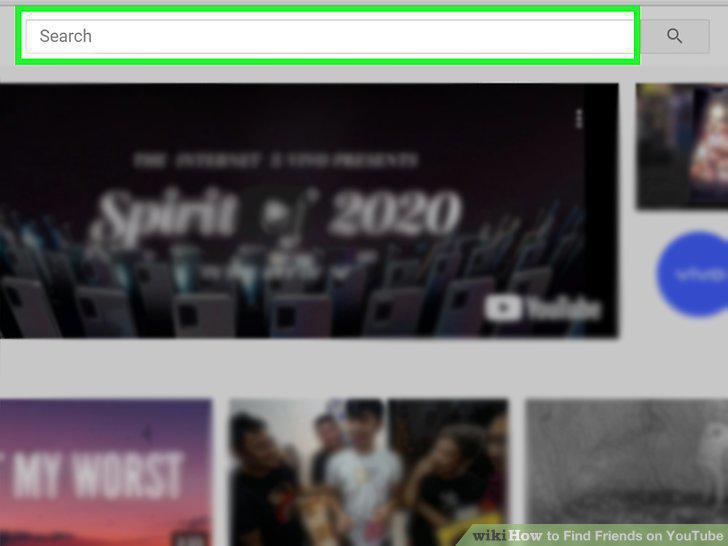
Tap the Search icon (smartphones and tablets only).
3
Type your friend's name or username into the YouTube search bar.
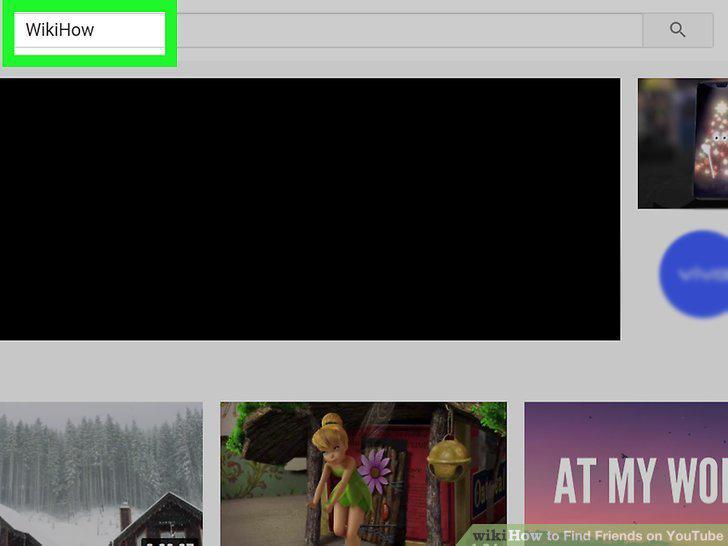
Type your friend's name or username into the YouTube search bar.
4
Click or tap the Search icon.
Click or tap the Search icon.
5
Click or tap .
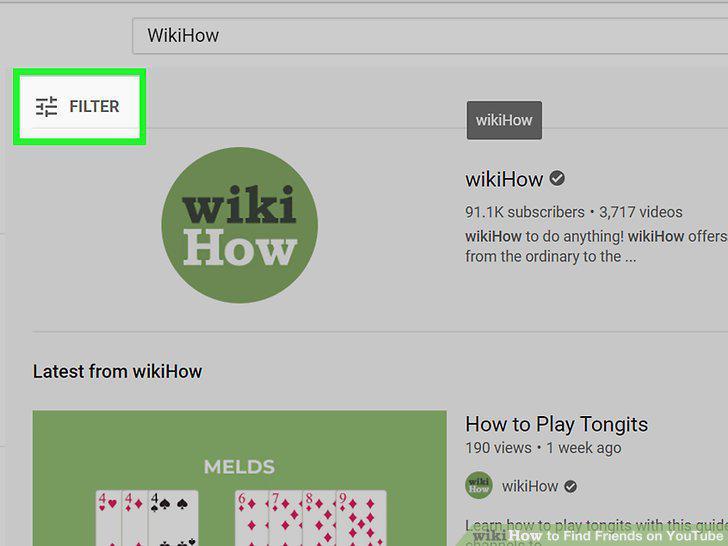
Click or tap .
6
Click Channel.
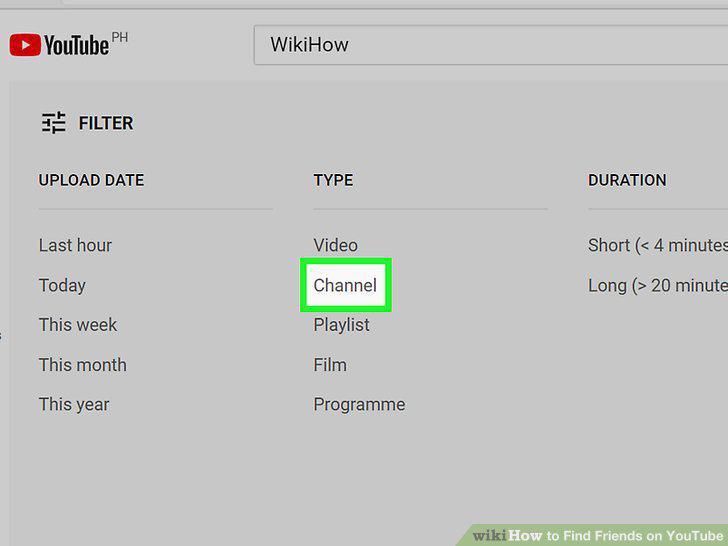
Click Channel.
7
Browse for your friend's channel.
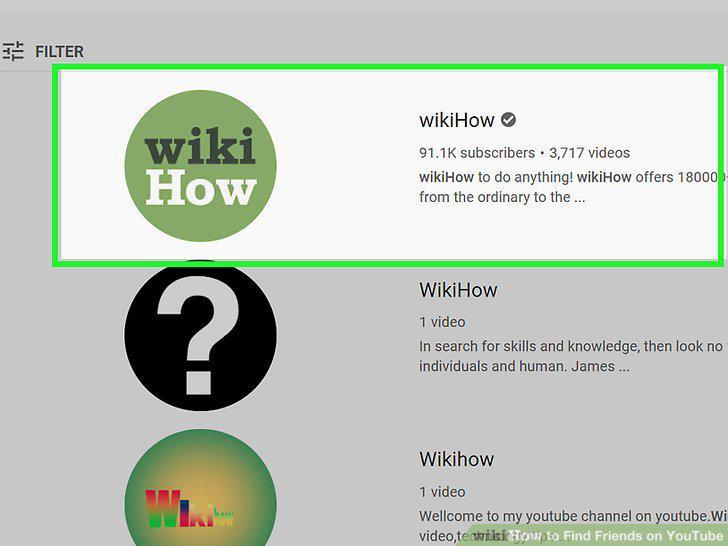
Browse for your friend's channel.
8
Click or tap Subscribe.
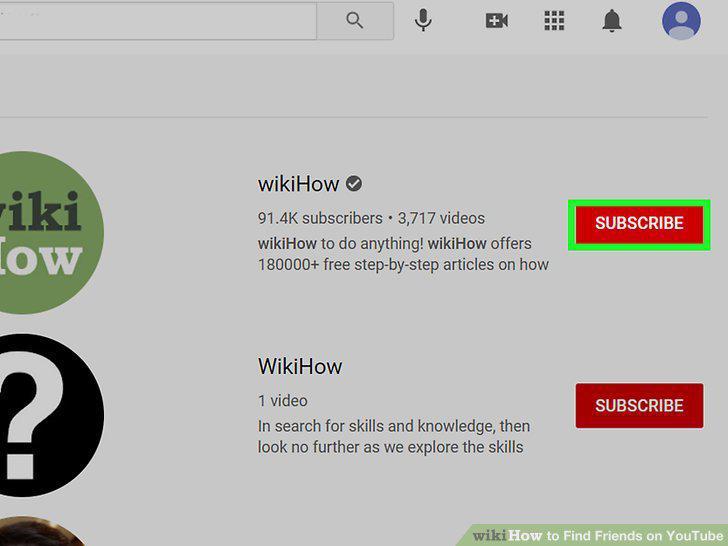
Click or tap Subscribe.
Comments (0)
No comments yet. Be the first to share your thoughts!