How to Delete a MySQL Database
Open the MySQL Command Line. Enter the login command.. Enter your password when prompted.
Steps
1
Open the MySQL Command Line
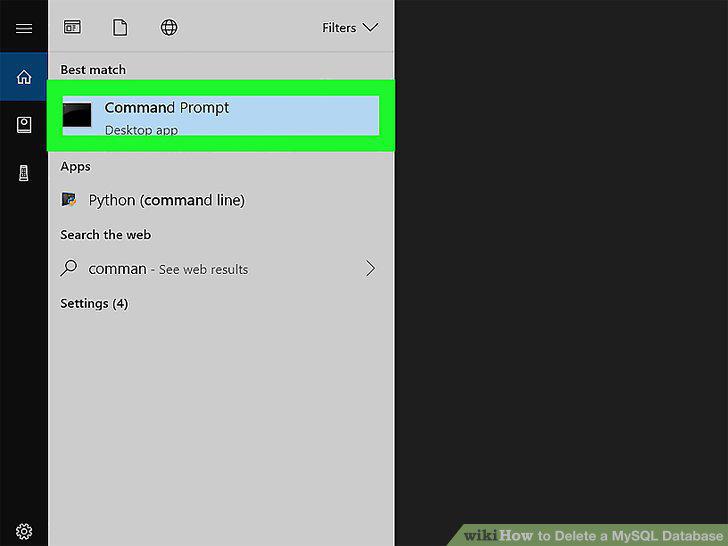
Open the MySQL Command Line
2
Enter the login command.
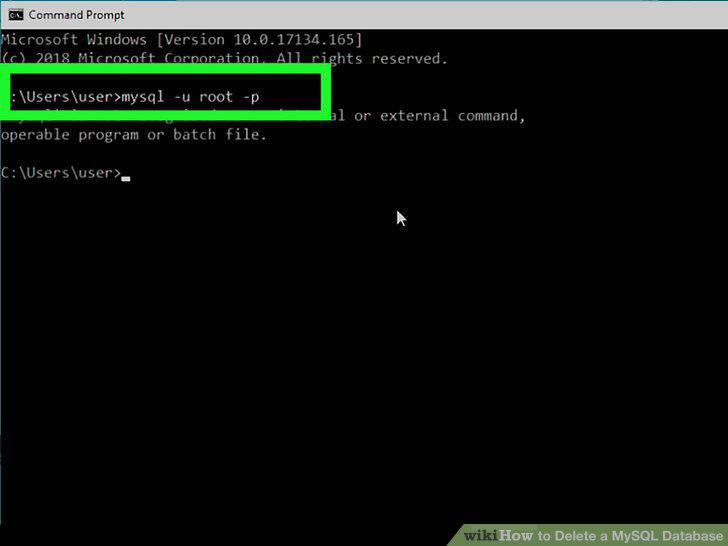
Enter the login command.
3
Enter your password when prompted.
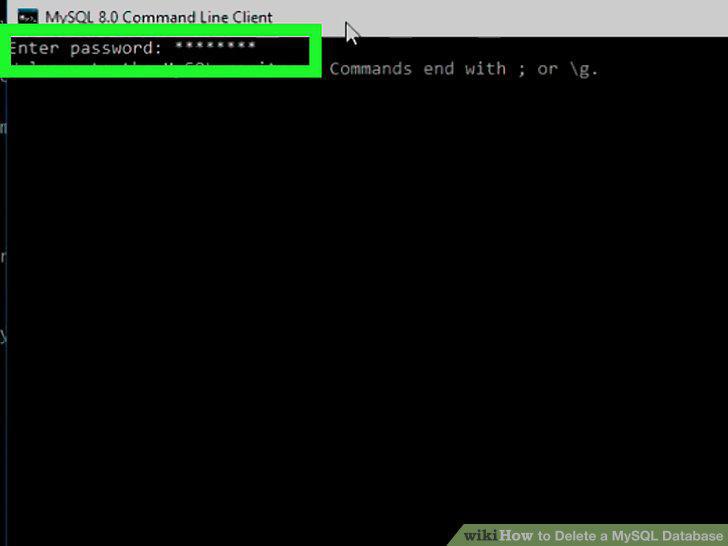
Enter your password when prompted.
4
View a list of your databases.
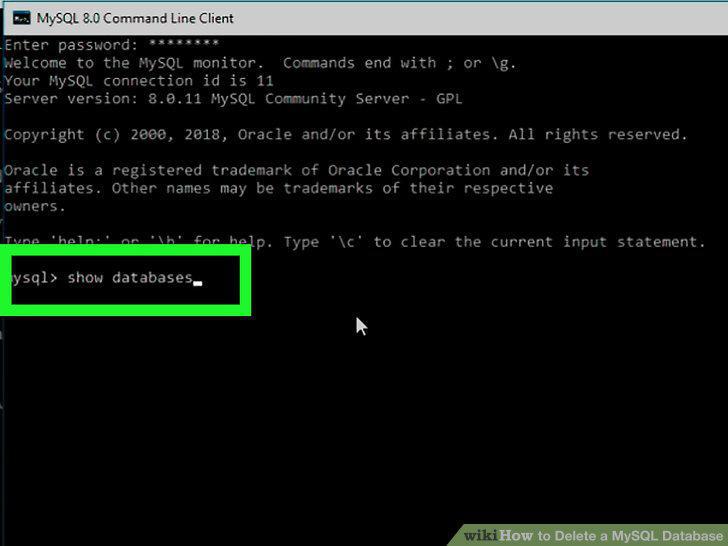
View a list of your databases.
5
Find the name of the database you want to delete.
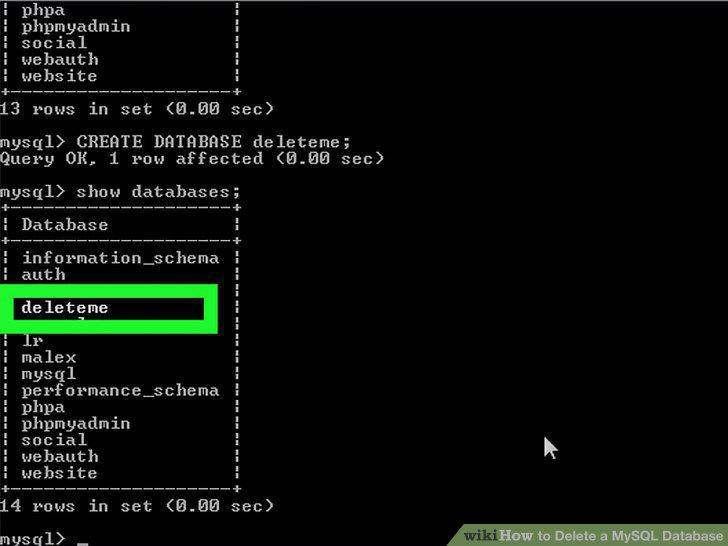
Find the name of the database you want to delete.
6
Delete the database.
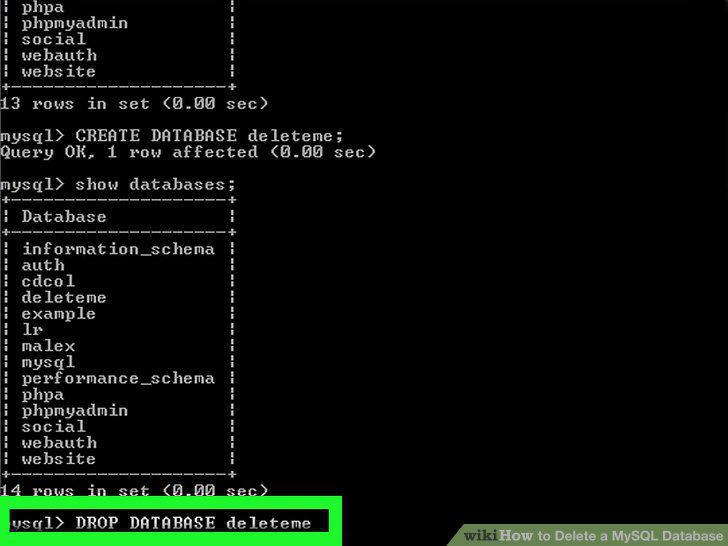
Delete the database.
7
Review your updated list of databases.
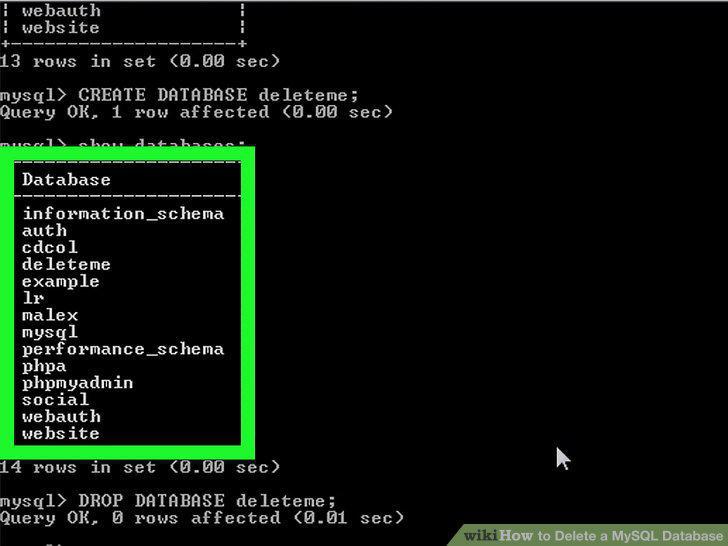
Review your updated list of databases.
Comments (0)
No comments yet. Be the first to share your thoughts!