How to Pay with Cash on Uber Eats
Open Uber Eats on your phone or tablet.. Tap a restaurant you want to order from.. Add food to your order.
Steps
1
Open Uber Eats on your phone or tablet.
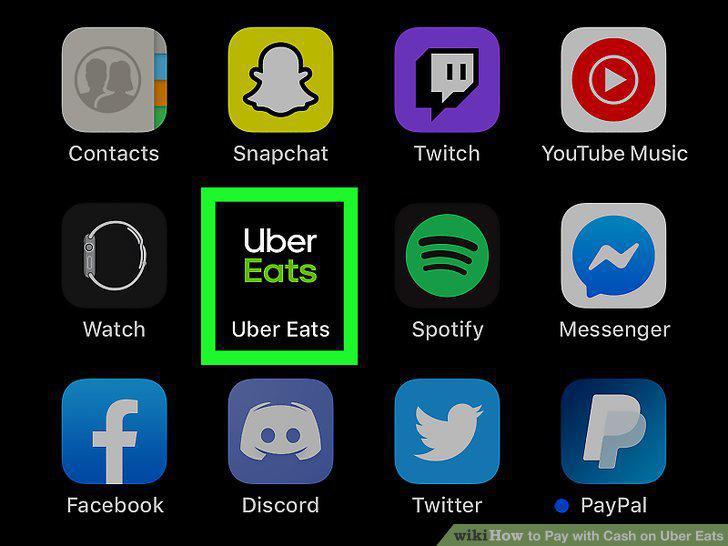
Open Uber Eats on your phone or tablet.
2
Tap a restaurant you want to order from.
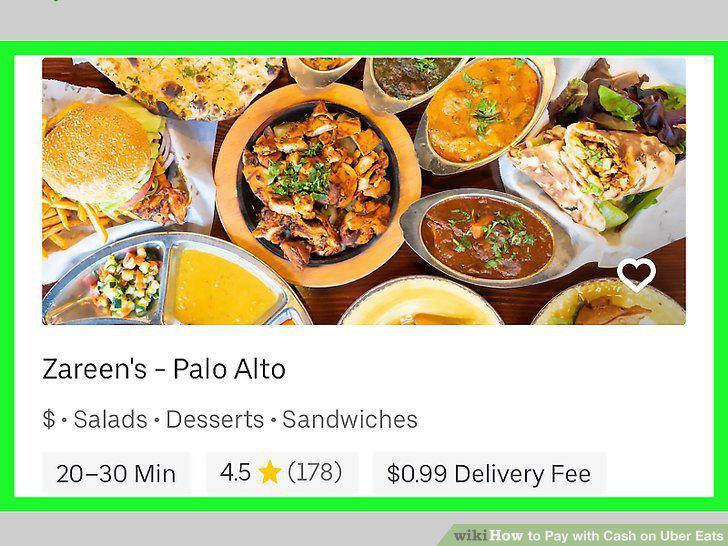
Tap a restaurant you want to order from.
3
Add food to your order.
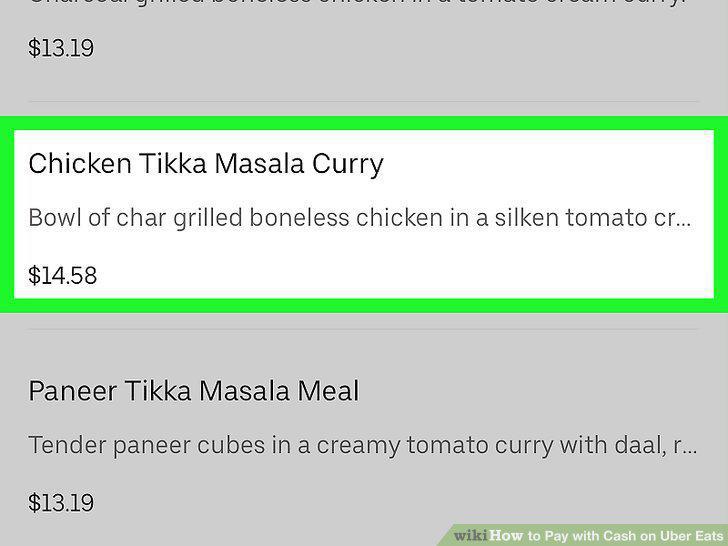
Add food to your order.
4
Tap View Cart when you're ready to order.
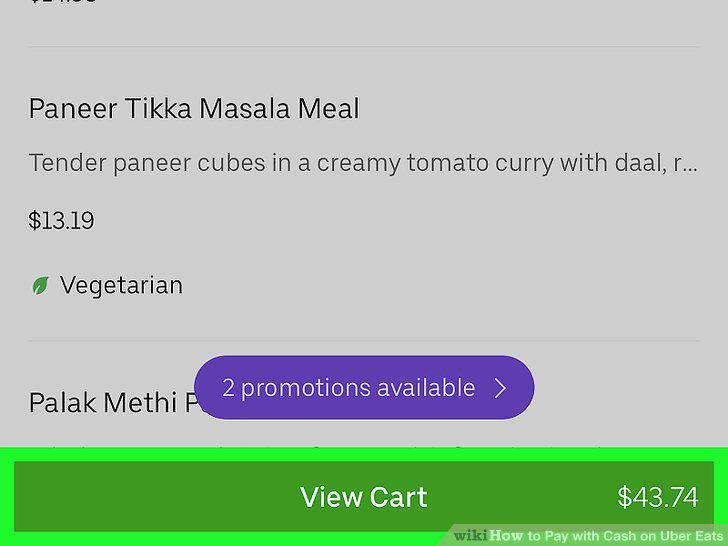
Tap View Cart when you're ready to order.
5
Tap your current payment method at the bottom of the screen.
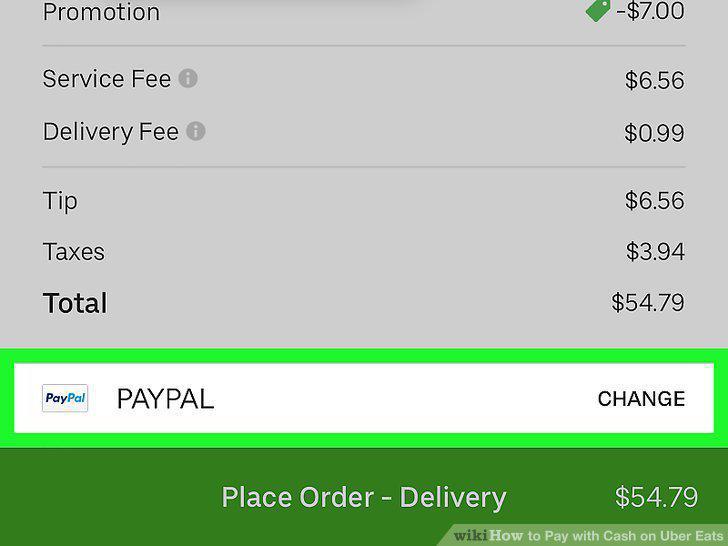
Tap your current payment method at the bottom of the screen.
6
Tap CASH if available.
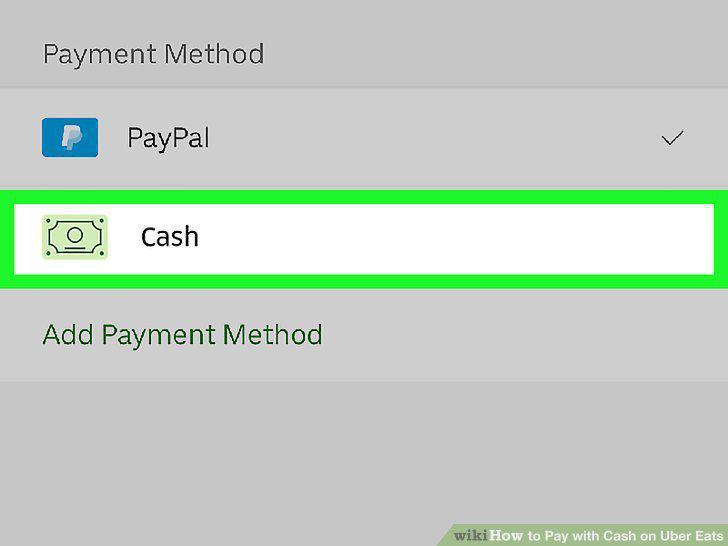
Tap CASH if available.
7
Tap Place Order to confirm.
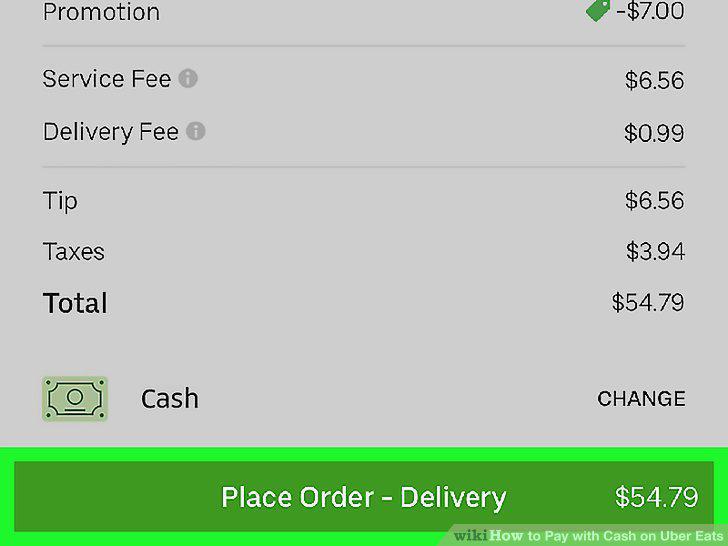
Tap Place Order to confirm.
Comments (0)
No comments yet. Be the first to share your thoughts!