How to Split an Uber Fare
Make sure all parties have an Uber account.. Request an Uber ride.. Swipe up from the bottom of the screen during a trip.
Steps
1
Make sure all parties have an Uber account.
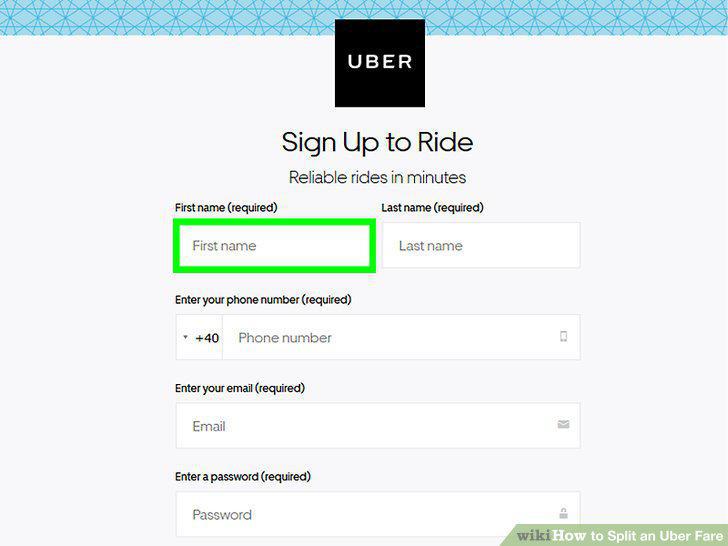
Make sure all parties have an Uber account.
2
Request an Uber ride.
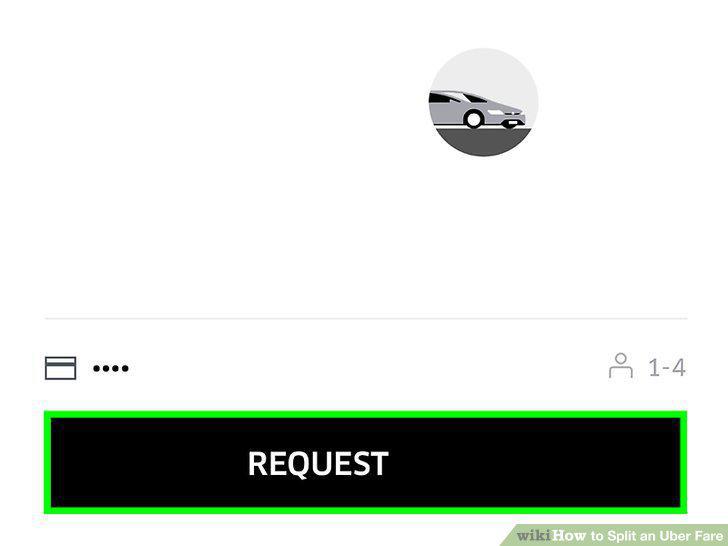
Request an Uber ride.
3
Swipe up from the bottom of the screen during a trip.
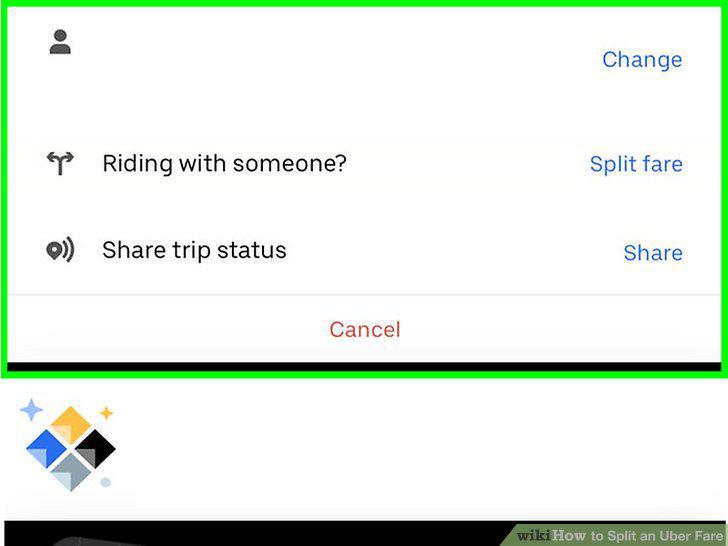
Swipe up from the bottom of the screen during a trip.
4
Tap Split Fare next to "Riding with someone?
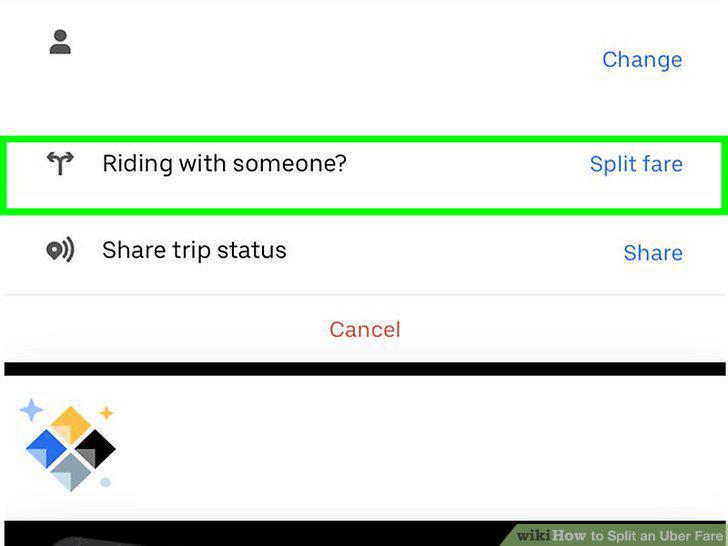
Tap Split Fare next to "Riding with someone?
5
Enter the name or phone number of the other rider(s).
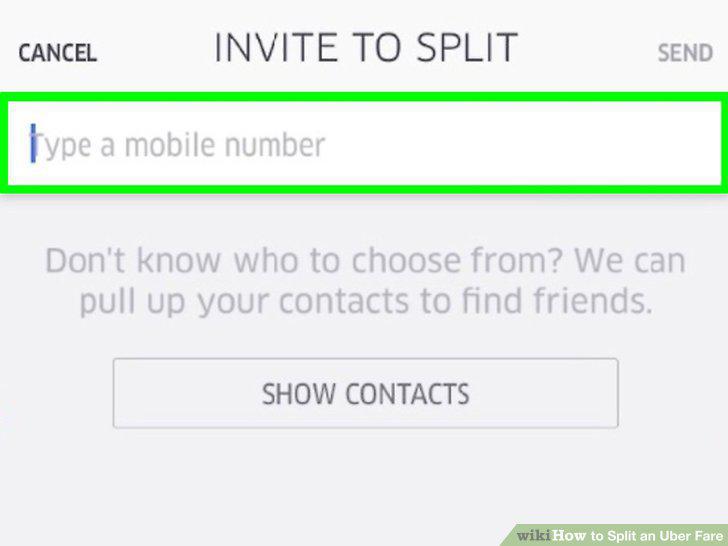
Enter the name or phone number of the other rider(s).
6
Send the request.
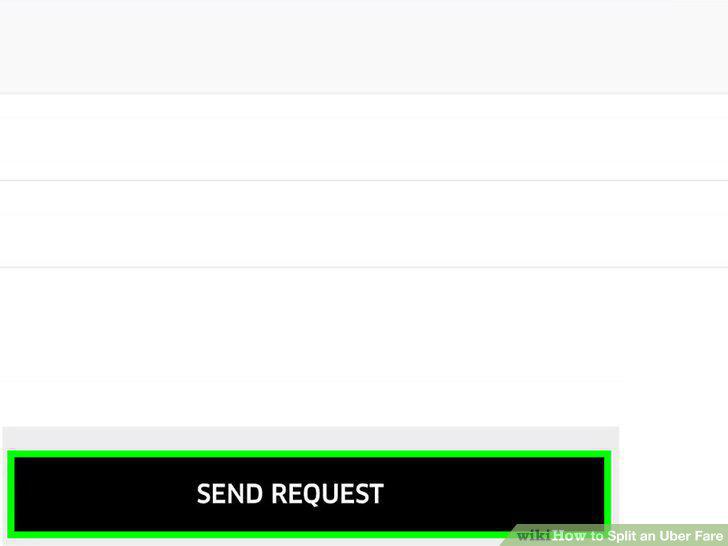
Send the request.
7
Tap Accept to accept a split fare request.
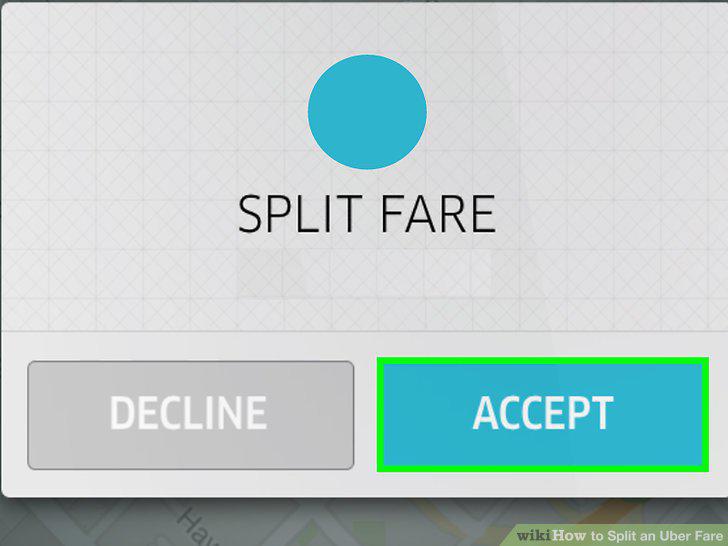
Tap Accept to accept a split fare request.
Comments (0)
No comments yet. Be the first to share your thoughts!