How to Decorate Your Desk at Work
Frame photographs of your family or loved ones.. Attach pictures to a length of yarn on your cubicle walls.. Buy a digital picture frame to change up which photos you show.
Steps
Frame photographs of your family or loved ones.
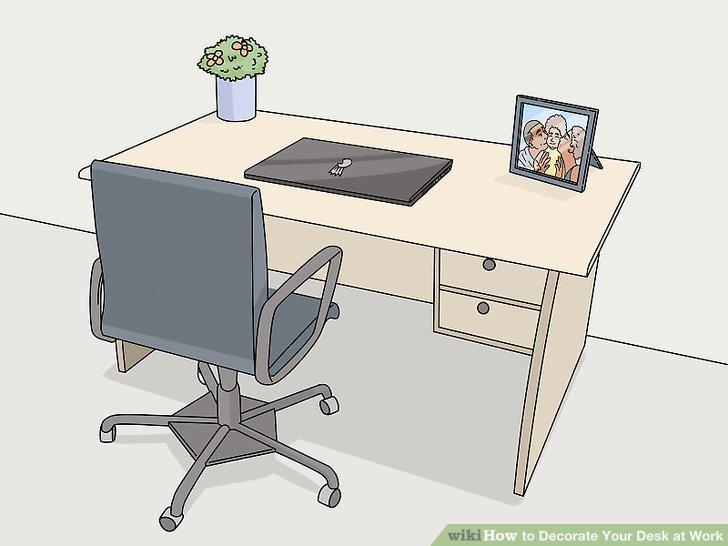
Frame photographs of your family or loved ones.
Attach pictures to a length of yarn on your cubicle walls.
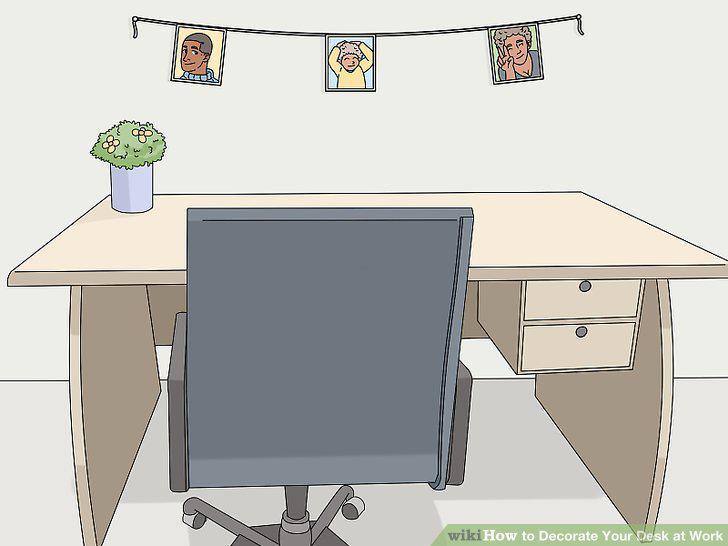
Attach pictures to a length of yarn on your cubicle walls.
Buy a digital picture frame to change up which photos you show.
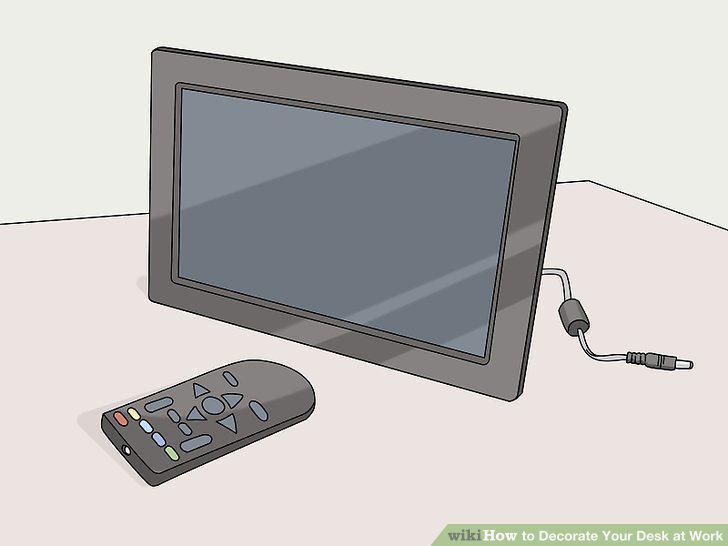
Buy a digital picture frame to change up which photos you show.
Create a slideshow of photos as your screensaver.
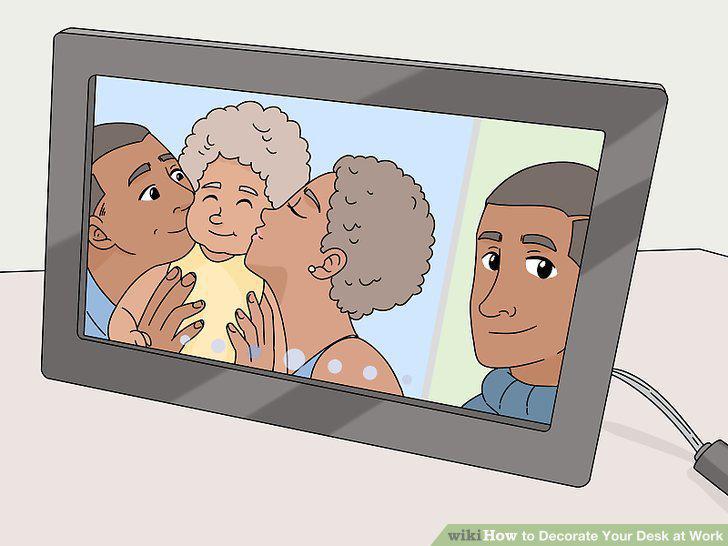
Create a slideshow of photos as your screensaver.
Keep a plant in a pot on your desk.
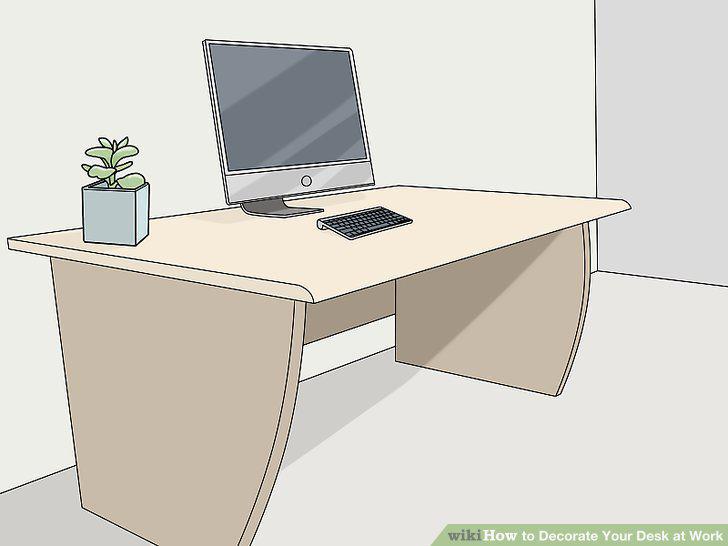
Keep a plant in a pot on your desk.
Use cute magnets or push pins to hang things up.
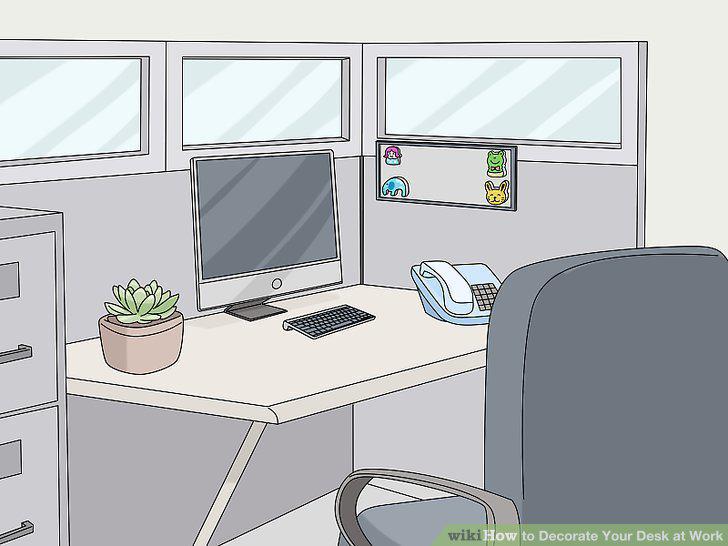
Use cute magnets or push pins to hang things up.
Add a lamp to your desk for better lighting.
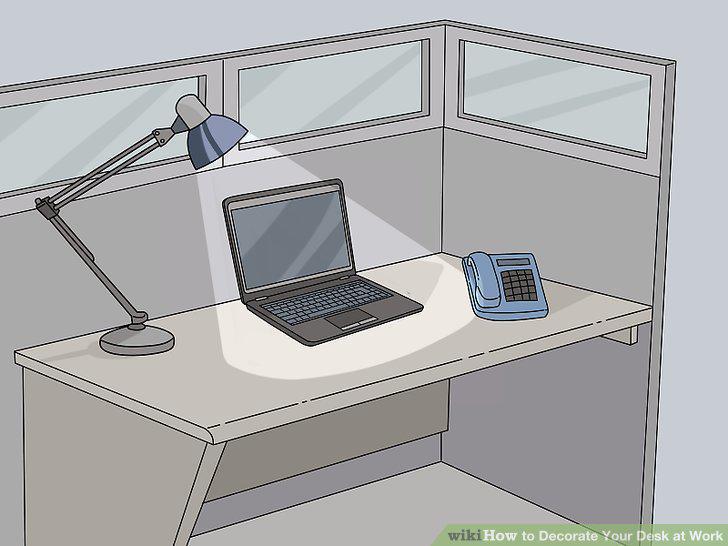
Add a lamp to your desk for better lighting.
Put a throw pillow on your desk chair.
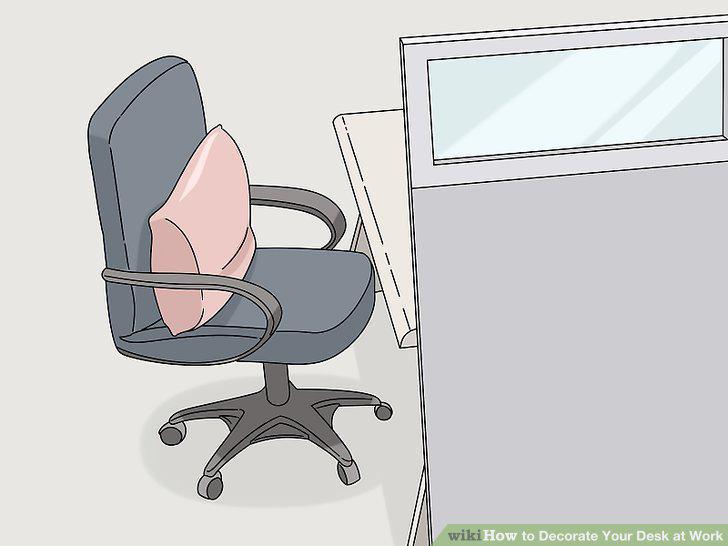
Put a throw pillow on your desk chair.
Hang string lights in your cubicle or on your walls.
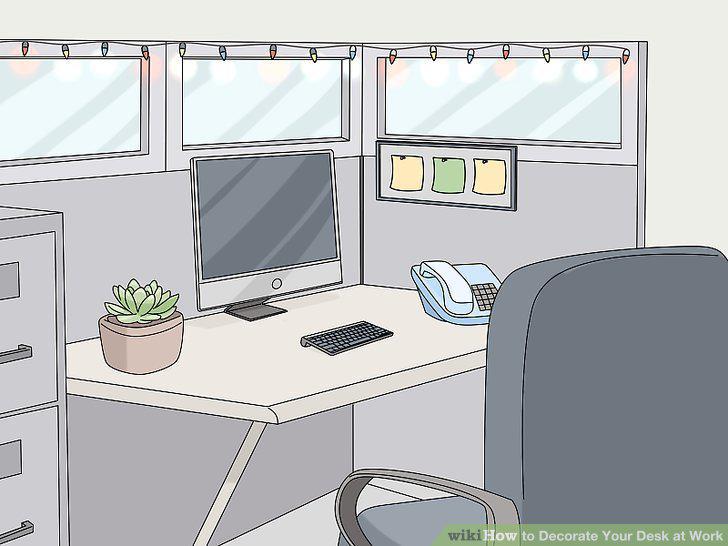
Hang string lights in your cubicle or on your walls.
Set candles around your workspace.
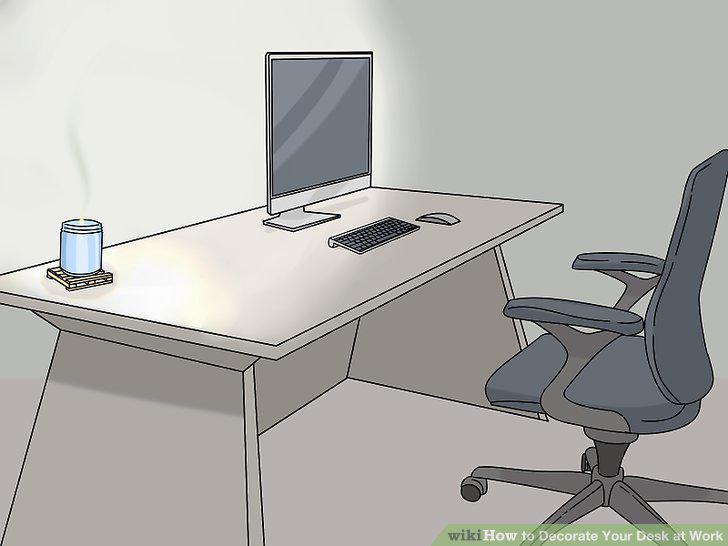
Set candles around your workspace.
Purchase a calendar that shows your personality.
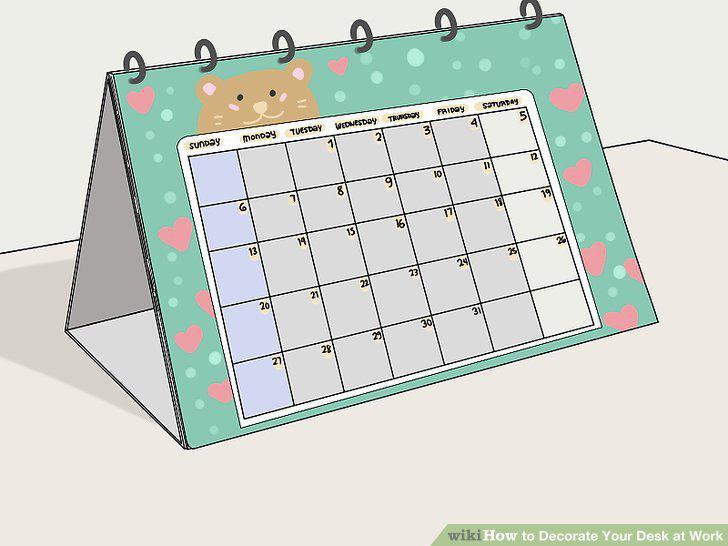
Purchase a calendar that shows your personality.
Add patterned paper to the bottom of your inbox tray.
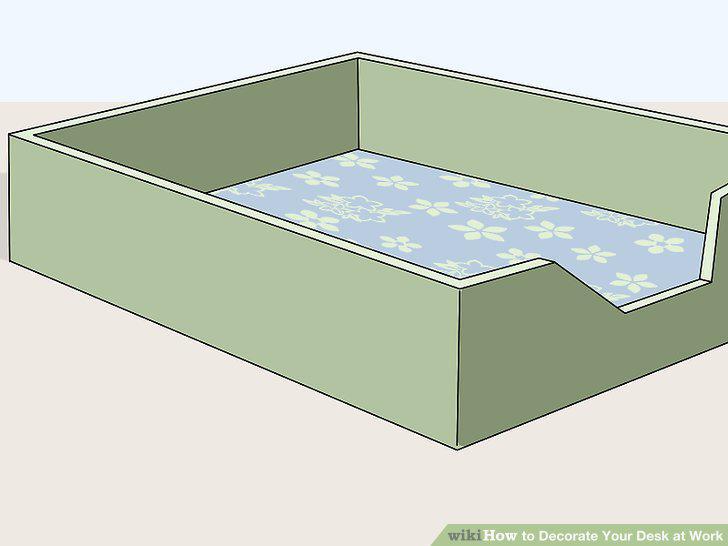
Add patterned paper to the bottom of your inbox tray.
Organize markers and highlighters in a mason jar.
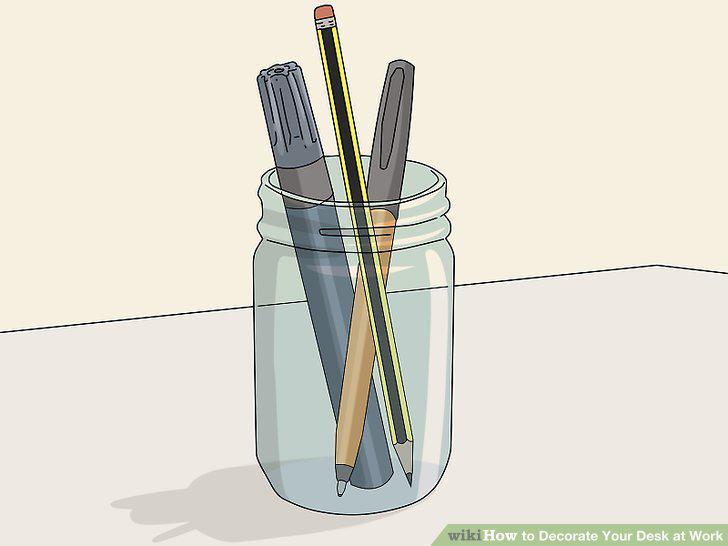
Organize markers and highlighters in a mason jar.
Color coordinate your office supplies.
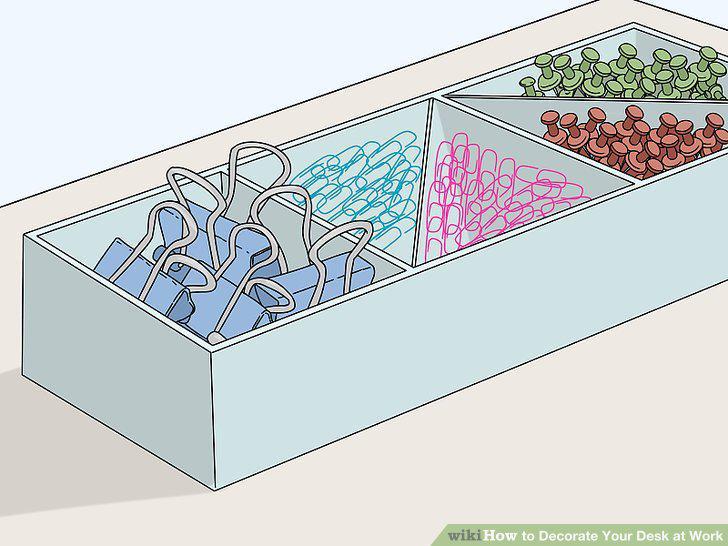
Color coordinate your office supplies.
Use sticky notes to create a color-coordinated design.
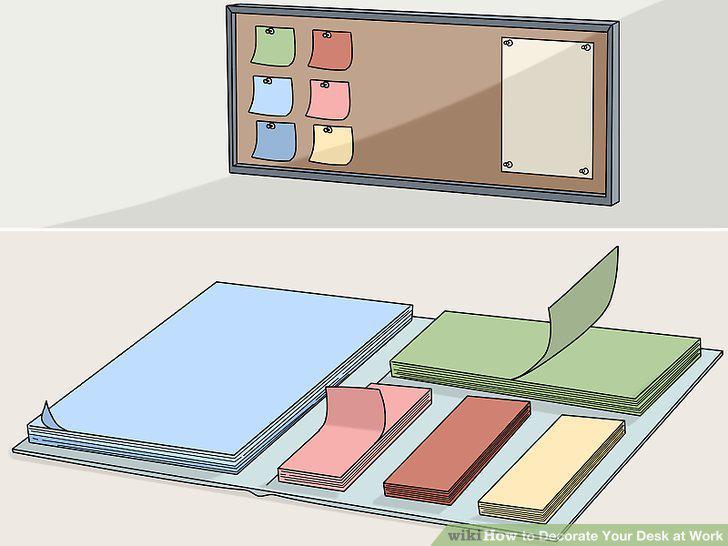
Use sticky notes to create a color-coordinated design.
Comments (0)
No comments yet. Be the first to share your thoughts!