How to Open AIR Files on PC or Mac
Open the Adobe website in your internet browser.. Scroll down and click Adobe AIR in the page footer.. Click the yellow Download now button.
Steps
1
Open the Adobe website in your internet browser.

Open the Adobe website in your internet browser.
2
Scroll down and click Adobe AIR in the page footer.
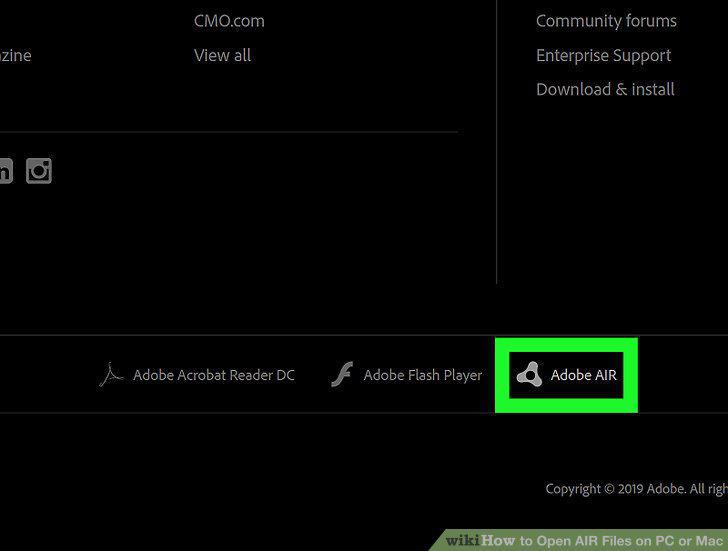
Scroll down and click Adobe AIR in the page footer.
3
Click the yellow Download now button.
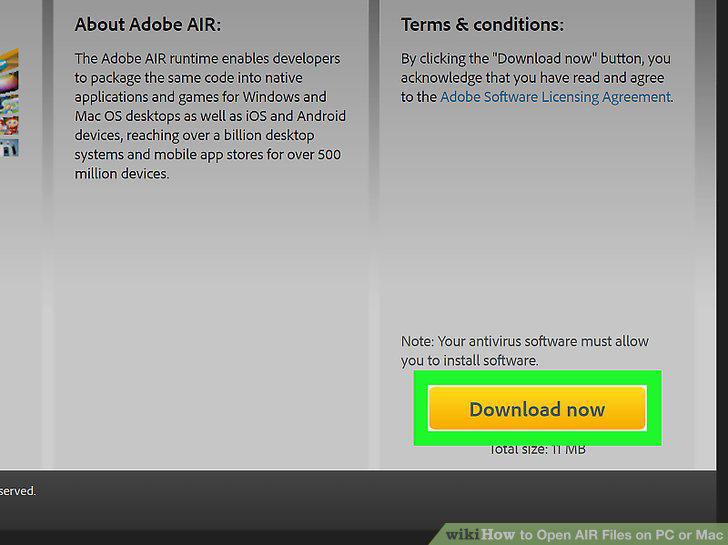
Click the yellow Download now button.
4
Launch the Adobe AIR setup file.
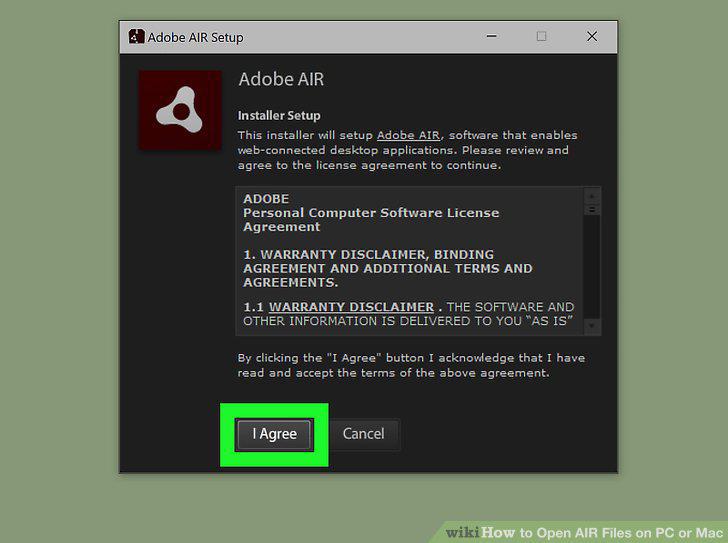
Launch the Adobe AIR setup file.
5
Click Finish in the setup window.
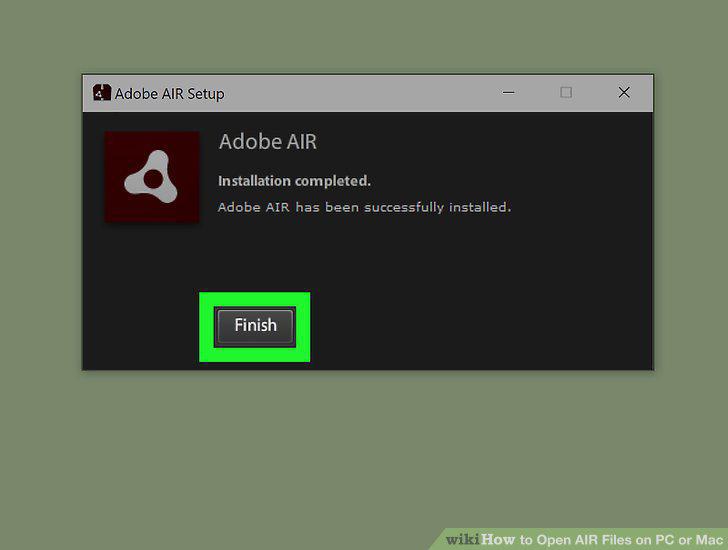
Click Finish in the setup window.
6
Find and double-click the AIR file you want to open.
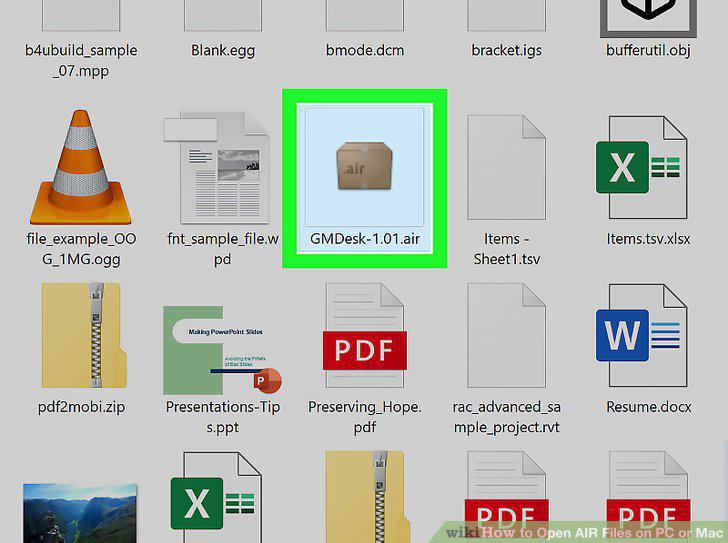
Find and double-click the AIR file you want to open.
Comments (0)
No comments yet. Be the first to share your thoughts!