How to Invite Facebook Friends to Join Instagram on iPhone or iPad
Open Instagram.. Tap the person icon.. Tap the settings icon.
Steps
1
Open Instagram.
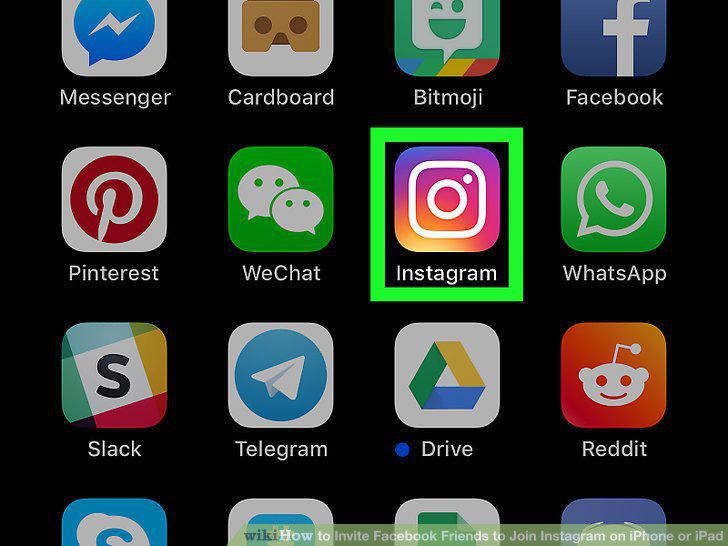
Open Instagram.
2
Tap the person icon.

Tap the person icon.
3
Tap the settings icon.
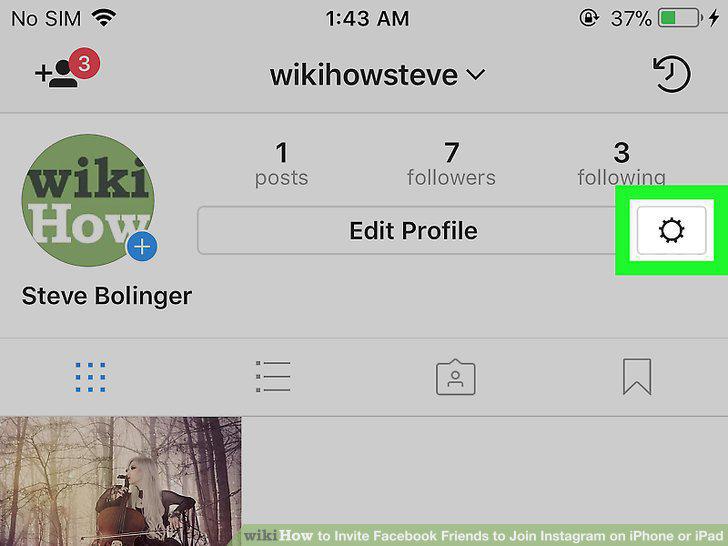
Tap the settings icon.
4
Tap Facebook Friends at the top of the screen.
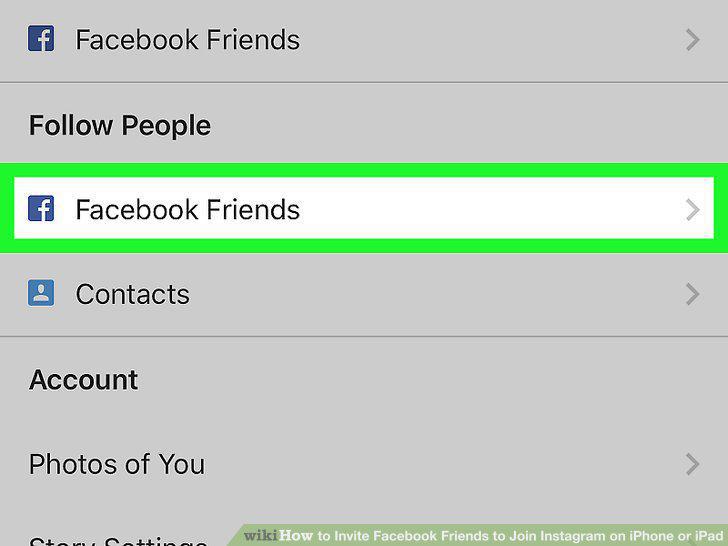
Tap Facebook Friends at the top of the screen.
5
Scroll down until you find the friend you want to invite, then tap Invite.
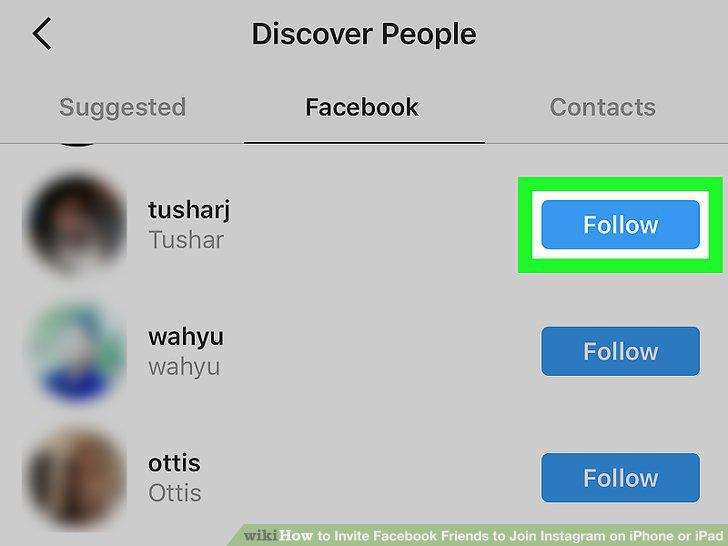
Scroll down until you find the friend you want to invite, then tap Invite.
Comments (0)
No comments yet. Be the first to share your thoughts!