How to Minimize Skype to the System Tray on Windows
Open Skype on your computer.. Click the Tools tab at the top.. Click Options on the drop-down menu.
Steps
1
Open Skype on your computer.

Open Skype on your computer.
2
Click the Tools tab at the top.
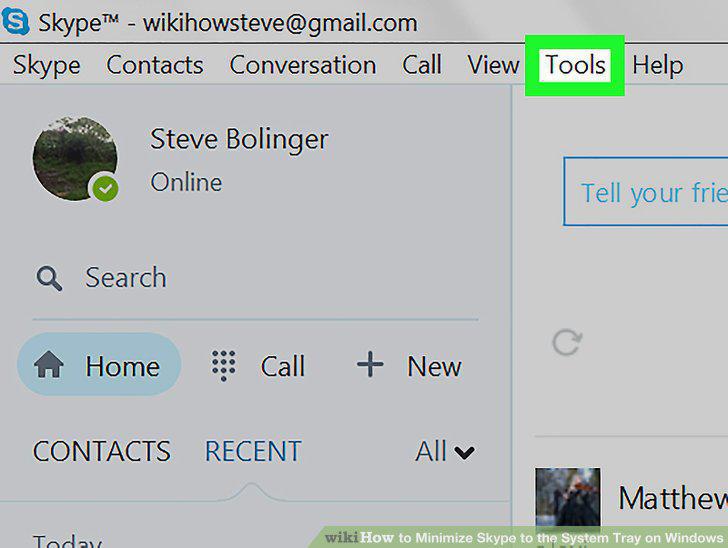
Click the Tools tab at the top.
3
Click Options on the drop-down menu.
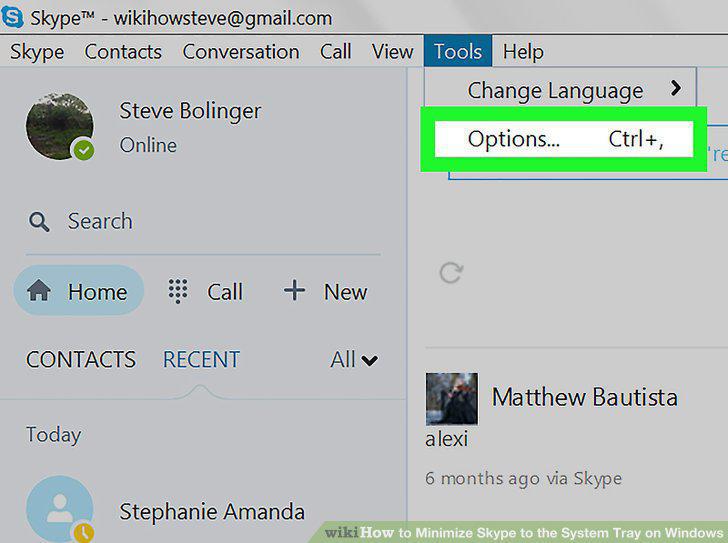
Click Options on the drop-down menu.
4
Click Advanced on the left sidebar.
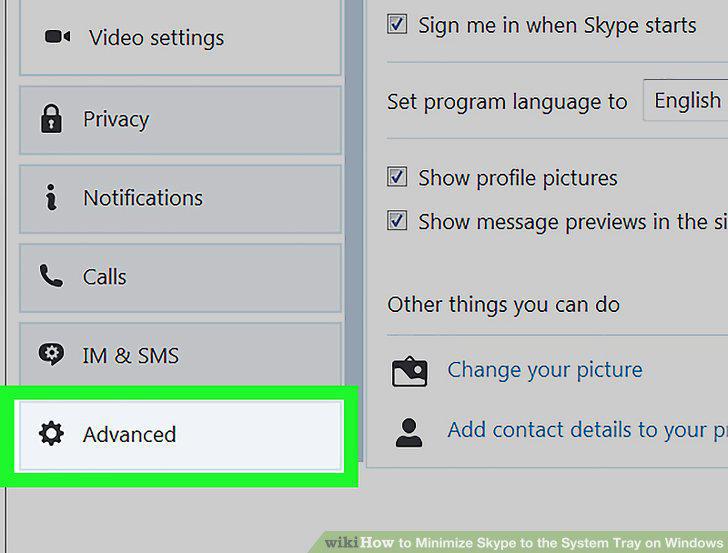
Click Advanced on the left sidebar.
5
Click Advanced settings.
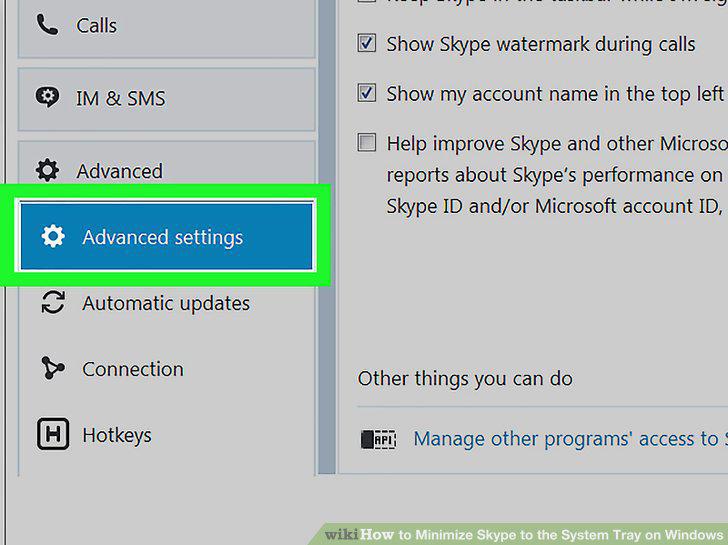
Click Advanced settings.
6
Check the Keep Skype in the taskbar while I'm signed in box.
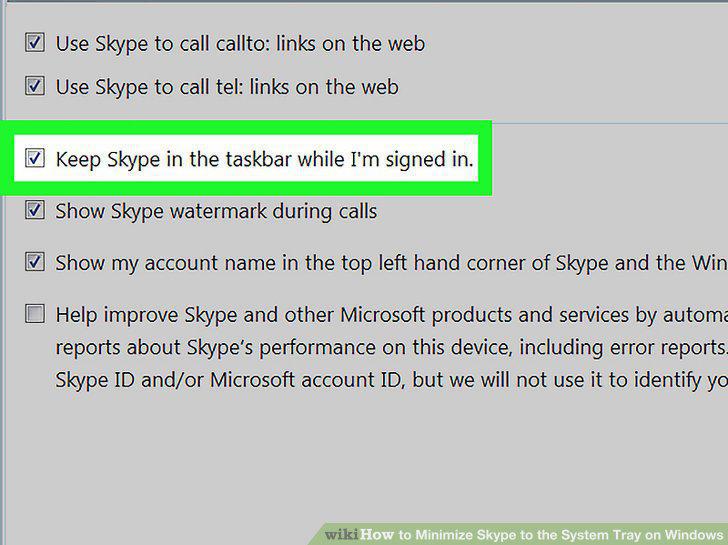
Check the Keep Skype in the taskbar while I'm signed in box.
7
Click the Save button.
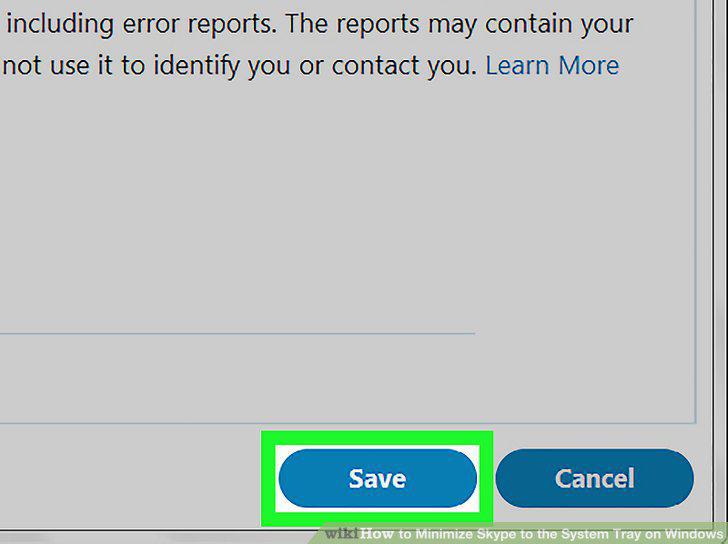
Click the Save button.
8
Close the Skype window.
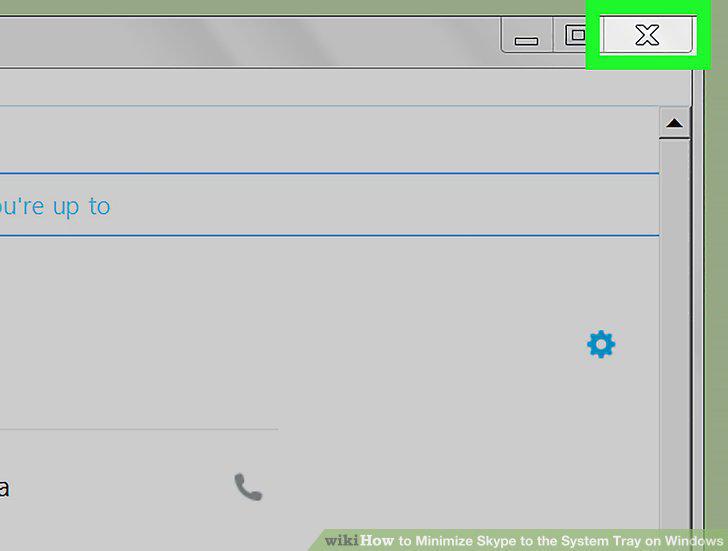
Close the Skype window.
Comments (0)
No comments yet. Be the first to share your thoughts!