How to Trust a Computer on an iPhone
Connect your iPhone to your computer via USB.. Unlock your iPhone's screen.. Tap Trust in the notification that appears.
Steps
1
Connect your iPhone to your computer via USB.
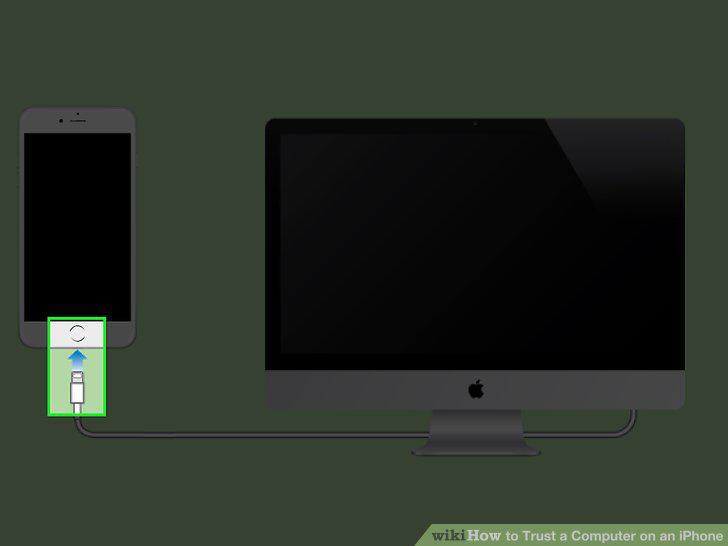
Connect your iPhone to your computer via USB.
2
Unlock your iPhone's screen.
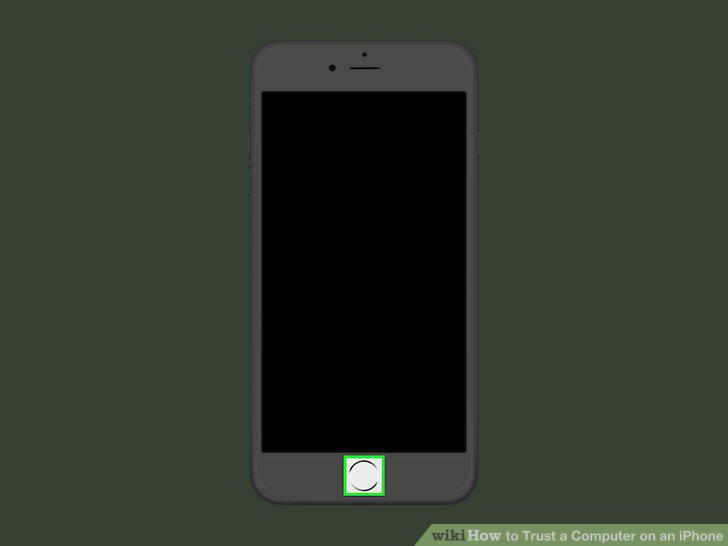
Unlock your iPhone's screen.
3
Tap Trust in the notification that appears.
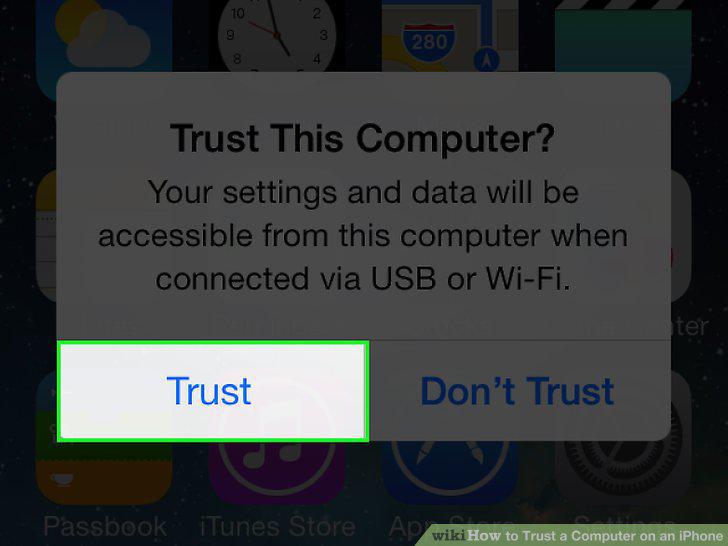
Tap Trust in the notification that appears.
4
Tap Continue in iTunes (if prompted).
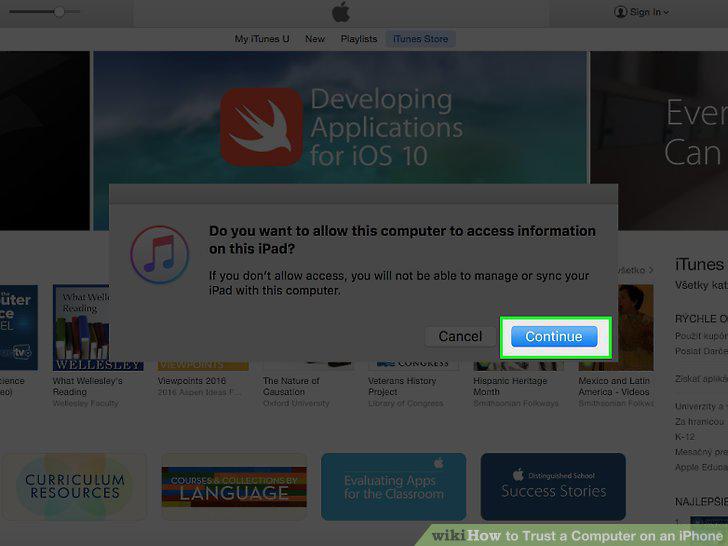
Tap Continue in iTunes (if prompted).
5
Open your iPhone's Settings.
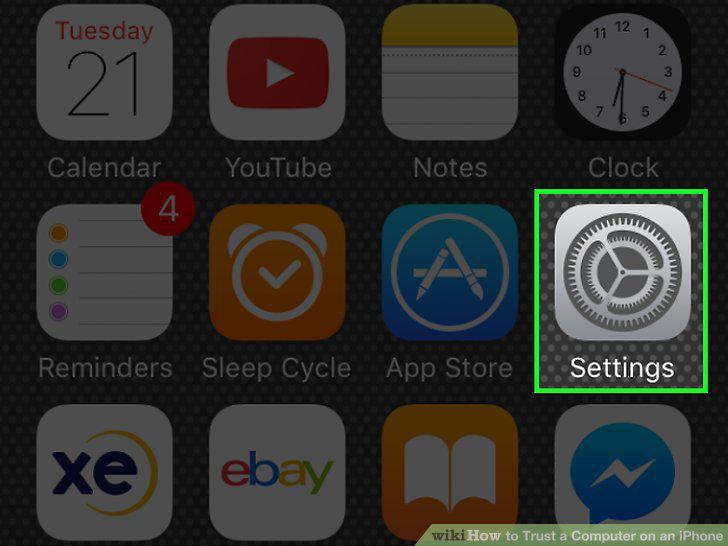
Open your iPhone's Settings.
6
Tap General.
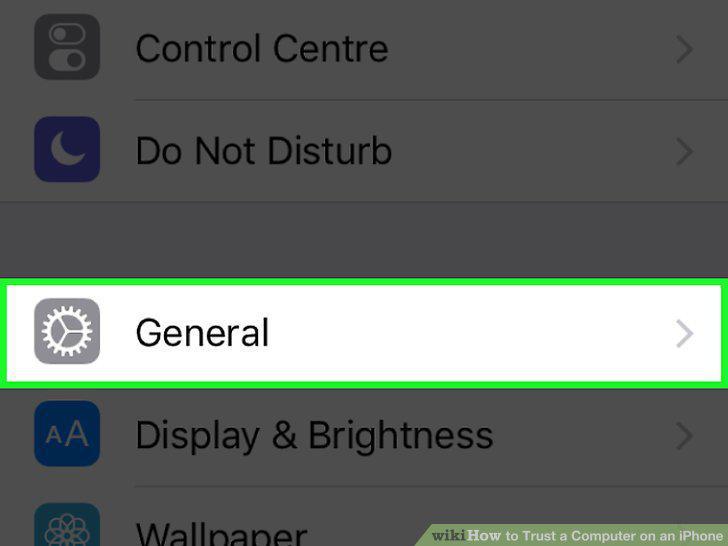
Tap General.
7
Scroll down and tap Reset.
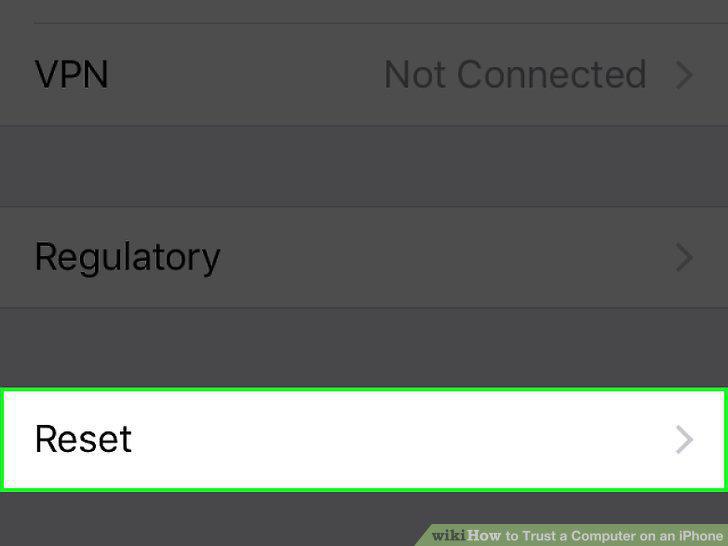
Scroll down and tap Reset.
8
Tap Reset Location & Privacy.
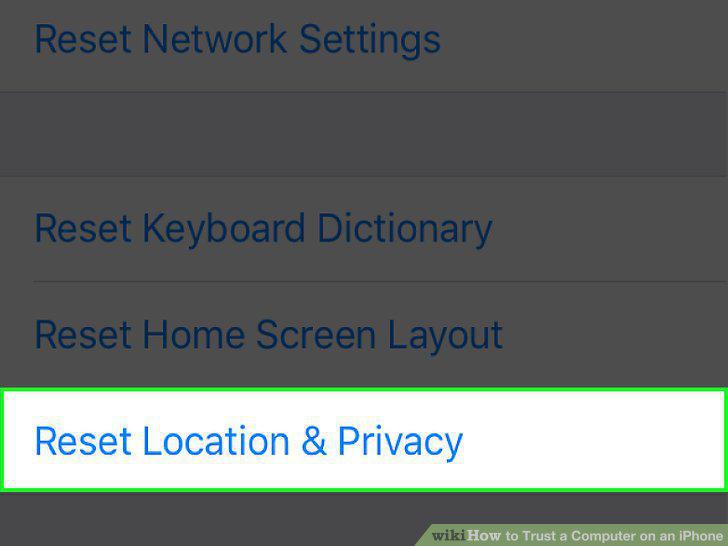
Tap Reset Location & Privacy.
9
Enter your passcode if prompted.
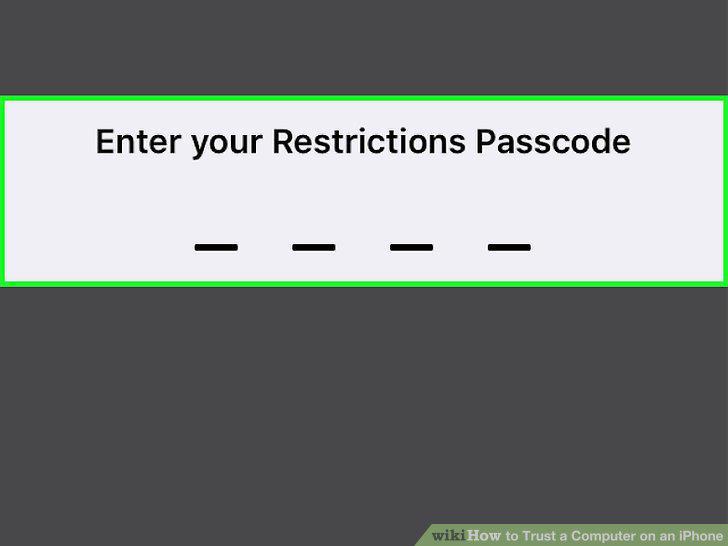
Enter your passcode if prompted.
10
Reconnect your iPhone to a computer.
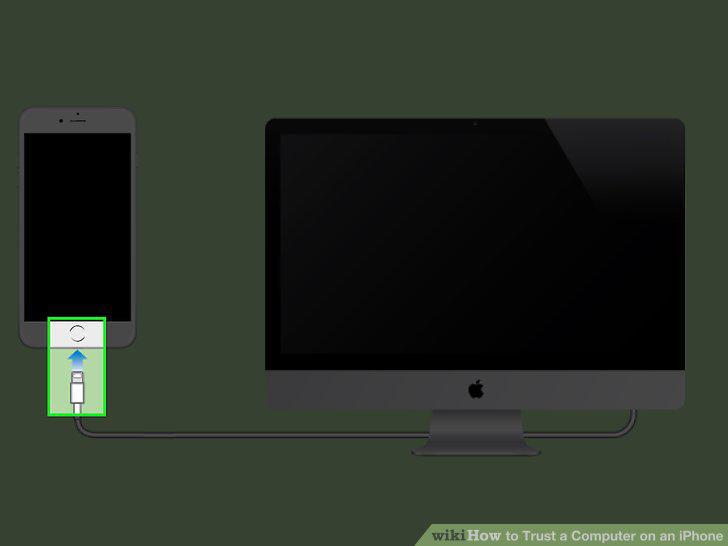
Reconnect your iPhone to a computer.
11
Check for iTunes updates.
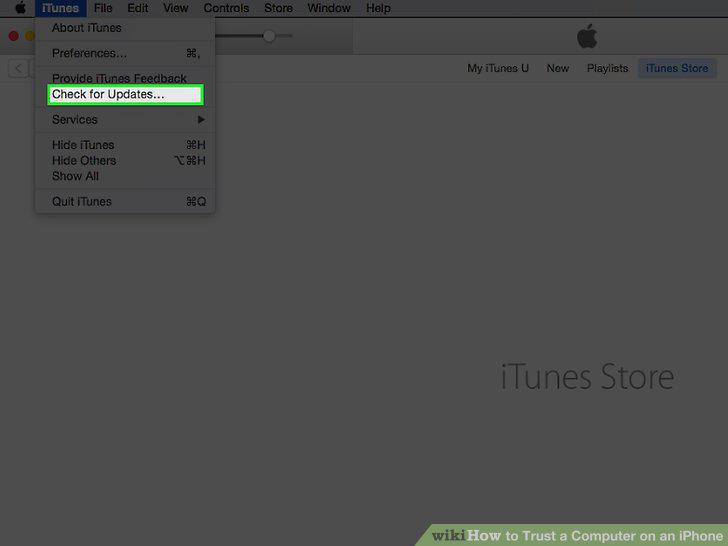
Check for iTunes updates.
12
Restart your iPhone.
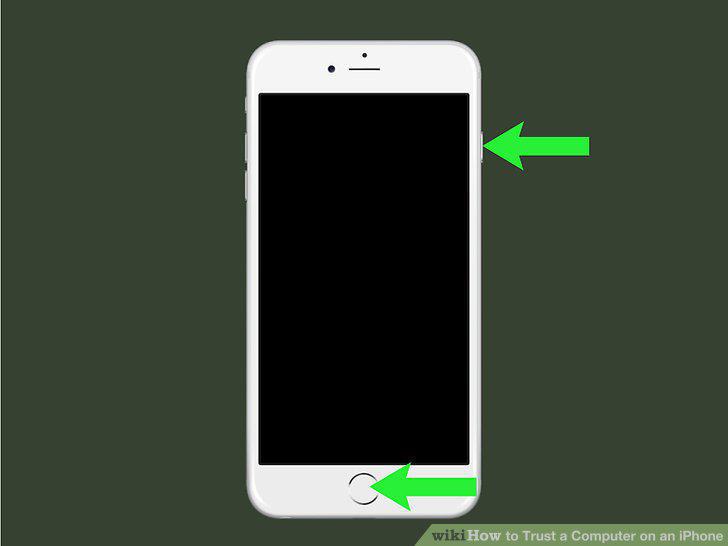
Restart your iPhone.
Comments (0)
No comments yet. Be the first to share your thoughts!