How to Get Emoji Icons on an iPhone
Update to the latest version of iOS.. Open the Settings app on your iPhone.. Select "General" and then "Keyboard."
Steps
1
Update to the latest version of iOS.
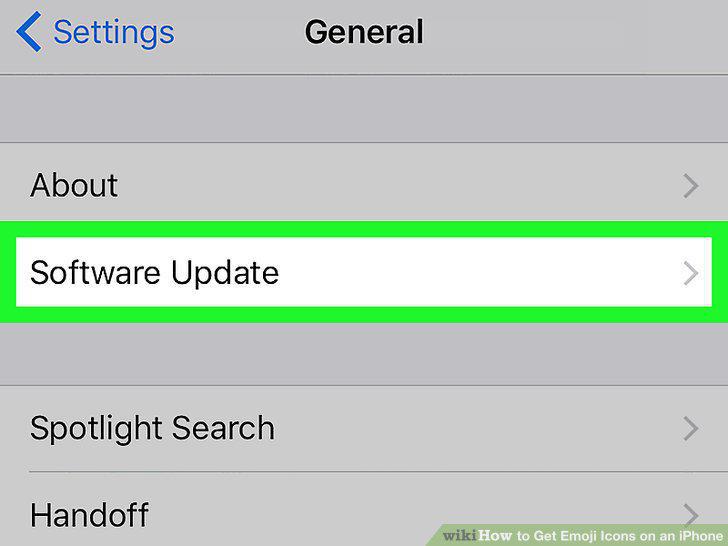
Update to the latest version of iOS.
2
Open the Settings app on your iPhone.
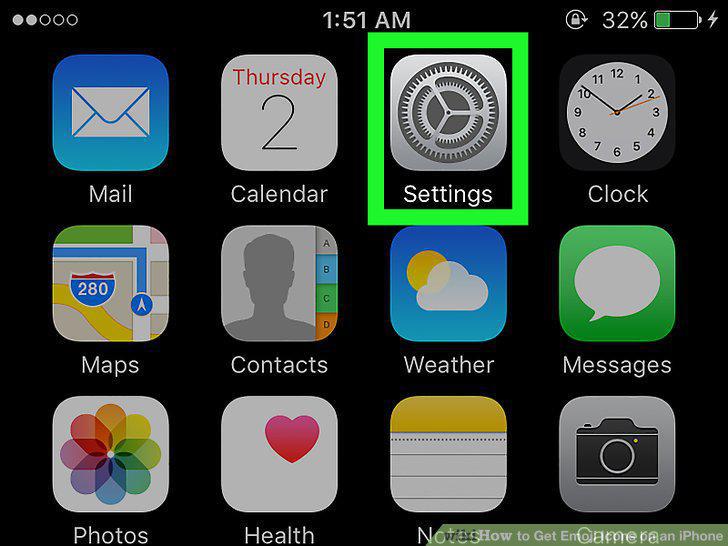
Open the Settings app on your iPhone.
3
Select "General" and then "Keyboard."
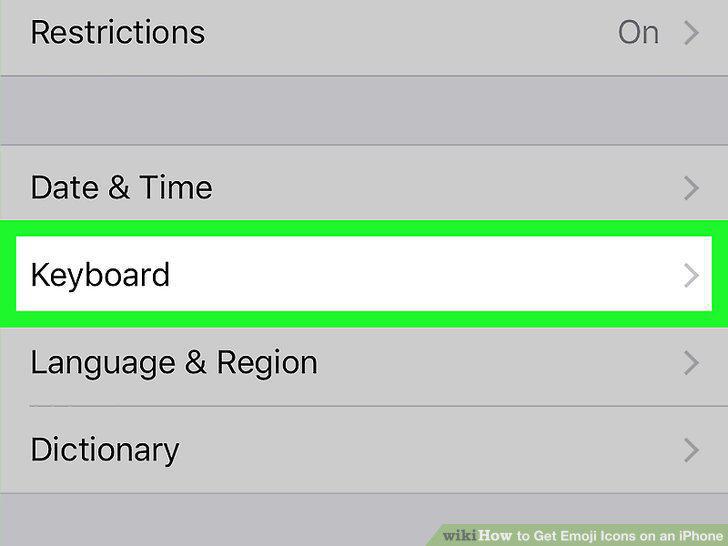
Select "General" and then "Keyboard."
4
Tap "Keyboards" at the top of the menu.
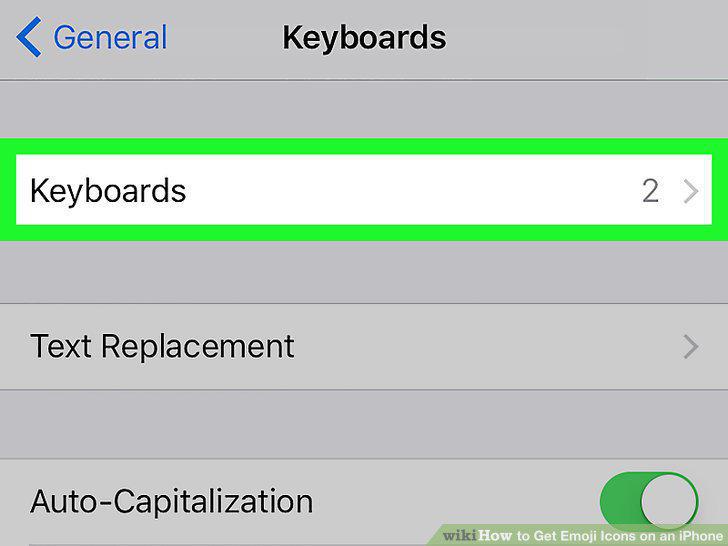
Tap "Keyboards" at the top of the menu.
5
Tap "Add New Keyboard" if the Emoji keyboard is not on the list.
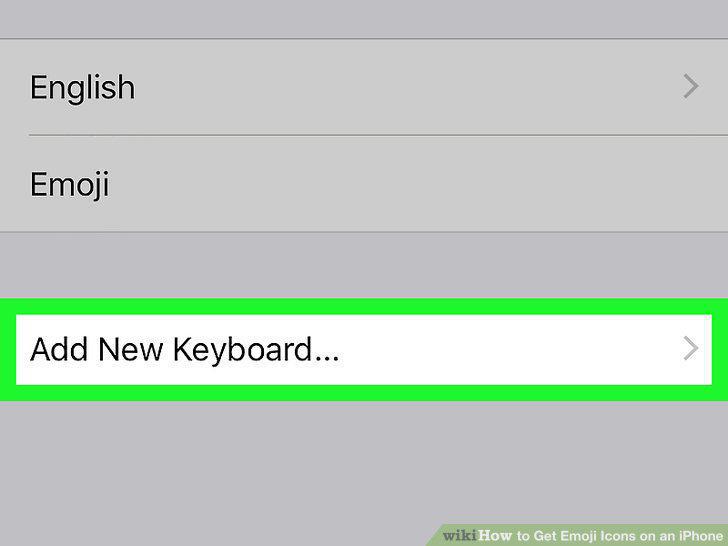
Tap "Add New Keyboard" if the Emoji keyboard is not on the list.
6
Tap "Emoji" in the list of available keyboards.
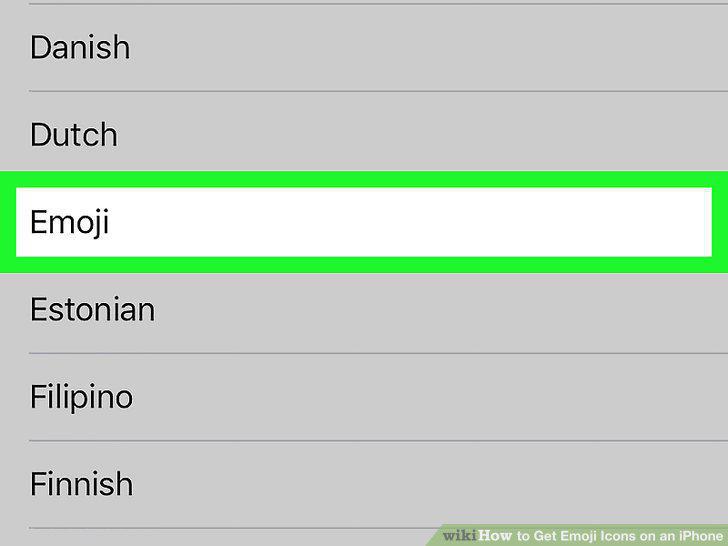
Tap "Emoji" in the list of available keyboards.
7
Open any app that allows you to type.
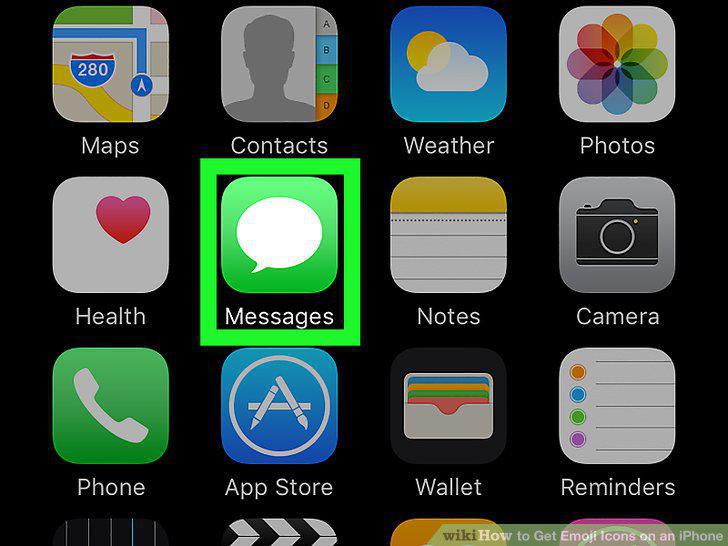
Open any app that allows you to type.
8
Tap the text field to make the keyboard appear.
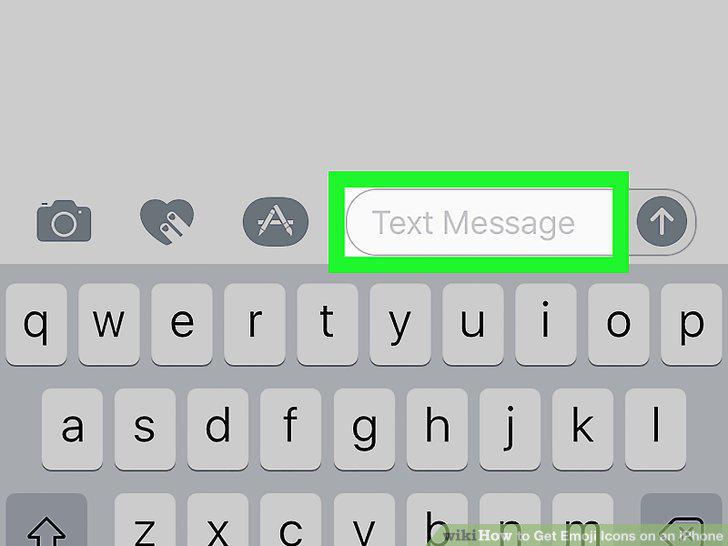
Tap the text field to make the keyboard appear.
9
Tap the Smiley button to the left of the Space bar.
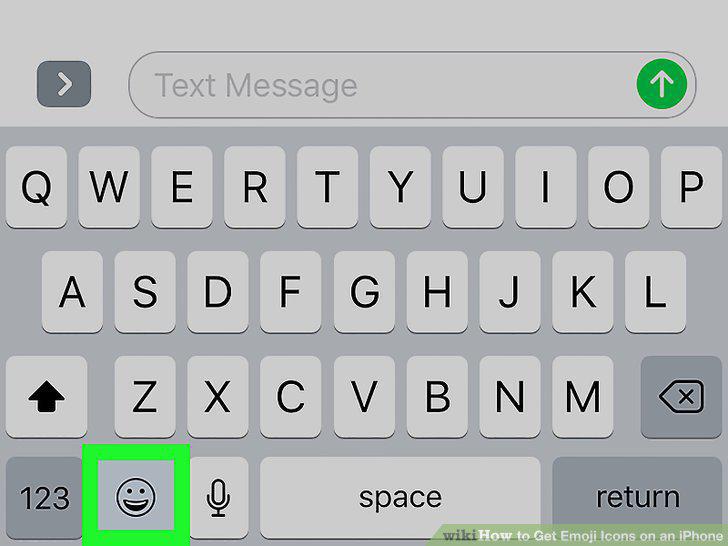
Tap the Smiley button to the left of the Space bar.
10
Hold the Globe button and select "Emoji" if you don't see the Smiley button.
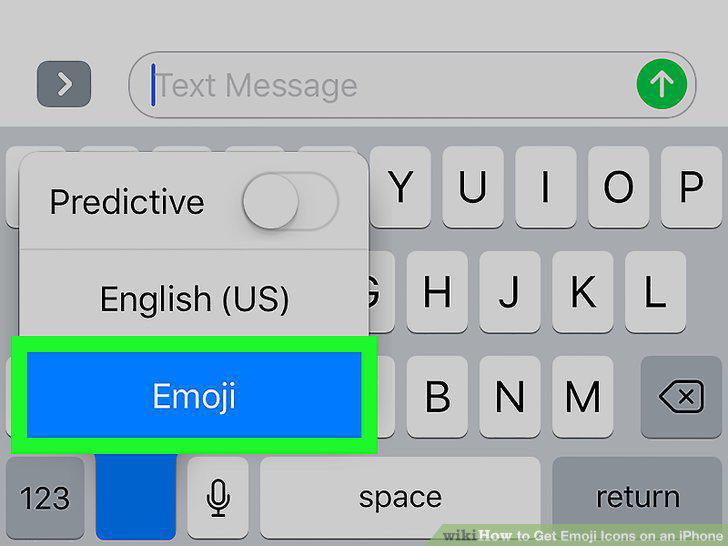
Hold the Globe button and select "Emoji" if you don't see the Smiley button.
11
Swipe right to left on the Emoji keyboard to scroll through available emoji.
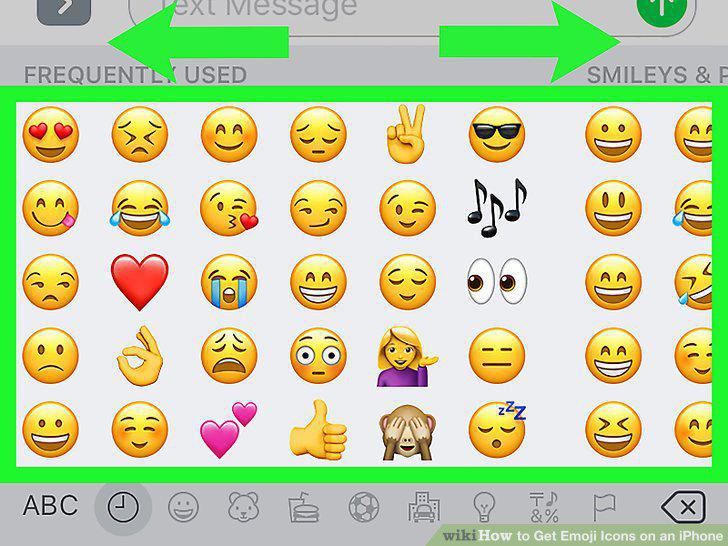
Swipe right to left on the Emoji keyboard to scroll through available emoji.
12
Tap an emoji to add it to your message.
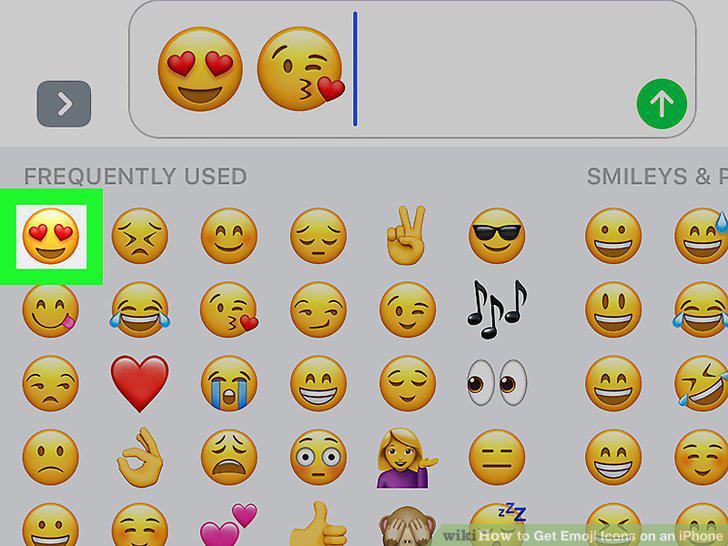
Tap an emoji to add it to your message.
13
Change the skin tone of certain emoji (iOS 8.3+).
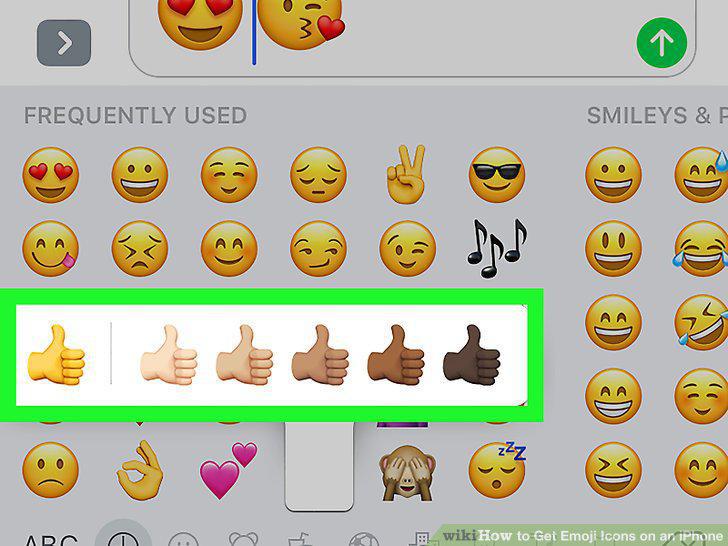
Change the skin tone of certain emoji (iOS 8.3+).
Comments (0)
No comments yet. Be the first to share your thoughts!