How to Check Your AP Scores
Check online to see when scores for your region will be released.. Create or login to your College Board account to view your scores.. Enter your AP number in your account to access your scores.
Steps
Check online to see when scores for your region will be released.
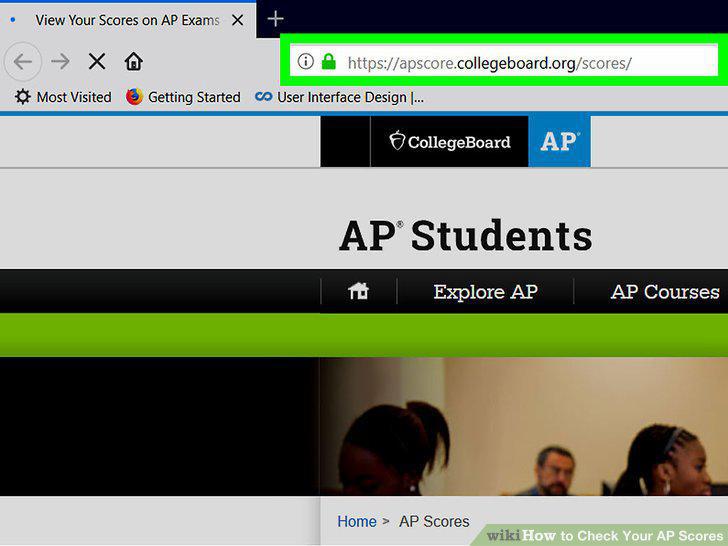
Check online to see when scores for your region will be released.
Create or login to your College Board account to view your scores.
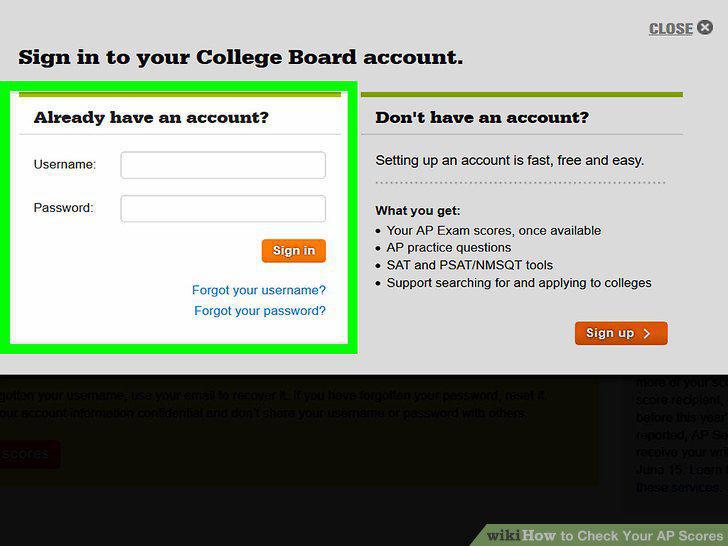
Create or login to your College Board account to view your scores.
Enter your AP number in your account to access your scores.

Enter your AP number in your account to access your scores.
Save a copy of your report by downloading the results in PDF format.
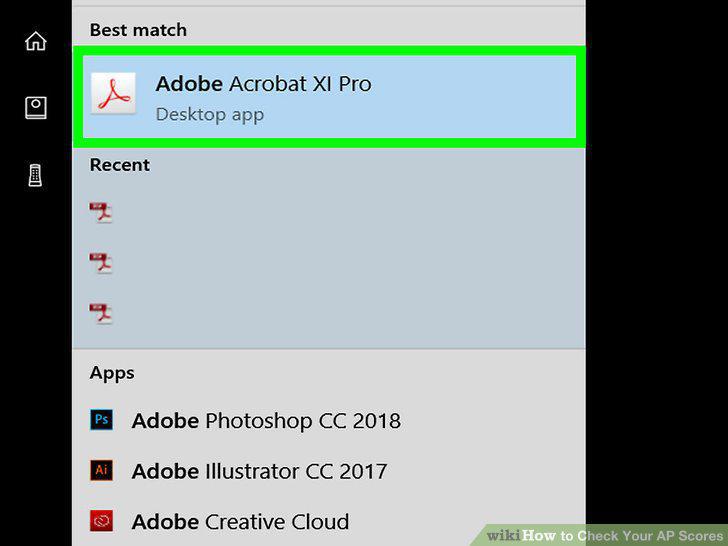
Save a copy of your report by downloading the results in PDF format.
Troubleshoot problems by calling AP services at 888-225-5427.
Troubleshoot problems by calling AP services at 888-225-5427.
Check your online profile to see where you already sent your scores.
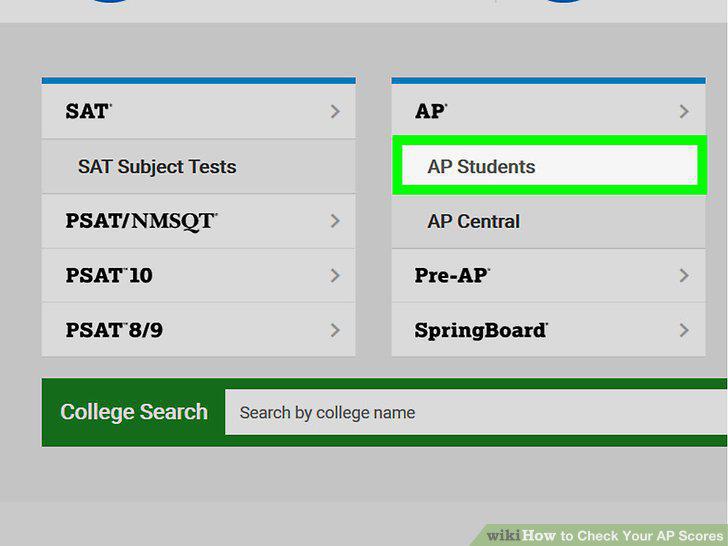
Check your online profile to see where you already sent your scores.
Send your scores to 1 college for free.
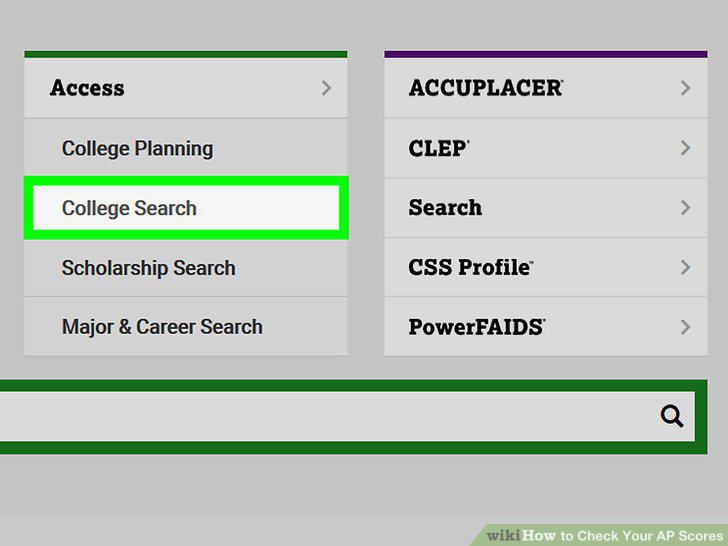
Send your scores to 1 college for free.
Send additional scores by paying $15 for each additional report.
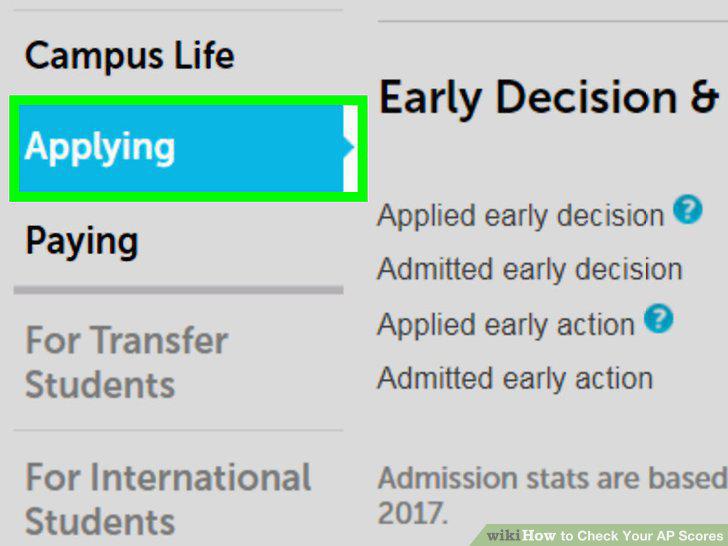
Send additional scores by paying $15 for each additional report.
Mail or fax a request to send your reports if you can't do it online.
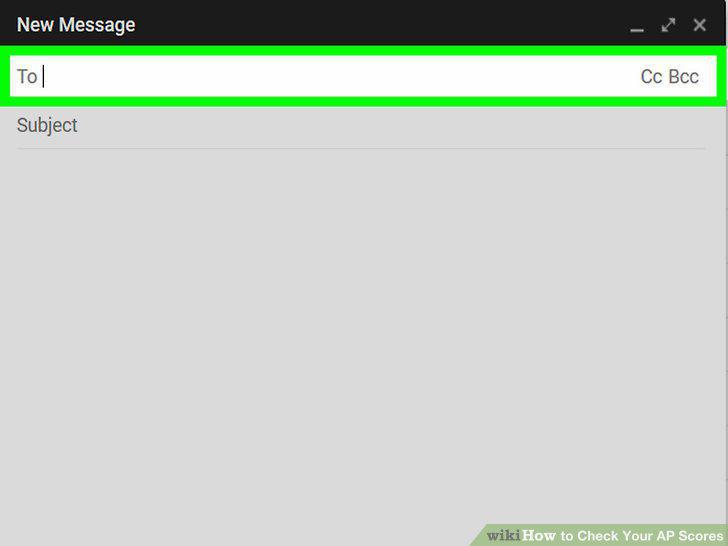
Mail or fax a request to send your reports if you can't do it online.
Comments (0)
No comments yet. Be the first to share your thoughts!