How to Send Messages to Yourself on WhatsApp on iPhone or iPad
Open WhatsApp.. Tap New Group.. Select any contact and tap Next.
Steps
1
Open WhatsApp.
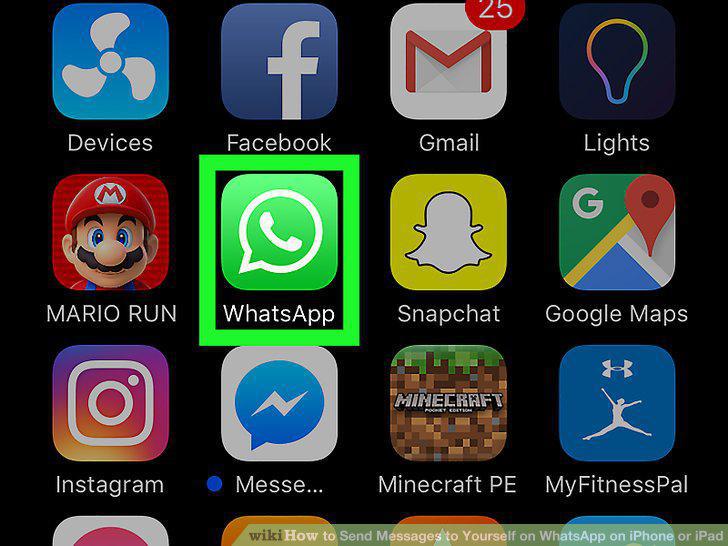
Open WhatsApp.
2
Tap New Group.
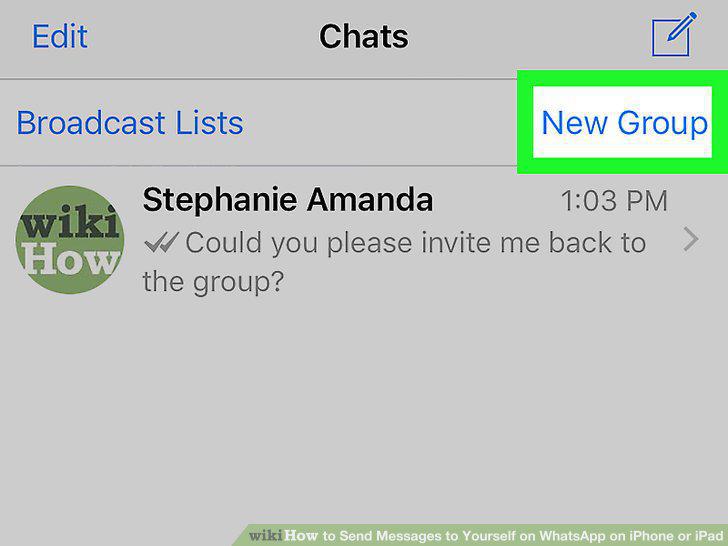
Tap New Group.
3
Select any contact and tap Next.
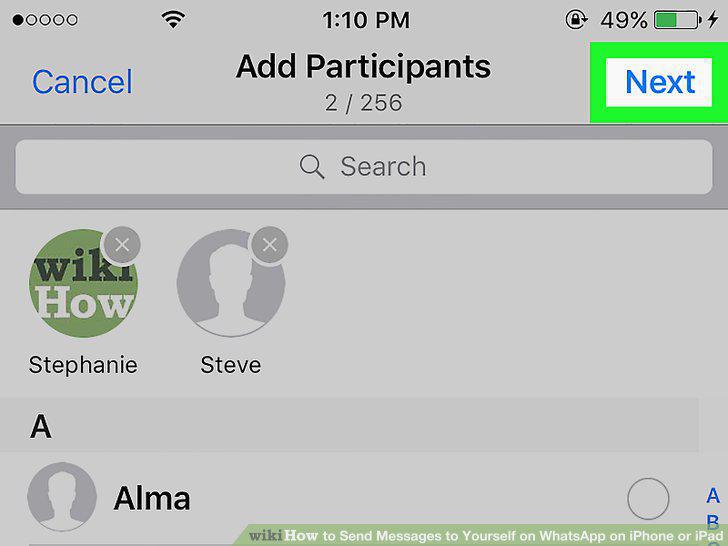
Select any contact and tap Next.
4
Type a name for the group.
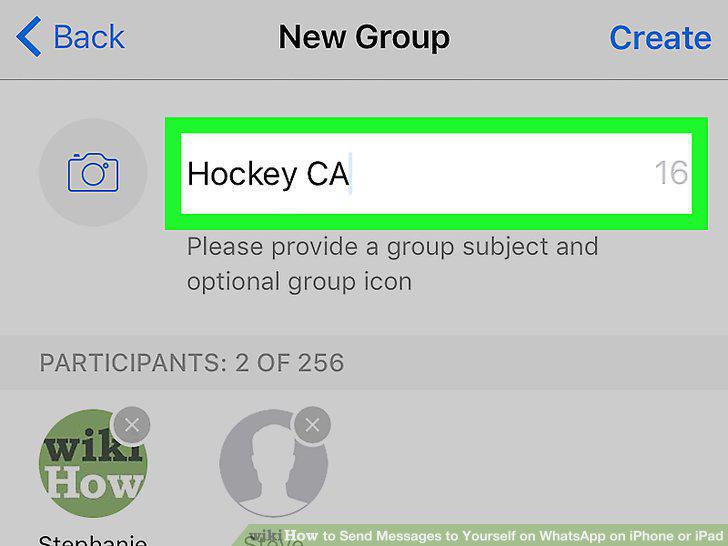
Type a name for the group.
5
Tap Create.
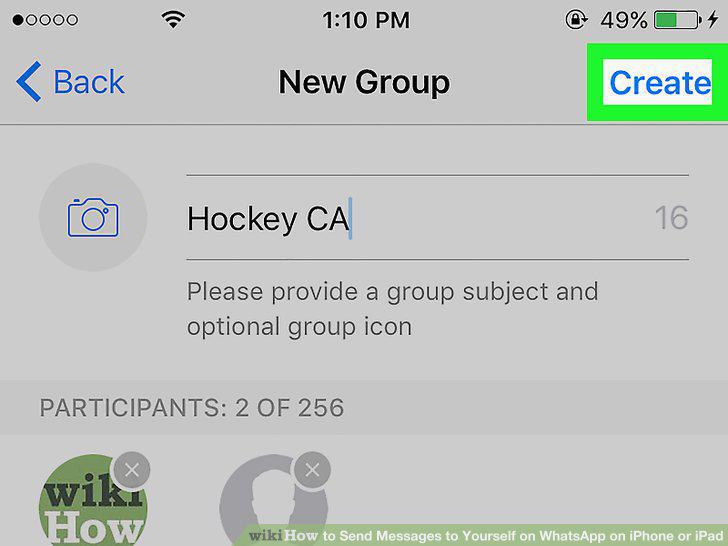
Tap Create.
6
Tap the group's name.
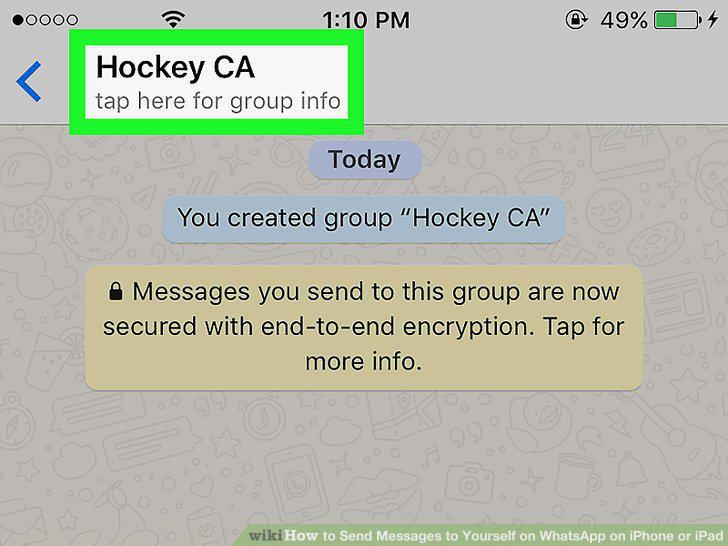
Tap the group's name.
7
Select the other person in the group and tap Remove.
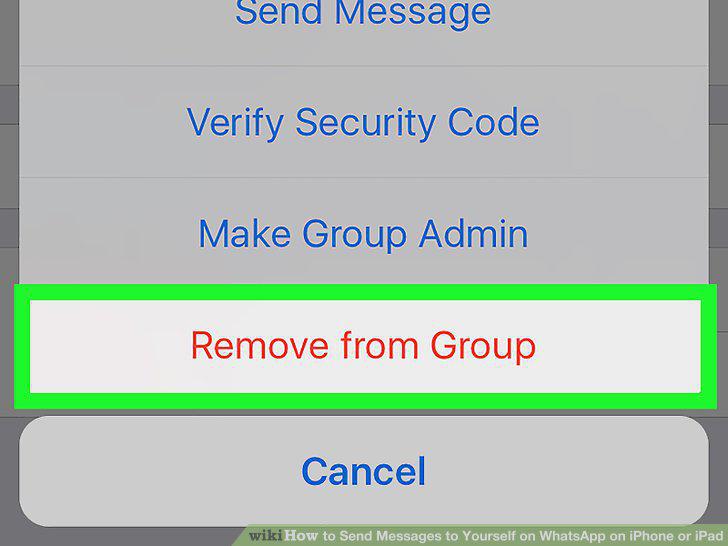
Select the other person in the group and tap Remove.
8
Send a message to yourself.
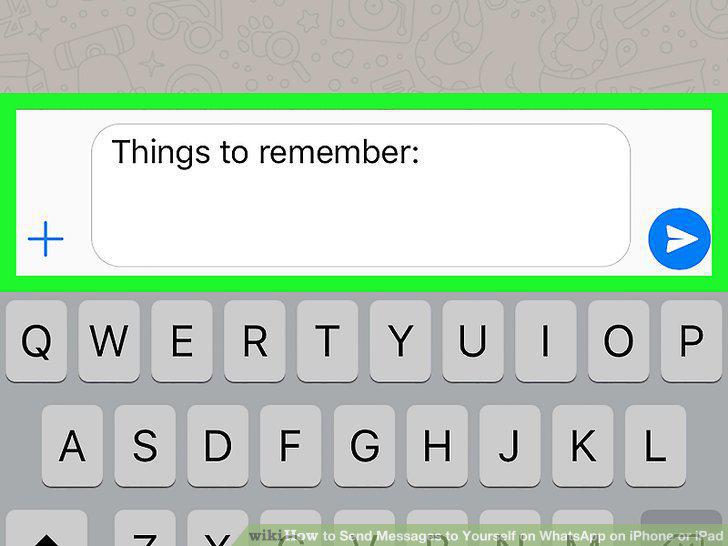
Send a message to yourself.
Comments (0)
No comments yet. Be the first to share your thoughts!