How to Move Google Tasks on PC or Mac
Open Gmail in your internet browser.. Click the Google Tasks icon on the right sidebar.. Click and hold the task you want to move.
Steps
1
Open Gmail in your internet browser.
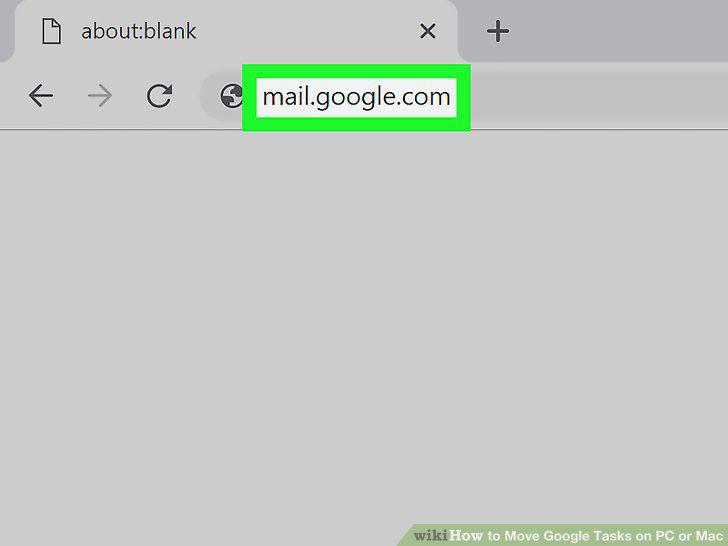
Open Gmail in your internet browser.
2
Click the Google Tasks icon on the right sidebar.
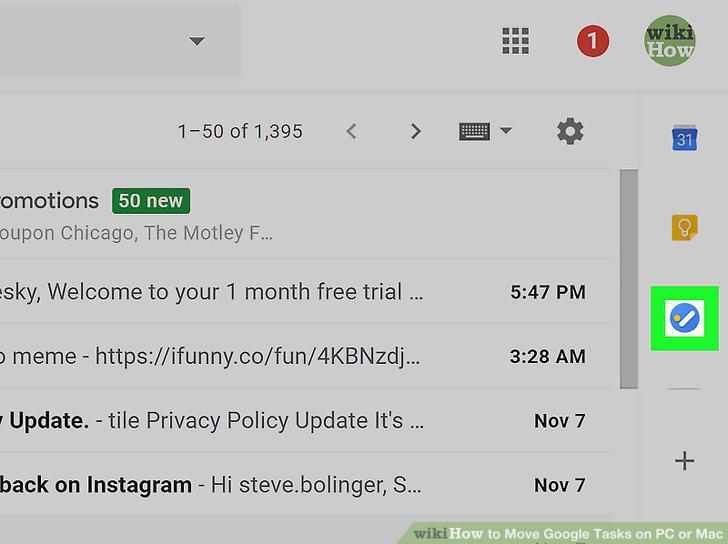
Click the Google Tasks icon on the right sidebar.
3
Click and hold the task you want to move.
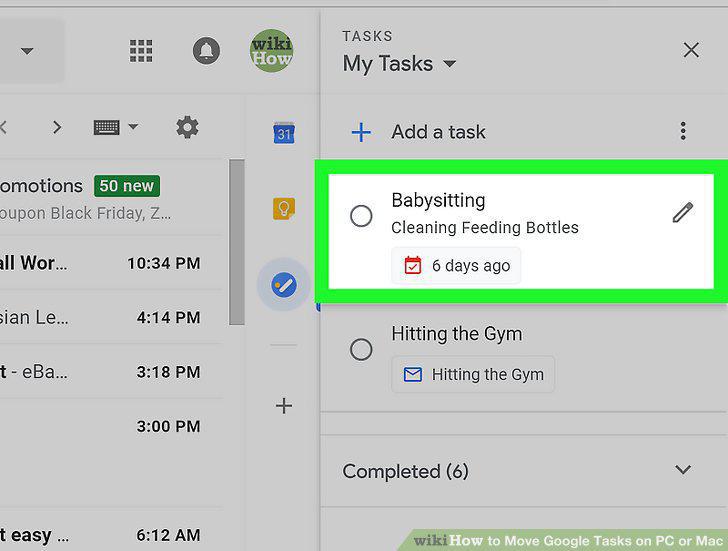
Click and hold the task you want to move.
4
Drag the task to its new location on the list.
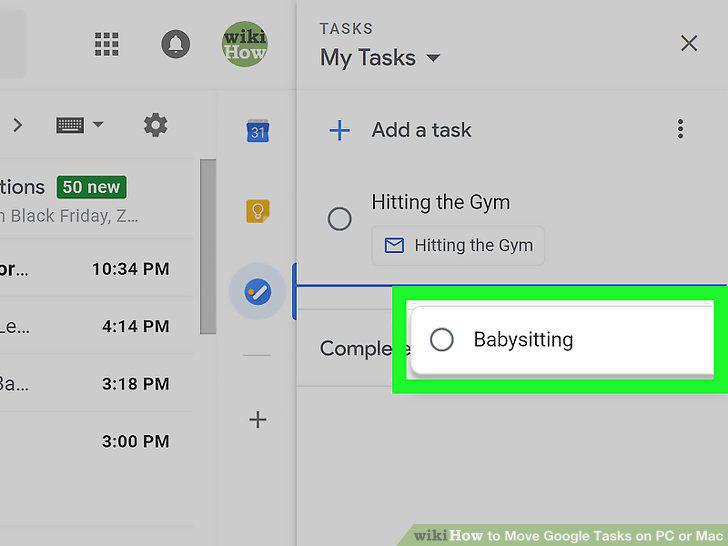
Drag the task to its new location on the list.
5
Open Gmail in your internet browser.
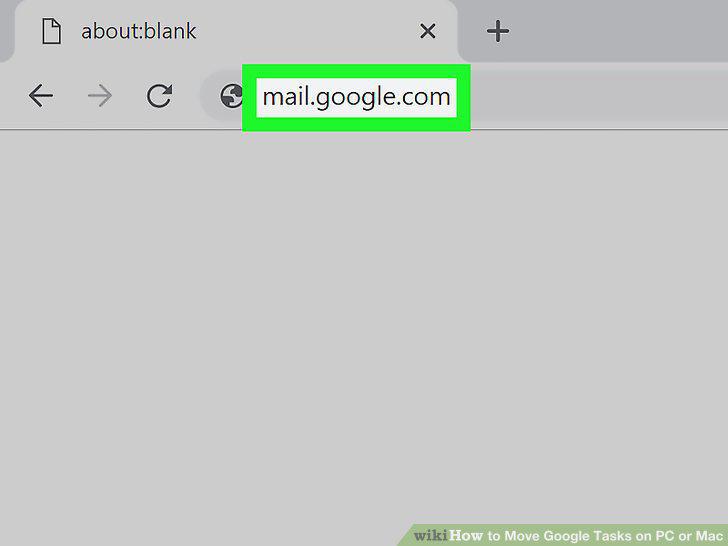
Open Gmail in your internet browser.
6
Click the Google Tasks icon on the right sidebar.
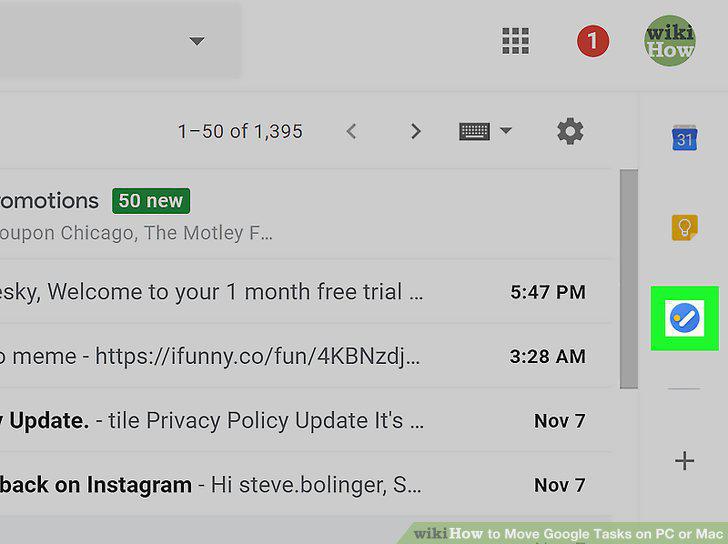
Click the Google Tasks icon on the right sidebar.
7
Hover over a task on the list.
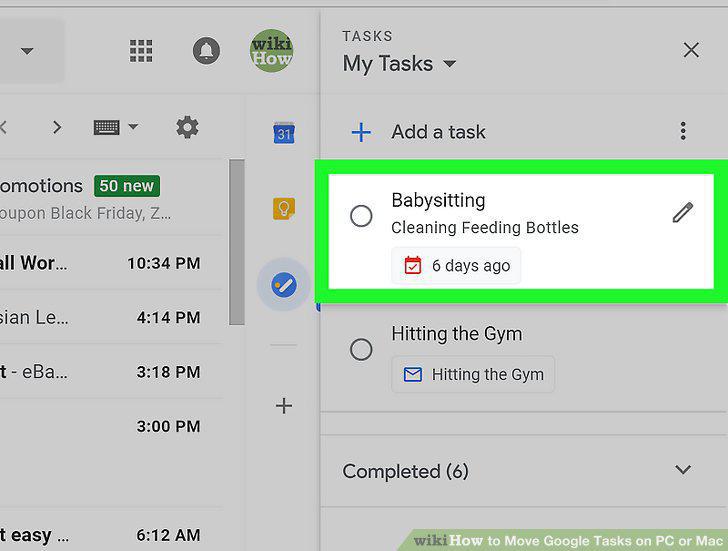
Hover over a task on the list.
8
Click the icon next to the task.
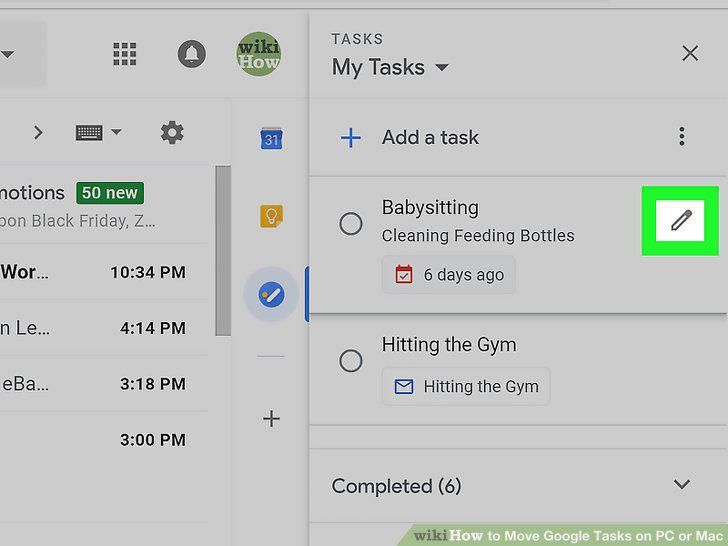
Click the icon next to the task.
9
Click the icon next to the task's current list.
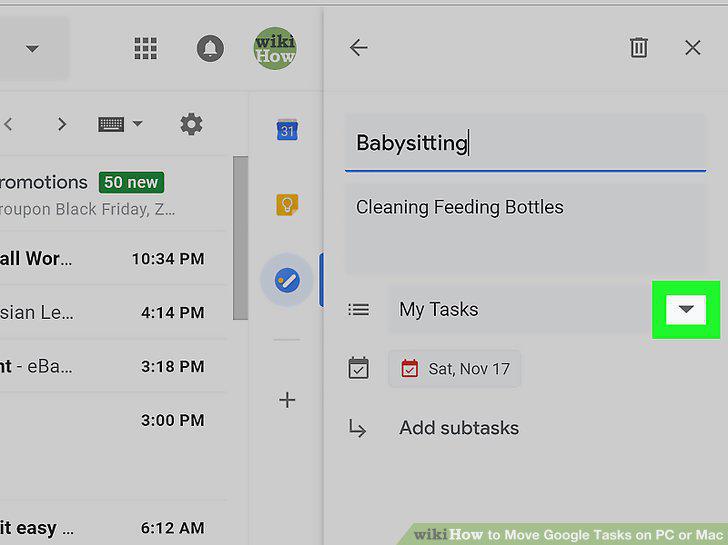
Click the icon next to the task's current list.
10
Select the list you want to move this task to.
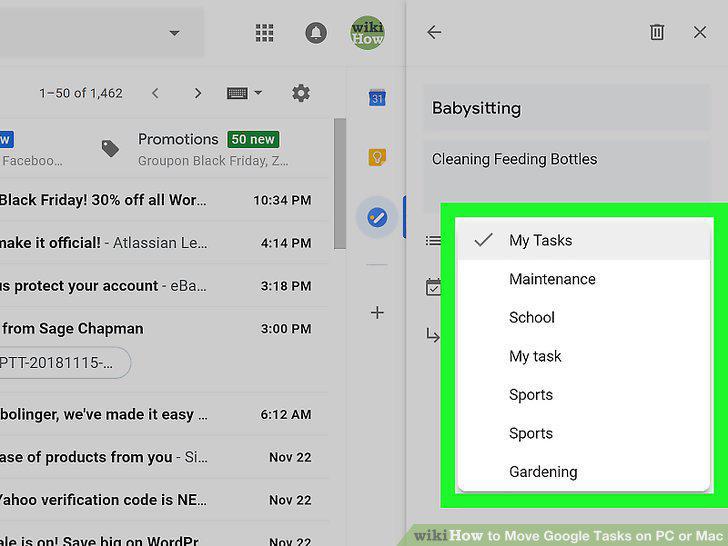
Select the list you want to move this task to.
Comments (0)
No comments yet. Be the first to share your thoughts!