How to Log Into the Microsoft Store
Open the Microsoft Store .. Click the profile icon at the top-right corner.. Click Sign in or the profile name.
Steps
1
Open the Microsoft Store .
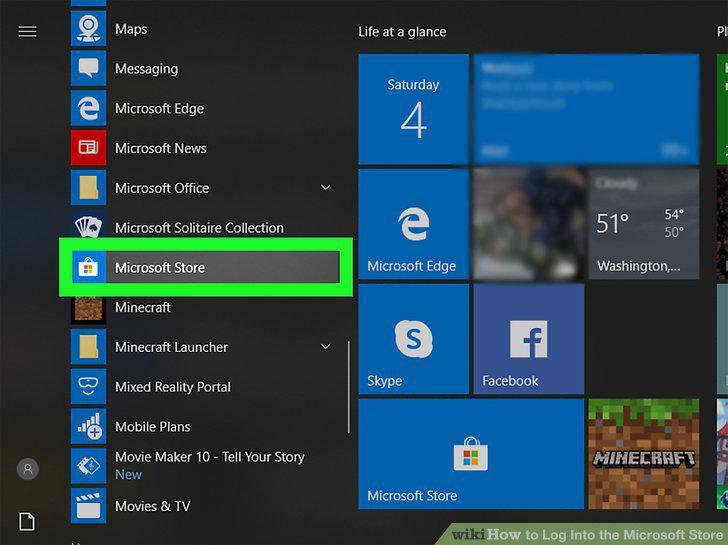
Open the Microsoft Store .
2
Click the profile icon at the top-right corner.
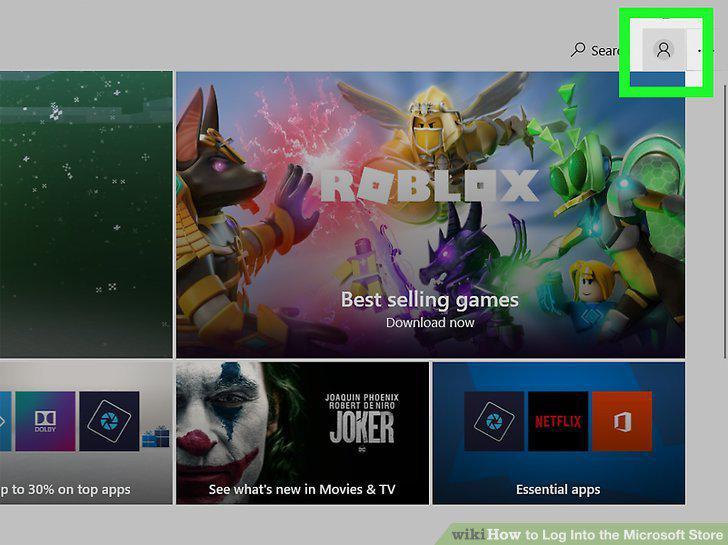
Click the profile icon at the top-right corner.
3
Click Sign in or the profile name.
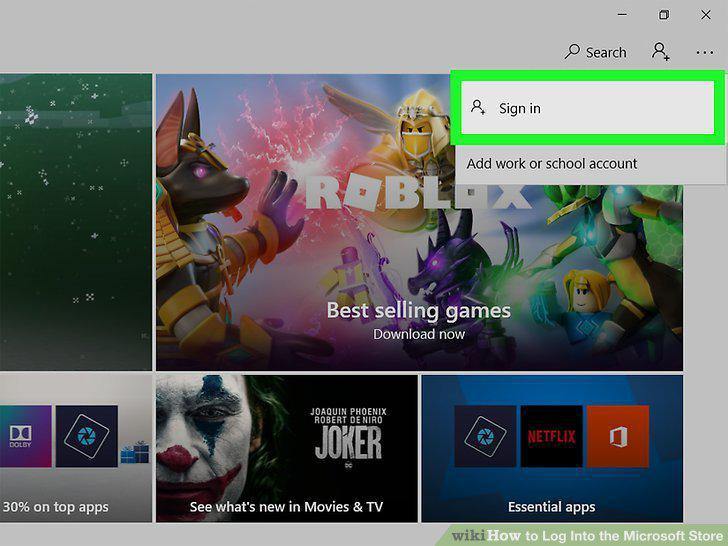
Click Sign in or the profile name.
4
Select an account and click Continue.
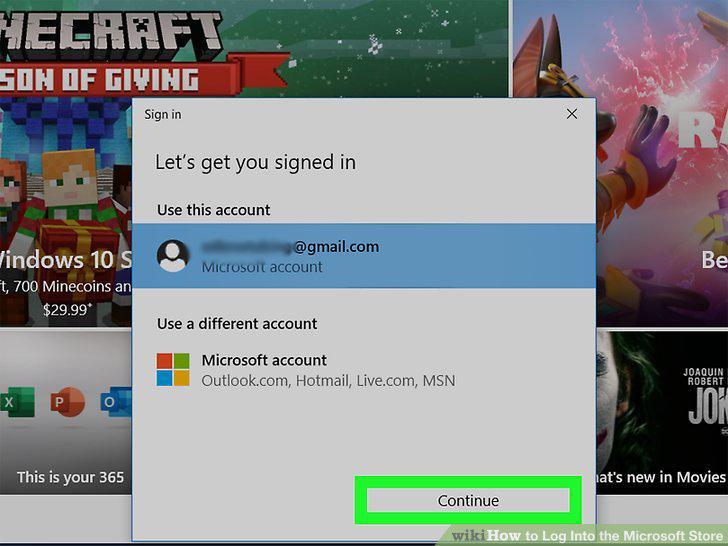
Select an account and click Continue.
5
Enter the account information.
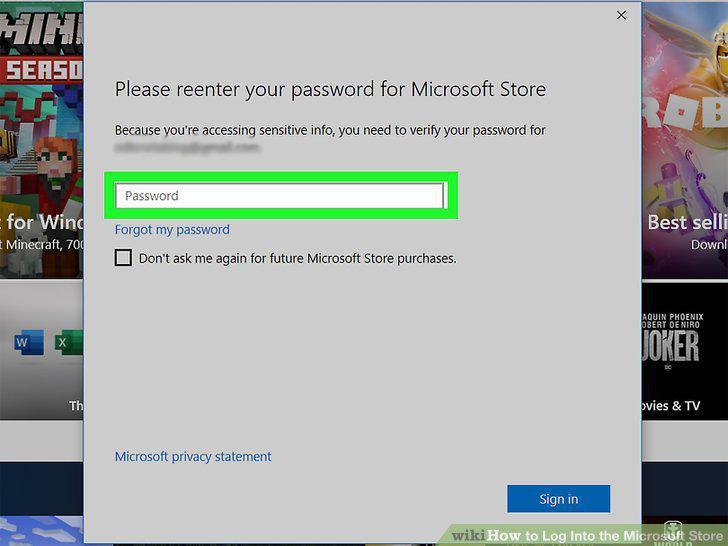
Enter the account information.
6
Go to https://www.microsoft.com/en-us/store/.
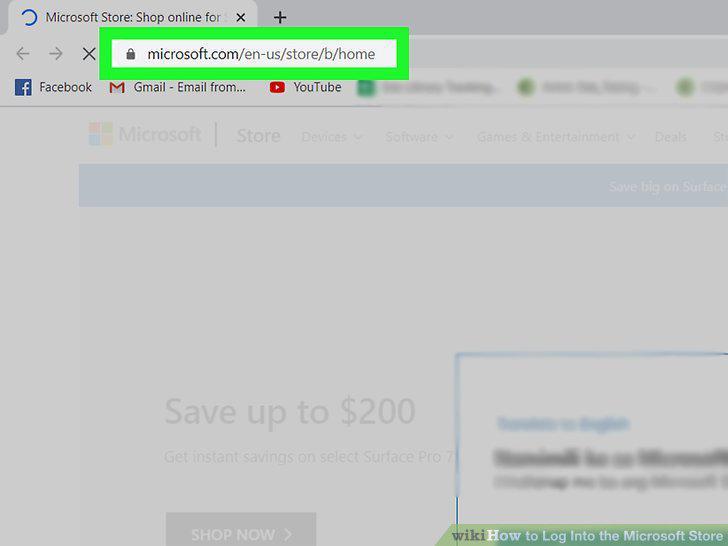
Go to https://www.microsoft.com/en-us/store/.
7
Click the profile icon in the top right corner of the page.
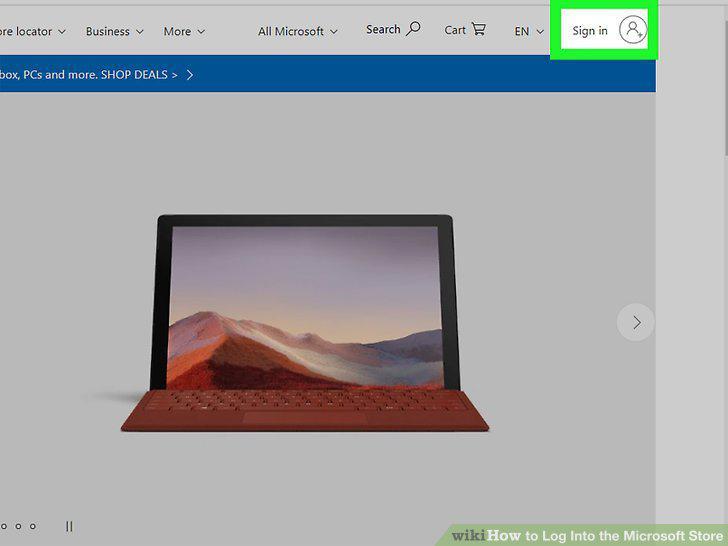
Click the profile icon in the top right corner of the page.
8
Enter your email, phone, or Skype to sign in with Microsoft.
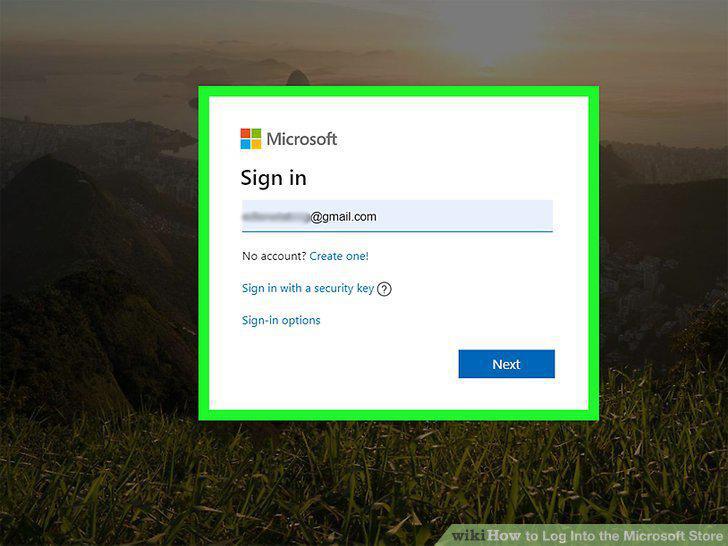
Enter your email, phone, or Skype to sign in with Microsoft.
9
Enter your account password and click Sign In.
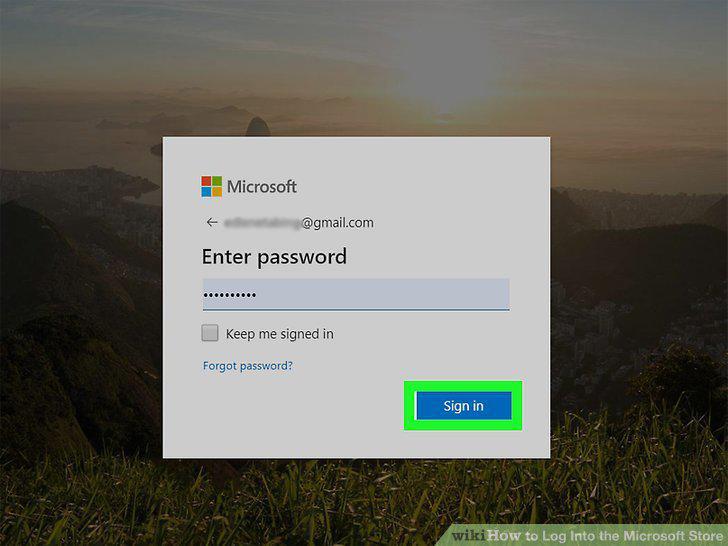
Enter your account password and click Sign In.
Comments (0)
No comments yet. Be the first to share your thoughts!