How to Record a Call on Google Voice
Go to Google Voice.. Click the Settings icon.. Click on Settings.
Steps
1
Go to Google Voice.
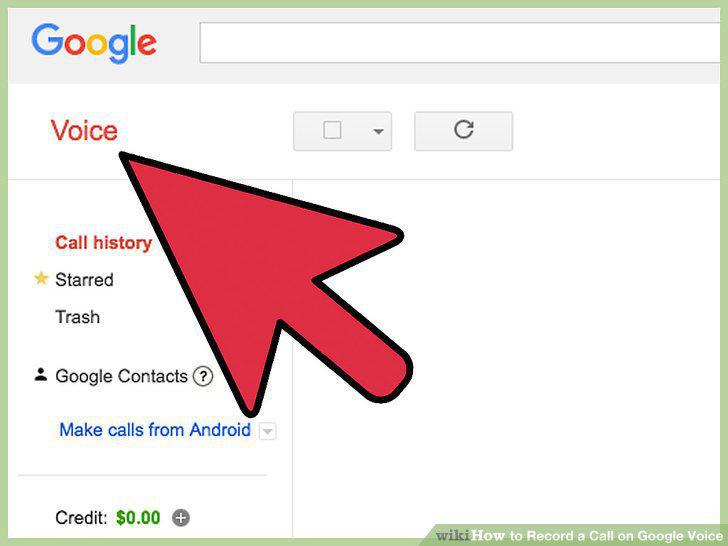
Go to Google Voice.
2
Click the Settings icon.
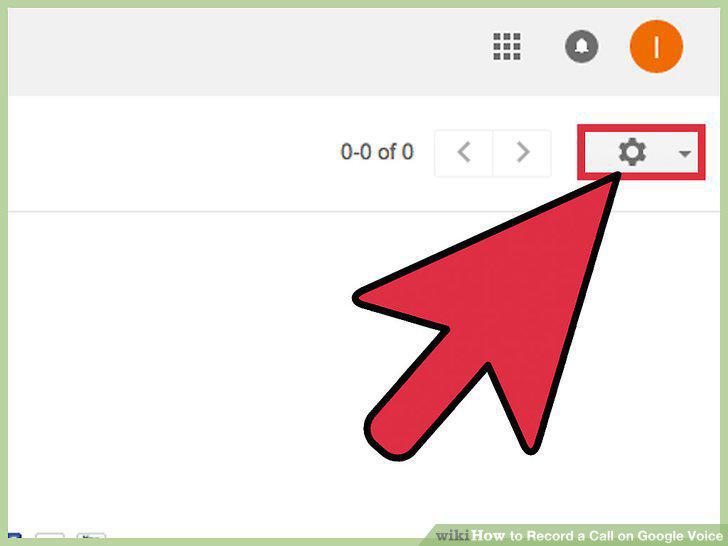
Click the Settings icon.
3
Click on Settings.
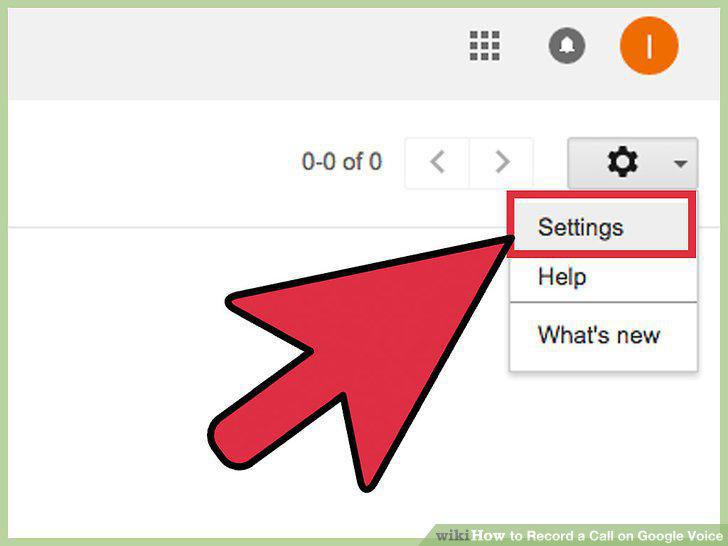
Click on Settings.
4
Click on Calls.
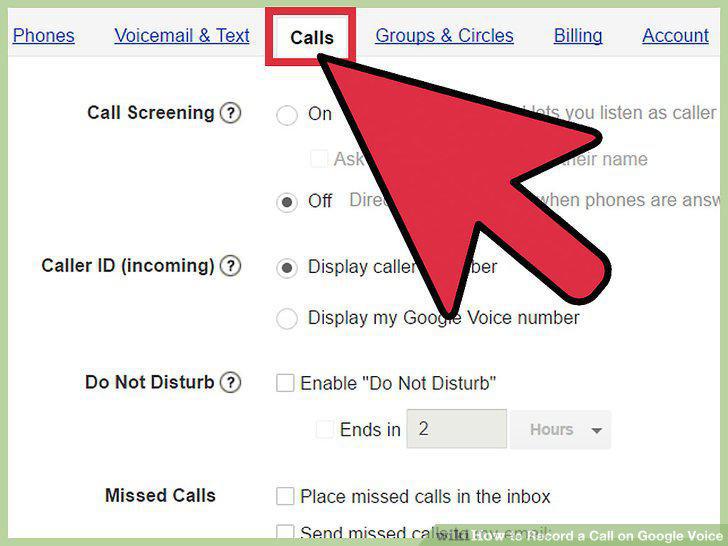
Click on Calls.
5
Select the checkbox next to "Call Options.
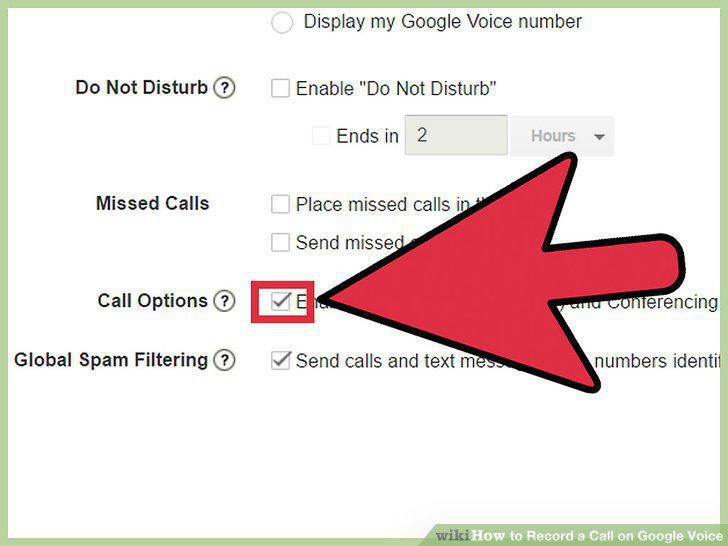
Select the checkbox next to "Call Options.
6
Receive the call on your Google Voice number.
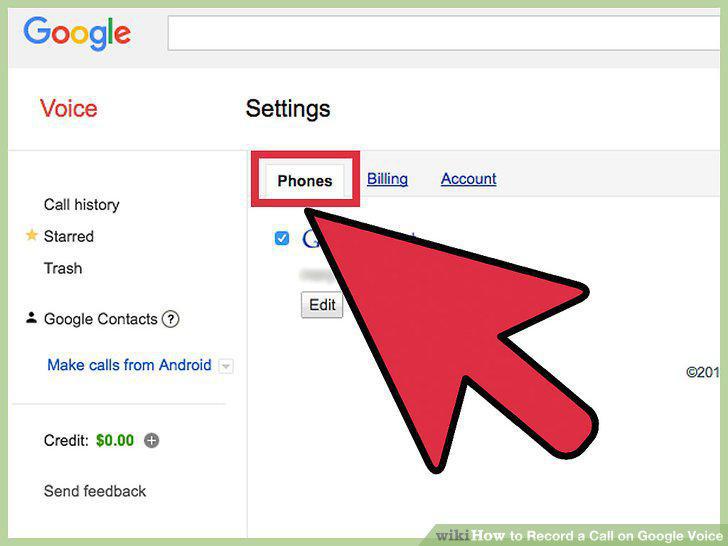
Receive the call on your Google Voice number.
7
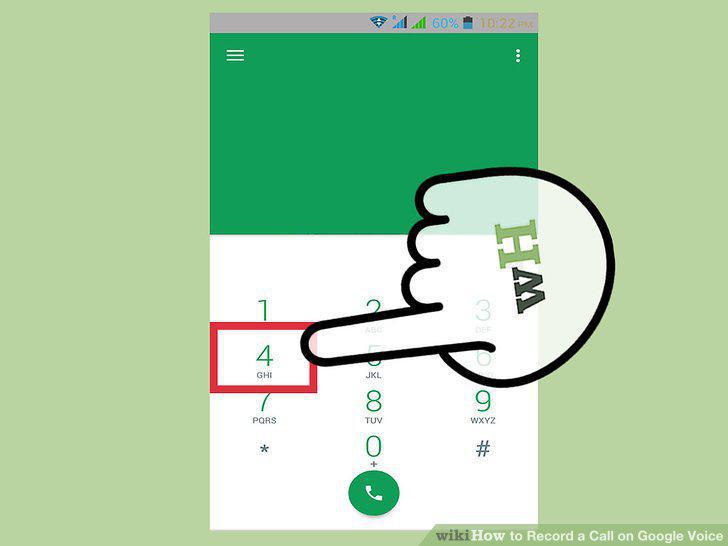
Press 4 on your phone handset.
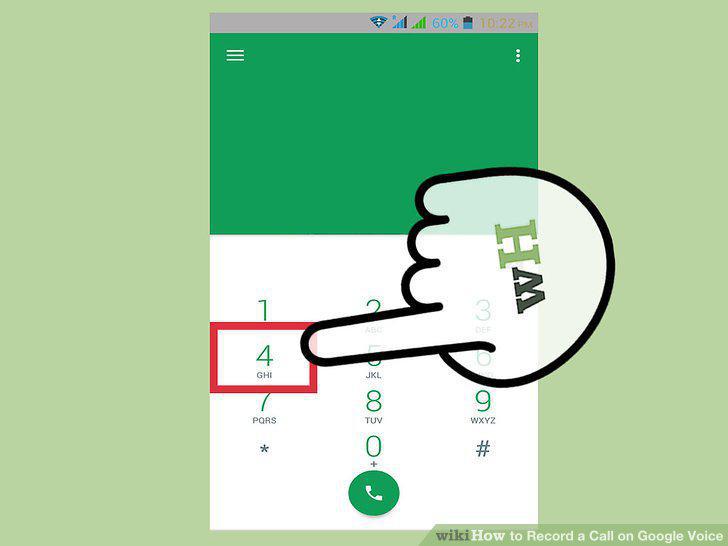
Press 4 on your phone handset.
8
Listen to the automated "Call recording on" message.
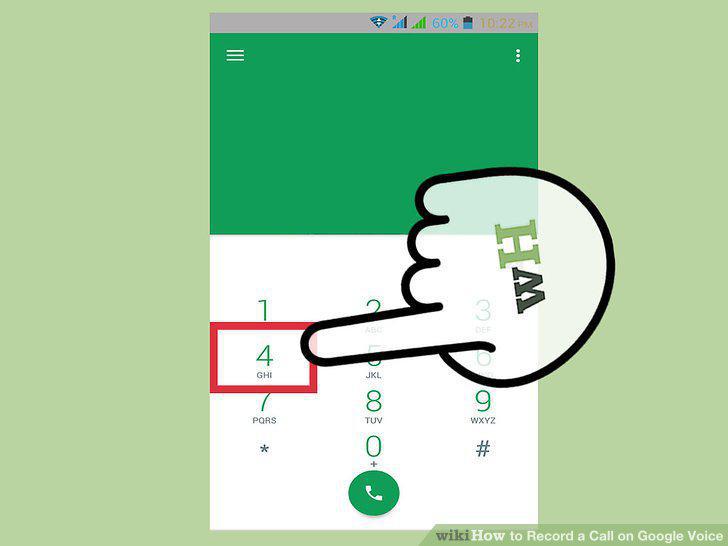
Listen to the automated "Call recording on" message.
9
Continue talking as your call is recorded.
Continue talking as your call is recorded.
Comments (0)
No comments yet. Be the first to share your thoughts!