How to Stop Emails from Going to Spam on Android
Open the Gmail app on your Android.. Tap the three horizontal lines icon.. Scroll down and tap Spam on the menu.
Steps
1
Open the Gmail app on your Android.
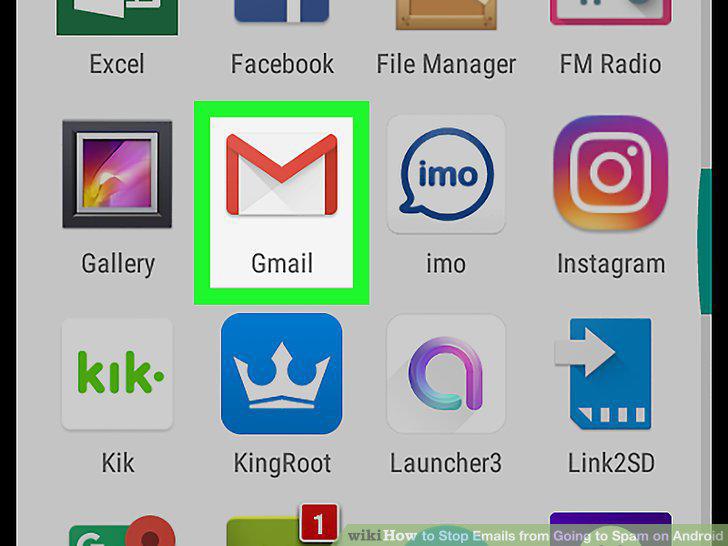
Open the Gmail app on your Android.
2
Tap the three horizontal lines icon.
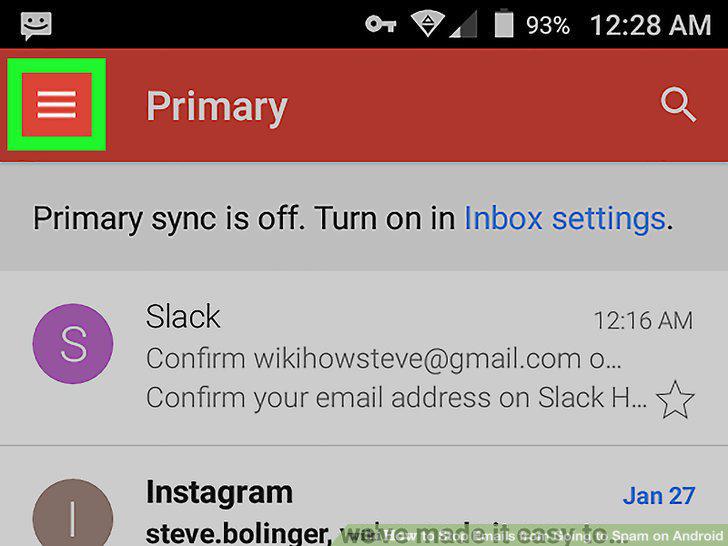
Tap the three horizontal lines icon.
3
Scroll down and tap Spam on the menu.
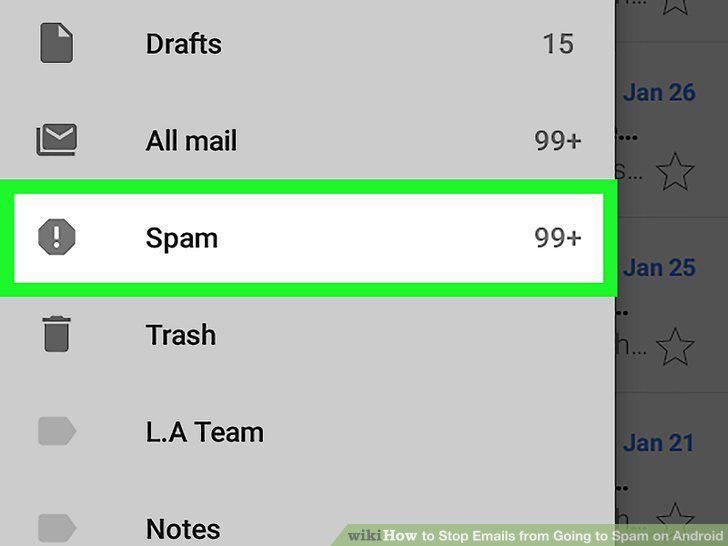
Scroll down and tap Spam on the menu.
4
Tap an email in the Spam mailbox.
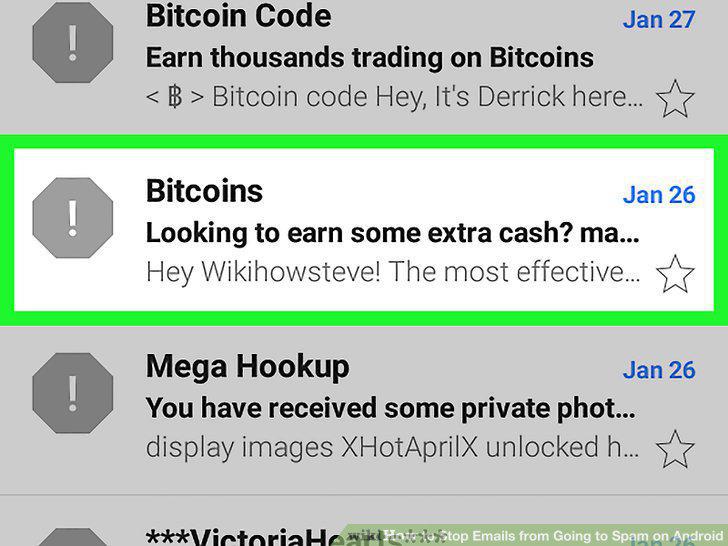
Tap an email in the Spam mailbox.
5
Tap the three dots icon.
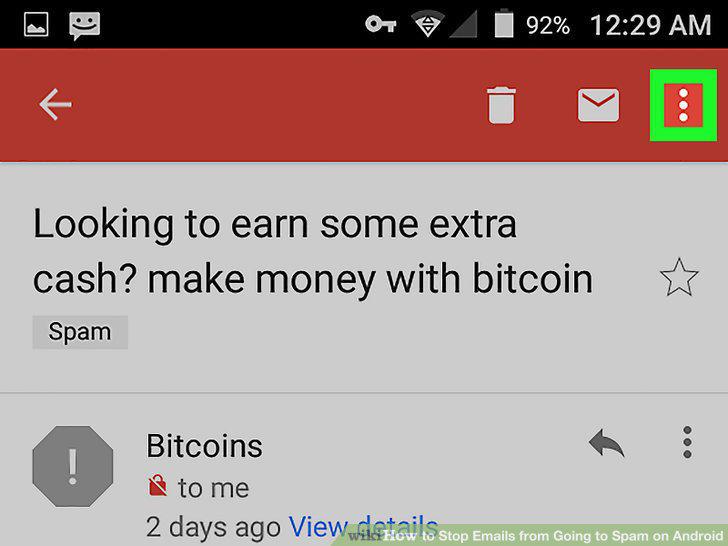
Tap the three dots icon.
6
Select Report not spam.
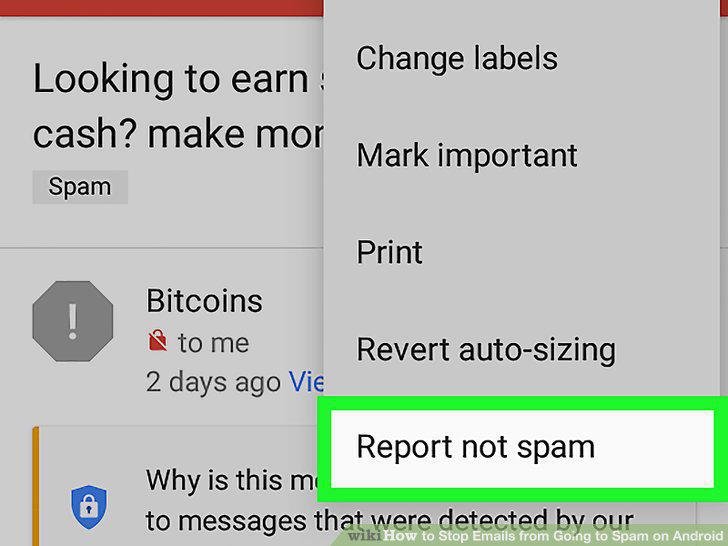
Select Report not spam.
7
Tap the sender's icon.

Tap the sender's icon.
8
Tap the Add Contact icon.
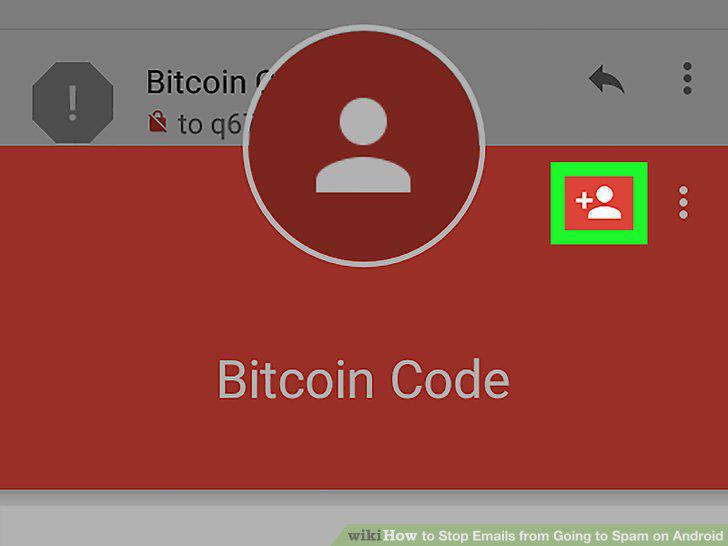
Tap the Add Contact icon.
9
Fill out the New contact form.
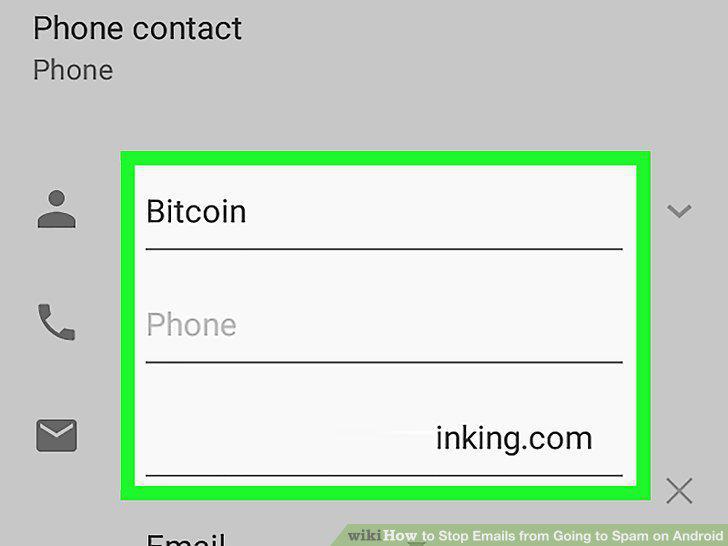
Fill out the New contact form.
10
Tap the checkmark icon.
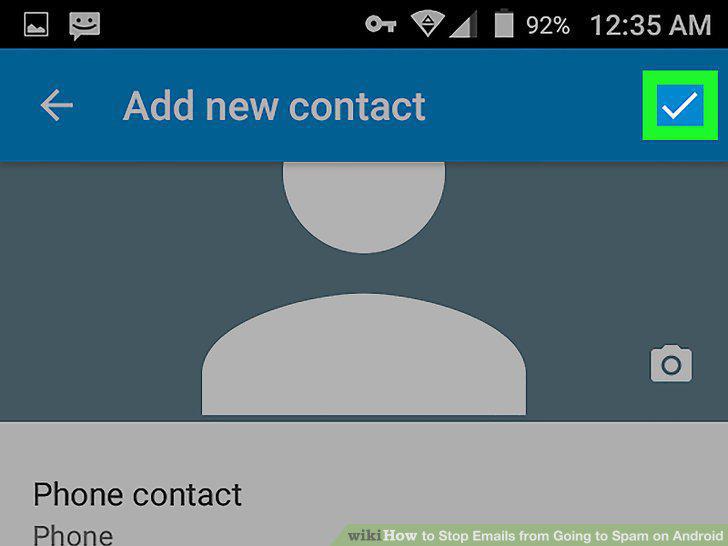
Tap the checkmark icon.
Comments (0)
No comments yet. Be the first to share your thoughts!