How to Change an Uber Destination
Let your driver know you want to change the destination.. Open up the trip in progress inside your Uber app.. Tap the bar at the bottom of your screen to pull that bar open.
Steps
1
Let your driver know you want to change the destination.
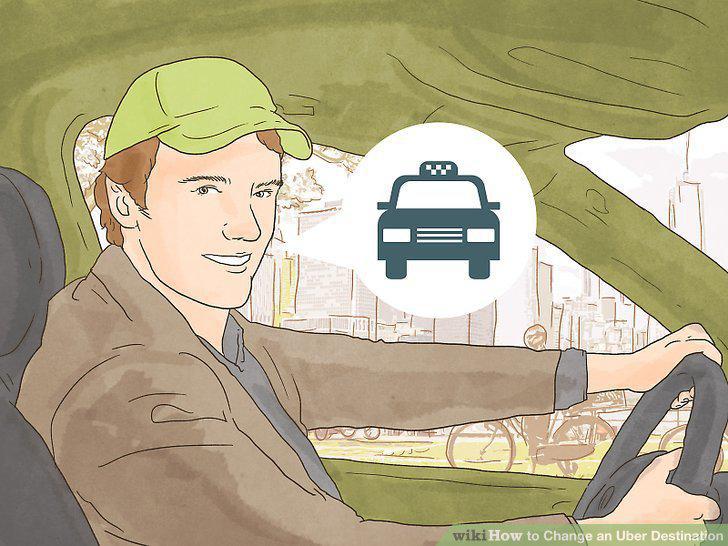
Let your driver know you want to change the destination.
2
Open up the trip in progress inside your Uber app.
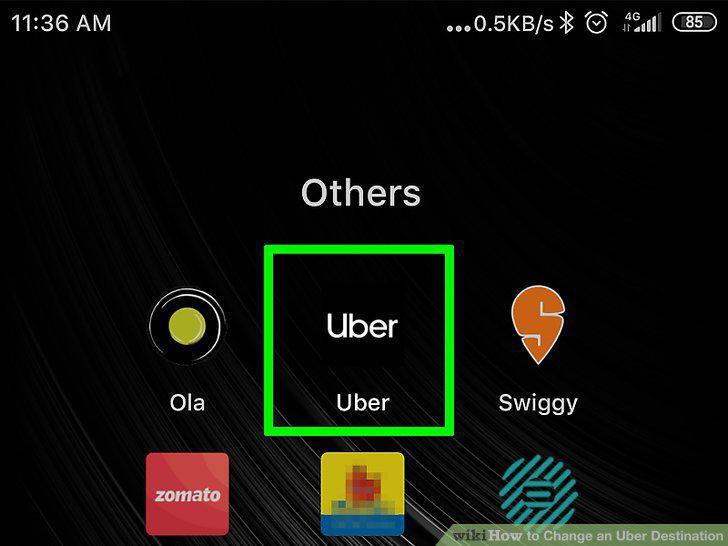
Open up the trip in progress inside your Uber app.
3
Tap the bar at the bottom of your screen to pull that bar open.
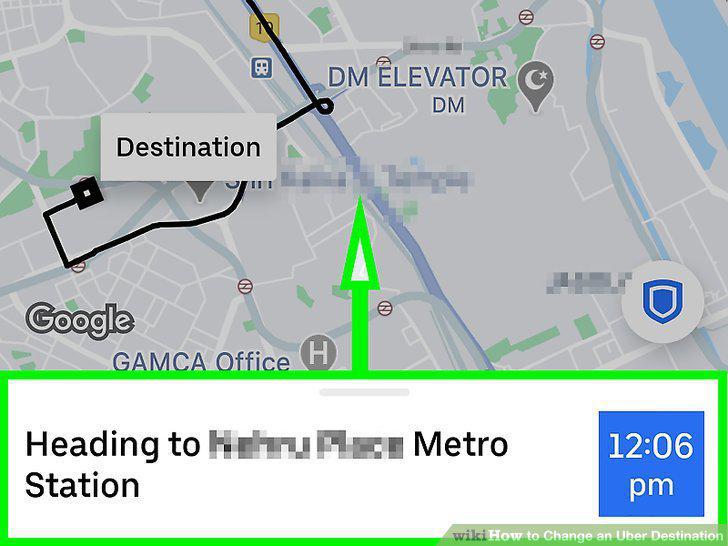
Tap the bar at the bottom of your screen to pull that bar open.
4
Look below the box listing the driver details for another box containing several
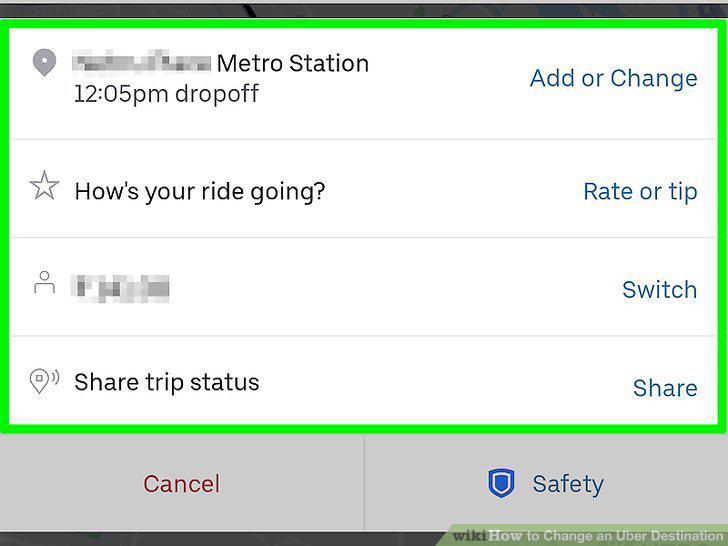
Look below the box listing the driver details for another box containing several other options.
5
Tap the "Add or Change" button to the right of the current intended destination.
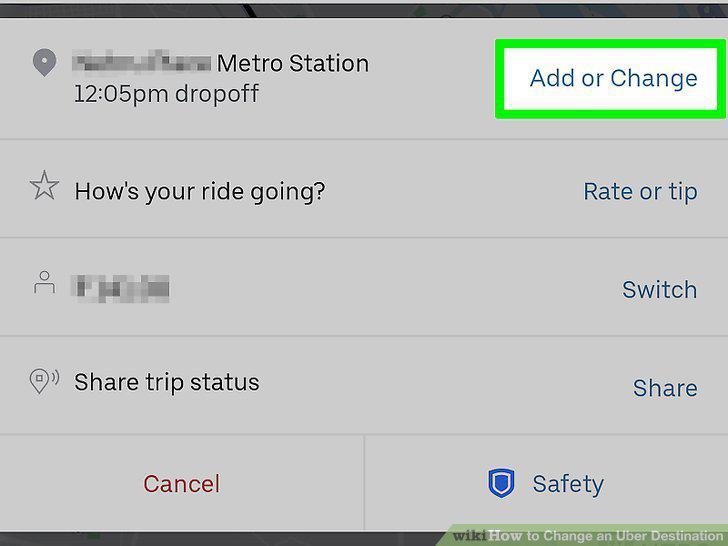
Tap the "Add or Change" button to the right of the current intended destination.
6
Begin typing after you notice the box open to the new page where the old destina
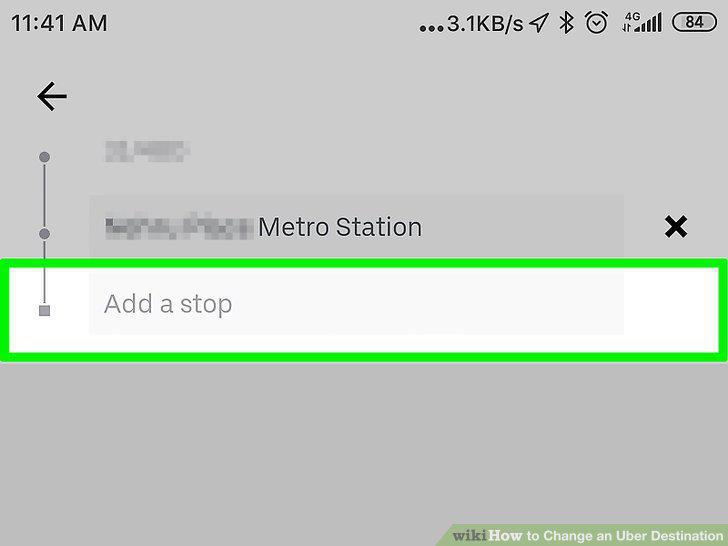
Begin typing after you notice the box open to the new page where the old destination is highlighted.
7
Tap your intended destination from the populated list.
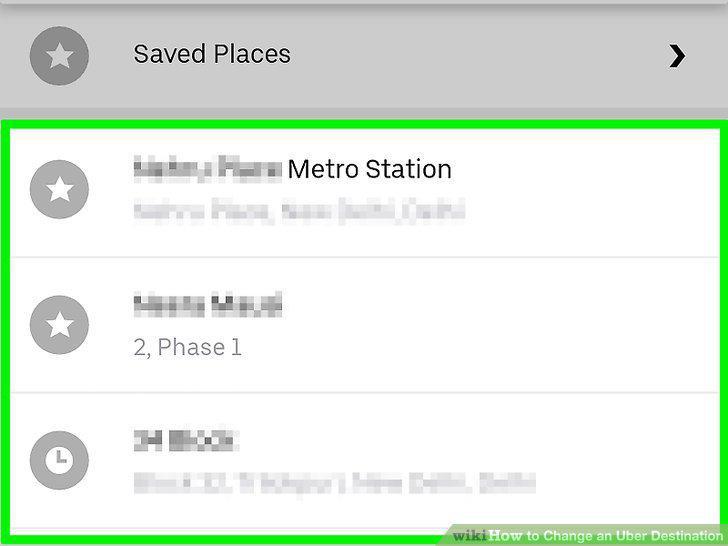
Tap your intended destination from the populated list.
Comments (0)
No comments yet. Be the first to share your thoughts!