How to Unlink a Form on Google Sheets
Open Google Sheets in an internet browser.. Click the spreadsheet file you want to unlink.. Click the Form tab.
Steps
1
Open Google Sheets in an internet browser.
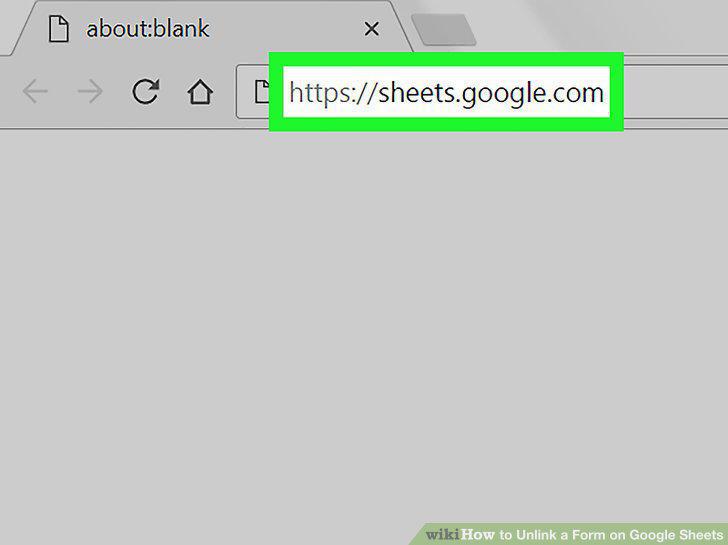
Open Google Sheets in an internet browser.
2
Click the spreadsheet file you want to unlink.
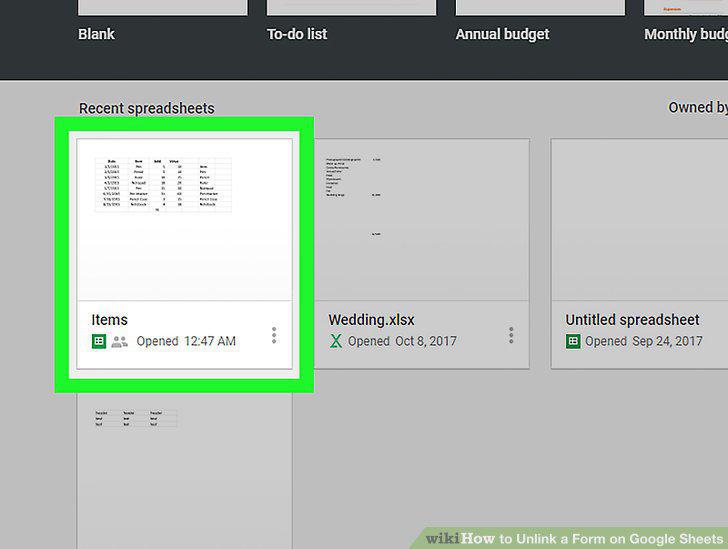
Click the spreadsheet file you want to unlink.
3
Click the Form tab.
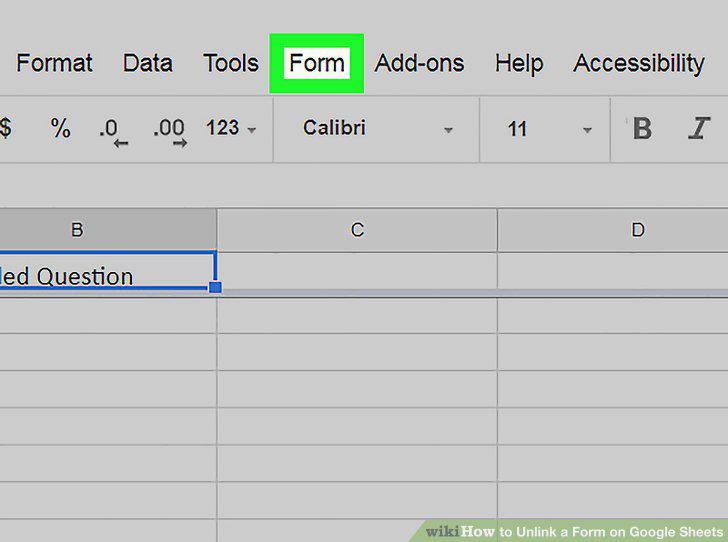
Click the Form tab.
4
Click Unlink form on the Form menu.
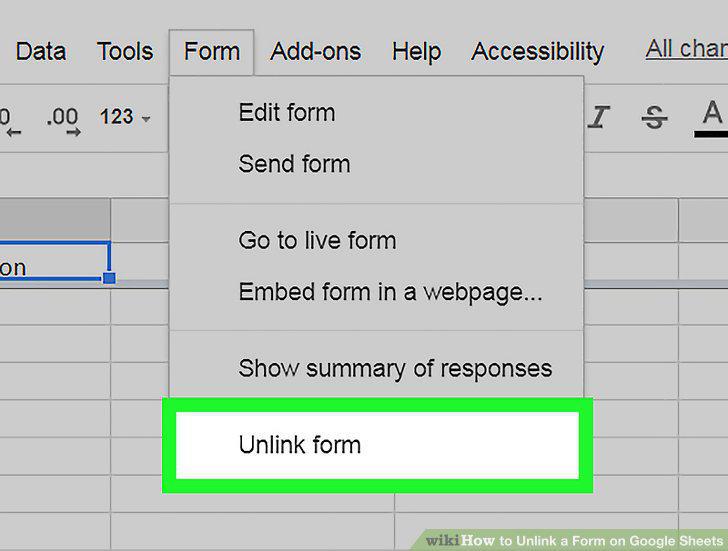
Click Unlink form on the Form menu.
5
Click the blue OK button in the confirmation pop-up.
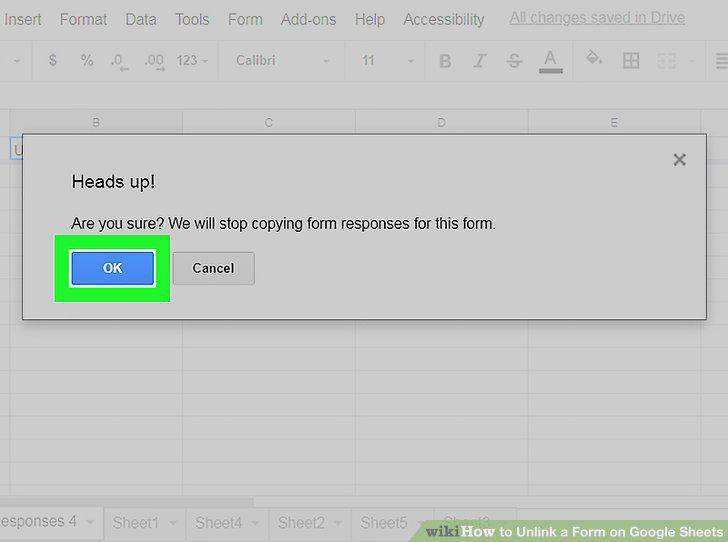
Click the blue OK button in the confirmation pop-up.
Comments (0)
No comments yet. Be the first to share your thoughts!