How to Connect Bose Headphones to an iPhone
Slide the power/Bluetooth button up on the headphones.. Open Settings on your iPhone.. Tap Bluetooth.
Steps
1
Slide the power/Bluetooth button up on the headphones.
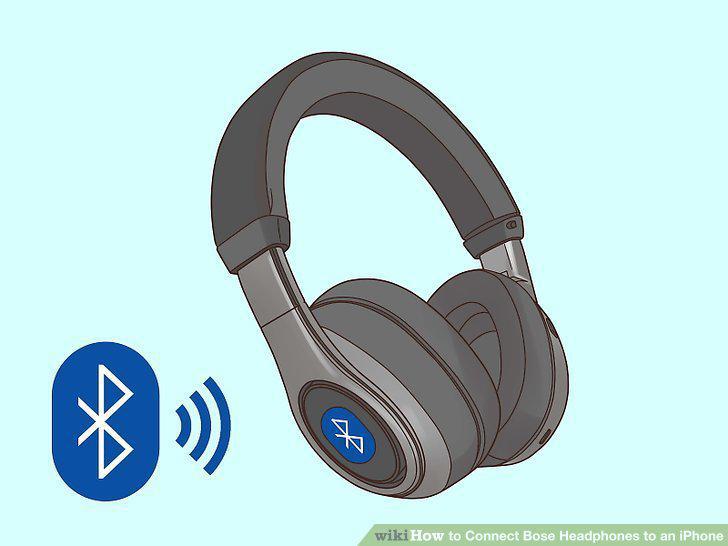
Slide the power/Bluetooth button up on the headphones.
2
Open Settings on your iPhone.
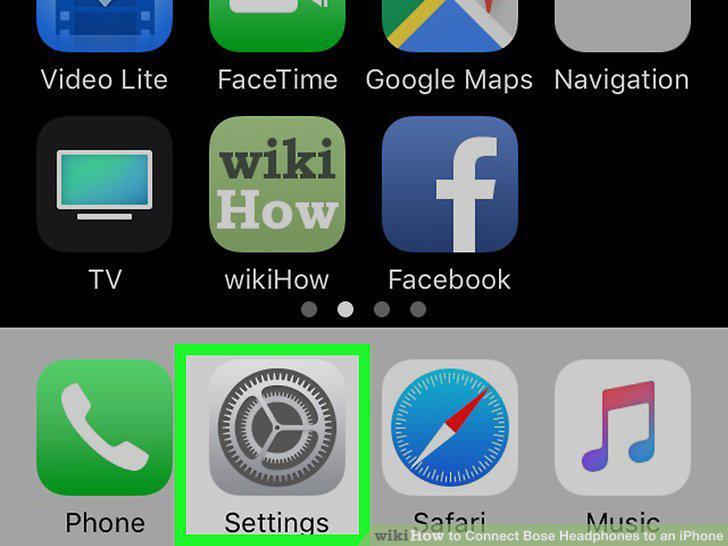
Open Settings on your iPhone.
3
Tap Bluetooth.
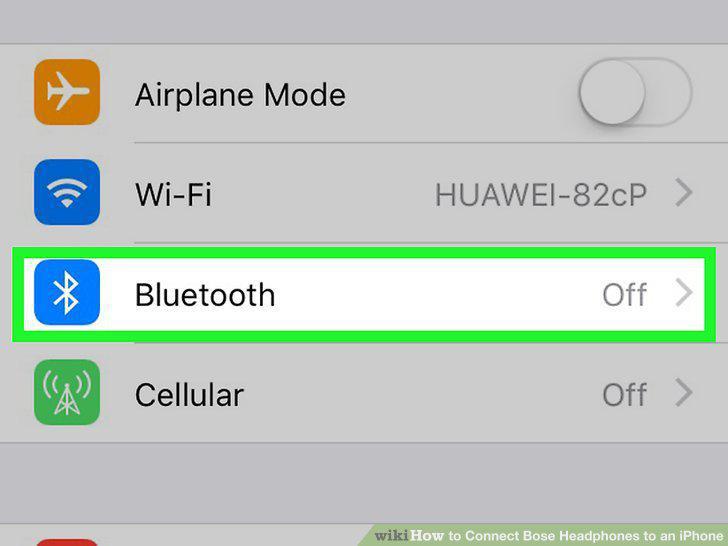
Tap Bluetooth.
4
Tap to turn the switch on next to "Bluetooth.
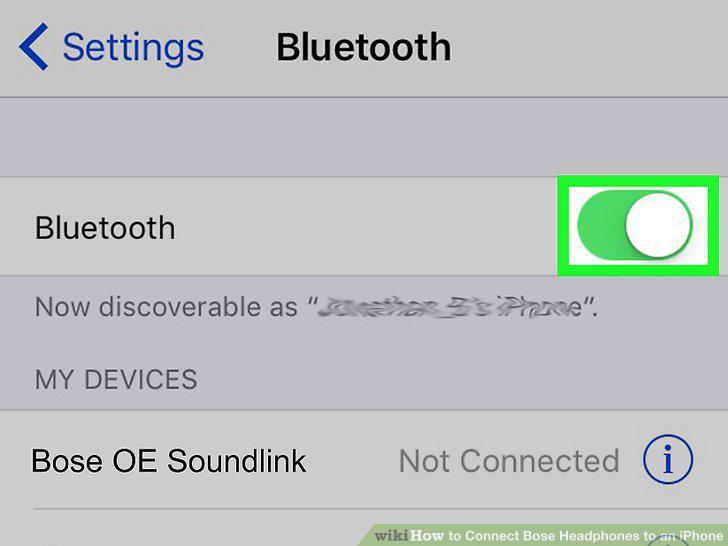
Tap to turn the switch on next to "Bluetooth.
5
Tap the Bose headphones from the list under "My Devices.
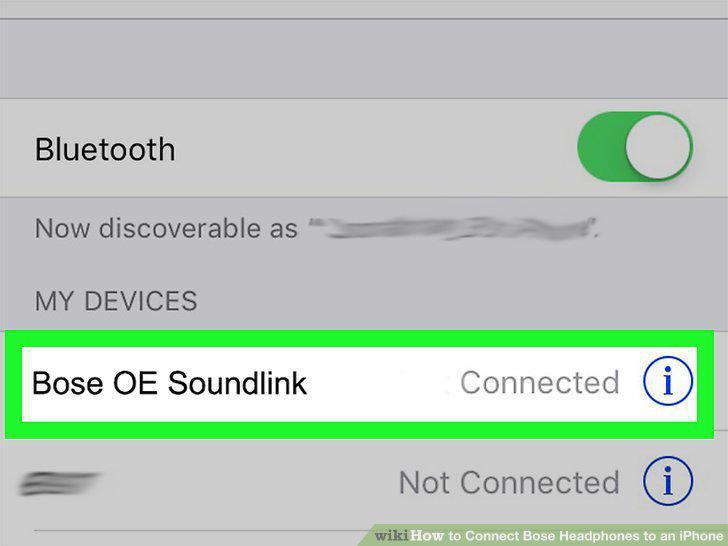
Tap the Bose headphones from the list under "My Devices.
Comments (0)
No comments yet. Be the first to share your thoughts!