How to Put a DVD on PC or Mac
Select a DVD.. Insert the DVD into your computer's disc drive.. Open your computer's media player.
Steps
1
Select a DVD.
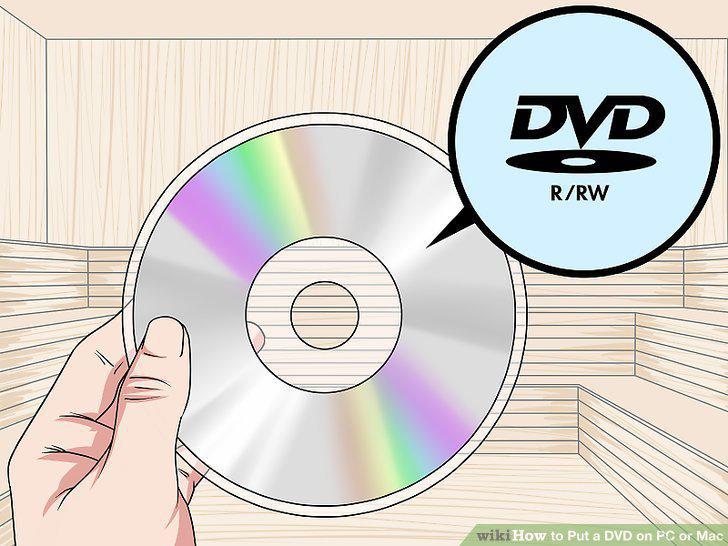
Select a DVD.
2
Insert the DVD into your computer's disc drive.
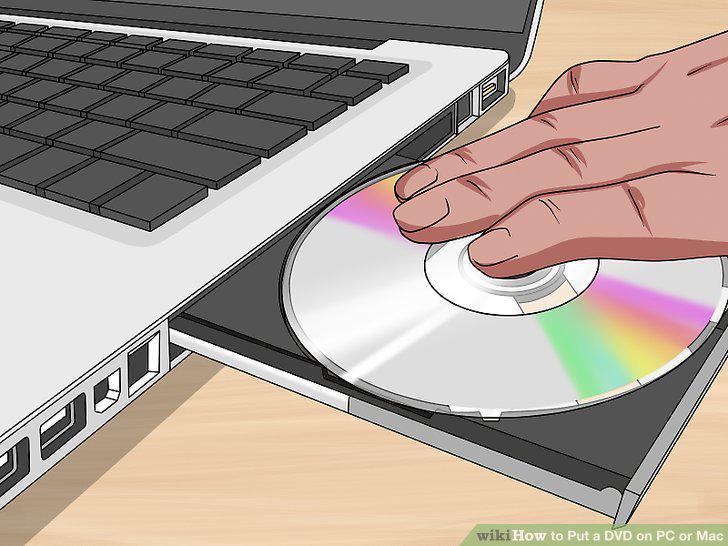
Insert the DVD into your computer's disc drive.
3
Open your computer's media player.
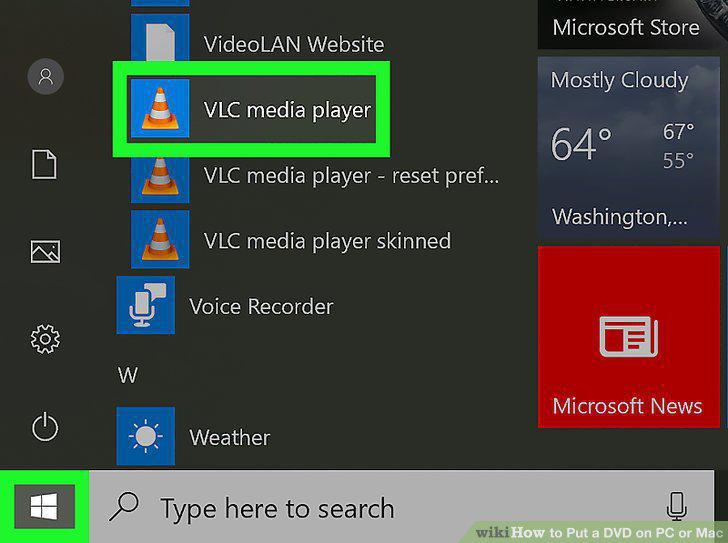
Open your computer's media player.
4
Open the media player library.
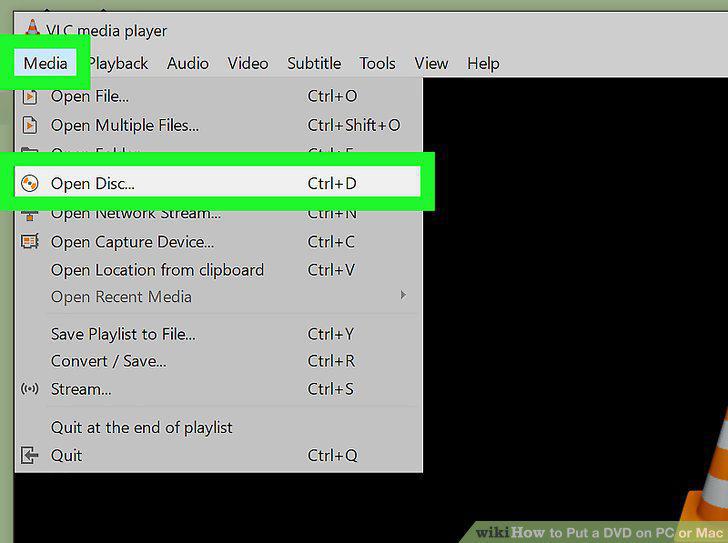
Open the media player library.
5
Select the DVD from the media player library.
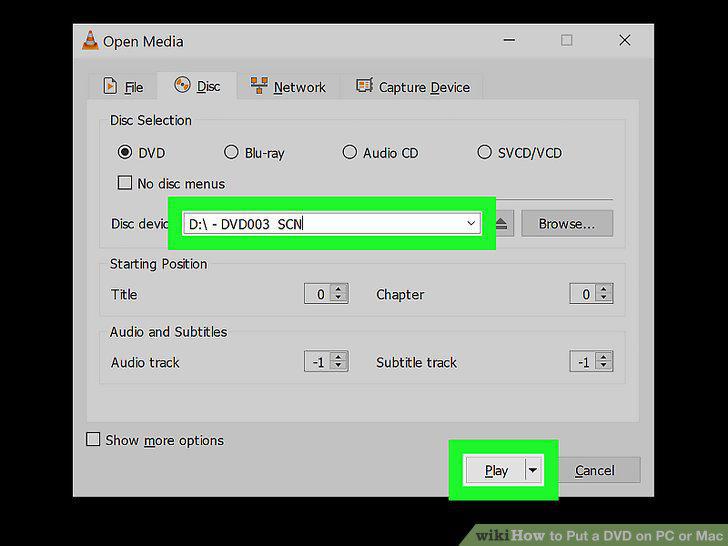
Select the DVD from the media player library.
Comments (0)
No comments yet. Be the first to share your thoughts!