How to Clear System Memory on PC or Mac
Download Wise Memory Optimizer from the Wise Cleaner website.. Run the Wise Memory setup file to install the app.. Open the Wise Memory Optimizer app on your computer.
Steps
1
Download Wise Memory Optimizer from the Wise Cleaner website.
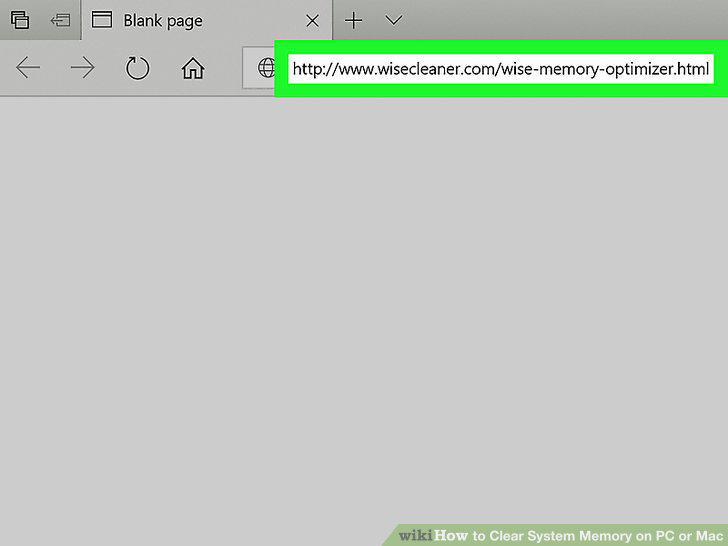
Download Wise Memory Optimizer from the Wise Cleaner website.
2
Run the Wise Memory setup file to install the app.
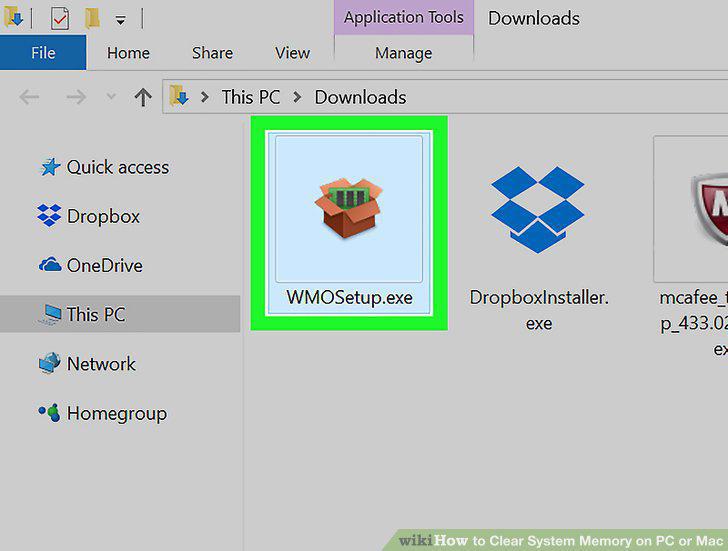
Run the Wise Memory setup file to install the app.
3
Open the Wise Memory Optimizer app on your computer.
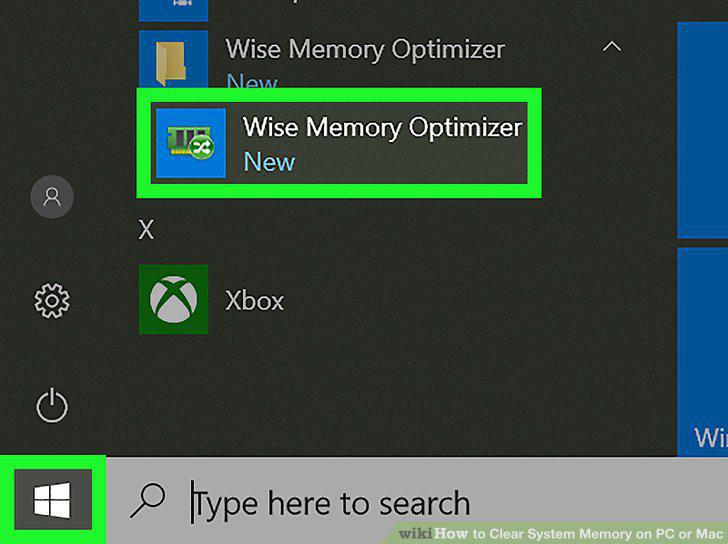
Open the Wise Memory Optimizer app on your computer.
4
Click the Optimize button.
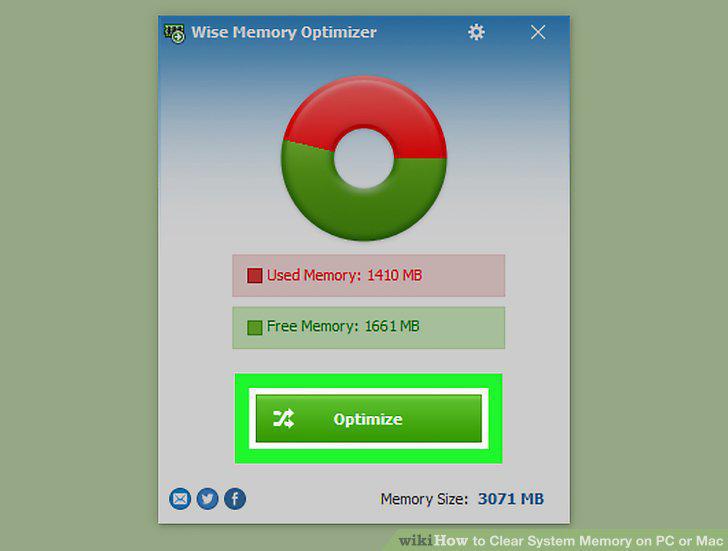
Click the Optimize button.
5
Download Memory Clean 2 from the App Store.
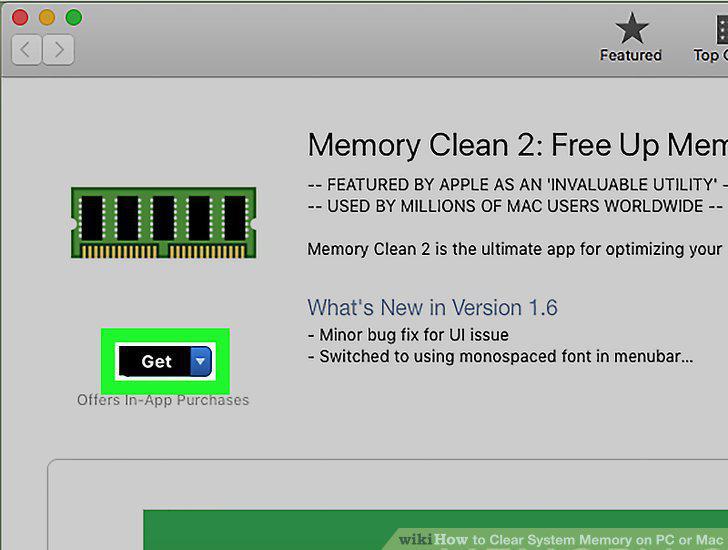
Download Memory Clean 2 from the App Store.
6
Open the Memory Clean 2 app on your computer.
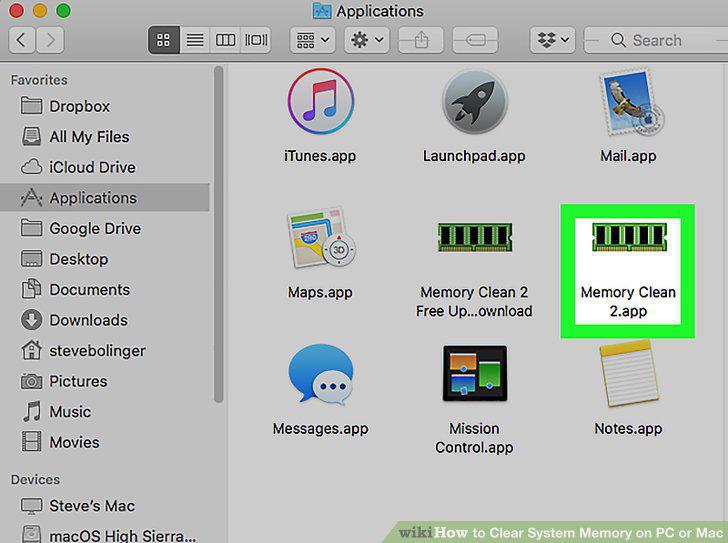
Open the Memory Clean 2 app on your computer.
7
Click the Clean button.
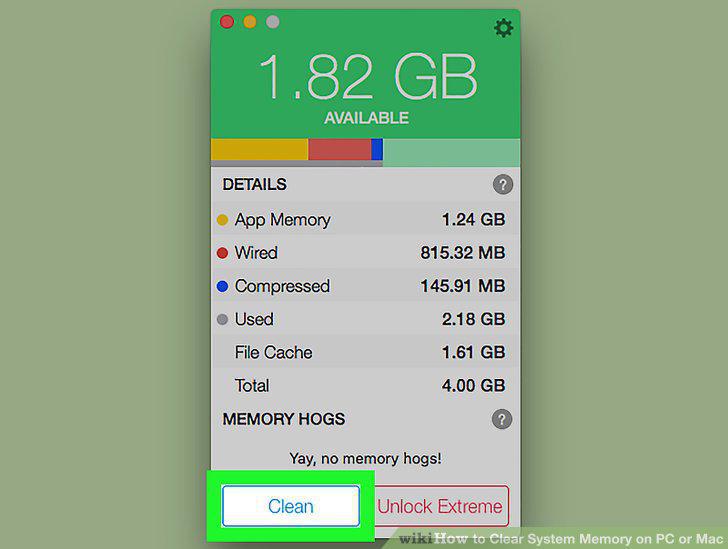
Click the Clean button.
8
Wait for the cleaning to finish.
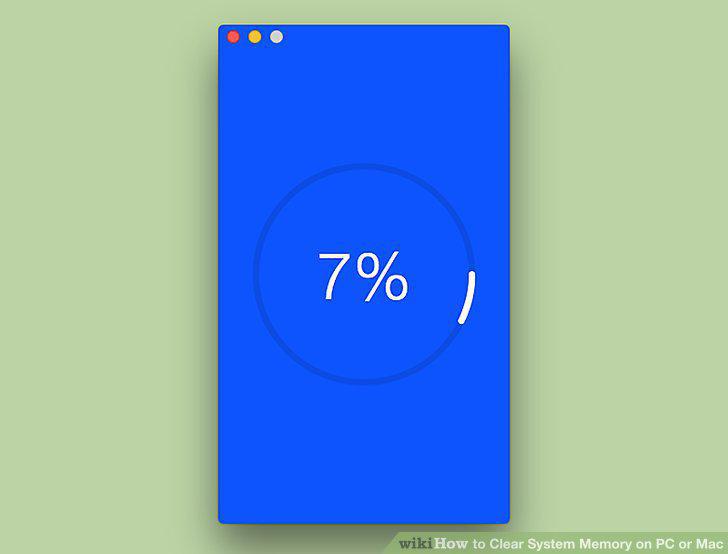
Wait for the cleaning to finish.
Comments (0)
No comments yet. Be the first to share your thoughts!