How to Open Multiple Images in Paint
Open Paint.. Open one image you want to use in Paint.. Press Ctrl+A.
Steps
1
Open Paint.
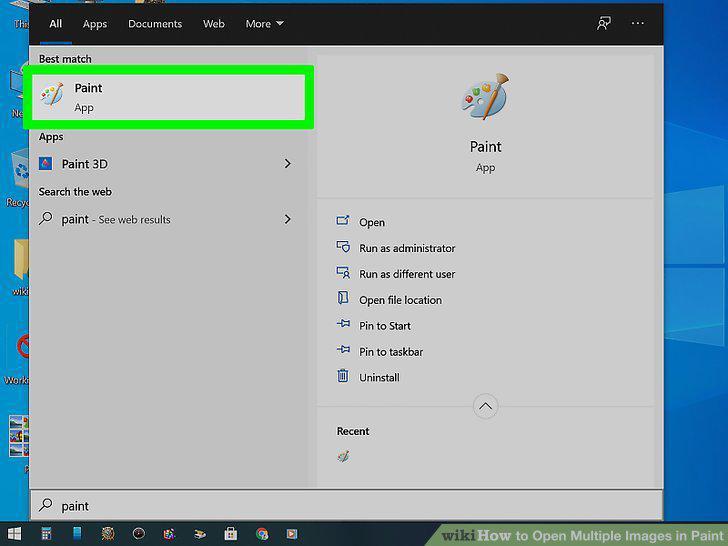
Open Paint.
2
Open one image you want to use in Paint.
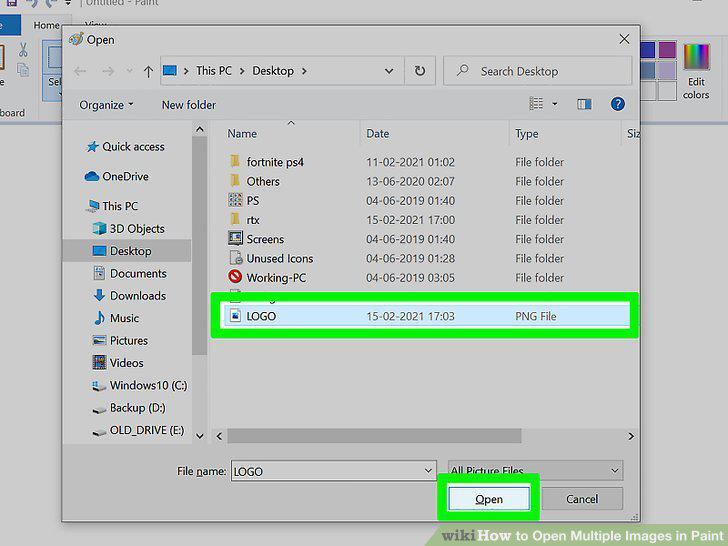
Open one image you want to use in Paint.
3
Press Ctrl+A.
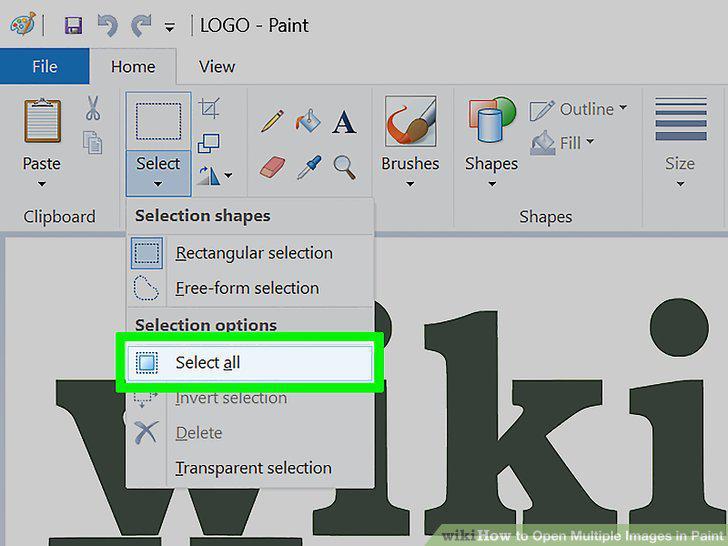
Press Ctrl+A.
4
Press Ctrl+C.
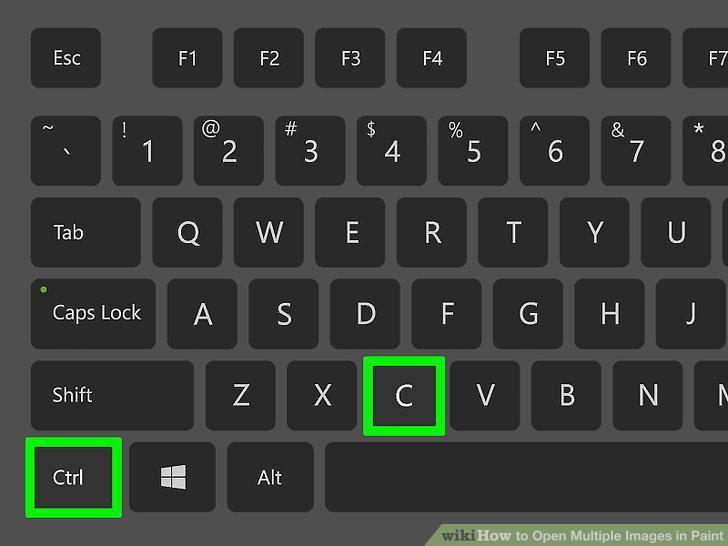
Press Ctrl+C.
5
Press Ctrl+O.
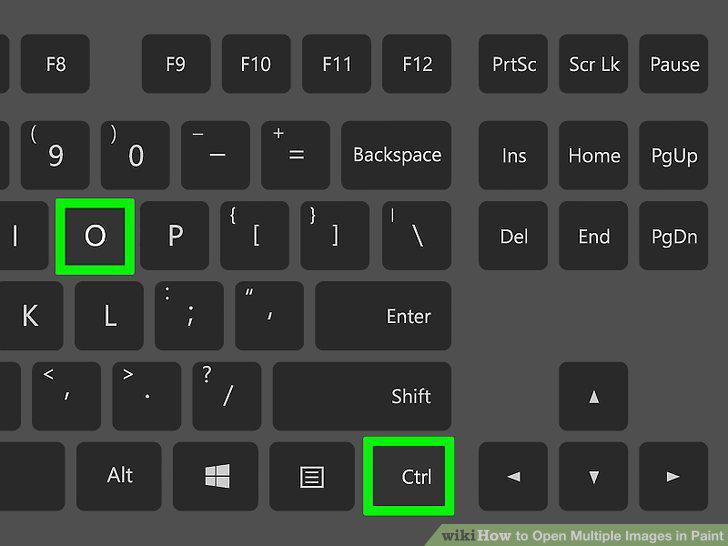
Press Ctrl+O.
6
Click to select another image that you want to use as your background.
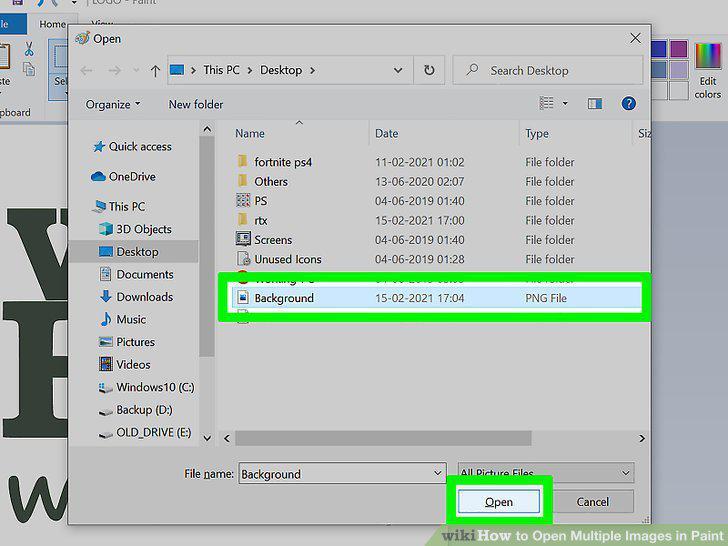
Click to select another image that you want to use as your background.
7
Press Ctrl+V.
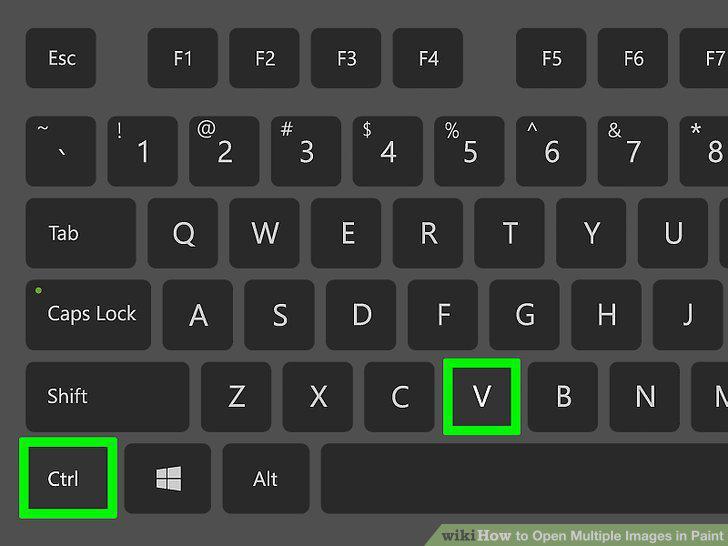
Press Ctrl+V.
8
Click File and Save as.
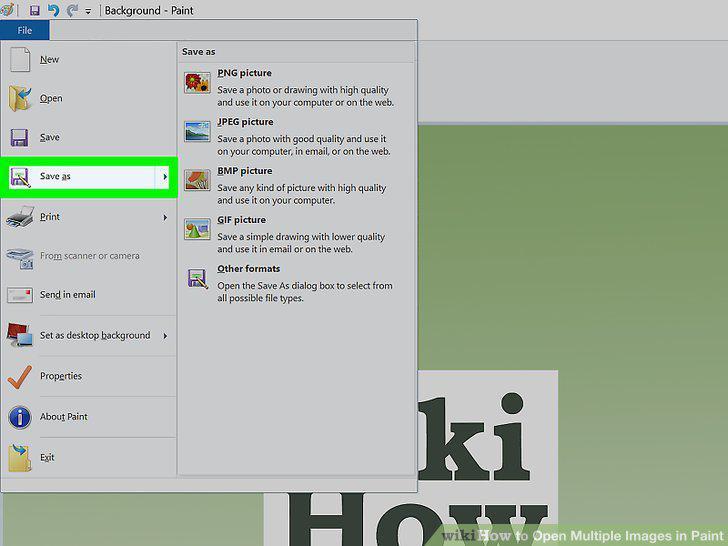
Click File and Save as.
Comments (0)
No comments yet. Be the first to share your thoughts!