How to Destroy an Old Computer
Use protective gear.. Lay out an old towel or blanket.. Set aside a sledgehammer.
Steps
1
Use protective gear.
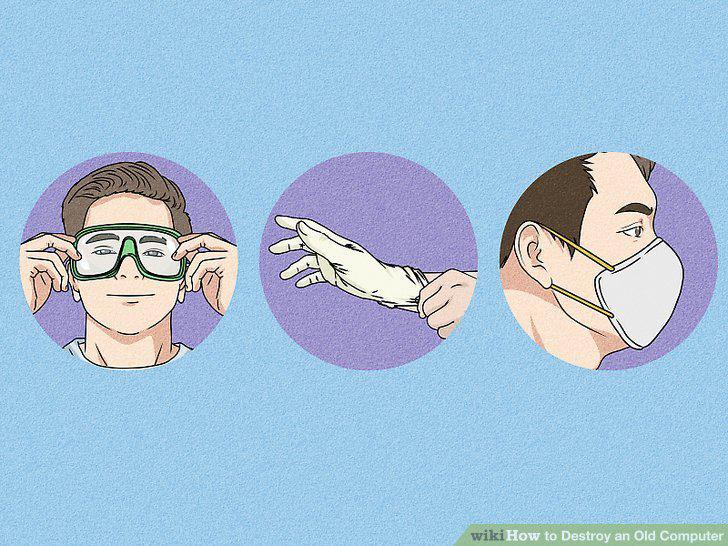
Use protective gear.
2
Lay out an old towel or blanket.
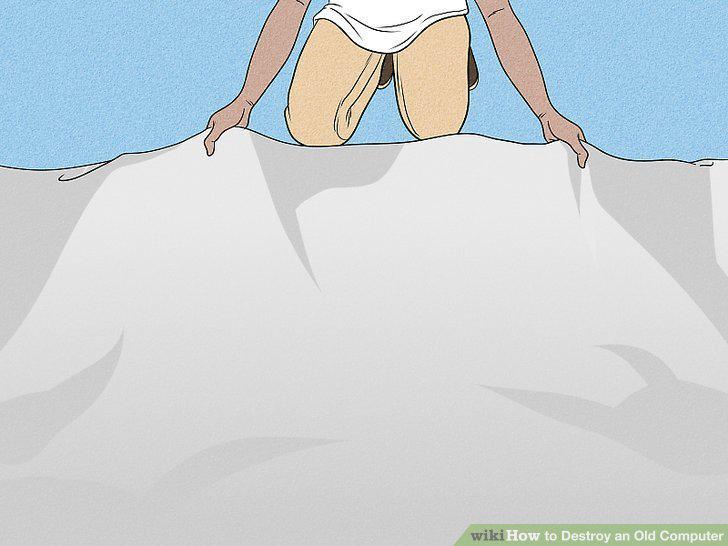
Lay out an old towel or blanket.
3
Set aside a sledgehammer.
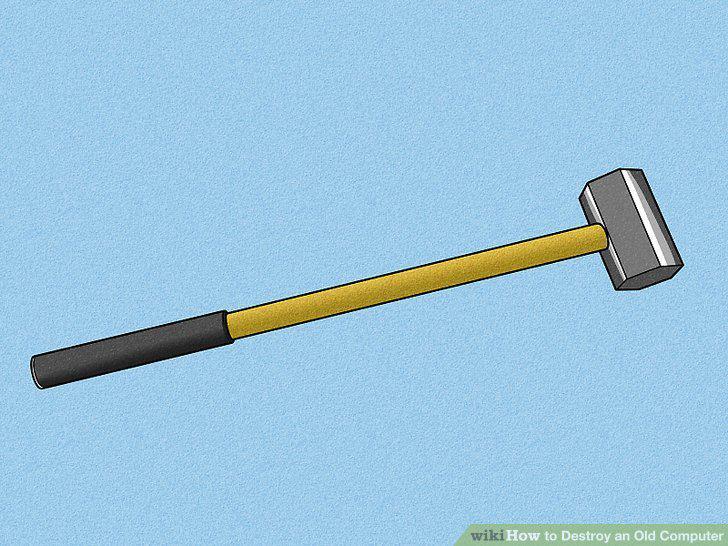
Set aside a sledgehammer.
4
Lay the computer on the blanket.
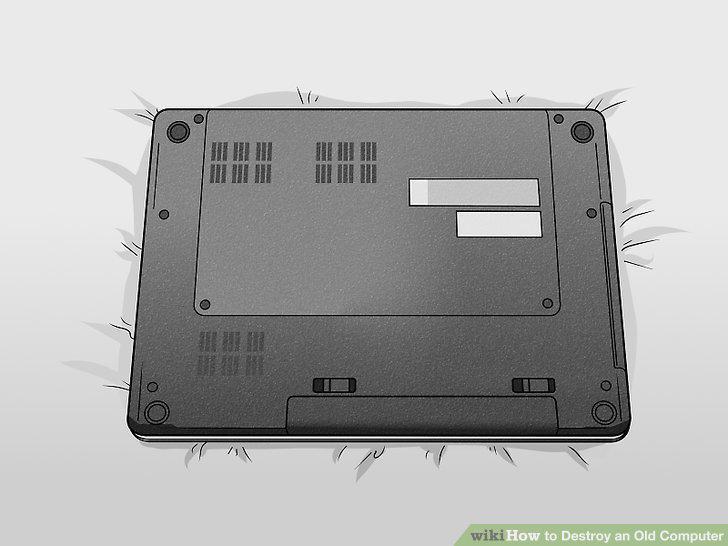
Lay the computer on the blanket.
5
Place a second blanket over the computer.
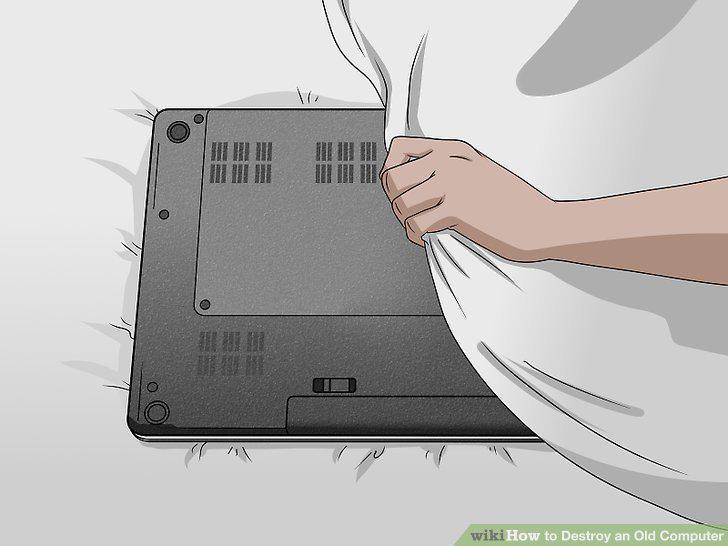
Place a second blanket over the computer.
6
Hit the computer through the blanket until every piece is broken.
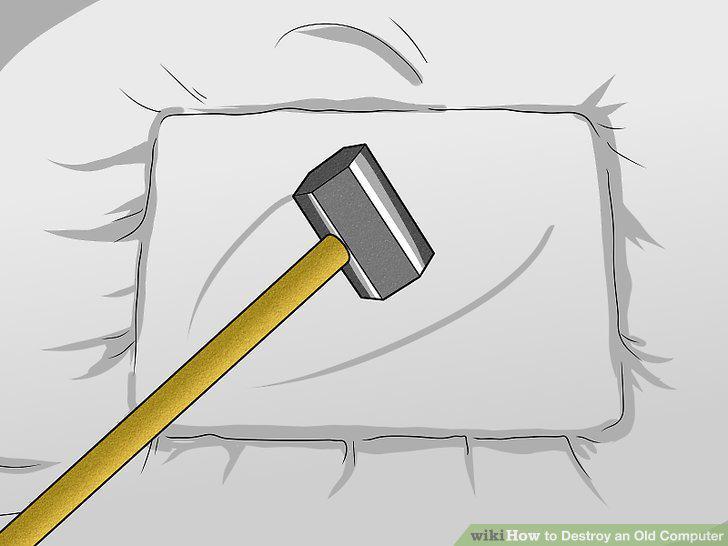
Hit the computer through the blanket until every piece is broken.
7
Clean up after yourself.
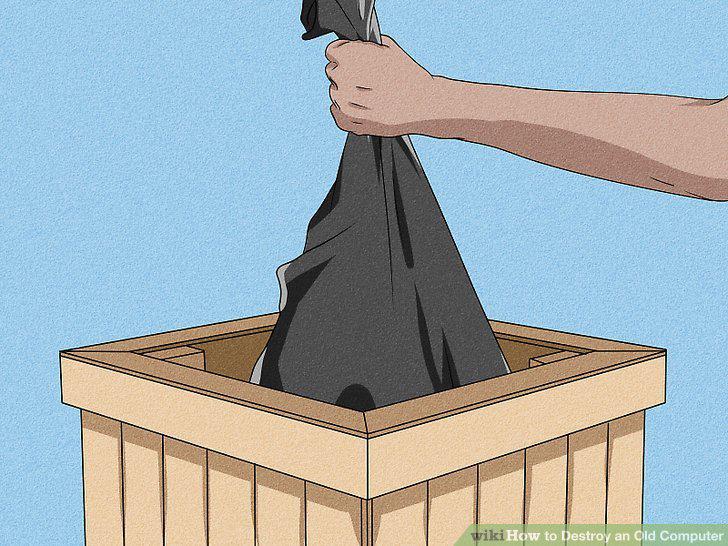
Clean up after yourself.
8
Wipe your hard drive of all personal information.
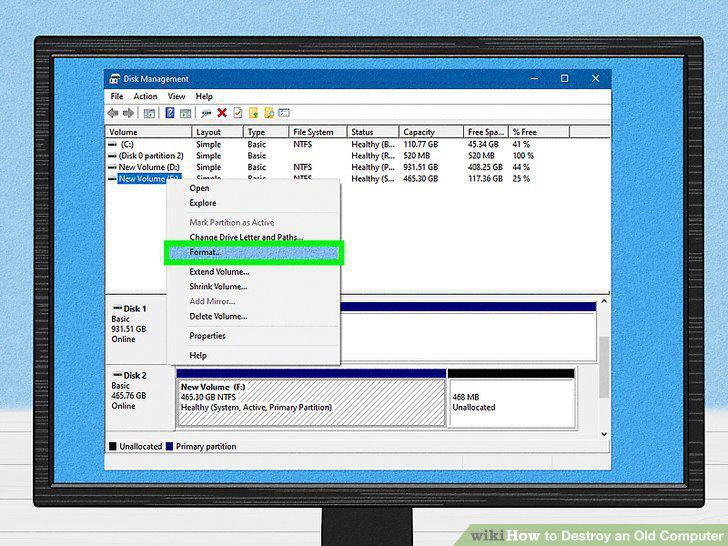
Wipe your hard drive of all personal information.
9
Remove the hard drive from the computer entirely.
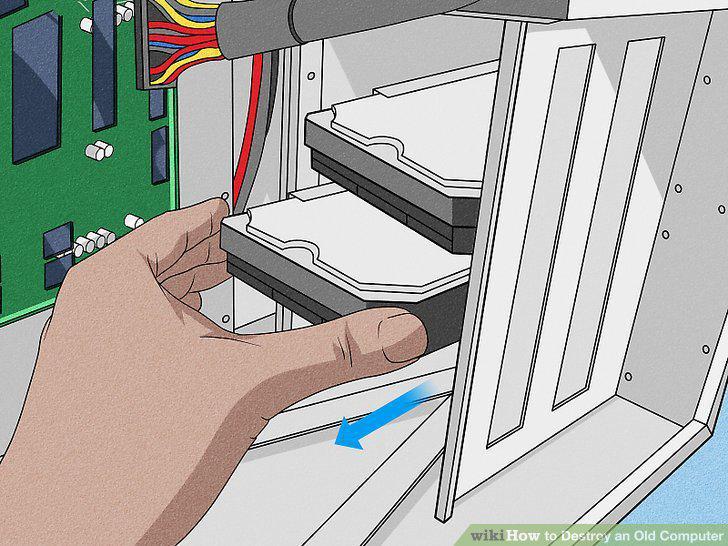
Remove the hard drive from the computer entirely.
10
Drill holes through the hard drive.
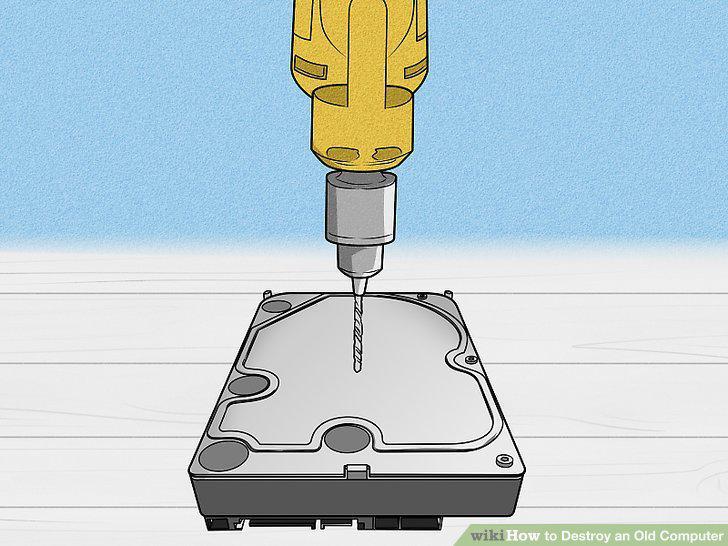
Drill holes through the hard drive.
11
Dispose of the hard drive appropriately.
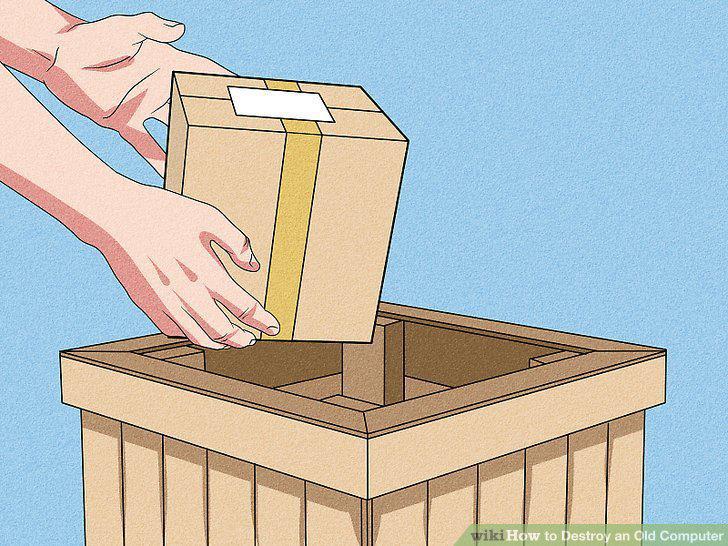
Dispose of the hard drive appropriately.
12
Wipe your hard drive.
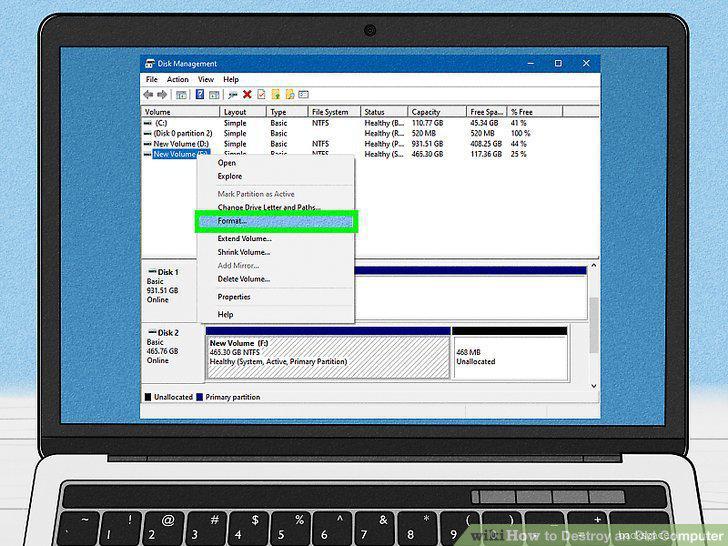
Wipe your hard drive.
13
Remove your computer battery.
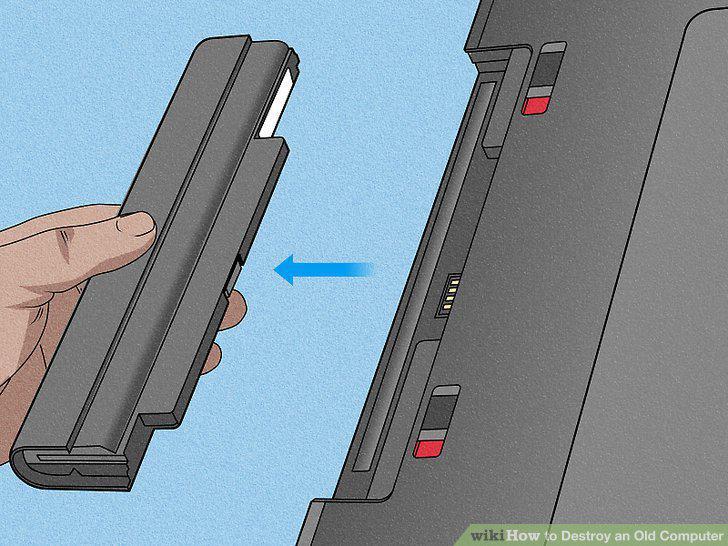
Remove your computer battery.
14
Remove all of the keyboard keys.
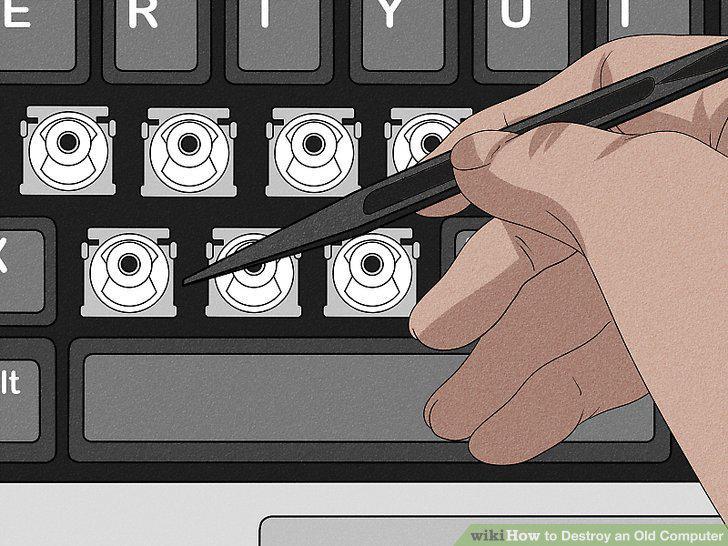
Remove all of the keyboard keys.
15
Unscrew the bottom of the computer from the rest of the body.
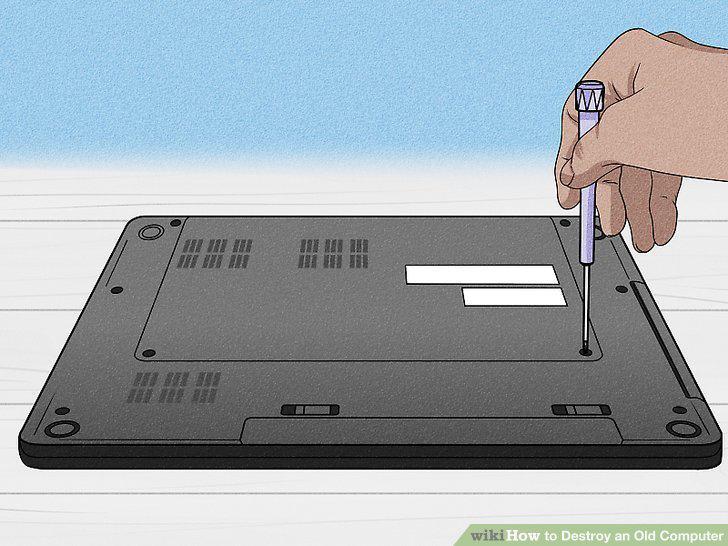
Unscrew the bottom of the computer from the rest of the body.
16
Dismantle the circuit boards.
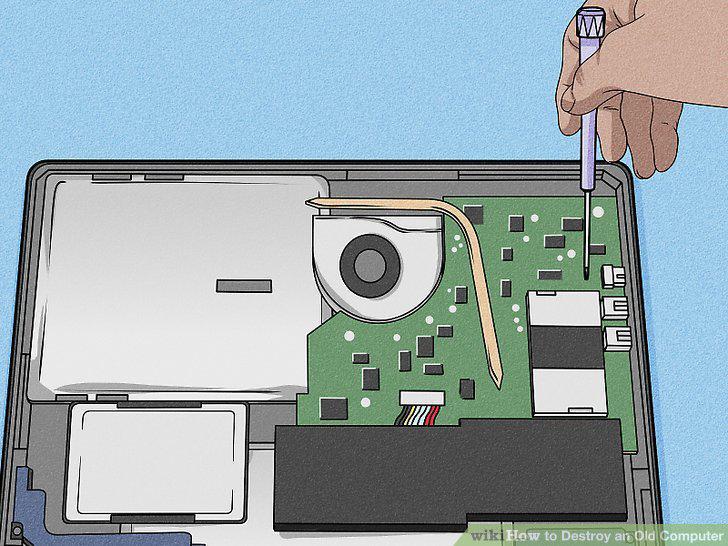
Dismantle the circuit boards.
17
Remove your hard drive.
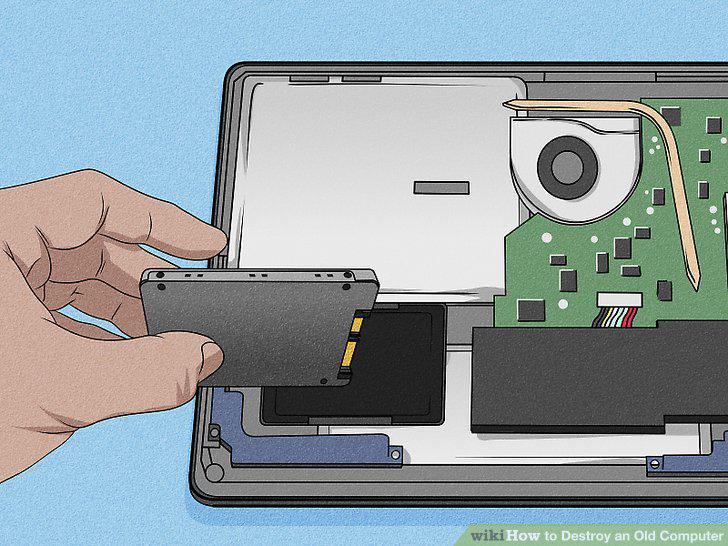
Remove your hard drive.
18
Set aside working parts for recycling/reuse.
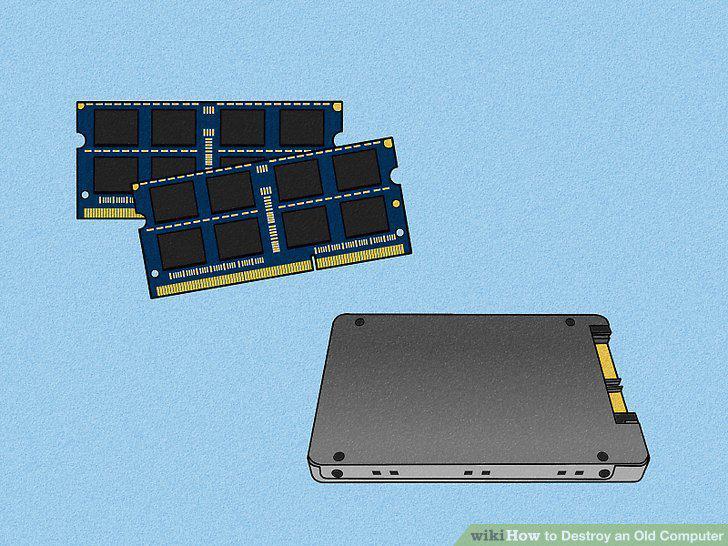
Set aside working parts for recycling/reuse.
Comments (0)
No comments yet. Be the first to share your thoughts!