How to Report a Skype User on PC or Mac
Open Skype on your PC or Mac.. Click Contacts.. Right-click the contact you want to report.
Steps
1
Open Skype on your PC or Mac.

Open Skype on your PC or Mac.
2
Click Contacts.

Click Contacts.
3
Right-click the contact you want to report.
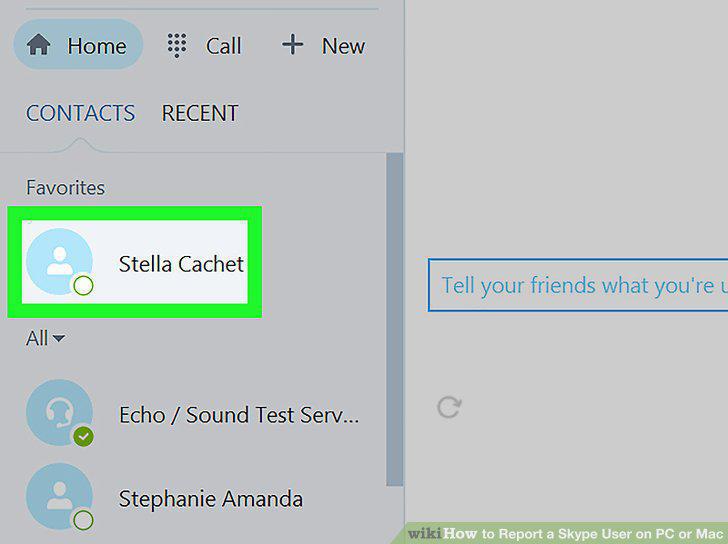
Right-click the contact you want to report.
4
Click Block This Person.
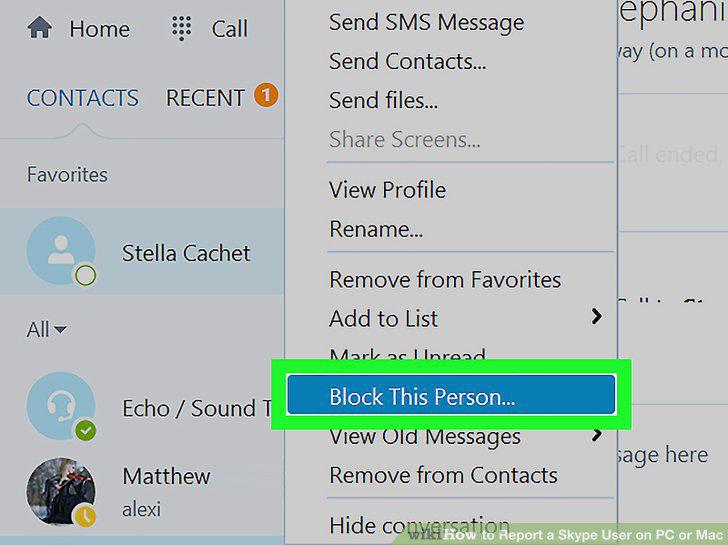
Click Block This Person.
5
Check the box next to "Report abuse.
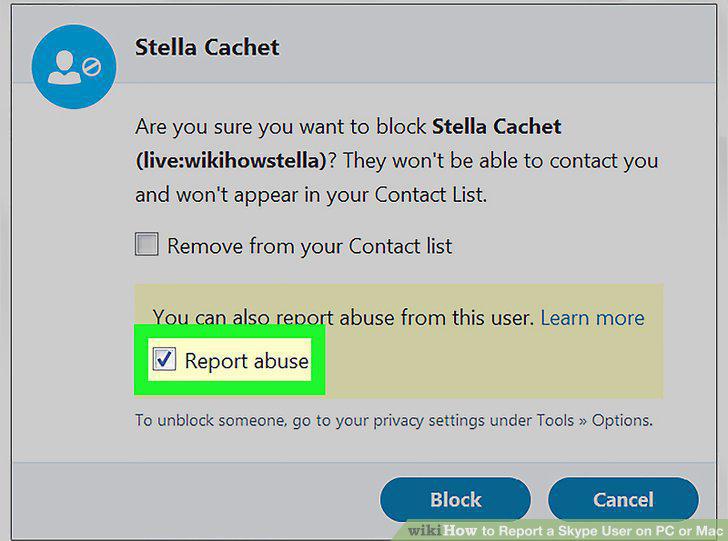
Check the box next to "Report abuse.
6
Click Block.
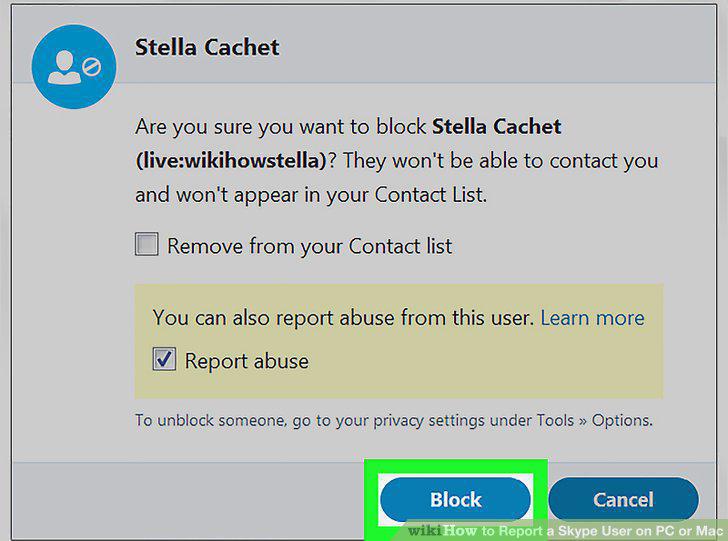
Click Block.
Comments (0)
No comments yet. Be the first to share your thoughts!