How to Browse 4Chan
Visit the homepage to view the list of boards.. Read the rules and FAQ.. Click on a board and agree to the disclaimer.
Steps
1
Visit the homepage to view the list of boards.
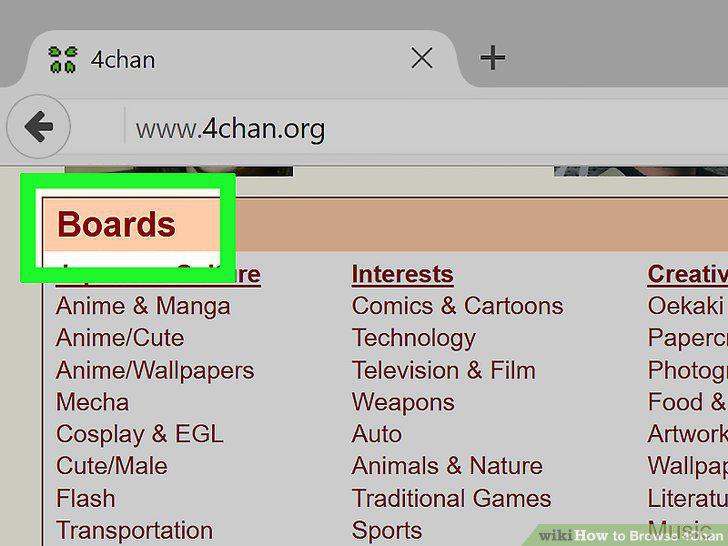
Visit the homepage to view the list of boards.
2
Read the rules and FAQ.
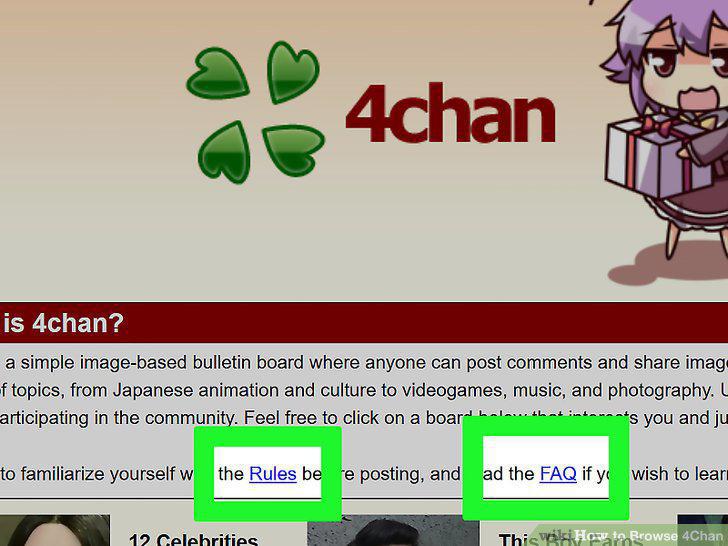
Read the rules and FAQ.
3
Click on a board and agree to the disclaimer.
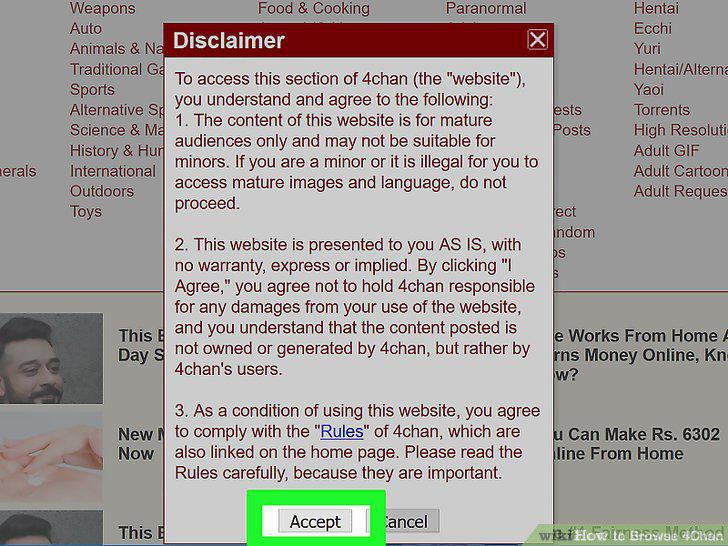
Click on a board and agree to the disclaimer.
4
Browse through a board's pages.

Browse through a board's pages.
5
Navigate boards using the alphabetical links at the top of the page.
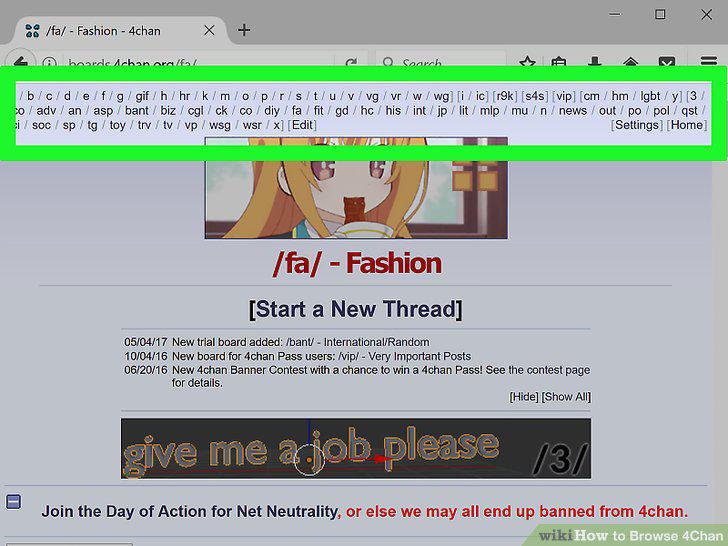
Navigate boards using the alphabetical links at the top of the page.
6
Use catalog or archive views.

Use catalog or archive views.
7
Search a thread for an original post.

Search a thread for an original post.
8
Use the image search feature to find an image's source.
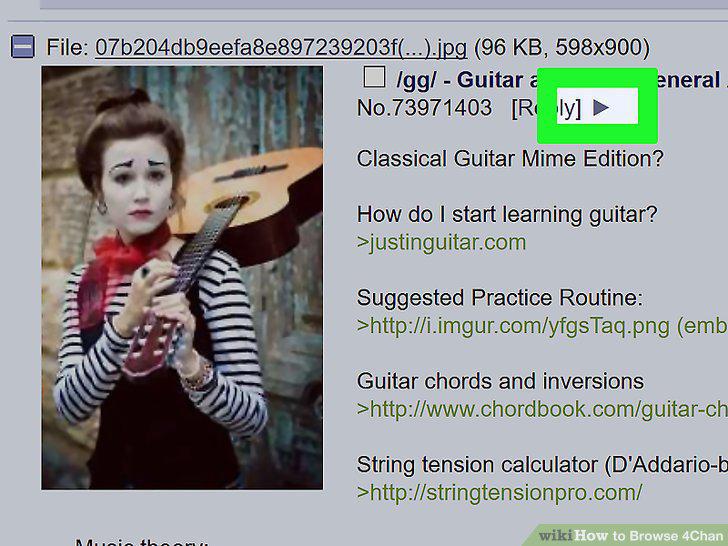
Use the image search feature to find an image's source.
9
Look up unfamiliar slang.
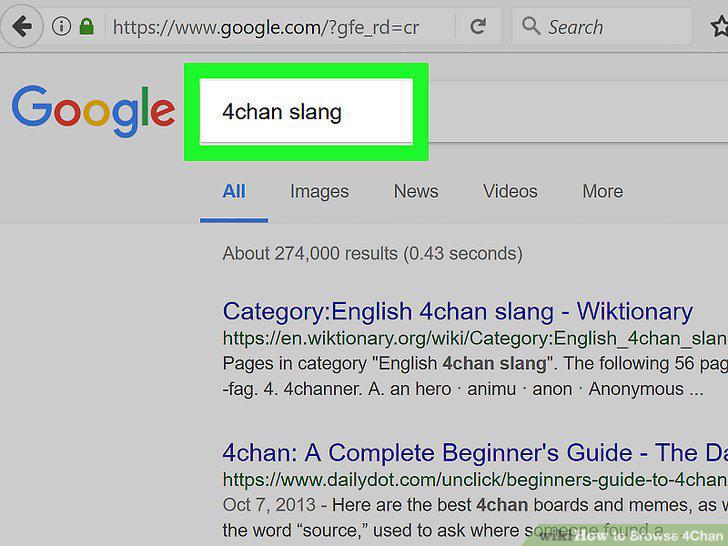
Look up unfamiliar slang.
10
Steer clear of upsetting or extremist content.
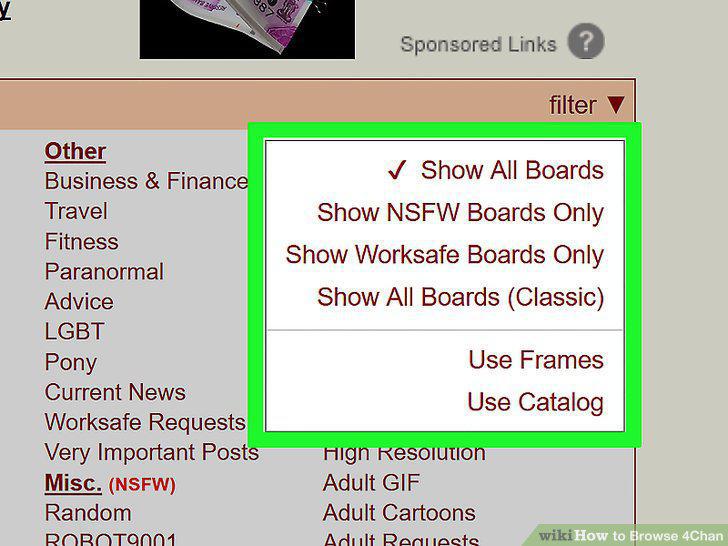
Steer clear of upsetting or extremist content.
11
Avoid giving out personal information.
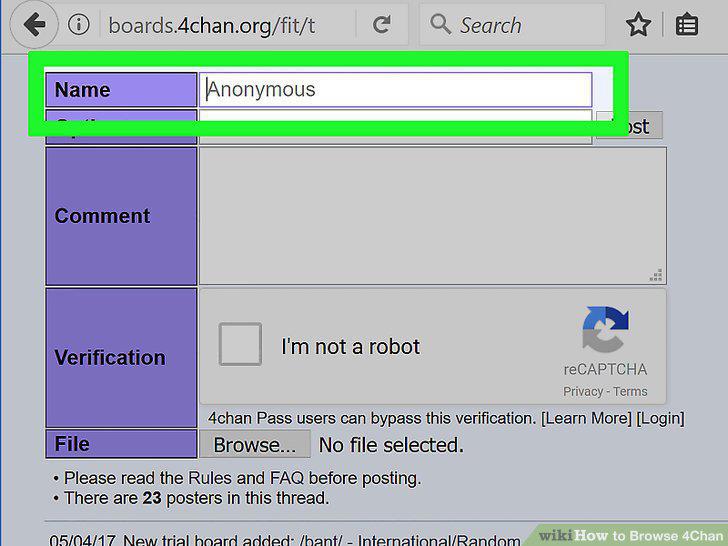
Avoid giving out personal information.
12
Don't click on unfamiliar links.
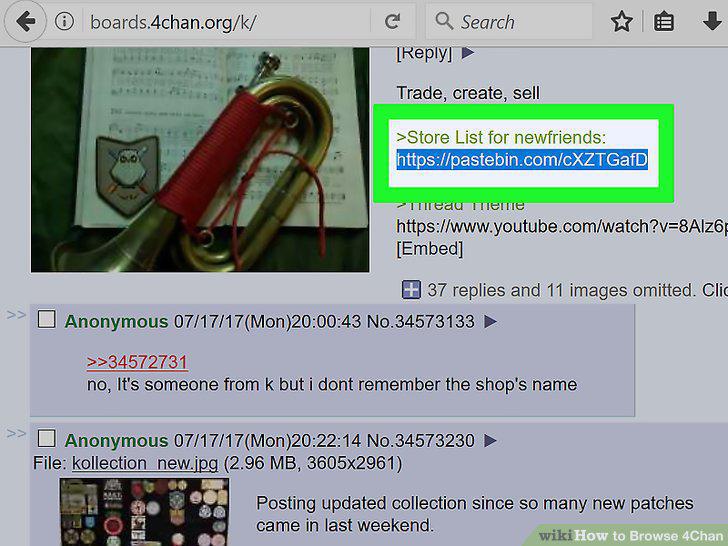
Don't click on unfamiliar links.
13
Don't follow unsafe advice.
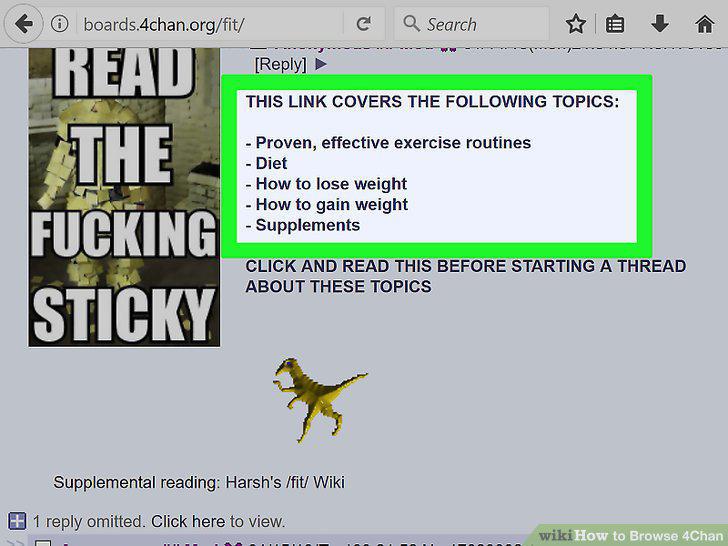
Don't follow unsafe advice.
Comments (0)
No comments yet. Be the first to share your thoughts!